


VSCO: Photo & Video Editor
Discover the power of VSCO: Photo & Video Editor, a community-driven platform designed for creative photographers and videographers to expand their artistic horizons. Offering a comprehensive suite of editing tools for both mobile and desktop, VSCO not only empowers users to craft stunning visuals but also connects them with a vibrant community of fellow creatives and businesses. Whether you're aiming to develop your unique style or get discovered by a global audience, VSCO provides the tools, community, and exposure necessary to elevate your photography and videography game.
Photo Editing Features
Professional Grade Presets
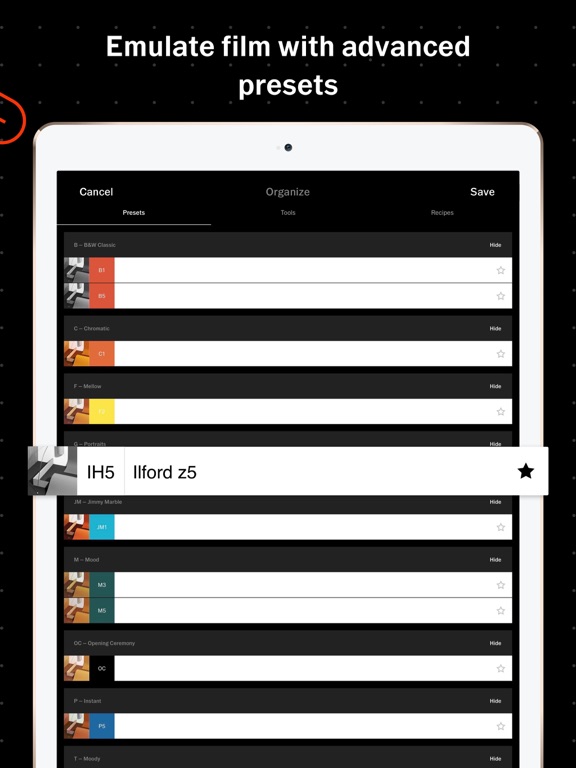
One of VSCO's standout features is its preset library, considered among the best in the industry. With over 200 curated presets, including the popular AL3, users can quickly enhance their images. The AL3 preset, in particular, is excellent for outdoor photography, food shots, and nightlife captures, as it brightens and softens light while maintaining a natural and untouched look. These presets allow you to achieve a professional aesthetic without extensive editing skills.
Precise Editing Control
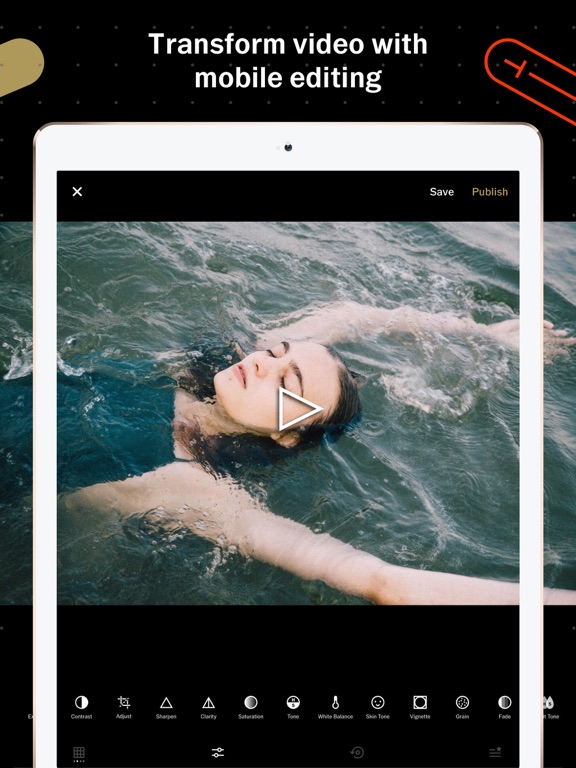
VSCO offers a suite of powerful editing tools that give you full control over your photos. Use the Grain tool to add authentic film-like texture, adjusting its strength, size, and color to suit your vision. This level of control ensures your edits are tailored to your unique style, whether you're softening an image or emphasizing specific elements.
Photo Filters and Presets
With 16 free presets included, VSCO allows instant editing with a variety of looks—from subdued, muted tones to vibrant, saturated colors. Each preset provides a distinct style, making it easy to create a cohesive aesthetic or experiment with different moods. No in-app purchases or subscriptions are needed to access these core filters, making VSCO accessible and versatile.
Camera and Collage Tools
The VSCO Camera feature transforms your mobile device into a creative tool, featuring options like Burst, Retro, Prism, and DSCO. These allow you to shoot dynamic photos and videos with built-in effects, GIF creation, and more. Additionally, creating a photo collage is simple—choose from pre-set templates or start from scratch, then customize your layout with adjustable shapes, colors, and sizes.
Dodge & Burn for Highlight Control
Enhance your images with VSCO's Dodge & Burn tools, which enable you to refine highlights and shadows. Use these features to correct lighting issues or draw attention to focal points, giving your photos a polished, professional look.
Video Editing Capabilities
VSCO extends its exceptional editing tools beyond photos, offering powerful and exclusive video editing features. You can apply the same premium presets and effects to your videos, ensuring a cohesive aesthetic across all your content. Adjust white balance, manipulate color with HSL controls, and use tools like crop, trim, and reverse to perfect your clips. For a cinematic touch, experiment with Speed controls to create slow-motion effects. These features allow you to produce professional-level videos directly from your mobile device, ideal for social media sharing or creative projects.
Community and Sharing
VSCO Spaces
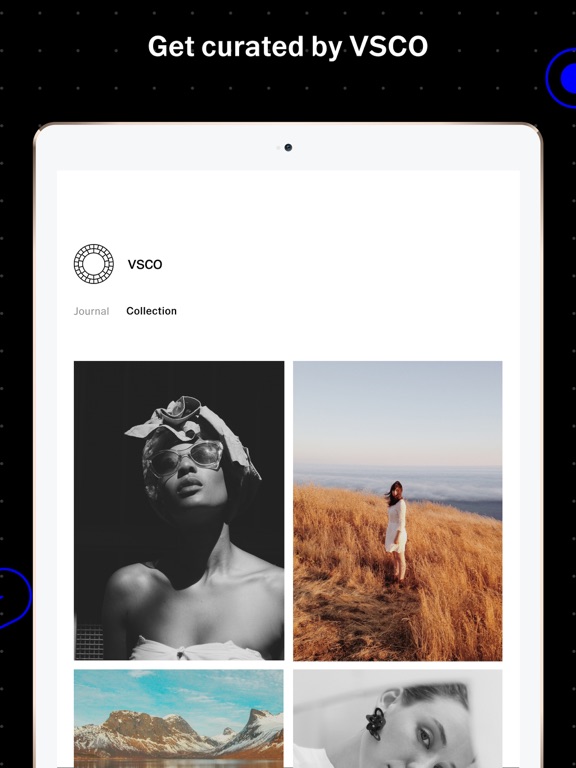
Beyond editing, VSCO fosters connection through VSCO Spaces, shared galleries where creators can collaborate, receive feedback, and discuss their creative processes. These environment encourages inspiration, learning, and community building through collective galleries and discussions.
Membership and Subscription
Getting the most out of VSCO is simple with the VSCO Membership. You can start with a free 7-day trial and then opt for an annual subscription, providing access to additional filters, advanced editing tools, and community features. The membership automatically renews unless canceled before the trial ends, making it easy to invest in your creative growth.
Why Choose VSCO?
Whether you're an amateur enthusiast or a seasoned professional, VSCO offers an intuitive interface combined with powerful capabilities. Its precise editing tools, diverse presets, and vibrant community support make it a top choice for digital creators worldwide. The app’s emphasis on authentic editing allows you to craft images and videos that truly resonate with your personal style. As a platform that promotes storytelling through visuals, VSCO is not just about beautifying photos—it’s about sharing your unique narrative with the world.
Pros
- Intuitive user interface
- High-quality filters available
- Advanced editing tools
- Community sharing feature
- Regular updates
Cons
- Limited free features
- Can be resource-heavy
- Occasional app crashes
- Subscription required for full access
- No direct social media integration











