


Introducing AppLock Pro - App Lock & Guard
Key Features of AppLock Pro - App Lock & Guard
App Locking Capabilities
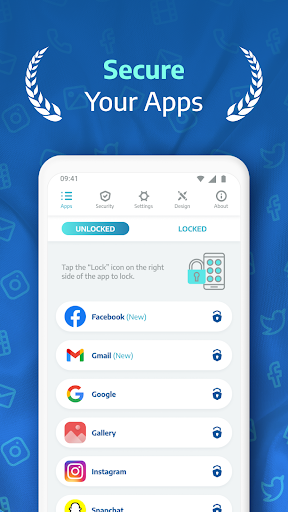
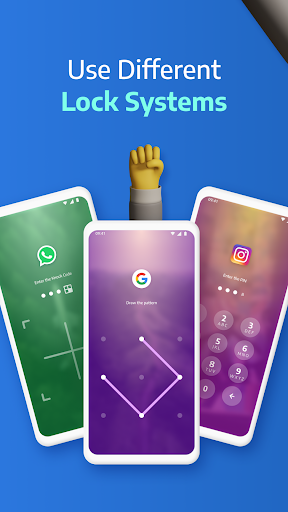
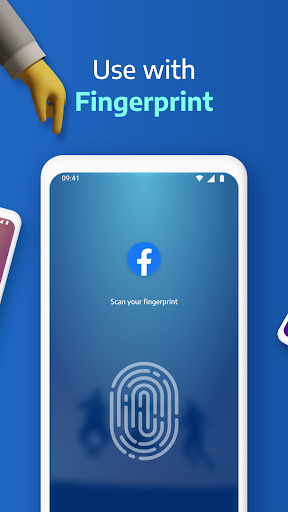
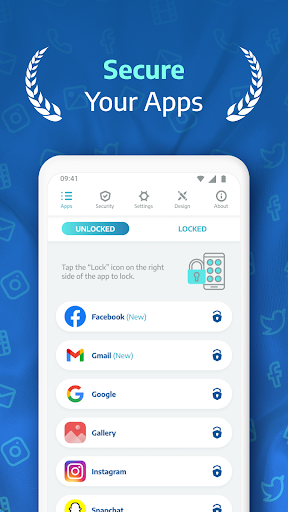
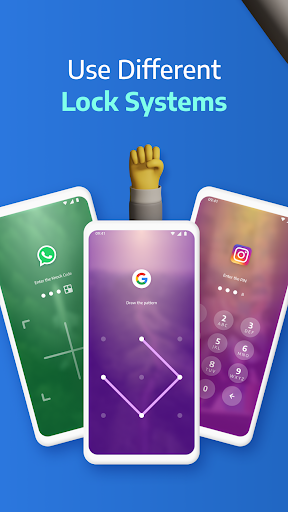
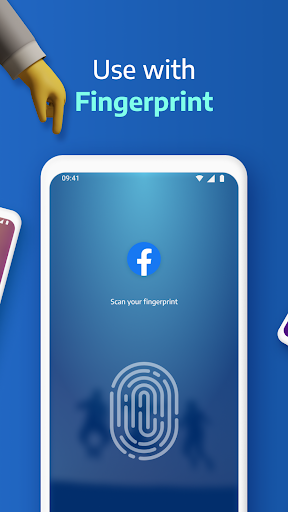
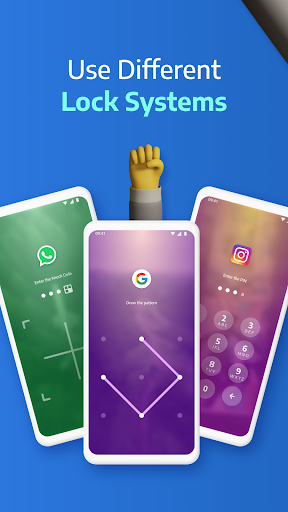
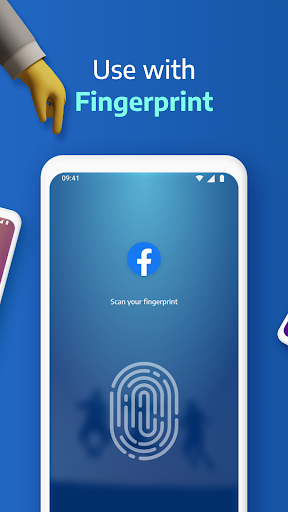
Secure any application such as WhatsApp, Instagram, Messenger, the Gallery, Settings, and more using various lock methods like PIN, pattern, fingerprint (supported on compatible devices), or KnockCode. This flexibility ensures your apps remain protected, no matter your preferred unlocking method.
Spy Camera & Intruder Protection
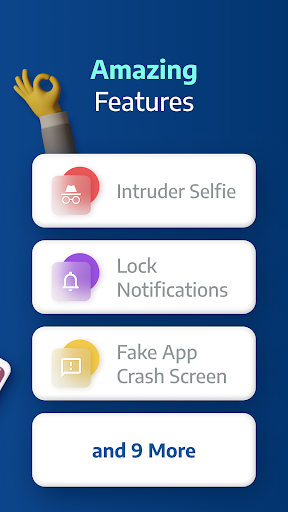
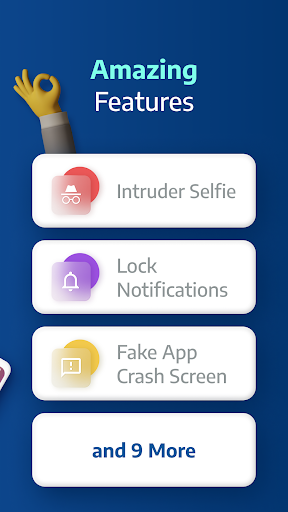
Worried about prying eyes? AppLock Pro features a spy camera that captures a photo when someone enters the wrong password, alerting you to possible intruders. This discreet alert helps identify potential snoopers and enhances overall security. Additionally, an alarm can be triggered after multiple failed login attempts to scare off malicious intruders.
Fake Error Message & Notification Hiding
To further deter unauthorized access, the app can display a fake error message instead of revealing that an app is locked. Plus, you can hide notifications from locked apps, keeping your sensitive chats and updates private from prying eyes.
Customizable Lock & Themes
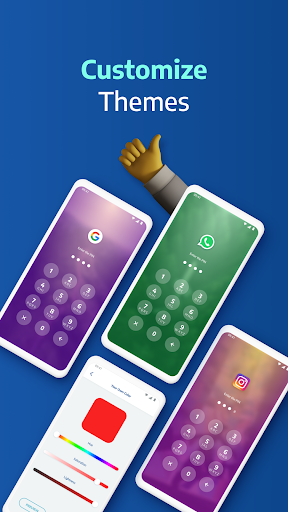
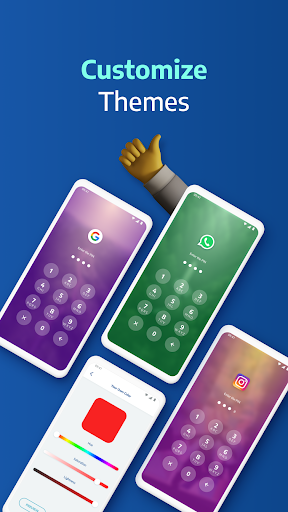
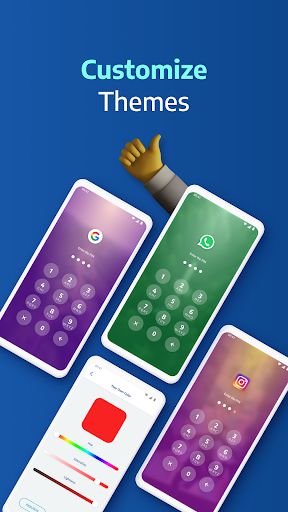
Personalize your security experience with a range of custom themes. Set a unique background using your own gallery photos and make your lock screen visually appealing while maintaining security. The app also supports lock timer and auto re-lock features that allow timed locking during specific hours or after short breaks.
Additional Smart Settings
Designed to be lightweight, AppLock Pro optimizes battery and RAM usage while offering features like vibration alerts, new app notifications, and locking recent apps.
Frequently Asked Questions
How do I prevent AppLock Pro from being uninstalled?
To prevent uninstallation, lock system settings and enable Hide Icon to hide the app from the app drawer for extra security.
Why are permissions needed?
Permissions are requested solely for necessary features, such as setting custom backgrounds or capturing photos with the spy camera.
What if I forget my password?
You can reset your password easily by using the answer to your security question.
Can I hide photos and videos?
Yes, lock the Gallery app to restrict access to your private media files.
How does the spy camera work?
After five failed password attempts, AppLock Pro automatically captures a front-camera photo of the intruder and stores it securely for your review.
Why Choose AppLock Pro - App Lock & Guard?
Activate stealth mode to hide the app itself from the app drawer, accessible only via a secret dial code, which is perfect for users wanting discreet security. The intruder selfie feature also provides peace of mind by capturing photos of anyone attempting to access your private apps without permission. This combination of security, customization, and fun makes AppLock Pro an essential tool for anyone serious about digital privacy.
In today’s digital age, safeguarding personal information from prying eyes isn’t just a feature—it's a necessity. Whether you want to secure personal chats, private photos, or sensitive work documents, AppLock Pro - App Lock & Guard delivers reliable protection with a user-friendly interface. Download the app now and take control of your app security to keep nosy friends and potential intruders at bay!
Pros
- User-friendly interface.
- Supports fingerprint authentication.
- Allows theme customization.
- Provides quick app locking.
- Consumes minimal battery power.
Cons
- Displays advertisements in the free version.
- Offers limited features without a premium plan.
- Lacks cloud backup functionality.
- Occasional app crashes occur.
- Updates are inconsistent.











