

Introducing VITA - Video Editor & Maker
Are you looking for a simple & easy video editing app that packs powerful features? Look no further than VITA - Video Editor & Maker. Designed for both beginners and seasoned content creators, this versatile app offers all the tools you need to craft high-quality videos effortlessly. Whether you're making a quick social media clip, a professional vlog, or a memorable montage, VITA provides an intuitive platform to bring your creative ideas to life.
Core Features of VITA - Video Editor & Maker
User-Friendly Interface & Quick Start
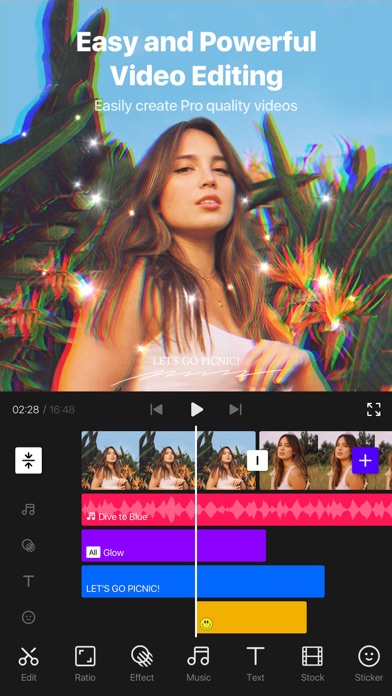
From the moment you open VITA, you'll notice its clean and intuitive interface. No complex controls—just straightforward options that make editing feel like a fun and engaging activity. The app guides you seamlessly through each step, whether you're assembling a recent travel montage or editing a daily vlog. This makes video editing accessible for everyone, regardless of experience level.
High-Quality Video Export & Editing Tools
VITA allows you to export videos in full HD quality, ensuring your creations look professional. The built-in editing tools let you easily trim, cut, and merge clips with just a few taps. Want to speed up or add slow motion effects? The video speed option makes it simple to enhance your footage. Plus, you can add cinematic transitions between scenes to make your videos more engaging and polished.
Creative Effects & Customization
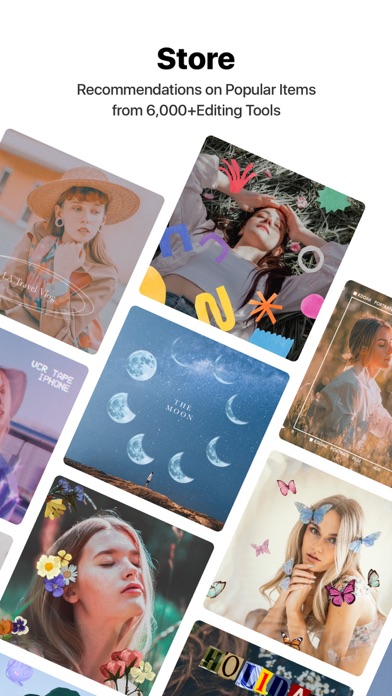
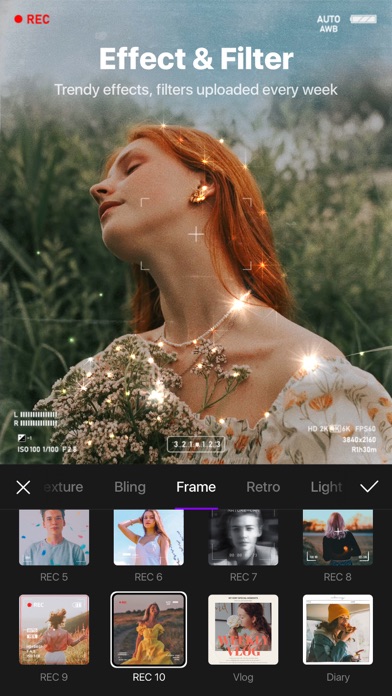
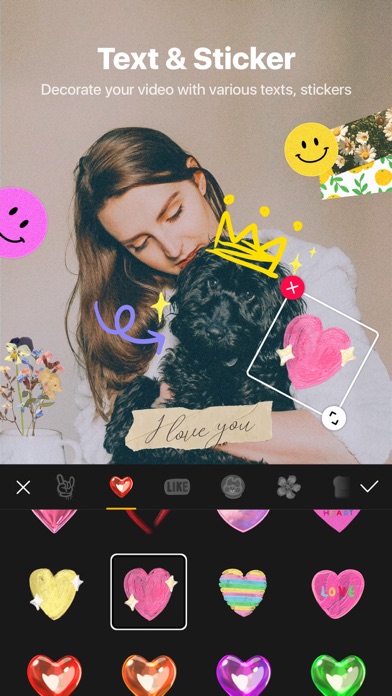
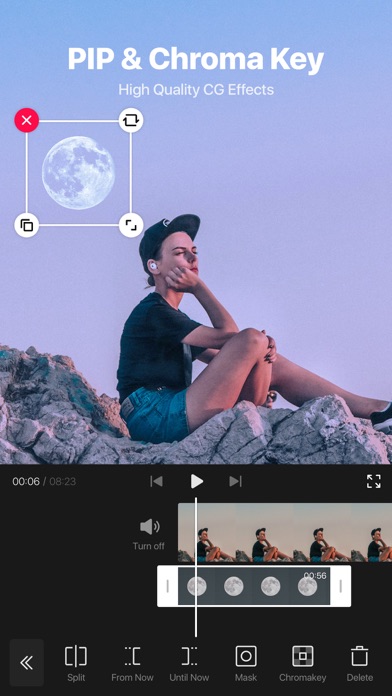
Enhance the aesthetic appeal of your videos with a variety of special effects. Apply dreamy glitch, glitter, and bling effects to create eye-catching visuals. Use filters for color grading to set the perfect tone and mood. For more personalized touches, customize fonts and animated texts with options for strokes, shadows, and colors. Overlay videos with PIP (Picture-in-Picture) features or make clone videos for creative collages.
Music & Audio Enhancements
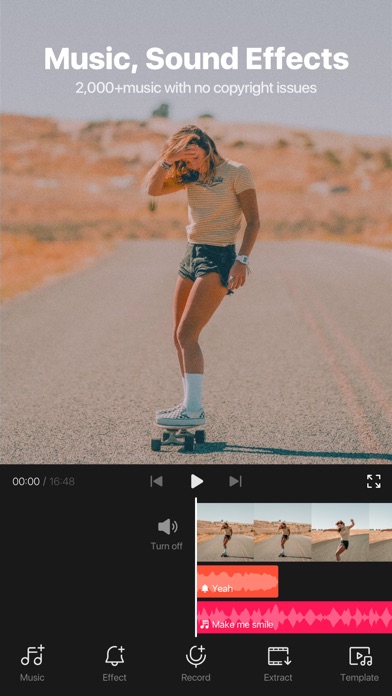
The built-in music library offers a wide selection of royalty-free tracks to enrich your videos. Pick the perfect song to match your mood or theme without worrying about copyright issues. You can also add sound effects and voiceovers, making your content more dynamic and lively.
Templates & Social Media Ready
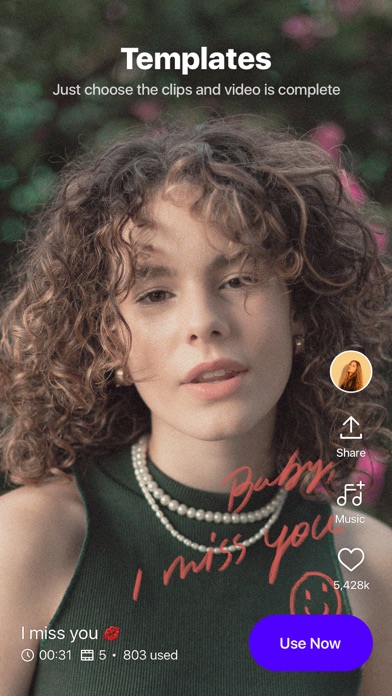
Start your projects quickly with a variety of pre-made templates suitable for various occasions — birthdays, holidays, or casual outings. These templates make it easy to produce professional-looking videos even without advanced editing skills. Once your masterpiece is complete, share it directly to your favorite social media platforms with seamless integration.
Why Choose VITA - Video Editor & Maker?
Designed for Ease and Efficiency
VITA's user-centric design ensures a smooth editing experience. Its quick learning curve and comprehensive feature set make video editing accessible to everyone, whether you're a newbie or a content creator seeking quick results.
Powerful Features for Creative Freedom
From adding aesthetic effects to fine-tuning clips with advanced tools, VITA grants you creative freedom. The app's capacity to combine multiple effects, overlays, and transitions helps you craft cinematic-quality videos that stand out.
Performance & Sharing Made Easy
Run smoothly on most devices, VITA exports videos efficiently without compromising quality. Sharing your videos is straightforward and quick, thanks to built-in social media support, letting your creations reach your audience hassle-free.
Support & Community
If you encounter any issues or need inspiration, VITA offers access to responsive support and an active online community—empowering you throughout your video editing journey.
Conclusion
If you're searching for a powerful yet easy-to-use video editing app, VITA - Video Editor & Maker is a top choice. It combines professional-grade features with a friendly interface, making it perfect for creating stunning videos for social media, personal projects, or professional presentations. Download VITA today and start your video editing adventures—unleash your creativity and produce captivating content with ease.
Pros
- User-friendly interface suitable for beginners
- Extensive selection of editing tools and effects
- Options for exporting high-quality videos
- Regular updates introducing new features
- Compatibility with multiple video formats
Cons
- Limited features in the free version
- Occasional crashes of the application
- Presence of advertisements in the free version
- Requires significant resources on low-end devices
- Lacks direct sharing options to social media platforms











