
Introducing ColorNote Notepad Notes: Your Ultimate Organizational Companion
In today’s fast-paced world, staying organized can be a real challenge. Whether you're managing work tasks, personal reminders, shopping lists, or a daily journal, having a reliable note-taking app is essential. ColorNote® Notepad Notes emerges as a simple yet powerful tool designed to streamline your note management with an intuitive interface and feature-rich functionality. This blog-style overview explores why ColorNote Notepad Notes stands out as a must-have app for anyone seeking efficient organization and effortless note-taking.
Getting Started with ColorNote Notepad Notes
Downloading and setting up ColorNote® is straightforward and quick, available on both Android and iOS platforms. The app’s user interface exudes simplicity, making it accessible even for first-time users. Once installed, you can immediately begin creating your notes without any complicated setup process.
Core Features of ColorNote Notepad Notes
Color-Coded Notes for Visual Organization
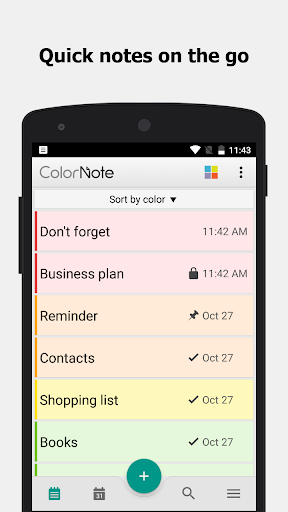
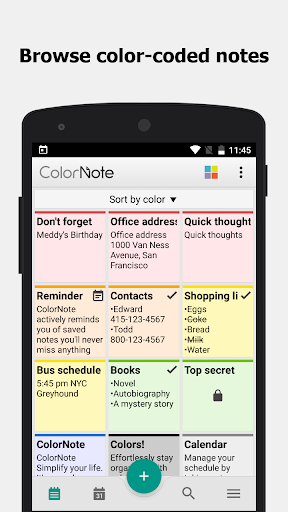
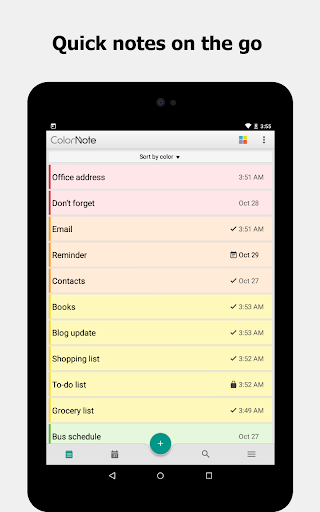
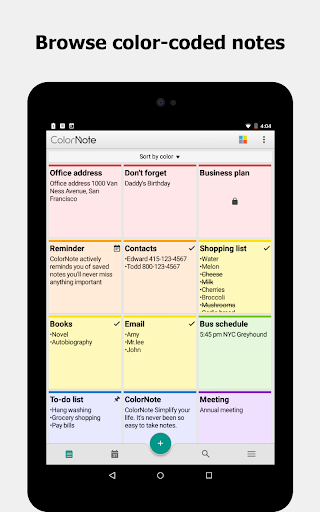
One of the most appreciated features is the color notebook system. You can organize your notes by assigning different colors, providing a vibrant, visual way to differentiate between categories like work, personal, or shopping lists. This color-coding makes it easier to recognize and prioritize tasks at a glance, reducing clutter and improving productivity.
Flexible Note Formats: Text & Checklists
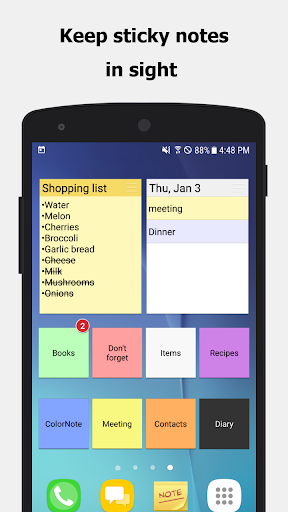
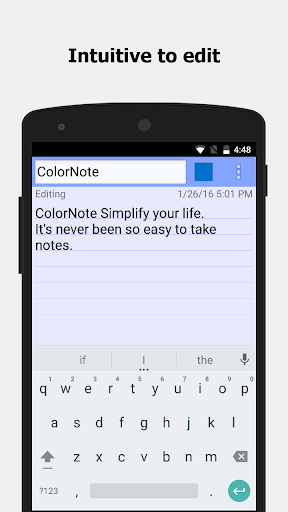
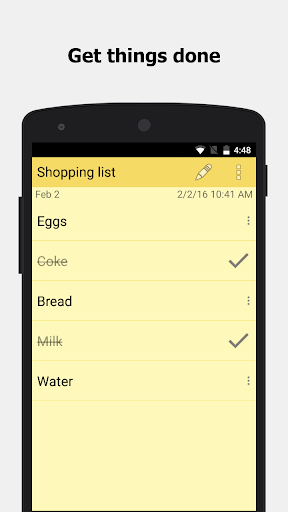
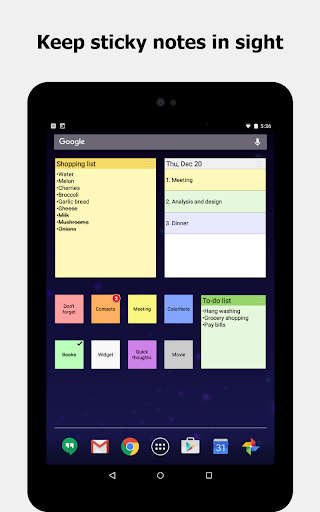
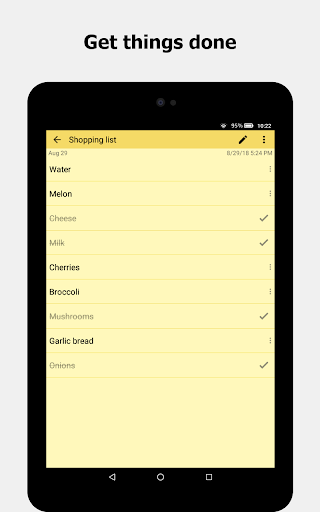
ColorNote offers two primary note formats: a smooth, lined-paper style text option and a versatile checklist mode. The text note is perfect for writing essays, memos, or journal entries, supporting extensive characters and formatting. Meanwhile, the checklist notes serve as your digital shopping list or to-do list, allowing you to add multiple items, rearrange them via drag-and-drop, and mark them as completed with a simple tap. When items are checked off, the note visually reflects this, keeping your progress clear.
Reminders and Notifications
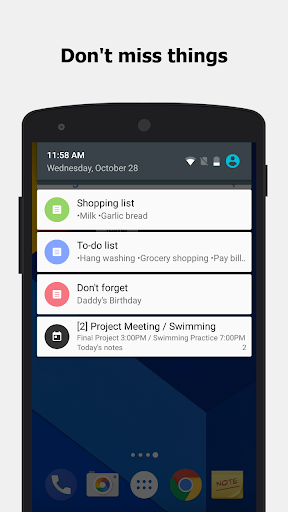
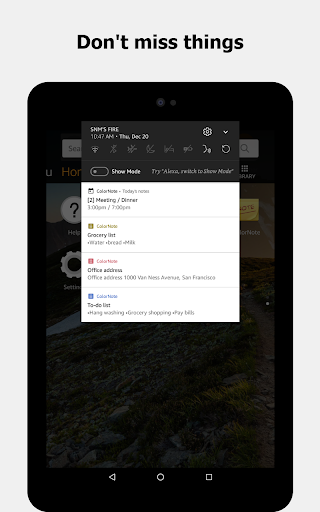
Never forget an important appointment or task with reminder features. You can set alarms, daily recurring alerts, or one-time notifications directly within the app. The reminders show up on your status bar, ensuring you stay on top of your schedule throughout the day.
Security and Backup Options
For sensitive notes, ColorNote provides a password lock feature to keep your data secure. Additionally, backup options allow you to save notes to your device's storage or sync them via online backups, safeguarding your information against loss. The app employs AES encryption to secure your data during transfer, adding an extra layer of security.
Synchronization and Sharing
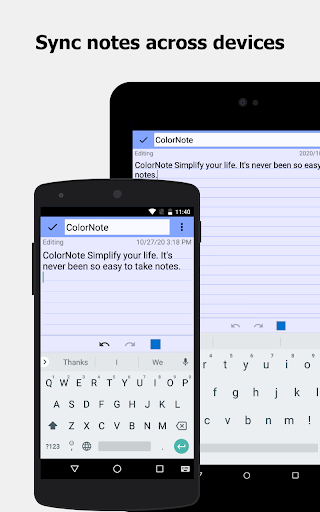
ColorNote supports sync with cloud services, enabling you to access your notes across multiple devices such as phones and tablets. Sharing your notes via SMS, email, or social platforms like Twitter is effortless, making collaboration seamless.
Additional Features
Other noteworthy capabilities include:
- Search notes for quick retrieval
- Organize notes by grid or list view
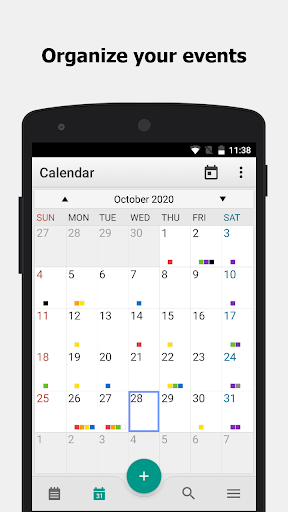
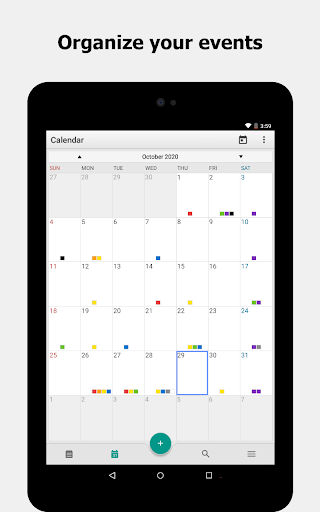
- Write diaries or journals linked with the calendar
- Insert wiki-style links for interconnected notes
- Support for ColorDict add-ons
- Powerful task reminders with time alarms and repeat options
User Experience and Practical Benefits
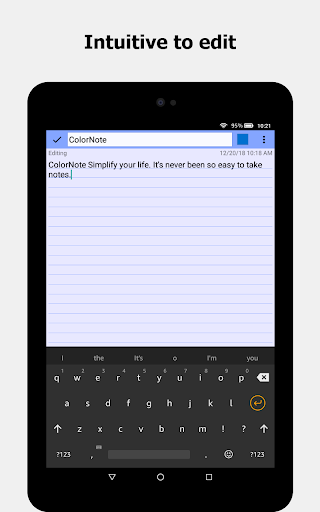
Using ColorNote is a remarkably smooth experience. Its lightweight design ensures your device remains responsive, even with a large volume of notes. The search function makes locating specific notes swift, saving you time. The intuitive interface encourages quick note creation, and the ability to share or edit notes on the fly enhances productivity.
Personal and Professional Use Cases
Whether you're a student jotting down lecture highlights, a professional managing project reminders, or someone who loves list-making, ColorNote adapts effortlessly to your needs. Its visual organization and reminder system help streamline your daily routine, making task management less overwhelming.
Final Thoughts: Why Choose ColorNote Notepad Notes?
In summary, ColorNote Notepad Notes combines simplicity, versatility, and security in a user-friendly package. Its ability to organize notes by color, support checklists, set reminders, and backup data ensures you're well-equipped to handle your daily tasks with ease. Best of all, it’s free, making it a compelling choice for students, professionals, or anyone seeking an efficient digital notepad solution. Download ColorNote today and experience a new level of organization that keeps you productive and stress-free!
Pros
- User-friendly interface for quick note-taking
- Syncs across devices for easy access
- Supports reminders for task management
- Offers color-coded organization
- Lightweight and performs quickly
Cons
- Limited options for text formatting
- No collaboration features
- Distractions caused by ads in the free version
- Lacks advanced note structuring capabilities
- Does not support handwriting or drawing











