
PixelLab - Text on pictures
Have you ever wanted to add a little flair to your photos? PixelLab - Text on pictures is an innovative mobile app designed to unleash your creativity and help you personalize your images with ease. Whether you're a social media enthusiast, a budding graphic designer, or just someone who loves to make their photos stand out, this app provides all the tools you need to transform ordinary pictures into eye-catching art.
Explore the Creative Possibilities
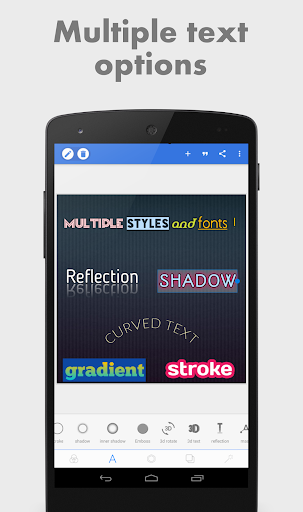
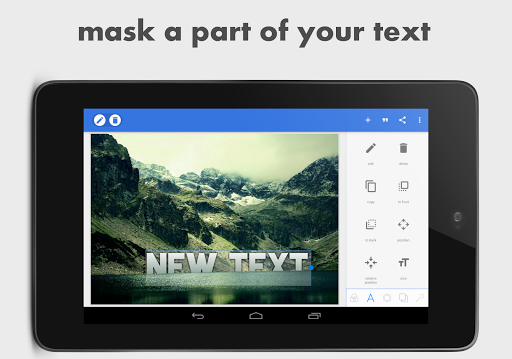
First things first, let’s dive into what makes PixelLab - Text on pictures a standout in the realm of photo editing apps. It’s not just about adding text; it’s about making that text pop! With over 100 fonts to choose from, you can express yourself in virtually any style imaginable. From elegant serif fonts to bold, eye-catching scripts, the choices are vast and cater to all tastes.
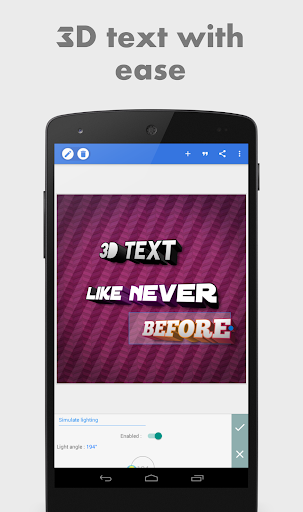
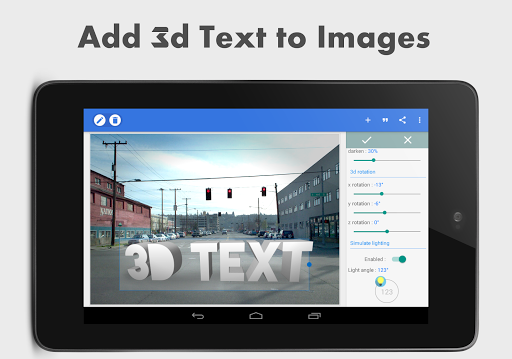
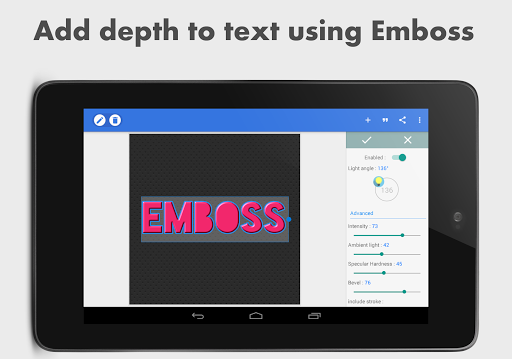
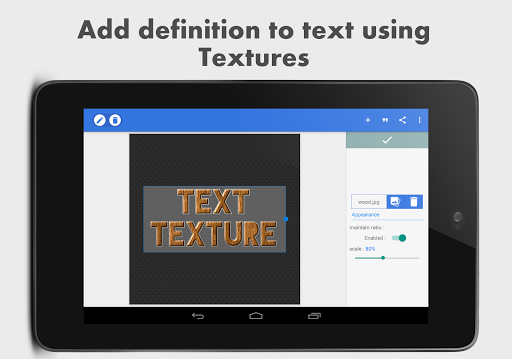
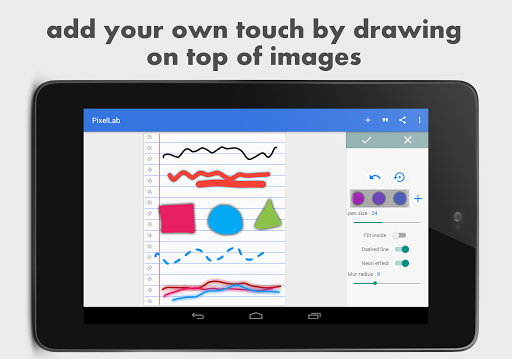
The app offers a wide range of features that encourage creativity. You can add 3D text, overlays, and stickers, or even draw directly on your images. For users who love fine-tuning, there’s the ability to precisely adjust text size, color, and positioning. Additionally, import your own fonts if you want a truly unique style, making the app highly versatile for professional and personal projects.
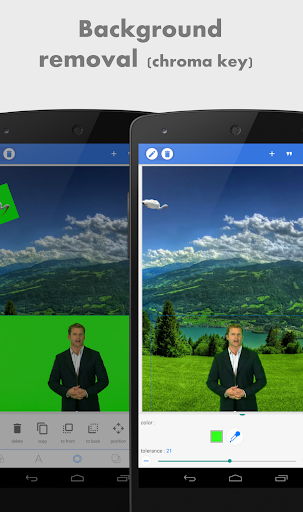
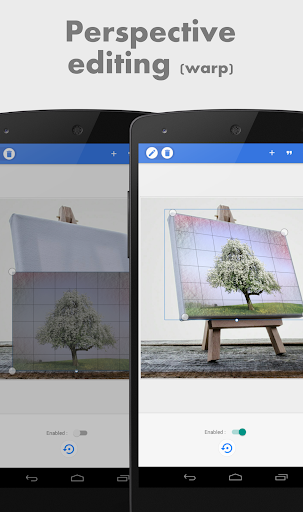
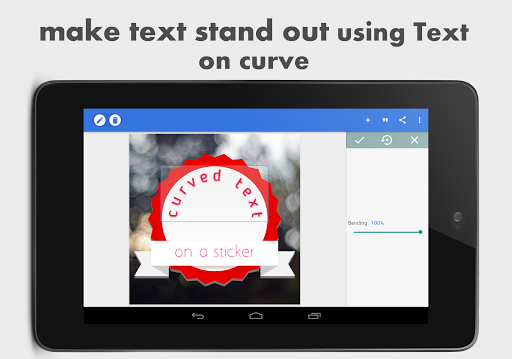
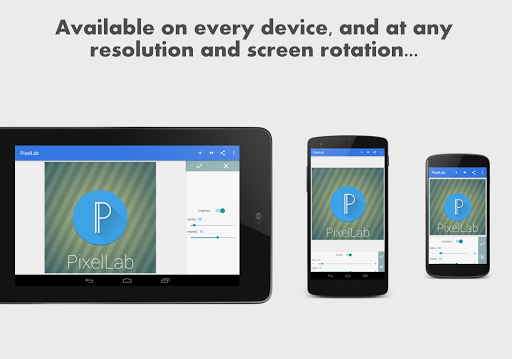
One particularly exciting feature is the perspective tool. It allows you to warp text or images, giving them a dynamic, authentic look—perfect for creating engaging memes, posters, or marketing graphics. The app also provides a plethora of background options, ranging from solid colors to stunning landscapes, so you can craft the perfect backdrop that complements your textual art.
User Experience and Interface
Navigation within PixelLab is straightforward, even for beginners. The interface is clean and intuitive, which means you spend less time figuring out controls and more time being creative. Unlike many other apps, it doesn’t bombard you with intrusive ads, ensuring a seamless editing process. The app runs smoothly, with minimal lag or crashes, even when handling complex projects—making it ideal for capturing spontaneous inspiration and quick edits.
This user-friendly design makes it accessible for users of all experience levels. Whether you're dabbling in photo editing or producing professional content, the app adapts to your needs, helping you produce high-quality results efficiently.
Additional Features and Sharing Options
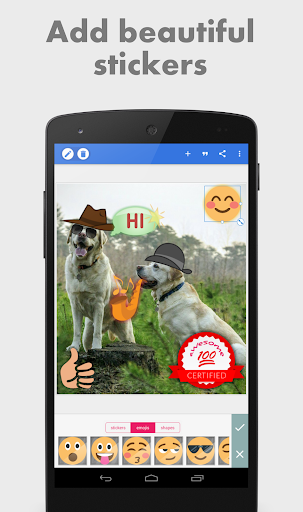
PixelLab offers many powerful features to enhance your images. You can add stickers, import images from your gallery, and draw with customizable pens, colors, and sizes. The app also enables you to edit image perspective, warping images for creative effects or professional edits such as replacing screen content or adding logos.
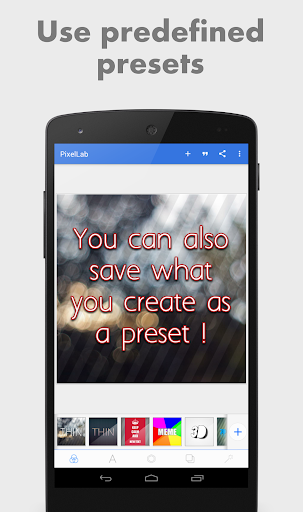
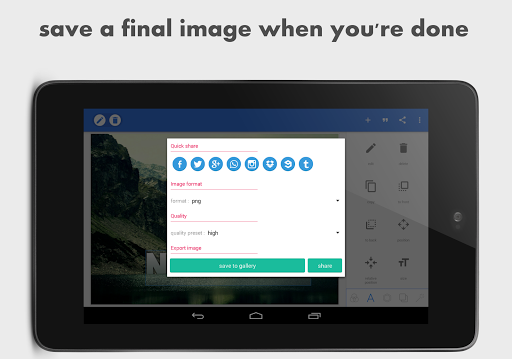
When your masterpiece is ready, you can save in various formats and resolutions. Quick Share buttons let you instantly upload your creations to social media platforms like Facebook, Instagram, or Twitter with just one tap. If you enjoy creating memes or inspirational quotes, the app includes preset templates to help you generate content quickly and easily.
For those seeking ongoing inspiration or tutorials, a dedicated YouTube playlist provides helpful guides, making it easier to maximize the app’s full potential.
Final Thoughts
Overall, PixelLab - Text on pictures is a versatile and user-friendly photo editing app packed with features suitable for both casual users and professionals. Its broad font selection, extensive customization tools, and seamless interface make it an excellent choice for enhancing your visual content. Whether you're looking to boost your Instagram game or create captivating graphics for marketing, this app empowers you to turn ordinary photos into extraordinary visual stories.
In a digital world where visual impact is everything, having PixelLab in your toolkit can elevate your content and help your images speak volumes. Try it out today and let your imagination run wild!
Pros
- User-friendly interface for beginners
- Wide variety of font styles available
- Advanced options for text customization
- Supports creation of 3D text
- Regular updates introducing new features
Cons
- Limited options for exporting files
- Advertisements can be disruptive
- Certain features require in-app purchases
- Occasional performance issues
- Lacks direct sharing to social media platforms











