

Introduction to Canva: AI Photo & Video Editor
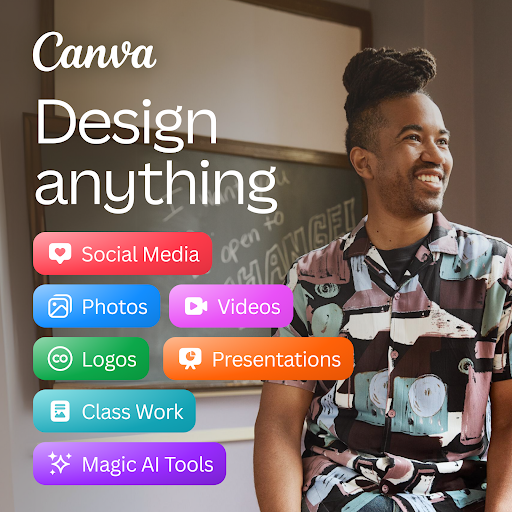
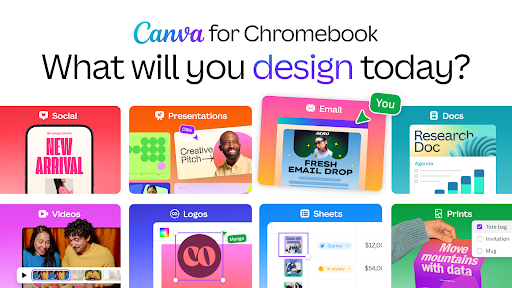
Discover the power of Canva, a comprehensive free creative platform that combines a photo editor, logo maker, collage maker, and video editor in one easy-to-use app! Whether you're a professional designer or a social media enthusiast, Canva offers a suite of innovative tools designed to streamline your content creation process. With the seamless integration of powerful AI features, Canva enables users to craft stunning visuals, engaging videos, and eye-catching graphics effortlessly.
Powerful AI-Driven Design Capabilities
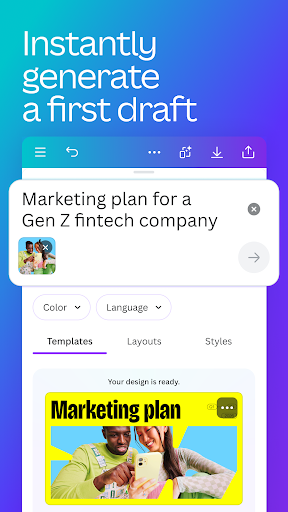
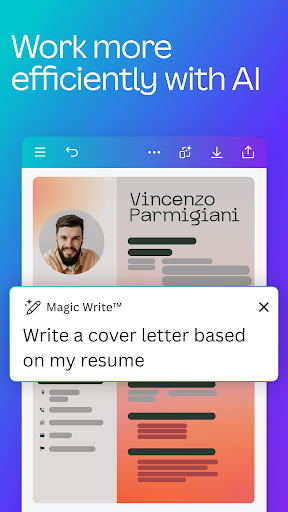
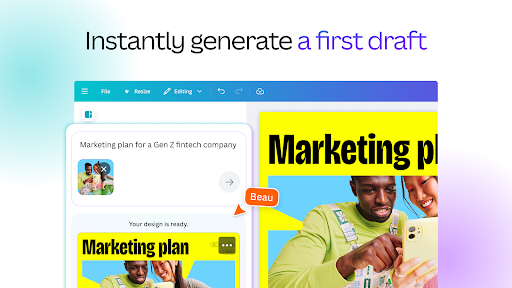
One of the standout features of Canva: AI Photo & Video Editor is its AI art generator, which allows you to transform simple text prompts into beautiful images within minutes. This magic AI tool simplifies digital art creation, making it accessible even for beginners. Through Magic Design, users can upload an image, and Canva will automatically generate professional design layouts, streamlining the creative workflow. Additionally, the Magic Edit feature empowers users to swap, add, or remove elements from existing images with just a few taps.
Further enhancing its AI capabilities, Canva offers Translate tools that automatically convert designs into over 100 languages, perfect for global audiences. The Magic Eraser feature helps you effortlessly remove objects from images, creating clean, professional visuals without the need for advanced editing skills.
Versatile Content Creation Tools
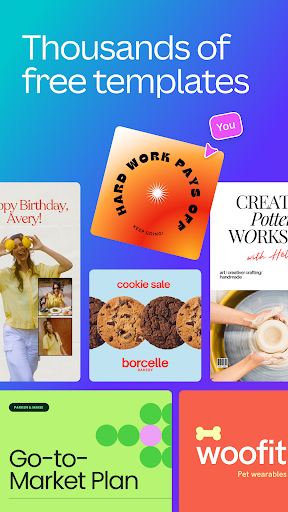
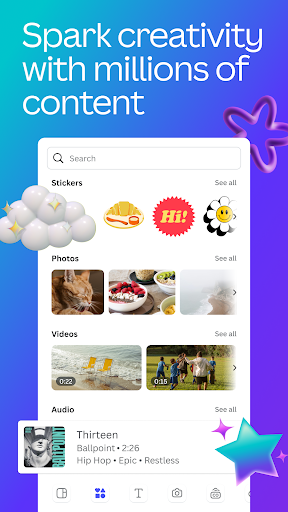
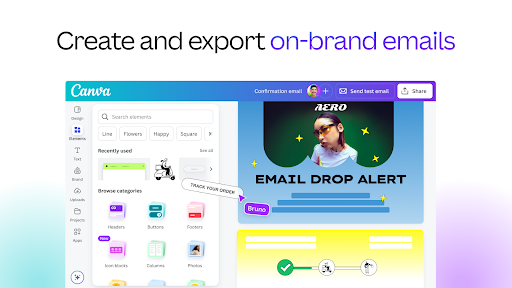
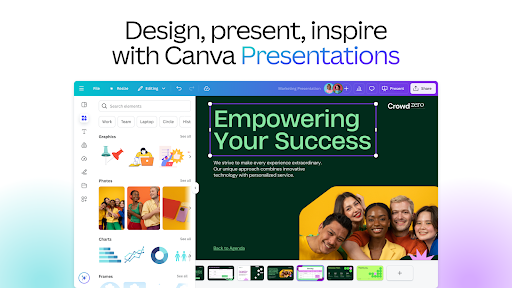
Canva provides an extensive content library—with over 2 million royalty-free images, a vast selection of photo filters, and thousands of pre-licensed videos, audio tracks, and fonts. This rich resource base allows you to craft diverse content such as social media posts, reels, flyers, presentations, and video collages. The platform supports customization at every stage, letting users tweak colors, fonts, layouts, and effects to match their brand or personal style.
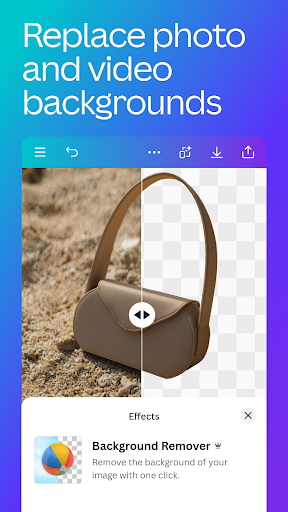
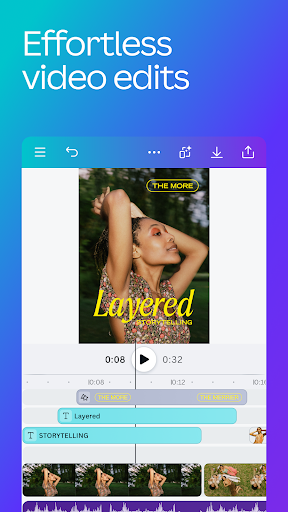
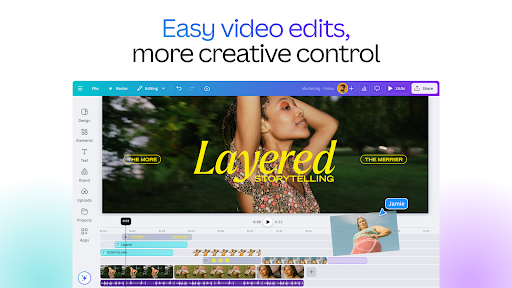
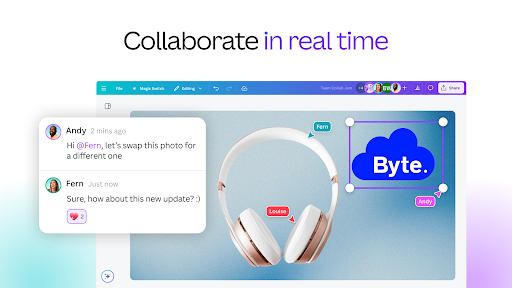
For video enthusiasts, Canva’s video editor allows you to produce professional-looking videos in just a few taps. You can crop, resize, flip, and apply effects like slow motion or reverse playback. The app also supports adding subtitles, changing backgrounds with green screen functionality, and syncing edits to music using Beat Sync. Cloud storage and real-time collaboration make editing and sharing videos a breeze.
Designing for Social Media and Beyond
Maximize your digital presence with Canva’s social media-focused features. The app offers tailored templates for platforms like Instagram, Facebook, Snapchat, YouTube, and LinkedIn. Use the post scheduler (available with Canva Pro) to plan and publish your content effortlessly. Moreover, the banner maker, thumbnail creator, and ad templates help you craft professional visuals that captivate your audience.
Build photo grids, collages, and videos with user-friendly tools—perfect for creating engaging content that resonates with your followers. Canva’s brand hub feature allows entrepreneurs and businesses to develop cohesive branding elements, including logos, fonts, and color palettes.
Extensive Library and Premium Features
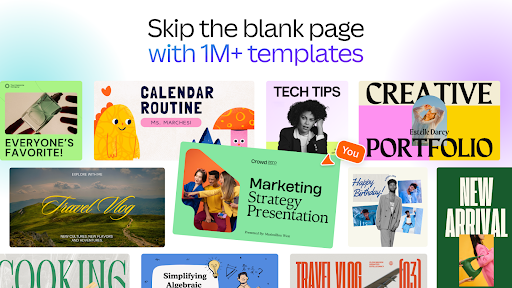
With over 2 million assets at your fingertips, Canva offers a free and ad-free experience suitable for all users. Access a vast collection of royalty-free images, videos, and music, alongside customizable templates designed for various needs—from resumes and invitations to professional presentations.
For those seeking advanced tools, Canva Pro unlocks premium templates, images, videos, and audio elements. One-click background removal and Magic Resize functionalities allow you to quickly adapt designs for different formats or branding purposes. Schedule social media posts directly from Canva and unify your branding effortlessly.
User-Friendly Experience for Everyone
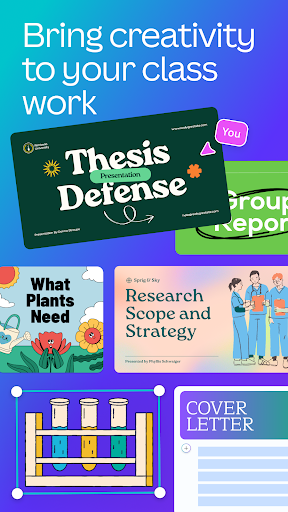
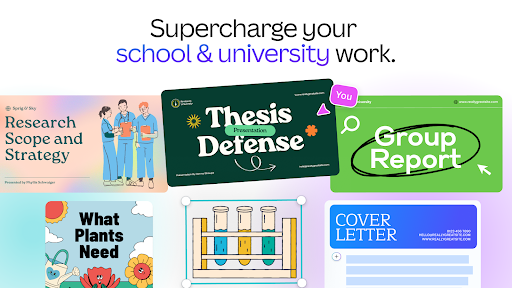
The platform's intuitive drag-and-drop interface makes it accessible for users of all skill levels. Whether you're designing for personal projects or professional branding, Canva’s collaborative features enable team members to work together seamlessly. It’s ideal for students, teachers, entrepreneurs, and social media managers aiming to create impactful visuals without extensive design experience.
In essence, Canva: AI Photo & Video Editor is more than a simple editing app—it's a creative community that empowers everyone to unleash their inner designer. With its blend of AI technology, vast assets, and user-centric tools, Canva transforms the way we approach visual content creation. Whether you're crafting a single social media post or producing a full-fledged marketing campaign, Canva provides the tools, templates, and inspiration needed to bring your ideas to life. Dive into the world of digital creation today and elevate your content to new heights with Canva!
Pros
- User-friendly interface for quick designs
- Wide variety of templates suitable for different needs
- Includes AI tools to enhance creativity
- Features for team collaboration
- Accessible on both mobile devices and desktops
Cons
- Premium features available only with a subscription
- Limited functionality when offline
- Occasional slow loading performance
- Some templates offer limited customization options
- Intrusive advertisements in the free version










