

Introduction to the Video Editor & Maker - InShot
Are you looking for a versatile and powerful all-in-one video editing and creation app? Look no further than InShot. This full-featured application offers a comprehensive suite of tools that cater to both beginners and experienced content creators. Whether you're crafting engaging vlogs, social media videos, or editing photos with style, InShot has you covered with its intuitive interface and advanced features.
Main Features of InShot
All-in-One Video Editing & Making
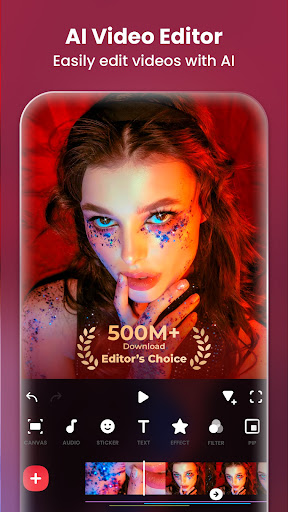
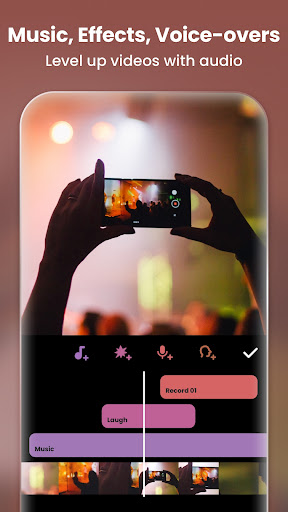
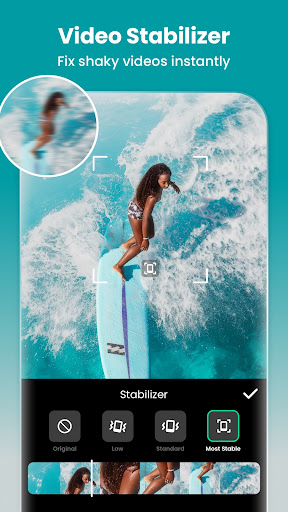
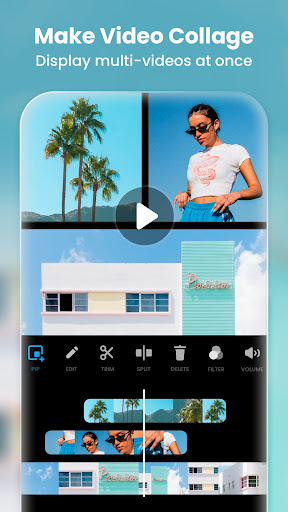
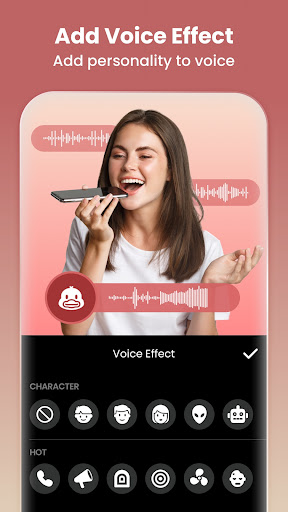
InShot is your go-to app for editing videos and creating professional-quality content. It allows users to add music, insert text, apply trendy transition effects, and create smooth slow-motion videos. Want to make a video collage or blur the background? InShot makes it simple. Its user-friendly design streamlines the editing process, making it an ideal choice for those wanting to produce eye-catching social media content for platforms like YouTube, Instagram, TikTok, and more.
Photo Editing & Collage Maker
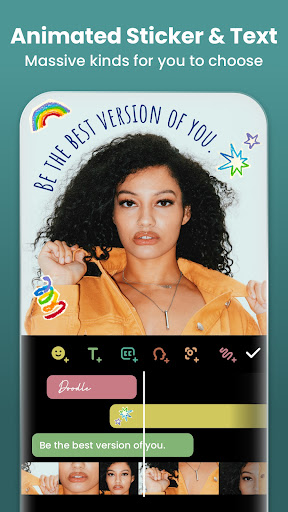
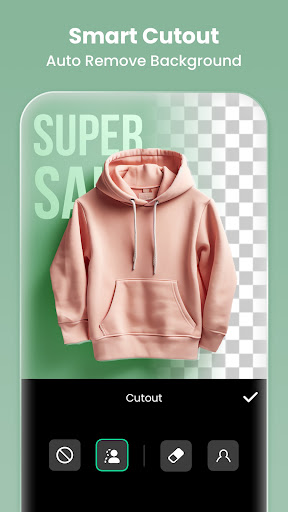
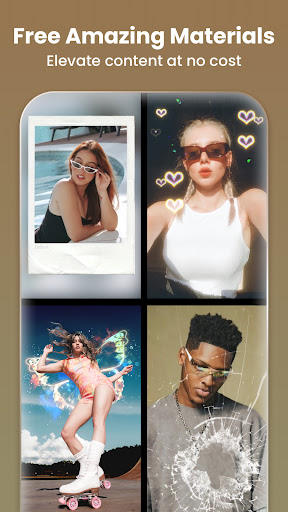
Beyond videos, InShot serves as an excellent photo editor and collage maker. Easily remove backgrounds, add filters, and adjust HSL settings to enhance your images. The app offers a wide variety of stickers, memes, backgrounds, and tools to turn your photos into stunning visuals. Create Instagram story covers and posts with custom backgrounds and layouts. With over 1000 editable collage templates, making eye-catching photo grids has never been easier.
Advanced Editing & Effects
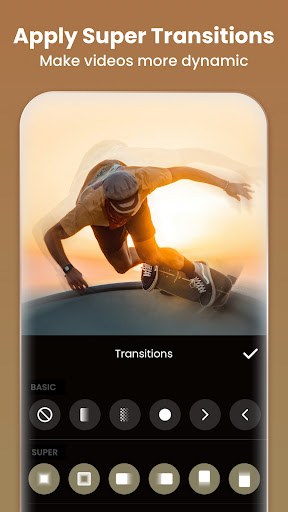
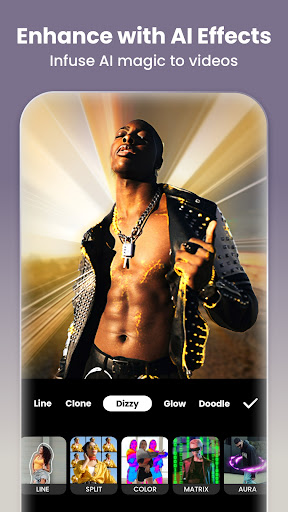
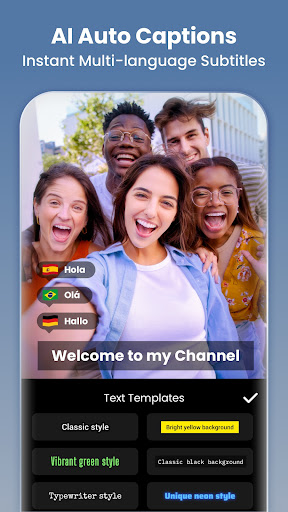
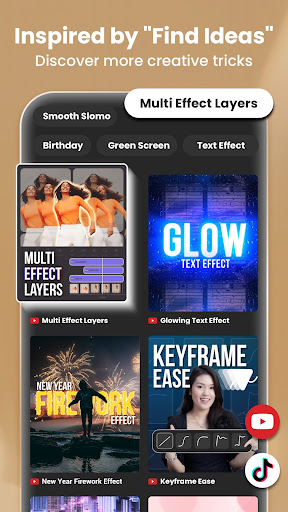
InShot features AI tools like AI Body Effects and Auto Captions, which automatically generate speech-to-text captions. Its Green Screen (Chromakey) feature allows you to replace backgrounds effortlessly. The app supports keyframe animations, multi-layered picture-in-picture, and blending with various modes. Plus, with a rich collection of filters, cinematic effects, and transition options, you can give your videos a professional look with ease.
Customization and Export Options
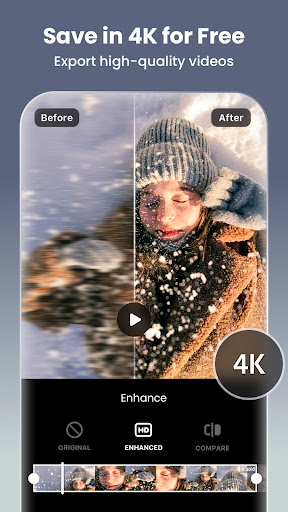
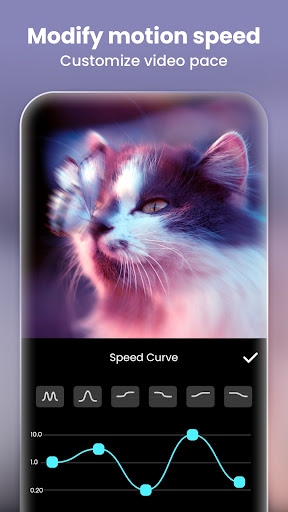
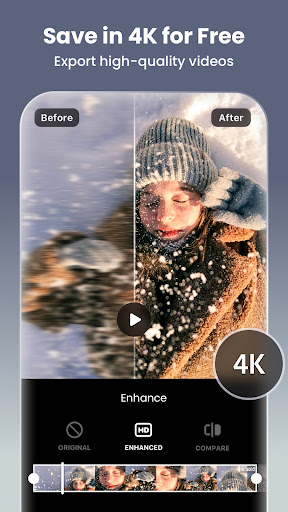
InShot provides extensive control over your edits. Adjust video speed, implement speed ramping, and customize aspect ratios for different social media platforms. The app supports 4K 60fps exports, ensuring high-quality output suitable for professional sharing. Sharing your creations is straightforward—upload directly to Instagram Reels, TikTok, YouTube Shorts, WhatsApp Status, or other platforms with just a few taps.
Intuitive User Experience and Ease of Use
From the moment you open InShot, it’s clear that the app is designed with user experience in mind. Its clean, intuitive interface makes navigation seamless, even for beginners. You can quickly locate the tools you need, whether it’s trimming clips, adding stickers, or applying filters. This simplicity enables users to focus on their creative ideas without being bogged down by complex workflows, making InShot one of the best mobile editing apps for content creators.
Sharing and Community
Once your video or photo project is complete, sharing it with your audience is a breeze. InShot offers various export options, supporting high-definition and 4K quality, tailored to each social platform. Whether you want to create engaging TikTok videos, Instagram Stories, or Facebook posts, this app helps you customize your content’s aspect ratio and resolution effortlessly.
Conclusion: Your Creative Companion
If you’re searching for a robust, user-friendly editing app to elevate your social media content or craft professional videos, Video Editor & Maker - InShot is worth considering. Its combination of powerful editing tools, AI-powered features, and simple sharing options makes it the ideal solution for creators of all levels. Download InShot today and start turning your raw footage and photos into captivating visual stories that stand out online.
Pros
- Easy-to-use interface for straightforward editing
- Extensive selection of filters and effects
- Supports various video formats
- Produces high-quality video output
- Built-in sharing options for social media
Cons
- Includes advertisements within the app
- Limited features available in the free version
- occasionally experiences crashes
- Videos have watermarks unless you subscribe
- Internet connection needed for complete features










