







Introduction to Adobe Acrobat Reader: Edit PDF
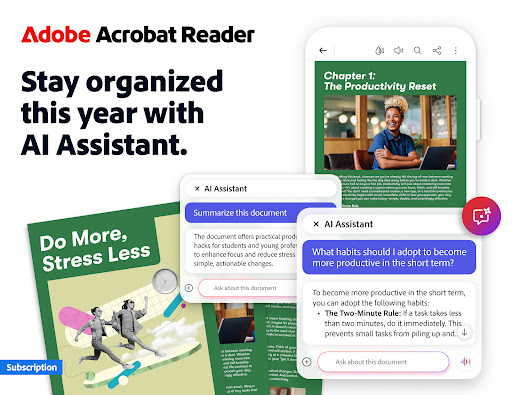
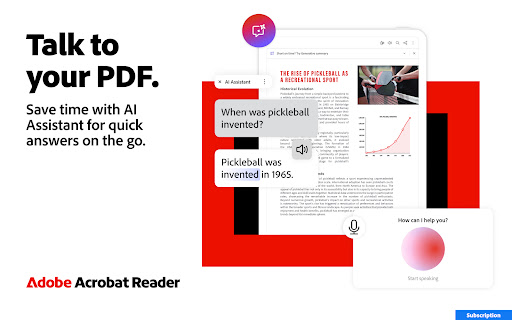
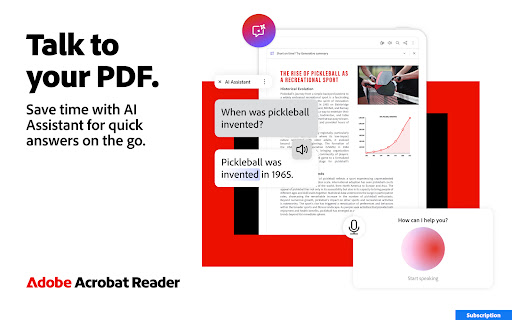
In the realm of digital document management, Adobe Acrobat Reader stands out as the most trusted PDF viewer and PDF editor worldwide, with over 635 million installs. Whether you're a student, professional, or casual user, this powerful application offers comprehensive features to view, share, annotate, sign, and manage PDFs seamlessly across devices. One of the latest major updates introduces the innovative Adobe Acrobat AI Assistant, transforming how users interact with PDF content through voice and text prompts, intelligent document analysis, and instant summaries, making your workflow more efficient and productive.
Powerful New Features with Adobe Acrobat AI Assistant
The recent update to Adobe Acrobat AI Assistant is a game-changer for PDF users. This AI-driven feature simplifies complex tasks, saving valuable time. You can now ask questions or give commands via voice or text, allowing the assistant to analyze and synthesize information across multiple documents effortlessly.
Key Benefits and Capabilities
- Use voice or text prompts to interact with the AI Assistant through a chatbot interface.
- Search across multiple document types to locate vital information quickly.
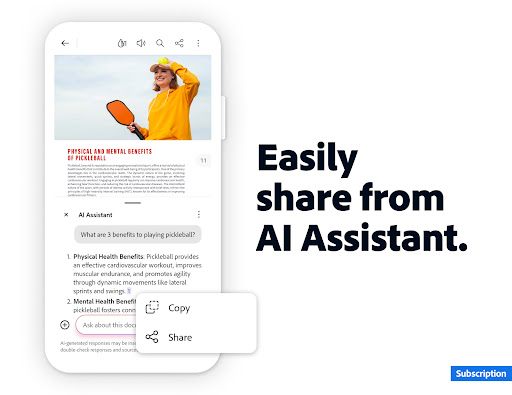
- Share responses from the AI Assistant with colleagues or friends easily.
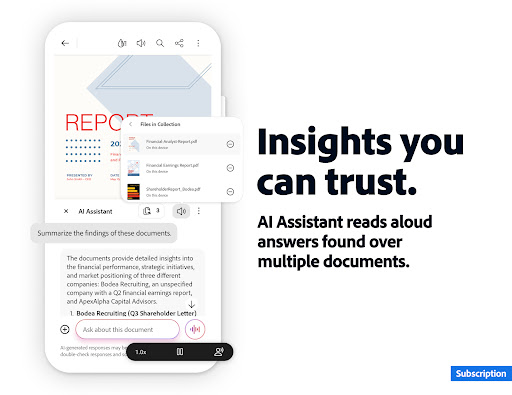
- Activate voice support to ask queries and have the assistant read answers aloud.
- Generate instant summaries of PDF content to obtain key takeaways within seconds.
Additionally, this feature enables quick content generation for emails, texts, study notes, blogs, and more, making it an essential tool for productivity. While the Adobe Acrobat AI Assistant is currently a paid feature, it is available free for a limited time, encouraging users to explore these cutting-edge capabilities.
Core Functions of Adobe Acrobat Reader
As the leading PDF reader and editor, Adobe Acrobat Reader offers a suite of features designed to make document handling simple and efficient. You can view, annotate, add comments, sign, and share PDFs all within a single app. The ability to store files online with Adobe Document Cloud ensures access from anywhere, on any device, providing unparalleled flexibility and convenience.
Paid Editing Features for Advanced PDF Management
Edit PDFs
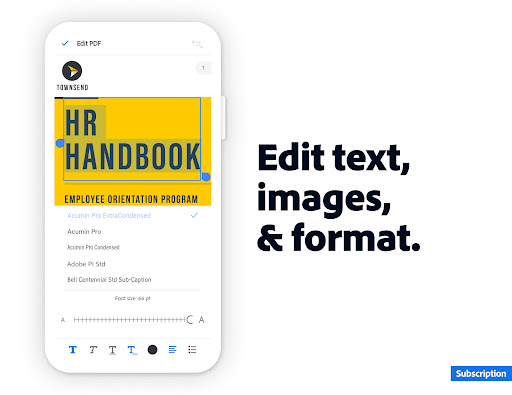
With the integrated PDF editor, users can directly modify text and images in their documents (mobile only). This includes fixing typos, adding new paragraphs, and inserting, deleting, or rotating images. The editing tools are user-friendly and enhance productivity.
Merge & Organize PDFs
Combine multiple files into one or split large PDFs for easier management. The PDF converter allows inserting, deleting, rotating, cropping, and reordering pages seamlessly, making organization a breeze.
Create, Convert & Export PDFs
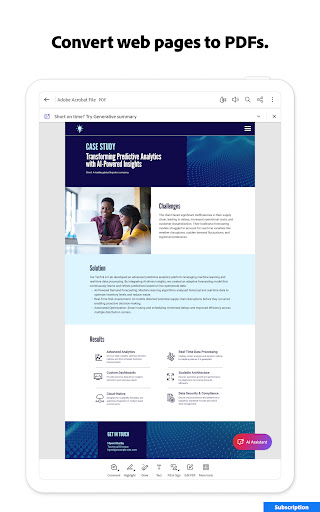
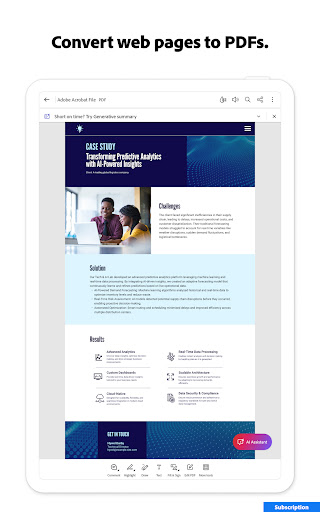
Convert various file types—including Microsoft Office files, Google Docs, and images—into PDFs. Export PDFs to other formats like Word, Excel, PowerPoint, or image formats such as JPG and PNG. You can also save web pages as PDFs for quick offline access.
Compress & Secure PDFs
Optimize file sizes with compression for easier sharing and storage. Protect sensitive information by password-protecting PDFs and encrypting files to ensure data security.
Subscribe to access all these advanced features across mobile and web platforms, making document management smooth and professional.
Free Features for Everyday PDF Tasks
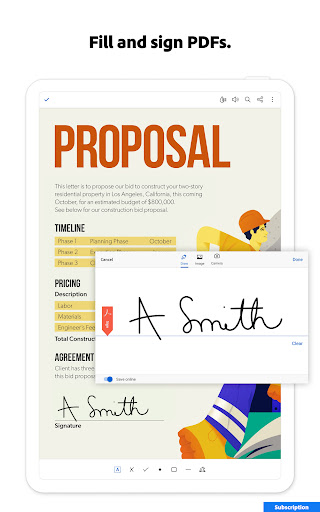
Fill & Sign
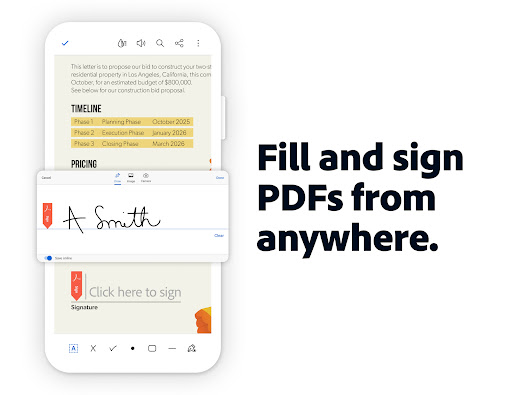
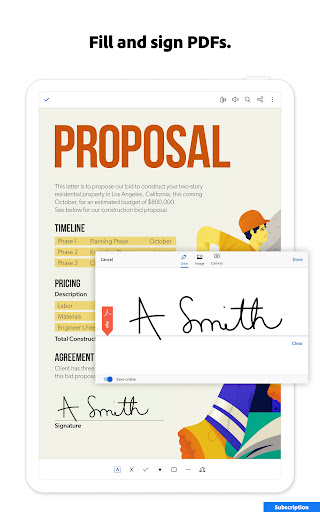
Use the familiar Fill & Sign tools to complete forms, sign documents, and send them swiftly—free within the app.
Optical Character Recognition (OCR)
Turn scanned PDFs into searchable, editable text. Extract content for editing or exporting to other Office formats, simplifying data extraction from physical documents.
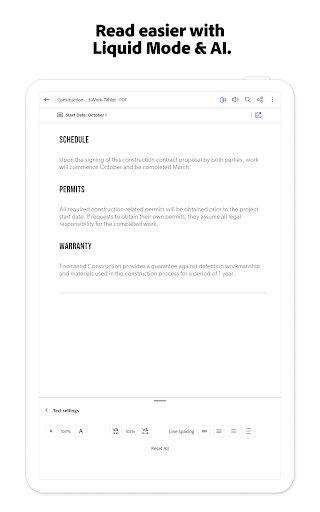
Liquid Mode for Enhanced Reading
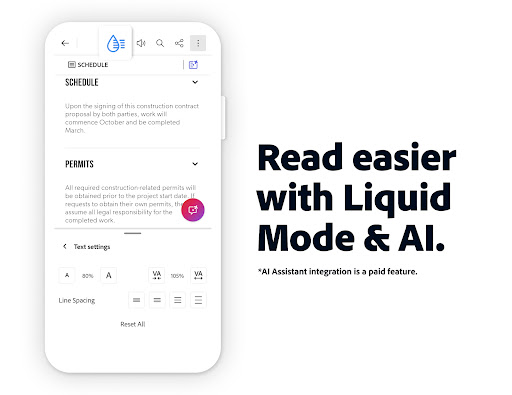
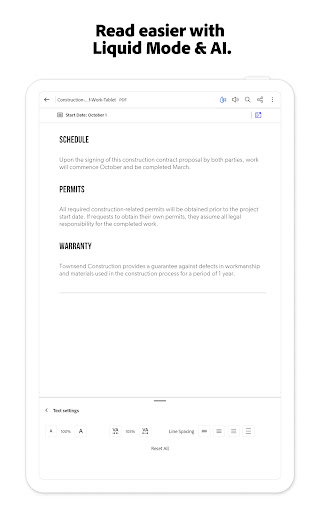
Enjoy an optimized reading experience with adjustable font size, spacing, and quick navigation, adapting PDFs perfectly to your screen.
PDF Sharing and Collaboration
Share files for commenting or viewing and collaborate with others by collecting feedback and responses. Use @mentions to invite contributors and stay notified of updates.
Annotate PDFs
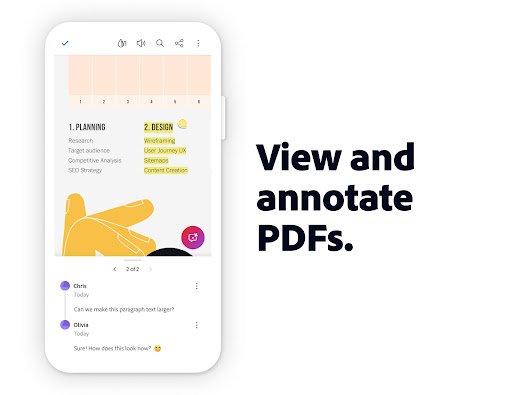
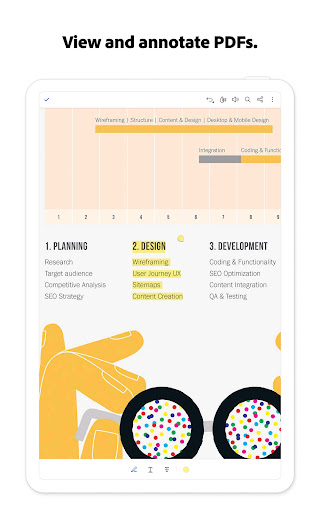
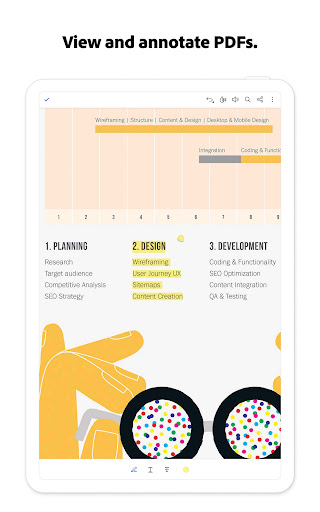
Add sticky notes, highlights, comments, and drawings to mark important sections and communicate feedback effectively.
File Storage & Management
Link your cloud storage accounts like Google Drive, Dropbox, or OneDrive. Mark important files with a star for quick access and synchronize your files across devices.
Work with Scanned Documents
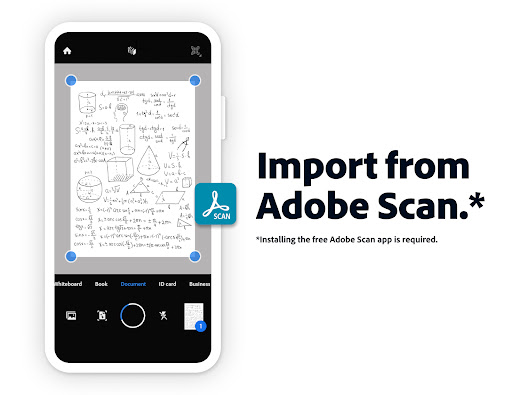
Open scanned PDFs from Adobe Scan and use Acrobat’s tools to fill, sign, comment, or share your scans, streamlining digitization workflows.
Compatibility and Security
The mobile app is designed to work smoothly with Enterprise Mobility Management (EMM) systems, ensuring robust deployment in corporate environments. Adobe also offers an Acrobat AI Assistant add-on plan for individual users seeking enhanced AI integrations. Security is a top priority, with features like password protection and encryption, safeguarding your documents from unauthorized access.
Conclusion: Why You Should Choose Adobe Acrobat Reader
Whether handling simple PDFs or complex documents, Adobe Acrobat Reader provides a comprehensive, user-friendly solution that adapts to your needs. The addition of the AI Assistant elevates this app from a basic reader to a powerful productivity tool capable of analyzing, summarizing, and generating content instantly. Its seamless integration with cloud services and robust security features make it an indispensable app for anyone dealing with PDFs regularly. Try the free trial today and discover how effortless managing digital documents can be—transforming how you work, study, and collaborate in the digital age.
Pros
- User-friendly and intuitive interface.
- Supports various file formats for conversion.
- Seamless integration with cloud storage.
- Advanced editing features available.
- Regular updates ensure stability.
Cons
- Free version has limited features.
- Can be resource-intensive on older devices.
- Requires internet connection for cloud features.
- Subscription may be costly for some users.
- Complex features may require a learning curve.










