


Overview of WPS Office - PDF, Word, Sheet, PPT
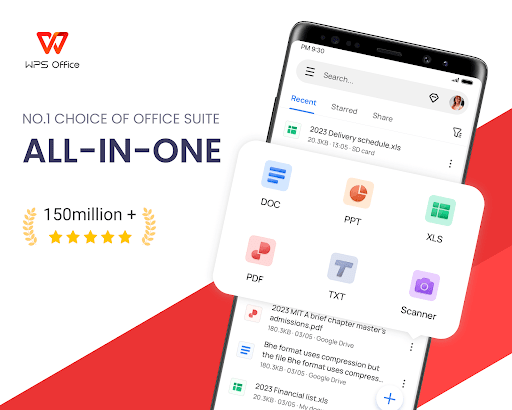
WPS Office is a comprehensive, all-in-one office suite designed to meet the needs of users who require powerful tools for document management, editing, and sharing. Available on both Android and iOS devices, this application combines functionality for Word documents, PDF files, spreadsheets, and presentations. Its seamless integration of features like WPS AI, cloud storage, online editing, and a rich template library makes it an essential tool for students, professionals, and casual users alike.
Main Features of WPS Office
All-in-One Office Solution
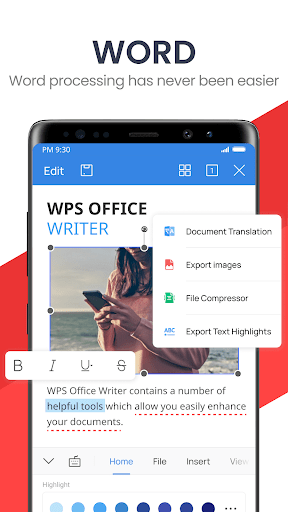
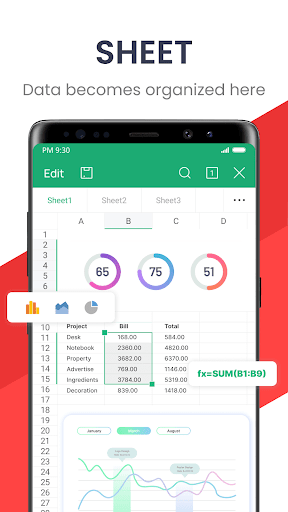
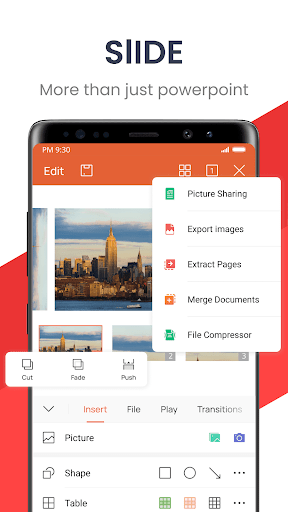
The app provides a powerful office suite that enables users to create, edit, and manage a variety of document types. Whether you're working on a Word document, editing a PDF, working with Excel spreadsheets, or designing a PowerPoint presentation, WPS Office has the necessary tools readily available. Its user-friendly interface ensures easy navigation, so even beginners can get started quickly.
Mobile Office Functionality
WPS Office allows you to perform essential office tasks directly from your mobile device. You can scan PDF files, edit slides, convert spreadsheets, and view documents with a few taps. The app's offline mode enables you to work without an internet connection, syncing your changes later to ensure your work is always up-to-date.
Advanced PDF Tools
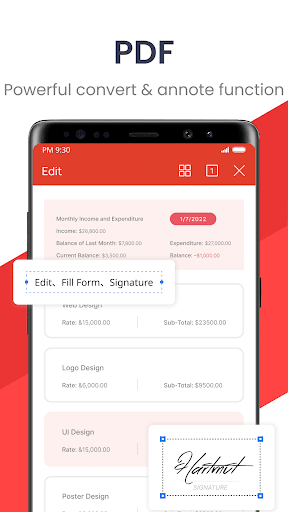
Convert documents to and from PDF while preserving formatting. You can annotate, sign, split, merge, or add watermarks to your PDFs effortlessly. The built-in PDF viewer supports commenting and highlights, making document review streamlined and efficient.
Cloud Storage & Sharing
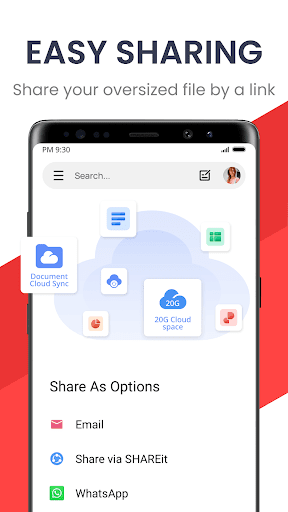
Manage all your documents easily with WPS Cloud, which provides real-time synchronization across devices. Additionally, you can store and share files via popular third-party services like Google Drive, Dropbox, OneDrive, and more. This ensures your documents are accessible anytime, anywhere, supporting seamless remote collaboration.
WPS AI Integration
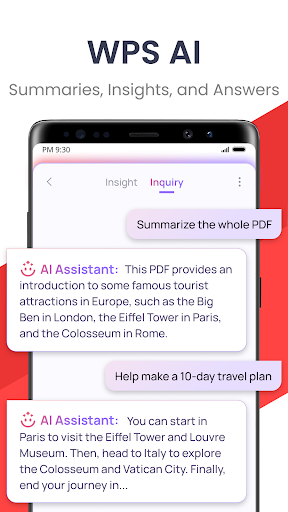
WPS AI introduces innovative features like AI-powered document scanning, content generation, and rephrasing. The ChatPDFs feature allows users to interact with long PDFs, extracting summaries, outlines, or translations instantly. Its AI OCR technology simplifies data entry from scanned documents, saving time and effort.
Enhanced User Experience and Compatibility
The app boasts a sleek, intuitive interface that makes navigation simple and effortless. You can start editing using templates tailored for projects such as budgets, resumes, or presentations. Full compatibility with Microsoft Office formats ensures your work remains consistent and accessible across different platforms.
Whether you are working on your Android phone or iOS device, WPS Office provides a reliable, efficient experience. Its quick load times, multi-functionality, and robust sharing options make it a top choice for mobile productivity.
Why Choose WPS Office?
If you're searching for a feature-rich and user-friendly office solution, WPS Office stands out as a leading choice. Its ability to handle various document types, powerful PDF tools, cloud integration, and innovative AI features make it versatile and highly adaptable to different working styles. Whether you're preparing a presentation on the go or managing complex spreadsheets, WPS Office provides all the essentials in one app.
In addition, its compatibility with popular cloud services ensures your documents are never lost, and collaboration remains smooth and hassle-free. So, if you're looking to boost your productivity with an all-in-one mobile office app, WPS Office is an excellent option to explore.
Pros
- Comprehensive suite for productivity tasks.
- Supports various file formats effectively.
- User-friendly interface and design.
- Offers cloud storage integration.
- Provides offline access to documents.
Cons
- Contains ads in the free version.
- Some features require a premium upgrade.
- Occasional syncing issues with cloud.
- Limited customer support options.
- Large app size may affect device storage.










