

Discover the Power of KineMaster - Video Editor
Are you looking for a comprehensive video editing app that transforms your mobile device into a professional editing suite? Look no further than KineMaster - Video Editor. Designed to cater to both beginners and seasoned creators, KineMaster offers an impressive array of features that make editing videos on your phone both fun and effortless. Whether you're creating captivating content for social media, editing family memories, or producing professional-grade videos, KineMaster provides all the tools you need to bring your vision to life.
Unleash Your Creativity with Advanced Editing Features
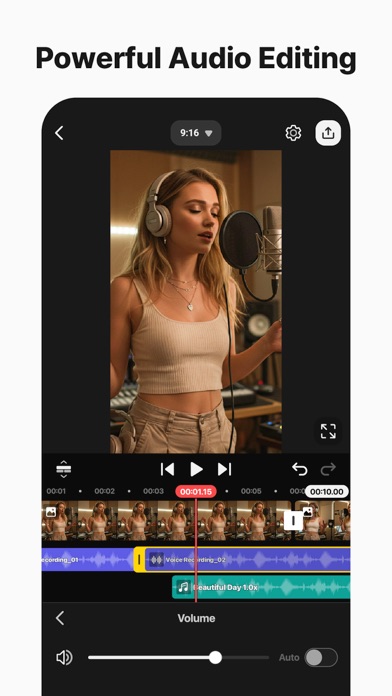
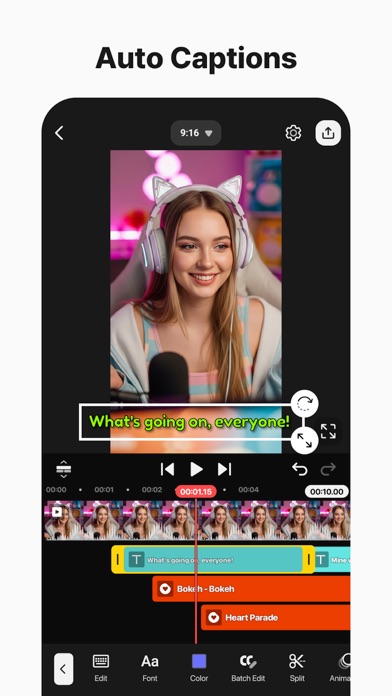
With KineMaster, editing everything from movies and vlogs to Reels and Shorts is simple and efficient. The app boasts powerful AI tools that streamline complex editing tasks, saving you time and effort. Need to add captions instantly? The AI Auto Captions feature generates subtitles directly from your video or audio. Want to create realistic voiceovers? The AI Text-to-Speech function converts text into clear spoken audio with just one tap. To make your audio more unique, you can apply various AI Voice options, giving your project a distinct sound.
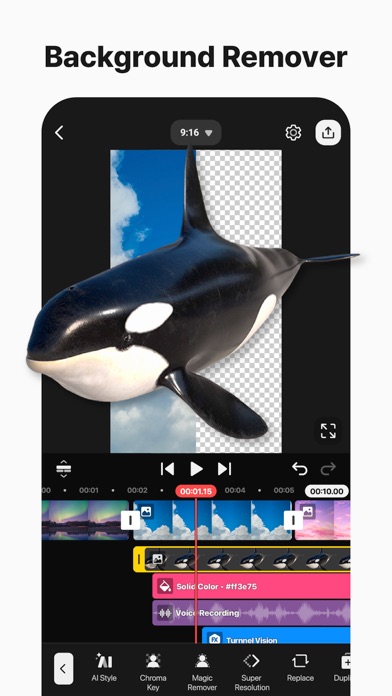
Music is essential for enhancing videos, and KineMaster makes it effortless with the AI Music Match feature, which suggests songs that suit your content instantly. The app also provides tools like AI Magic Removal to remove backgrounds from people and faces, and AI Noise Removal to eliminate distracting sounds from your clips. For music enthusiasts, the AI Vocal Separator splits songs into vocals and music, perfect for remixing or karaoke videos.
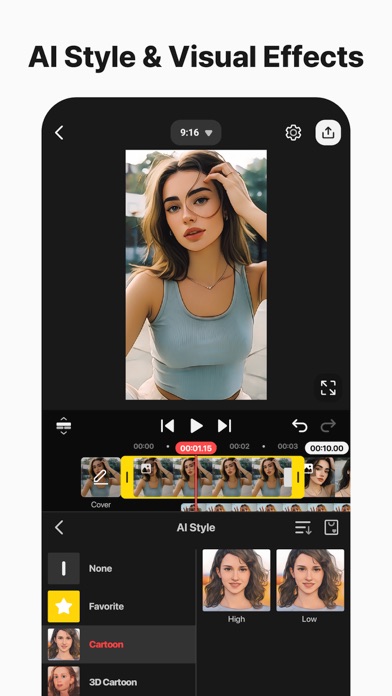
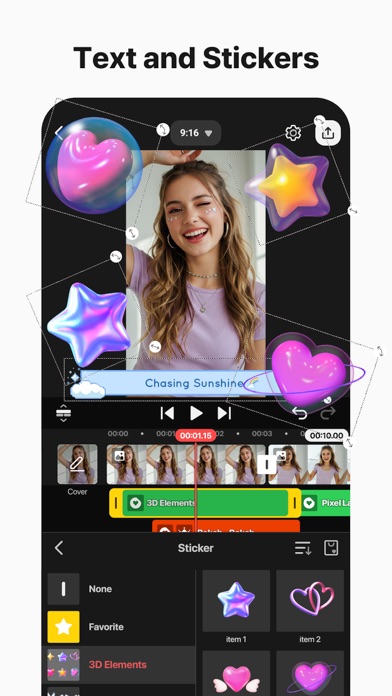
Further, KineMaster offers AI Tracking to make your text or stickers follow moving objects automatically. The AI Upscaling function helps enhance low-resolution media, while AI Style adds artistic effects to your videos and images, elevating your content with a creative touch.
Professional-Level Video Editing Made Easy
Despite its advanced capabilities, KineMaster ensures accessibility for everyone. The app includes keyframe animation tools, allowing detailed control over size, position, and rotation of layers. The Chroma Key (green screen) feature enables seamless background removal, giving you the ability to composite videos professionally. Adjust the speed of your clips with speed control, perfect for reversing footage, slowing down action, or creating mesmerizing time-lapse videos.
Jumpstart Your Creativity with Templates and Cloud Storage
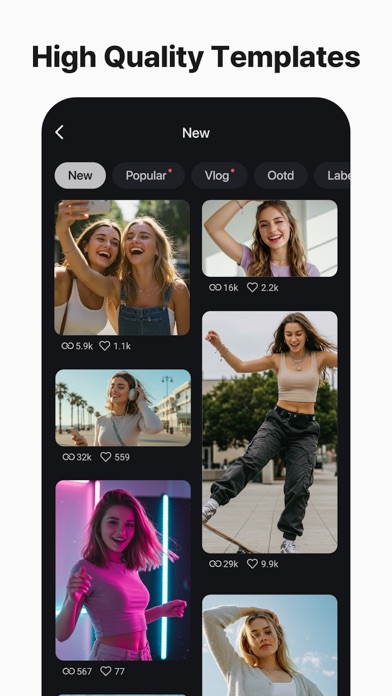
Getting started is easy with KineMaster's extensive library of templates. Simply select a template, swap out photos and videos, and your project is ready to go. For more customization, you can mix various projects by saving your edits as templates, which can be shared with other creators. The KineCloud feature allows you to back up your projects securely to the cloud, making it simple to continue editing on different devices without losing progress.
Enhance Your Videos with a Rich Asset Store
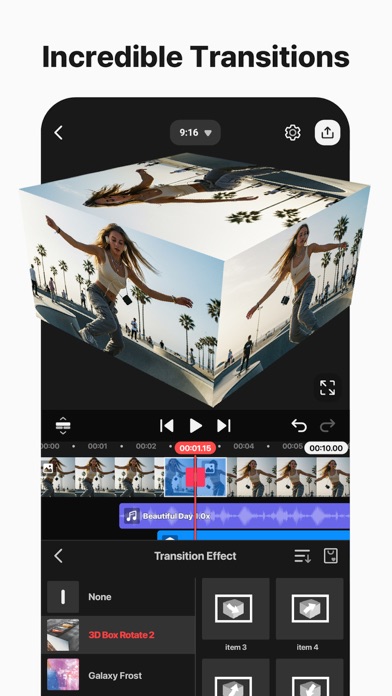
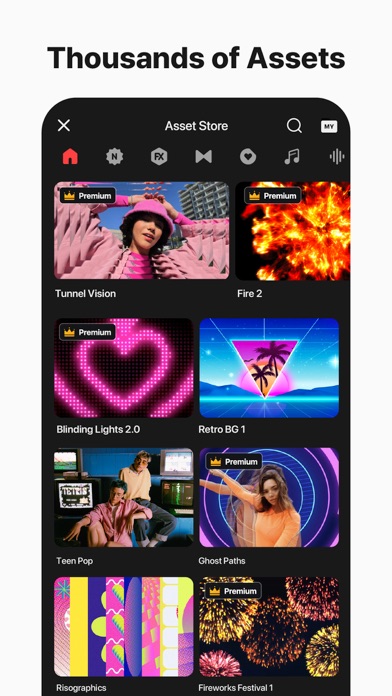
Need extra resources to make your videos stand out? The KineMaster Asset Store offers tens of thousands of royalty-free assets, including effects, stickers, music, fonts, transitions, and visual effects (VFX). Add eye-catching effects, graphic stickers, and stylish fonts to make your videos more engaging. Choose from a variety of color filters and stock footage to create the perfect aesthetic. All assets are optimized for ease of use and professional quality, empowering creators of all levels to craft stunning videos effortlessly.
Export in High Quality or Optimized for Social Media
With KineMaster, you decide the resolution and quality of your final video. Export in crisp 4K 60 FPS for stunning detail or choose optimized formats for quick loading on social platforms like YouTube, TikTok, and Instagram. The app also supports transparent backgrounds, enabling you to create videos for use in other compositions or overlays seamlessly.
Fast, Precise, and Intuitive Editing Tools
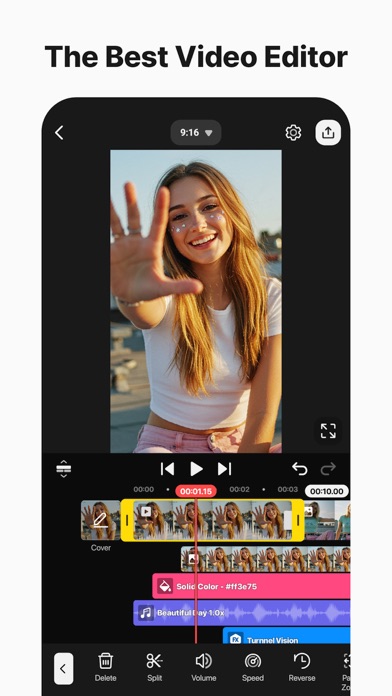
KineMaster is packed with editing tools designed to make your workflow smooth and efficient. You can add and stack multiple layers of video, images, and GIFs for complex compositions. The multiple undo and redo feature gives you confidence to experiment without fear of losing your work. Magnetic guides help align elements perfectly, and full-screen previews allow you to review edits in real-time. Whether you're a beginner or a pro, these tools make editing fast, fun, and precise.
In Conclusion
In today’s digital age, creating compelling videos is more important than ever. With KineMaster - Video Editor, you gain access to professional-quality editing tools right on your mobile device. Its user-friendly interface, combined with powerful AI-driven features and an extensive asset store, makes it the ideal app for hobbyists and content creators alike. Whether crafting content for social media or producing polished videos for other platforms, KineMaster provides everything you need to turn your ideas into reality. Take your video editing skills to the next level and start creating impressive videos with ease and confidence using KineMaster.
Pros
- Intuitive interface facilitating easy editing
- Allows for multiple video layers
- Enables real-time video and audio recording
- Offers a wide variety of effects and transitions
- Supports high-quality video export options
Cons
- Includes watermark in the free version
- Limited features without a subscription plan
- Occasional crashes of the application
- Requires considerable storage space
- Complex functionalities may be challenging for beginners










