

Introducing the HP Print Service Plugin: Your Ultimate Mobile Printing Solution
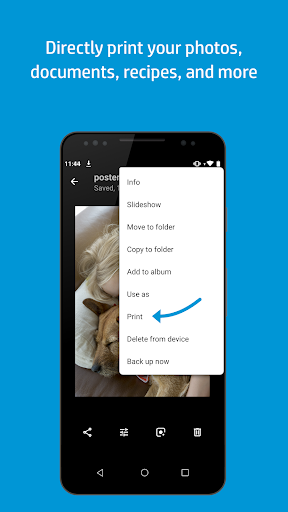
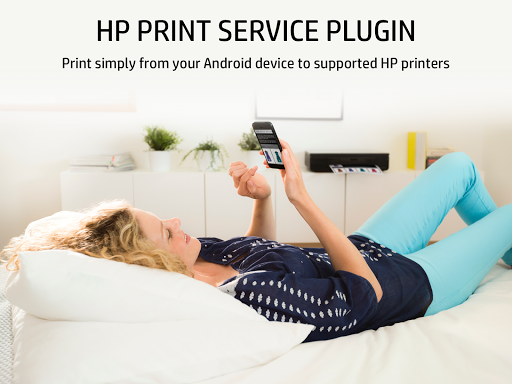
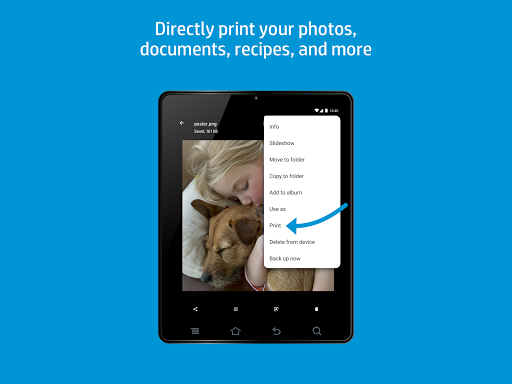
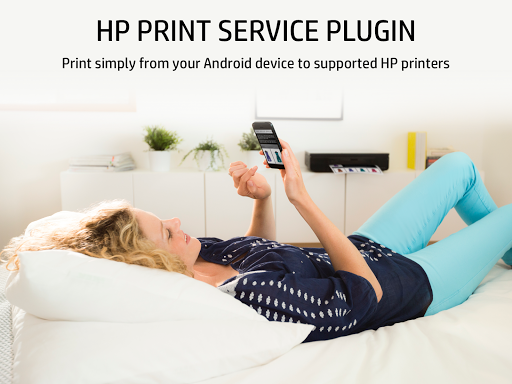
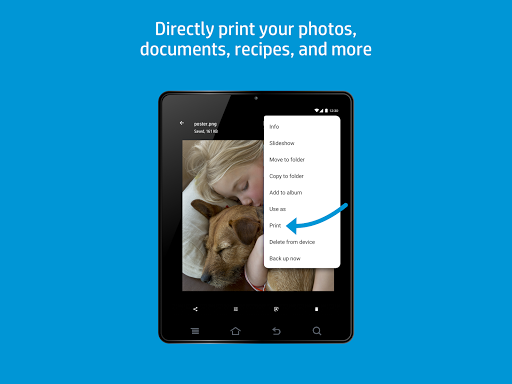
The HP Print Service Plugin is a revolutionary tool designed to streamline the printing process directly from your Android device. Whether you're looking to print documents, emails, or photos, this plugin ensures smooth, hassle-free printing across a wide range of HP printers, including HP OfficeJet, HP LaserJet, HP DesignJet, HP Photosmart, HP DeskJet, and HP Envy. As the only print driver you'll need, it simplifies the way you connect and print, making mobile printing more accessible and convenient than ever before.
Seamless Compatibility and Connectivity
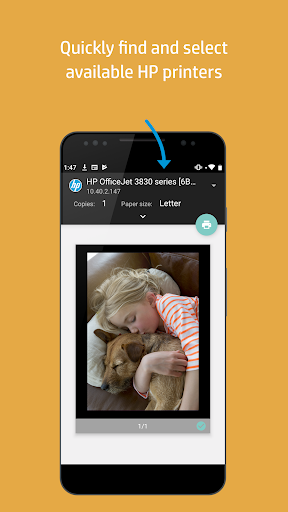
The HP Print Service Plugin supports multiple connection options, giving you the flexibility to print from various setups. You can easily discover and print to HP printers that are:
- Connected to the same network as your mobile device
- Broadcasting a Wi-Fi Direct network
- Connected via USB On-the-Go cable
Designed for Android Devices
The HP Print Service Plugin is optimized for Android™ Lollipop™ (v5.0) and newer devices, making mobile printing straightforward and efficient. If you're using Android 6 (Marshmallow) or earlier, you'll just need to enable the plugin in your device's settings to start printing effortlessly. The plugin ensures compatibility across various Android versions, providing a unified printing experience for all users.
User-Friendly Interface and Easy Setup
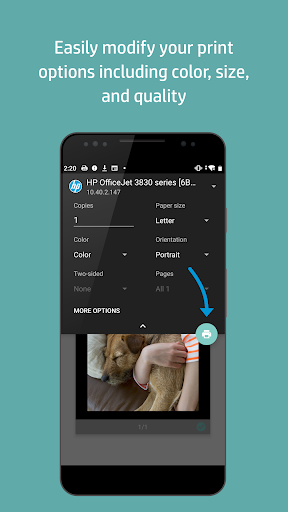
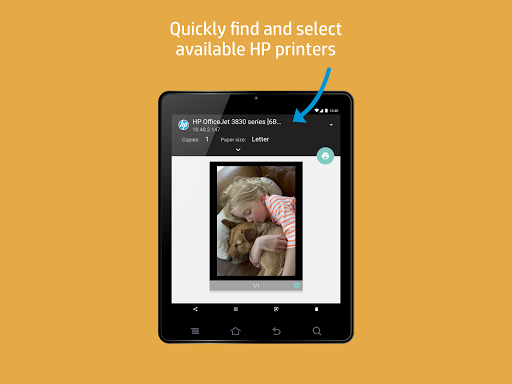
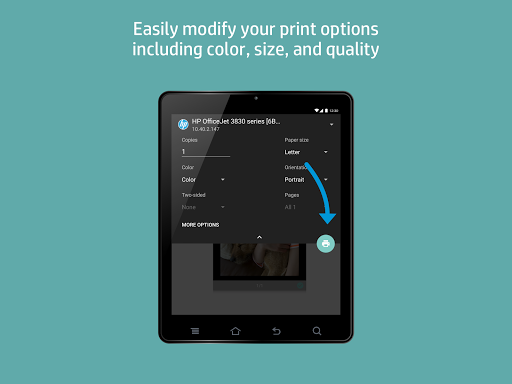
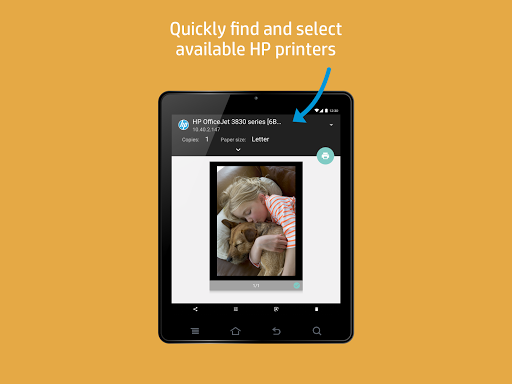
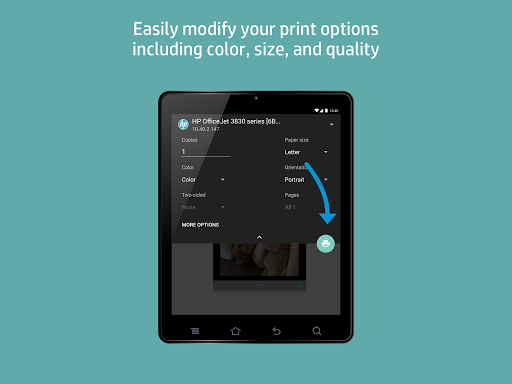
Getting started with the HP Print Service Plugin is remarkably simple. After downloading, the app automatically detects all compatible HP printers connected to your network, eliminating the need for complex configurations. The intuitive interface allows you to quickly select print options such as color preferences, number of copies, and paper size. Additionally, the preview feature lets you verify your print layout before sending the job, minimizing errors and waste.
Performance, Reliability, and Fast Printing
One of the most appreciated aspects of this plugin is its performance. It delivers fast transmission of print jobs with zero lag, ensuring you meet tight deadlines without frustration. The reliable connection and consistent printing results make it a trustworthy tool for both casual and professional use. Whether printing a single photo or a batch of documents, the HP Print Service Plugin handles it smoothly, saving you time and effort.
Enhance Your Mobile Printing Experience
In today's fast-paced world, mobile printing is more than just a convenience—it's a necessity. The HP Print Service Plugin transforms your Android device into a powerful printing hub, supporting a variety of file types, including PDFs, JPEGs, and Word documents. Its compatibility with numerous HP printers and simple connectivity options make it the go-to solution for efficient on-the-go printing. Whether you're printing from a tablet, smartphone, or other mobile device, this plugin ensures your printing needs are covered with minimal effort.
Learn More
For detailed instructions on using the HP Print Service Plugin or to find a list of supported HP printers, visit the official HP support page: https://support.hp.com/us-en/document/c04024231/?openCLC=true. Additionally, for comprehensive information on mobile printing options, explore https://www.hp.com/go/mobileprinting.
Pros
- Easy to set up and operate.
- Compatible with a wide range of HP printers.
- Smooth wireless printing experience.
- Consistent print quality.
- Works well with Android devices.
Cons
- Limited to HP printers only.
- Occasional connectivity problems.
- Lacks advanced editing capabilities.
- May impact device performance speed.
- Requires a Wi-Fi connection.










