

Microsoft OneNote: Save Notes
Microsoft OneNote is a versatile digital notepad designed to help you organize your thoughts, discoveries, and ideas seamlessly. Whether you're planning important events, capturing spontaneous moments of inspiration, or managing daily errands, OneNote simplifies your life by keeping all your notes synchronized across multiple devices. With its robust features and user-friendly interface, it’s an essential tool for students, professionals, and anyone who loves staying organized.
Effortless Note-Taking and Organizing
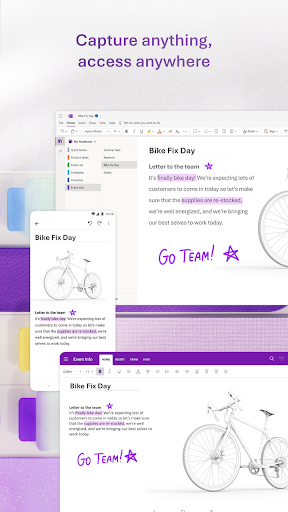
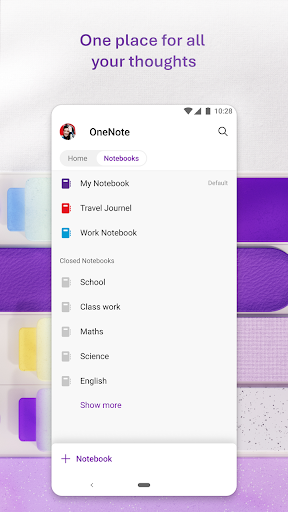
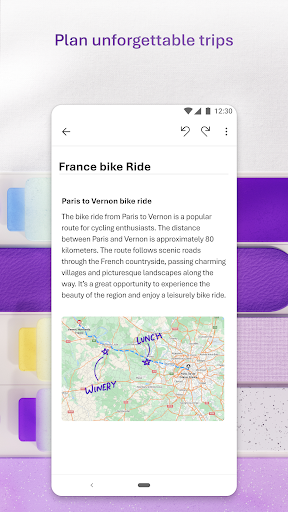
OneNote allows you to create structured notebooks, sections, and pages, enabling you to tailor your note organization to suit your needs. Whether you're jotting down quick memos, writing detailed meeting notes, or maintaining a personal journal, the app provides a flexible canvas for all your content. You can easily write notes, draw diagrams, or clip content from the web. Take notes on your phone or tablet and have them instantly available on your desktop or other devices, thanks to seamless synchronization.
Capture Multimedia Content
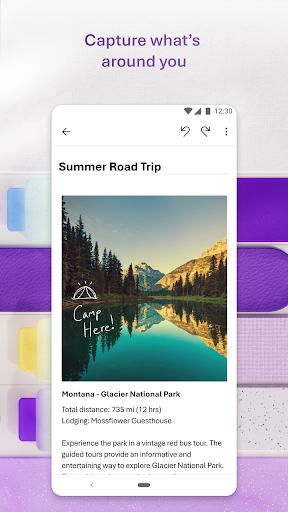
OneNote enriches your notes with multimedia. Insert images, audio recordings, or even videos directly into your pages to make your notes more dynamic and engaging. The app also features a powerful Notes Scanner, allowing you to scan documents or pictures, extract text, and apply filters to enhance your captures. This feature turns your physical documents into editable, searchable content, making digital organization effortless.
Stay Connected and Collaborate
Collaboration is made simple with OneNote. Share your notebooks with colleagues, friends, or classmates, and collaborate in real-time. Whether you're brainstorming new projects, taking shared meeting notes, or managing group tasks, OneNote ensures everyone stays updated. Its integration with Microsoft Office apps like Word, Excel, Outlook, and Teams enhances productivity and streamlines your workflow. Plus, the app’s powerful search feature allows you to find notes quickly, saving you time and effort.
Capture Ideas at the Speed of Thought
Keep your quick notes handy with the Notepad badge and sticky notes. Capture fleeting ideas, reminders, or checklists effortlessly, whether you're on the go or at your desk. The app supports voice dictation in 27 languages, enabling you to record detailed voice notes with accuracy and ease. Use the app's auto-punctuation feature for natural speech transcription, making your voice memos even more useful.
Advanced Features for Power Users
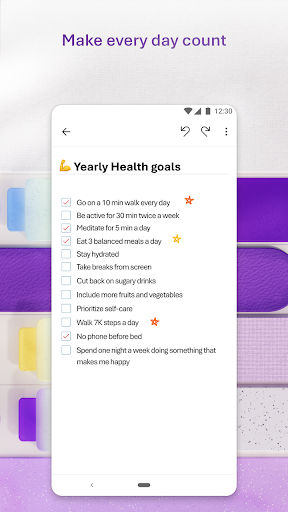
Personalize your note-taking experience with advanced tools such as to-do lists, priority markers, and custom labels. Draw directly on your pages or clip content from the web for comprehensive research and brainstorming. The flexible canvas lets you place content anywhere, giving you maximum control over your notes. Whether you're in a meeting, lecture, or working creatively, OneNote adapts to your workflow.
Secure, Sync, and Access Anytime
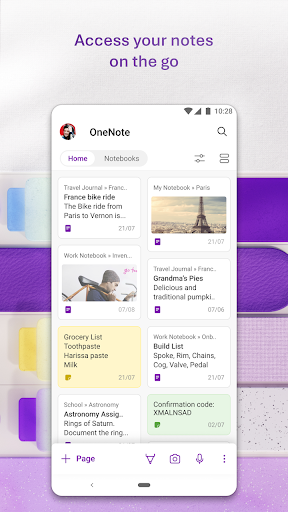
Your notes are stored securely in the cloud, with control over who can access them. Sync your notes across all devices via OneDrive, ensuring your ideas are always within reach—at home, in the office, or on the move. The app supports cross-platform use, including Android (requiring OS 9.0 or later), iOS, Windows, and macOS, making it a truly portable solution for your note-taking needs.
Integrations and Compatibility
As part of the Microsoft Office suite, OneNote integrates smoothly with other productivity tools, enhancing your overall workflow. It is compatible with notebooks created in Microsoft OneNote 2010 format or later. For organizational accounts, you can sign in with your Office 365 or SharePoint credentials to sync notes with your business or institutional accounts. This tight integration makes OneNote an indispensable platform for collaborative work and personal organization.
Get Started Today
Discover how Microsoft OneNote can transform your note-taking experience. Whether you are collecting ideas, managing projects, or sharing notes with others, this powerful app helps you stay organized and productive. Download OneNote for Android or your preferred device and unlock the full potential of your digital notepad.
Pros
- Synchronizing across platforms improves accessibility.
- An intuitive interface makes note-taking easier.
- Supports multimedia notes and attaching files.
- Integration with Microsoft Office enhances productivity.
- Powerful search function for straightforward navigation.
Cons
- Full features require having a Microsoft account.
- Limited offline capabilities reduce usability without internet.
- Occasional synchronization problems may lead to data loss.
- Steep learning curve for new users.
- Lacks built-in handwriting recognition to text.










