

Introduction to Google’s Find Hub
Google’s Find Hub is a powerful application designed to help users locate and manage their devices and items seamlessly. Whether it's your phone, tablet, headphones, or other accessories, the app provides a comprehensive solution for keeping track of your belongings, even when they’re offline. Its features are tailored to give users peace of mind by offering real-time location insights, remote control capabilities, and secure sharing options, all while maintaining strict privacy standards.
Key Features of Google’s Find Hub
Device Tracking and Management
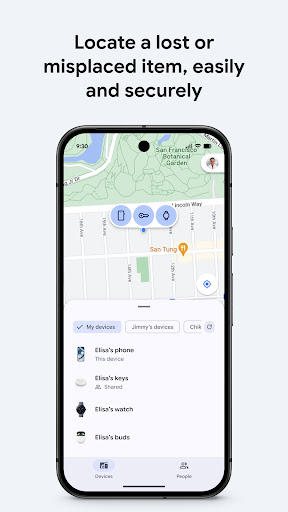
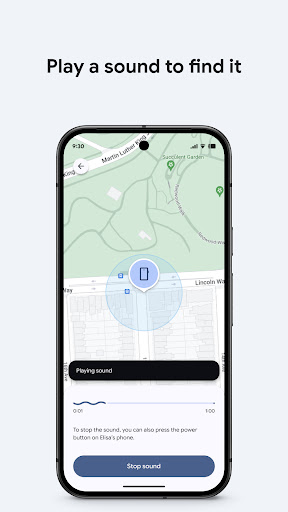
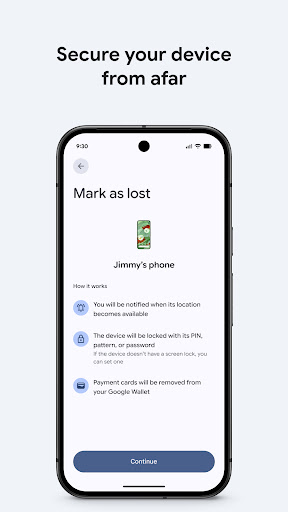
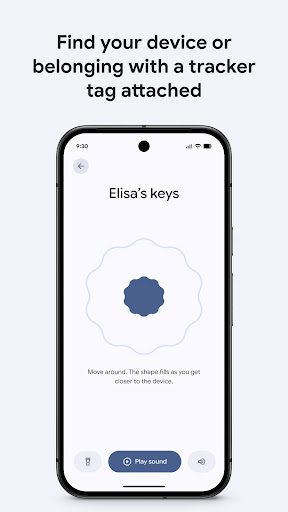
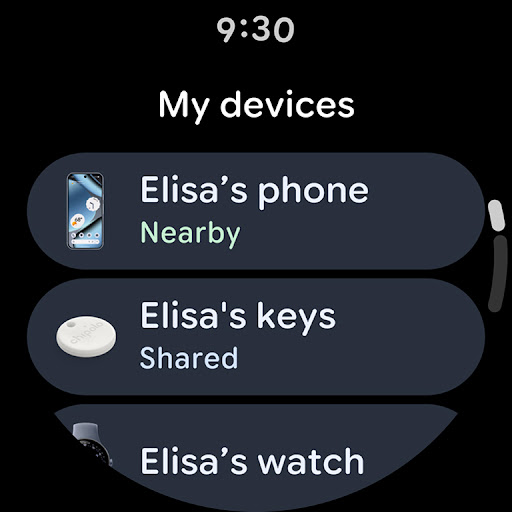
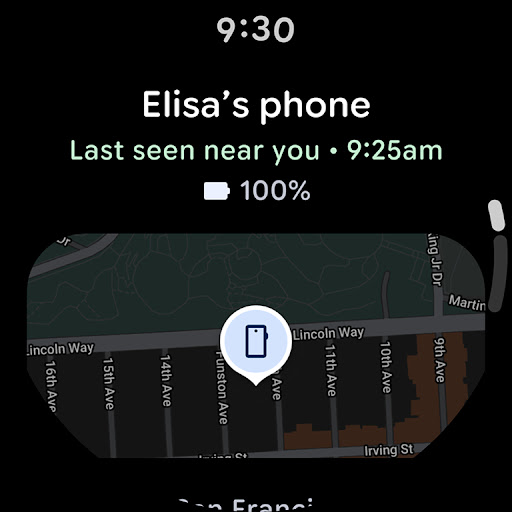
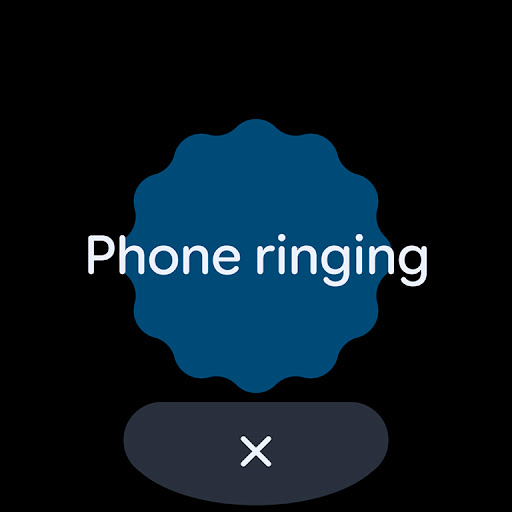
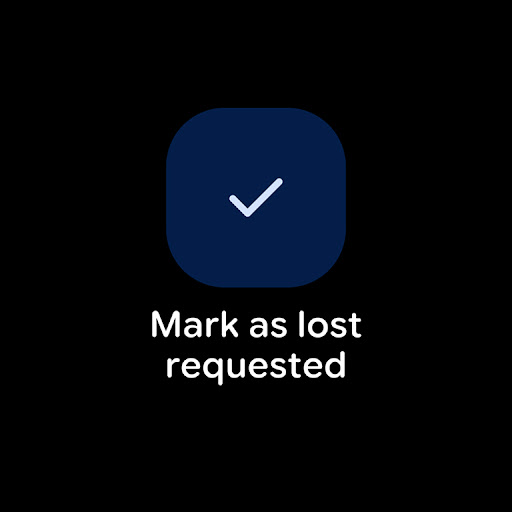
For your devices and items, •content1: allows you to view the location of your phone, tablet, headphones, and other accessories on a map—regardless of whether the device is online or offline. This feature ensures that even if your device isn't currently connected to the internet, its last known location is still accessible. If you need to locate a nearby device, you can play a sound remotely to help find it quickly. In case your device is lost or stolen, you can take additional actions such as remotely securing or erasing data to protect your personal information. Additionally, you can add a custom message that displays on the lock screen, providing contact information for anyone who finds your device.
All location data shared via the Find Hub network is encrypted, ensuring your privacy. Google does not have access to your location information, emphasizing the app’s commitment to user confidentiality.
Location Sharing Capabilities
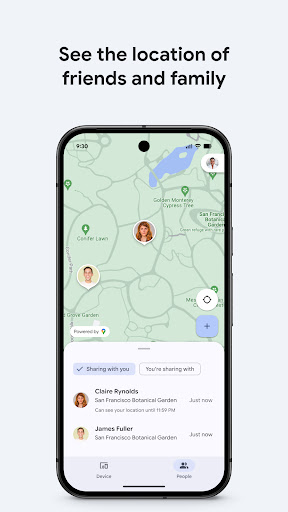
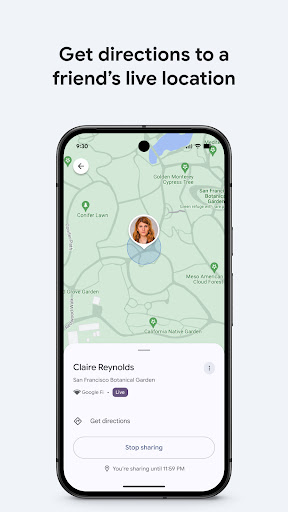
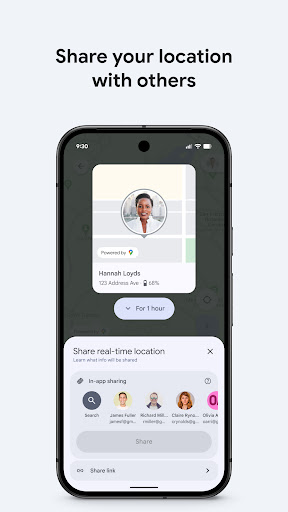
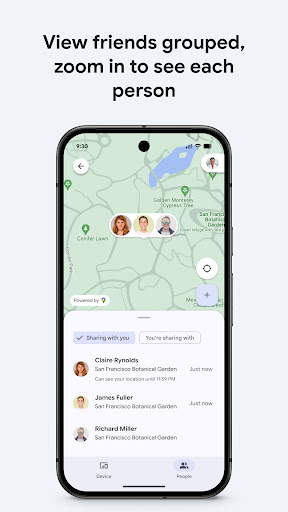
•content1: also enables you to share your live location with friends or family. Whether you're coordinating a meetup, checking on loved ones, or ensuring someone arrives home safely, this feature makes real-time sharing effortless and secure. It enhances safety and communication by allowing trusted contacts to see your current whereabouts, fostering peace of mind for everyone involved.
Why You Need Google’s Find Hub
Ever experienced that moment of panic when you can't find your phone? Google’s Find Hub acts as your digital lifesaver in such situations. If you're prone to misplacing your gadgets or accessories, this app becomes an essential tool in your digital arsenal. Think of it as having a personal detective always ready to track down your lost treasures.
The setup process is simple—just ensure your device is logged into your Google account, and you're good to go. Once set up, locating your device or accessory becomes a quick, effortless task. The application's user interface is clean, intuitive, and designed for users of all tech proficiency levels. Its lightweight nature ensures it won't clutter your device's storage or slow down your system.
Among its standout features is real-time location tracking. You can view your device’s current position on a map directly within the app. If your device is silent, you can remotely trigger it to ring at full volume, making it easier to find if it’s nearby. The ability to lock your device remotely, with a customizable message and contact info displayed on the lock screen, adds an extra layer of security and convenience, preventing unauthorized access.
Conclusion
Google’s Find Hub is an indispensable app for anyone with an Android device. Its reliable tracking, security measures, and sharing features make it a smart choice for safeguarding your gadgets and accessories. Whether you're a forgetful individual or someone constantly on the go, this app provides the reassurance that your devices are always within reach—digitally speaking.
If you often find yourself asking, "Where’s my phone?", then Google’s Find Hub is definitely worth a try. Its straightforward functionality combined with robust security makes it an essential tool for modern digital life. Give it a shot today, and experience a new level of device management and security.
Pros
- Helps locate lost devices quickly
- Remote device lock for security
- Erase device data remotely
- User-friendly interface
- Battery level tracking
Cons
- Requires internet connection
- Limited to devices synced with a Google account
- No support for offline tracking
- Location accuracy can vary
- Can drain battery when running continuously











