


Reimagine Teamwork with Zoom Workplace
Discover Zoom Workplace, an groundbreaking AI-first collaboration platform designed to streamline your work environment. This comprehensive solution combines essential productivity tools such as team chat, video meetings, phone, whiteboard, calendar, mail, and docs. Whether you’re on Android or other devices, you can access Zoom Workplace with any free or paid Zoom license.
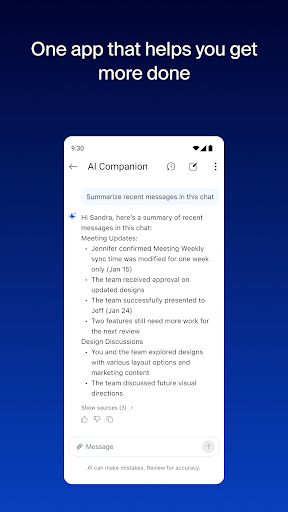
With your Pro or Business Zoom license, an AI Companion is woven throughout the platform, enhancing your productivity by summarizing unread messages, drafting content, and keeping conversations focused. This virtual personal assistant is available at no additional cost and allows you to stay connected and productive from anywhere on your mobile device, empowering you to work seamlessly on the go.
Enhance Productivity with AI Companion
The AI Companion feature in Zoom Workplace ensures you are always prepared for meetings and communications. Quickly generate summaries of unread Team Chat messages or draft new content effortlessly. Whether you're catching up on missed conversations or preparing for upcoming collaborations, AI Companion helps you to stay organized and efficient.
Use AI to generate first drafts of emails or documents, making routine tasks faster and less cumbersome. The intelligent assistant also consolidates meeting summaries, giving you a clear overview without sifting through entire chat histories. This integration helps reduce email overload and improves overall team communication effectiveness.
Streamline Communication with a Single App
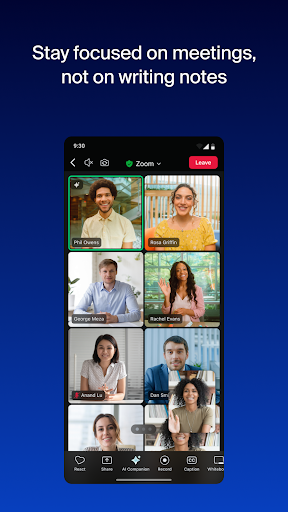
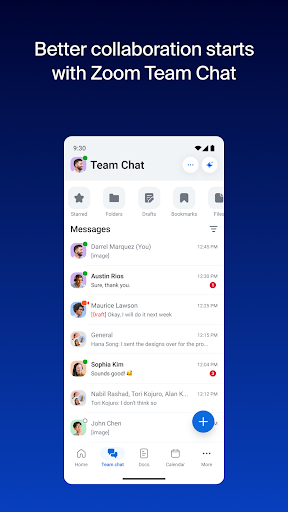
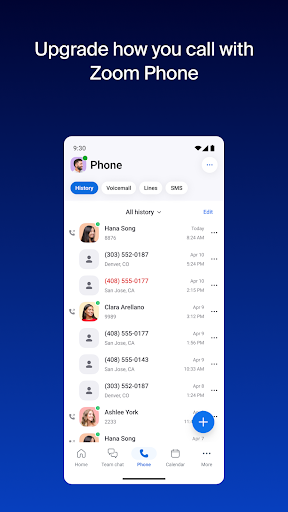
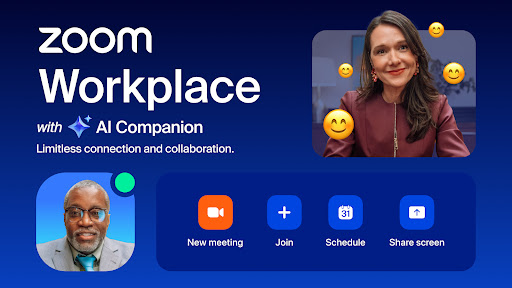
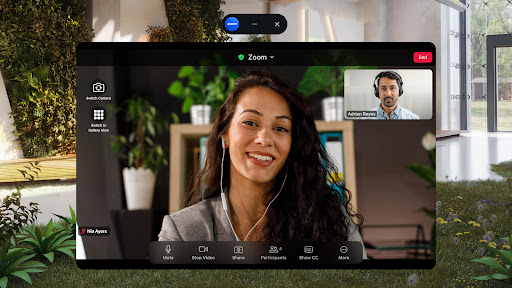
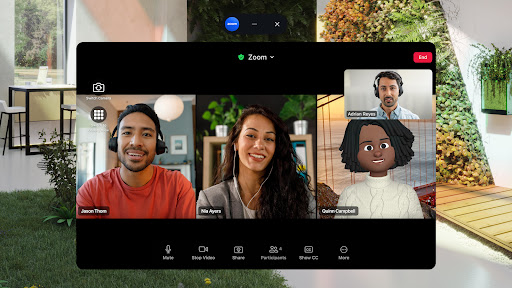
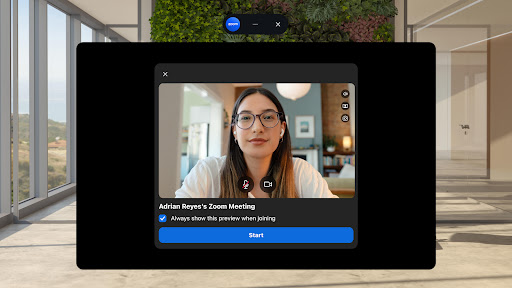
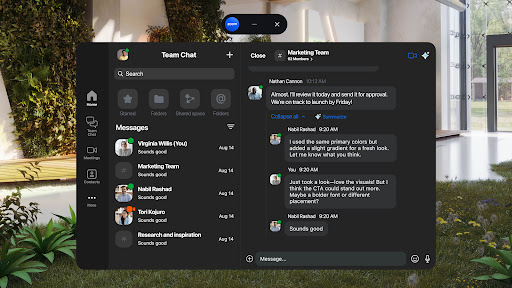
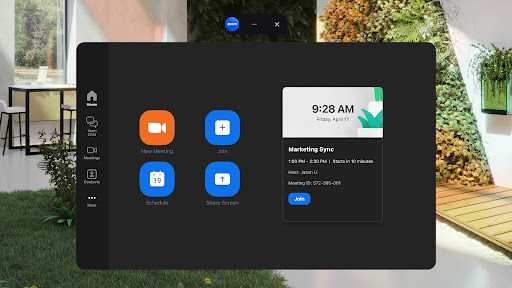
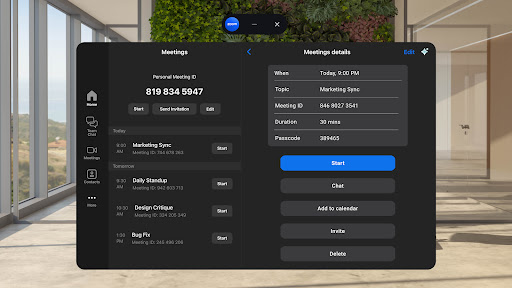
Imagine scheduling or joining video meetings with just one tap. With Zoom Workplace, this is a reality. The app's intuitive interface allows you to chat with colleagues or external contacts, place and receive phone calls, as well as send SMS messages— all within one unified platform.
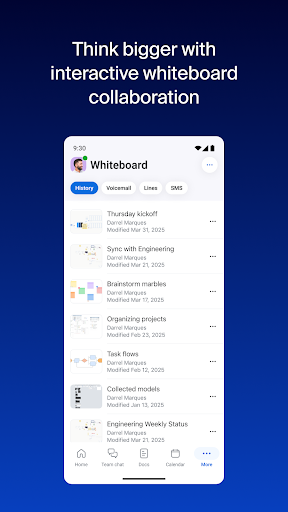
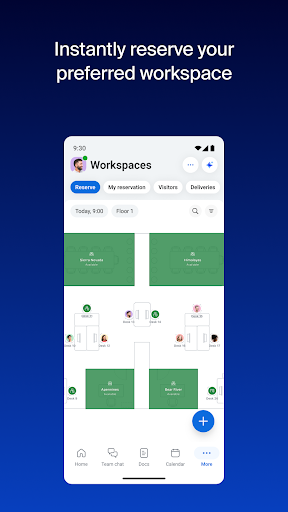
Enhance your scheduling with built-in calendar integrations and collaborate in real-time through whiteboards and shared documents. This convergence of tools eliminates the need to switch between multiple applications, saving you valuable time and reducing workflow disruptions.
Boost Your Productivity Anytime, Anywhere
Designed for mobile efficiency, Zoom Workplace lets you stay productive despite being on the move. Run meetings using Zoom Rooms, share content, or brainstorm on virtual whiteboards — all from your Android device or tablet.
Take advantage of features like Picture in Picture or Split Screen to multitask effectively. Additionally, hands-free controls with "Hey Google" voice commands ensure you can manage your communications without interrupting your workflow.
Security remains a priority. The app offers enterprise-grade security, including Single Sign-On (SSO) and data encryption, to keep your information safe while working remotely or in the office.
Upgrade to Zoom Workplace Pro for Advanced Features
For users seeking even more capabilities, upgrading to the Zoom Workplace Pro includes hosting unlimited meetings (up to 30 hours), cloud recordings, and assigning co-hosts or meeting schedulers. This subscription automatically renews unless canceled in advance, and can be managed conveniently through the Google Play app.
AI Companion is included in this premium plan, making it easier to stay organized and productive during your virtual collaborations.
Conclusion: The All-in-One Solution for Modern Teams
In summary, Zoom Workplace is a versatile collaboration platform designed to simplify and enhance your daily work communications. By integrating video conferencing, chat, whiteboards, and documents into one seamless application, it ensures your team stays connected, productive, and secure— whether in the office or on the go.
If you're aiming to boost your team’s efficiency and streamline your workflow, give Zoom Workplace a try. Its intuitive design, powerful collaborative tools, and smart AI features make it an essential addition to your digital toolkit.
Pros
- High-quality video conferencing
- Seamless calendar integration
- Intuitive and easy-to-use interface
- Extensive collaboration tools
- Effective screen sharing capabilities
Cons
- Data privacy and security concerns
- Sometimes experiences connectivity problems
- Limited features in the free version
- Needs a stable internet connection
- Can be complicated to set up for newcomers











