





Discover the Samsung Internet Browser: The Ultimate Mobile Web Browsing Experience
Welcome to the world of seamless and secure web browsing with Samsung Internet. Designed to elevate your online activities, this browser offers a comprehensive suite of features tailored for both casual surfers and power users. Whether you're using Android or iOS, Samsung Internet provides an intuitive and reliable platform that combines speed, security, and customization for an optimized browsing experience.
Feature-Rich Experience Tailored for You
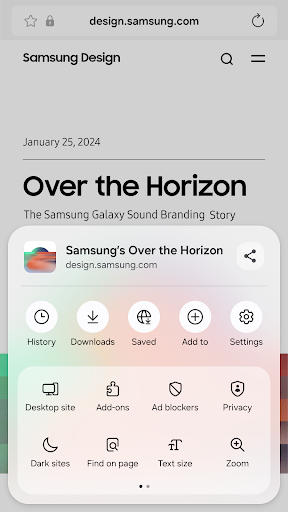
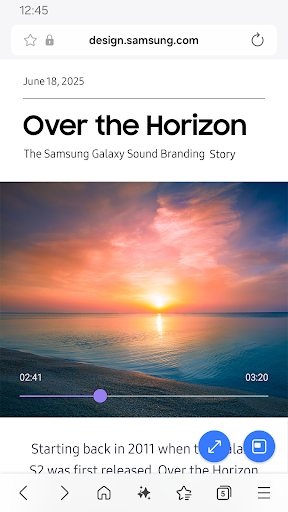
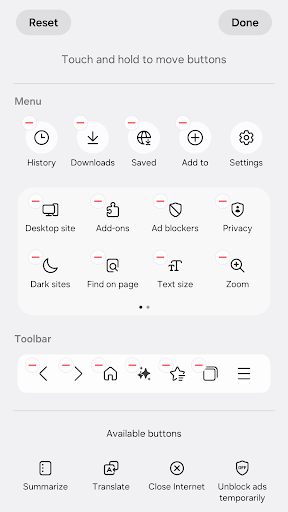
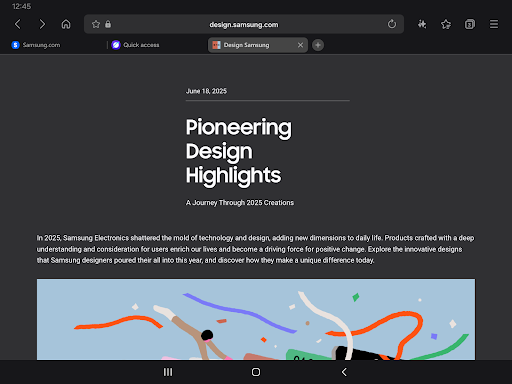
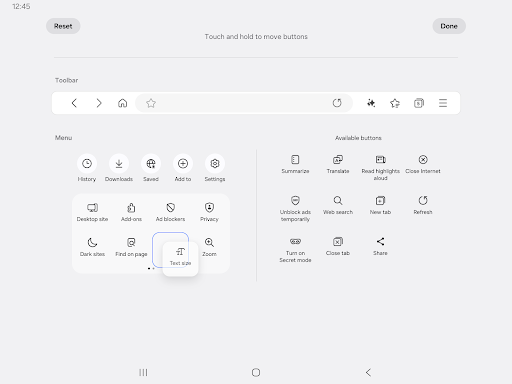
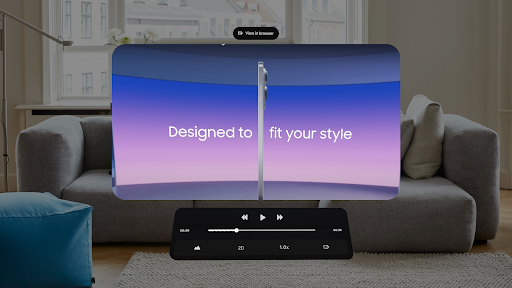
Samsung Internet is not just an ordinary browser; it's packed with innovative features that make browsing enjoyable and efficient. One standout feature is the Video Assistant, which enhances media viewing, along with the popular Dark Mode that eases eye strain during late-night sessions. Users can customize their browsing menus to suit their preferences, making navigation more intuitive.
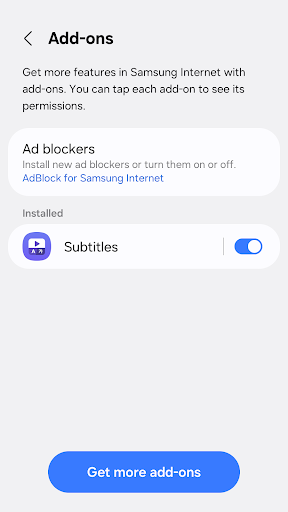
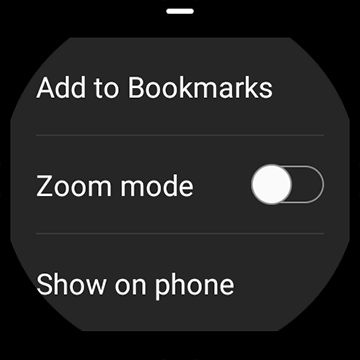
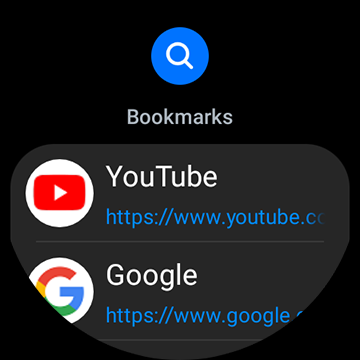
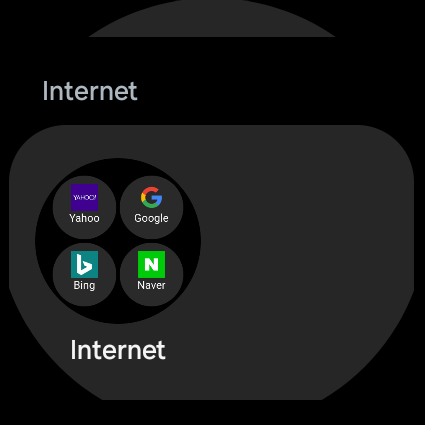
Extension support further broadens the browser's capabilities. You can add useful tools like translators or content blockers, ensuring a safer and more personalized browsing environment. The tiles and complication feature is available on Galaxy Watch devices supporting Wear OS, including the Galaxy Watch4 series and newer models, allowing quick access to your favorite websites right from your wrist.
Smart Recommendations and Tab Management
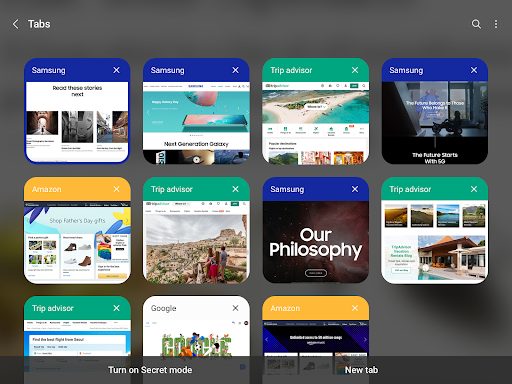
Managing numerous tabs becomes effortless with Samsung Internet’s Tab manager. The browser intelligently recommends closing outdated or unused tabs, helping you declutter your workspace and boost browsing speed. This feature is especially useful for users who tend to accumulate many open pages, ensuring a smoother and more organized experience.
Enhanced Security & Privacy Features
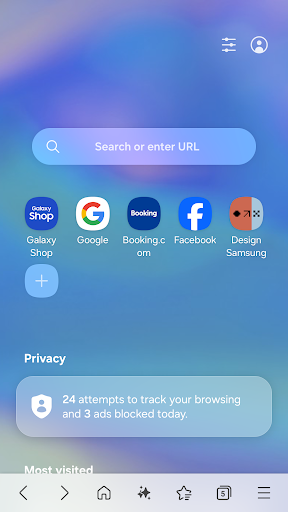
When it comes to protecting your data, Samsung Internet sets a high standard. The browser includes Smart Anti-Tracking, which detects cross-site tracking domains and blocks storage access, enhancing your privacy by preventing third parties from monitoring your online activity.
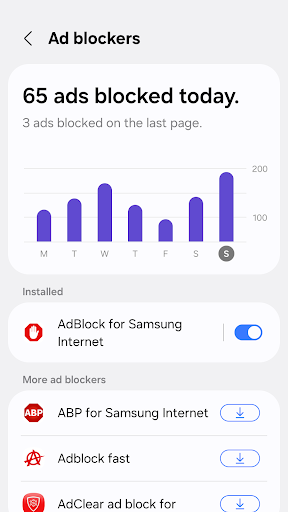
The Protected Browsing feature will alert you before visiting known malicious websites, safeguarding you from potential threats and data theft. Additionally, content blockers—enabled through third-party apps—allow you to filter out unwanted content, making your browsing safer and less cluttered.
To ensure a secure browsing environment, Samsung Internet requires various permissions, such as access to location, camera, microphone, and storage. These permissions enable functionalities like QR code scanning, uploading media, and location-based content, all while maintaining your privacy and security best practices.
Performance and Reliability You Can Count On
In my personal experience, Samsung Internet Browser is impressively fast and reliable. Pages load swiftly, even when multiple tabs are open, thanks to its compatibility with the latest web standards. The browser's stability minimizes crashes, providing a smooth experience whether you're multitasking or conducting research.
Optimized for both Android and iOS devices, Samsung Internet ensures that users across different platforms enjoy consistent performance. This versatility makes it a compelling choice for anyone seeking a robust and responsive browser.
Final Thoughts: Is Samsung Internet Your Next Browser?
With its sleek design, powerful features, robust security, and high-speed performance, Samsung Internet stands out as a top-tier mobile web browser. It's perfect for users who prioritize privacy, customization, and a rich browsing experience. Whether you're casually surfing or engaging in intensive online activities, Samsung Internet is equipped to meet your needs.
Give it a try today and discover why so many users are making Samsung Internet their primary browser. Its combination of innovative features and unwavering security makes it a reliable choice for your digital life.
Pros
- Fast browsing speed
- Highly customizable interface
- Built-in ad blocker
- Enhanced security features
- Sync across Samsung devices
Cons
- Limited to Samsung devices
- Occasional compatibility issues
- Not widely supported by all sites
- Lacks some advanced features
- Can be resource-intensive on older devices











