Google Wallet - Your Digital Wallet Solution
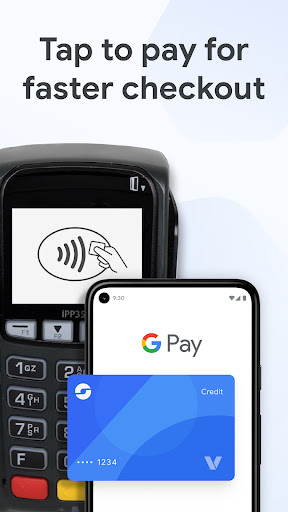
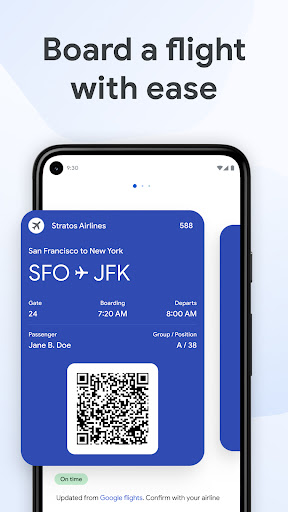
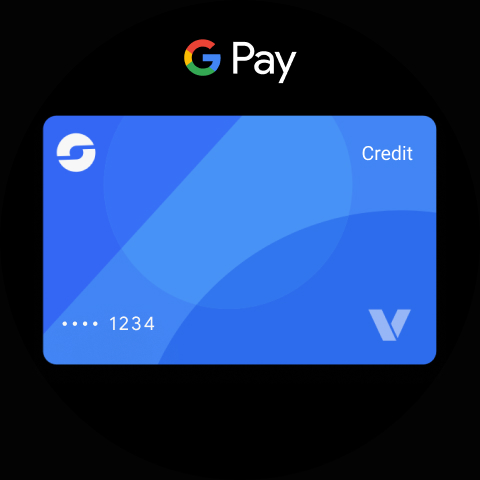
Google Wallet provides a fast and secure way to access your everyday essentials. With just your phone, you can tap to pay at any location that accepts Google Pay, board flights, enjoy movies, and more. All your important items are kept safe and organized in one place, no matter where you go.
Convenient Access to Your Essentials
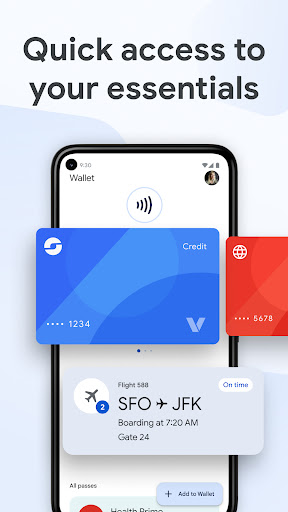
Google Wallet offers three quick and easy methods for accessing your digital wallet: use your phone’s quick settings for instant access, open the Wallet app from your home screen, or summon Google Assistant when your hands are full. Additionally, if you use Wear OS, you can get instant access directly from your watch’s main face through complications.
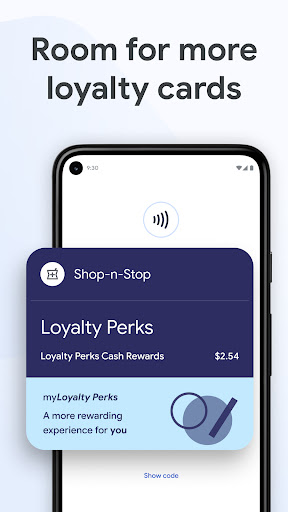
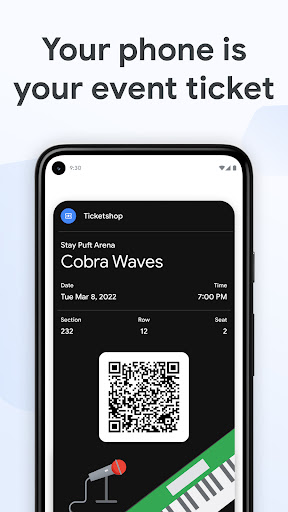
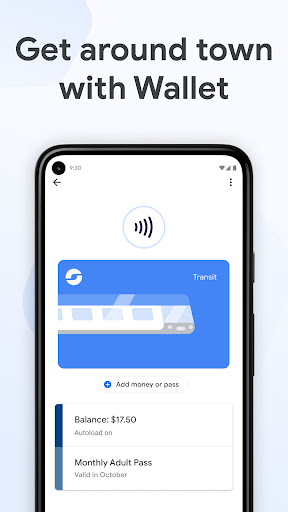
Beyond just cards, Wallet can carry tickets, passes, and even loyalty rewards. For users in the U.S., Wallet can also hold your drivers license and digital car keys, unlocking access to the world around you.
With smart suggestions, your Wallet will notify you of what you need at just the right moment—like a boarding pass on your travel day, so you never have to rummage through your bag.
Helpful Features for Daily Use
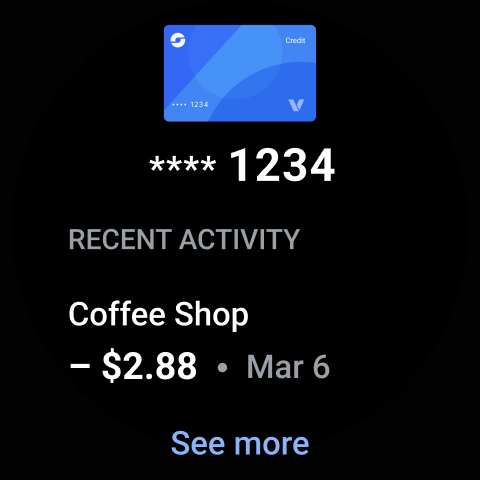
Keep track of your transactions effortlessly. Google Wallet allows you to easily find receipt details and smartly integrates with Google Maps for location-based transaction info. It seamlessly syncs with other Google services—your Calendar, Google Assistant, and more—keeping your information current with flight updates and event notifications.
Plan your shopping smarter by viewing point balances and loyalty benefits directly within Maps, Shopping, and other apps. Setting up Wallet is simple: import cards, transit passes, loyalty cards, and more from Gmail. Keep your travel plans up-to-date by receiving real-time info from Google Search about gate changes or delays, making your travel hassle-free.
Security and Privacy You Can Count On
Security is at the core of Google Wallet. The app uses cutting-edge Android security features such as encryption, tokenization, 2-Step Verification, and remote device management, including Find My Phone and remote data erasure. When you use tap to pay, your real credit card number isn’t shared with merchants, ensuring your payment information remains private and secure.
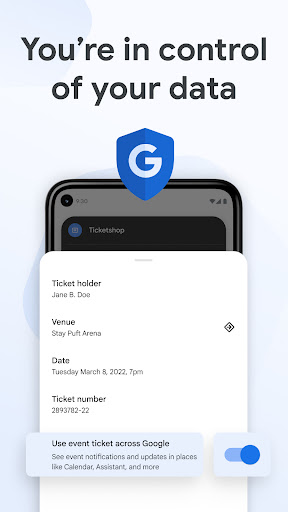
You also have control over your data. Privacy settings allow you to opt-in or out of sharing information across Google services, giving you tailored experiences while maintaining your privacy preferences.
Google Wallet is compatible with all Android phones (Lollipop 5.0+), Wear OS, and Fitbit devices. Some features may vary for supervised accounts.
Get Started with Google Wallet
Setting up Google Wallet is a breeze. You can import all your saved cards, transit passes, and loyalty cards directly from Gmail. Once configured, you’re ready to enjoy quick, secure payments and access on the go.
Whether you're shopping online, making contactless payments in-store, or managing your travel plans, Google Wallet helps simplify your life. For additional support or questions, visit support.google.com/wallet.
Pros
- User-friendly interface for easy navigation
- Supports various card types and banks
- Fast and secure transactions
- Integrates with other Google services
- No charges for basic transactions
Cons
- Limited availability in some regions
- Requires a Google account to access full features
- Potential privacy issues related to data sharing
- Users report occasional app crashes
- Not universally accepted by all merchants