


Discover the Features of Samsung Music
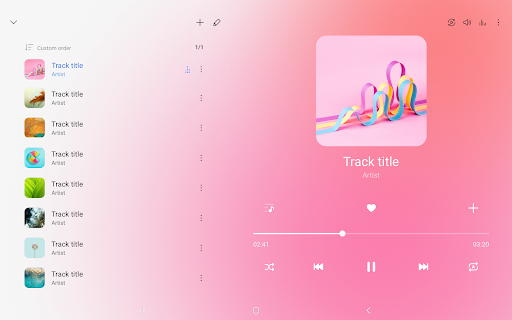
Samsung Music is a highly optimized music application specifically designed for Samsung Android devices, offering powerful playback functionality combined with an intuitive user interface. Whether you're a casual listener or an audiophile, Samsung Music aims to deliver a seamless listening experience that caters to all your musical needs.
Key Features of Samsung Music
One of the standout aspects of Samsung Music is its support for a wide range of sound formats. The app supports popular file formats such as MP3, AAC, FLAC, and more. Please note that supported formats may vary depending on your device. This compatibility ensures you can enjoy your entire music library without worrying about format restrictions.
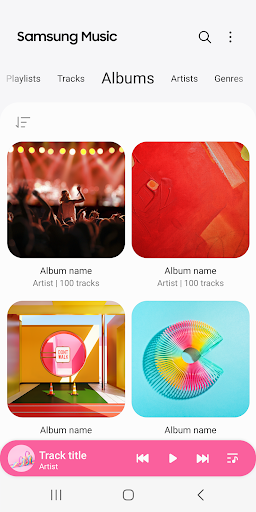
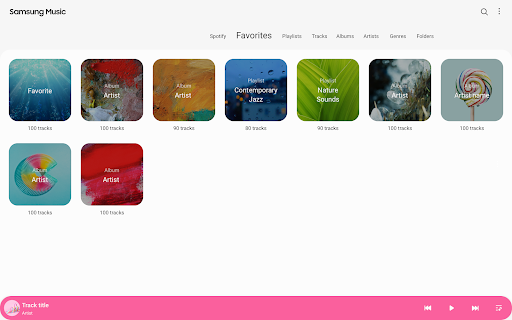
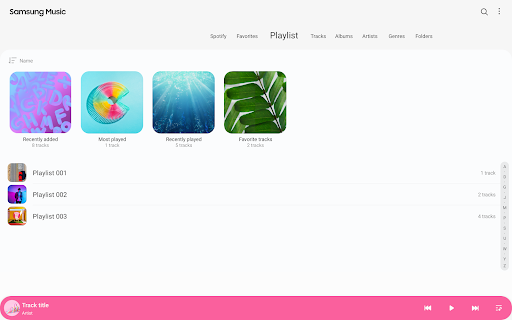
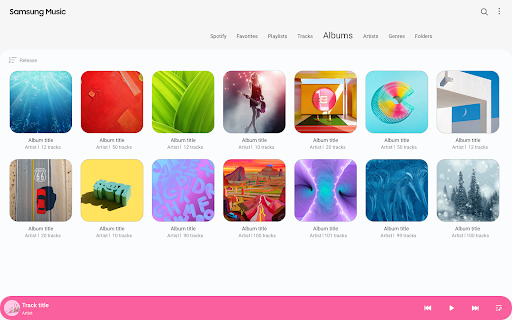
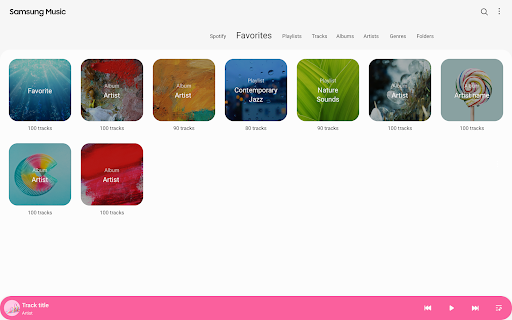
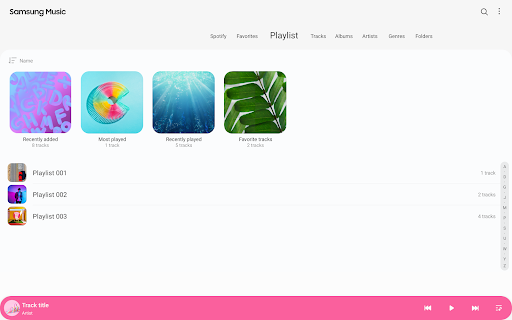
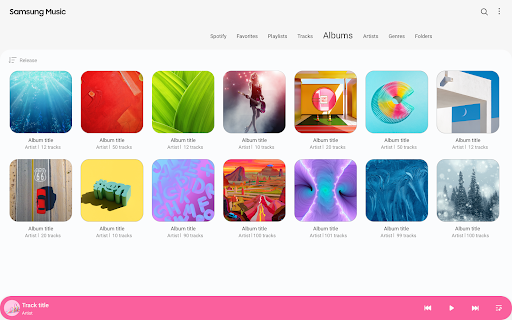
Managing your songs is effortless with Samsung Music’s categorization features. The app allows you to efficiently organize your playlist by categories such as Track, Album, Artist, Genre, Folder, and Composer. This makes finding your favorite songs quick and hassle-free.
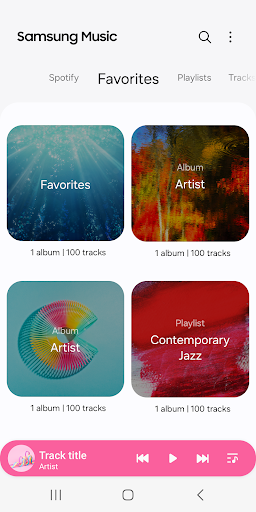
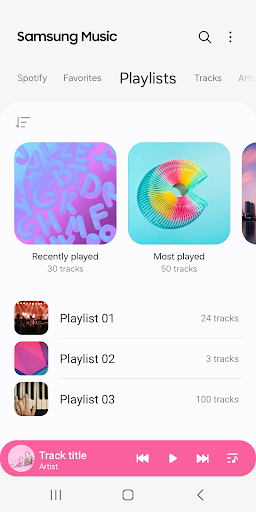
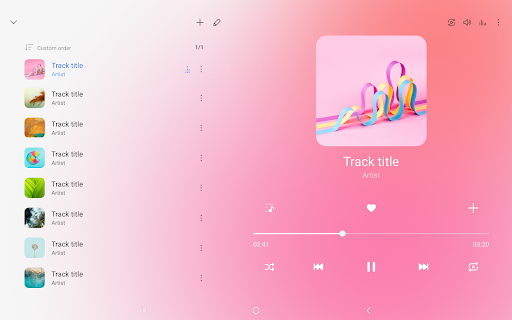
The user interface in Samsung Music is designed to be clean and intuitive, providing a smooth navigation experience. When you open the app, the home screen displays your recently played songs, giving you instant access to your favorites. This simplicity ensures that even new users can get started without a steep learning curve.
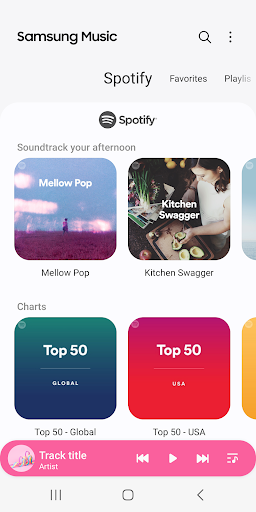
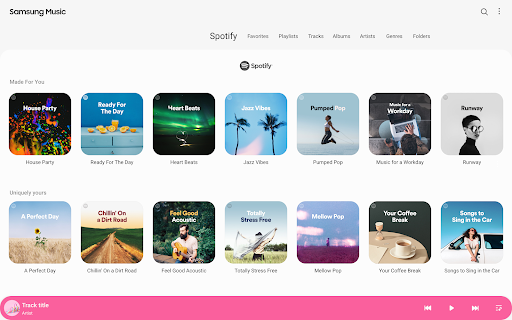
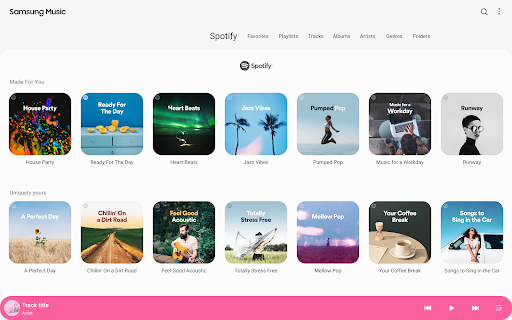
Additionally, Samsung Music offers integration with Spotify. Through the dedicated Spotify tab, you can explore playlist recommendations and search for music to add to your collection. Please note that the Spotify feature is available only in countries where Spotify operates.
Enhanced User Experience
The app features an Auto Playlist function that generates playlists based on your listening history, offering a personalized touch to your music experience. For those who love customization, Samsung Music also provides various themes to match your mood or style.
In terms of performance, the app runs smoothly, with swift transitions between tracks and quick navigation. Even with a large music library, the responsiveness remains high, guaranteeing an uninterrupted listening experience. Battery optimization is another notable feature—you can enjoy hours of music playback without significant battery drain, making it ideal for long trips or extended sessions.
Permissions and Settings
Samsung Music requires certain app permissions for full functionality. The mandatory permission includes access to Music and Audio (Storage), which enables the app to store and read music files on your device, including those on your SD card. Optional permissions such as notifications and phone verification in select devices enhance the app’s features, but the core functionalities will work even if these are denied.
Getting Support and Contact Information
For further inquiries or support related to Samsung Music, users are advised to access the app’s More menu, navigate to Settings, and then select Contact US. Please ensure that the Samsung Members app is installed on your device to utilize the contact feature.
Why Samsung Music is a Must-Have for Music Enthusiasts
If music is a constant companion—whether during cooking, driving, or relaxing—Samsung Music elevates your listening experience with its rich features and user-centric design. Its support for a broad spectrum of audio formats ensures your entire music collection is compatible. The integration with Spotify expands your musical horizon, offering access to millions of tracks and personalized playlist recommendations. The app’s sleek interface, coupled with powerful management tools like categorized playlists and auto-curation, makes it easy to discover and enjoy your favorite tunes.
Performance-wise, Samsung Music provides smooth playback and quick responsiveness, even in large libraries. Its battery-efficient design allows you to enjoy hours of continuous music without draining your device’s power, making it perfect for long commutes or outdoor adventures. Whether you prefer high-quality audio or discovering new artists, Samsung Music caters to all preferences with its versatile features and straightforward operation.
Overall, Samsung Music stands out as a comprehensive, reliable, and user-friendly music app that enhances your overall audio experience. If you're seeking a feature-rich and seamlessly integrated music player, Samsung Music is definitely worth trying—possibly becoming your go-to app for all your musical moments.
Pros
- Intuitive user interface
- Supports a wide variety of audio formats
- Seamless compatibility with Samsung devices
- Allows offline music playback
- Offers customizable playlists
Cons
- Restricted to Samsung devices
- Contains advertisements in the free version
- Lacks lyrics display feature
- No built-in equalizer settings
- Sometimes the app crashes unexpectedly











