
Introduction to Google Docs
Google Docs is a versatile and powerful cloud-based word processing app that allows users to create, edit, and collaborate on documents from their Android phones or tablets. Whether you're working solo or with a team, Google Docs provides an intuitive platform designed to streamline your document workflow with real-time collaboration features. With its seamless integration into the Google Workspace ecosystem, Google Docs empowers users to work from anywhere, at any time, making it an essential tool for students, professionals, and teams worldwide.
Key Features of Google Docs
Real-Time Collaboration
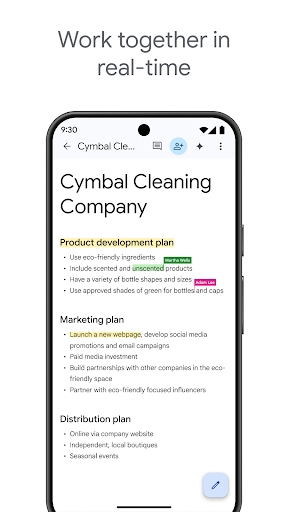
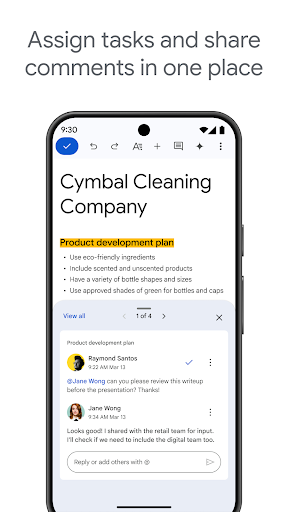
One of the most compelling features of Google Docs is its real-time collaboration capability. Users can share documents effortlessly with colleagues, friends, or family, enabling everyone to edit, comment, and suggest changes simultaneously. This virtual teamwork environment helps eliminate version control issues, as all modifications are automatically saved. Whether working on a project, planning an event, or brainstorming ideas, Google Docs ensures your team stays connected and productive without the need for lengthy email threads or multiple file versions.
Accessibility and Offline Mode
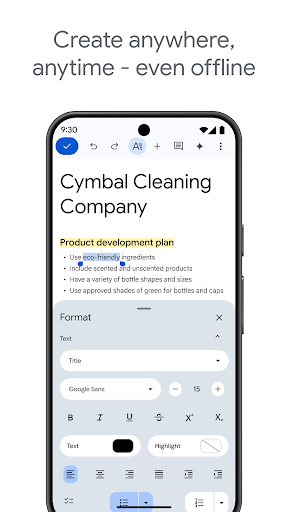
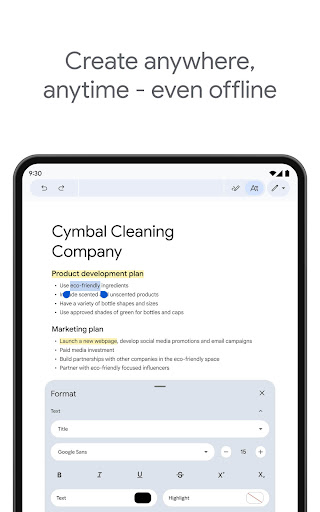
Google Docs excels in offering unparalleled accessibility. You can access your documents from any device with an internet connection—be it your smartphone, tablet, or computer. This flexibility ensures you can work on your documents anytime, anywhere. Additionally, the app features an offline mode that allows you to capture spontaneous ideas and continue working without internet connectivity. Once you're back online, all your changes automatically sync, guaranteeing your work is always up-to-date.
User-Friendly Interface and Rich Tools
Designed with simplicity in mind, Google Docs offers a clean, intuitive interface that is easy for users of all skill levels to navigate. Whether you need to insert tables, charts, or images, all editing tools are conveniently located and straightforward to use. Moreover, Google Docs supports voice typing and boasts an extensive library of add-ons, enhancing productivity and customizing your editing experience. You can easily format text with a variety of fonts, styles, and templates, enabling you to create polished, professional-looking documents without hassle.
Support for Multiple File Types and Integration
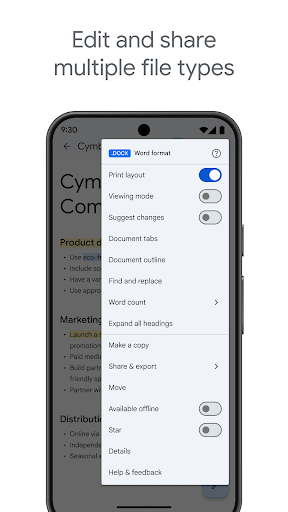
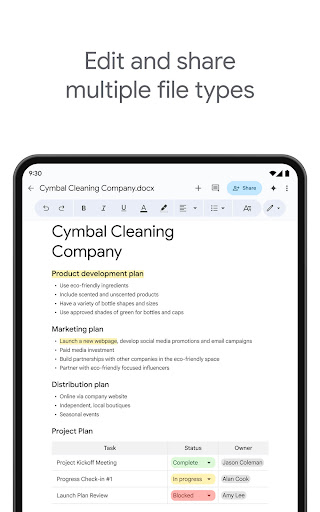
Google Docs is compatible with a broad range of file formats, including Microsoft Word documents. You can open, edit, and save files in different formats seamlessly, reducing friction when collaborating across platforms. Furthermore, the app integrates smoothly with other Google services like Google Drive, Google Sheets, and Google Slides. This integration allows you to import data, create presentations, and manage files within a unified environment, saving time and boosting efficiency.
Enhanced Features for Paid Subscribers
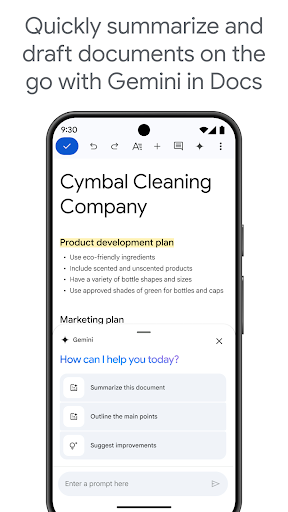
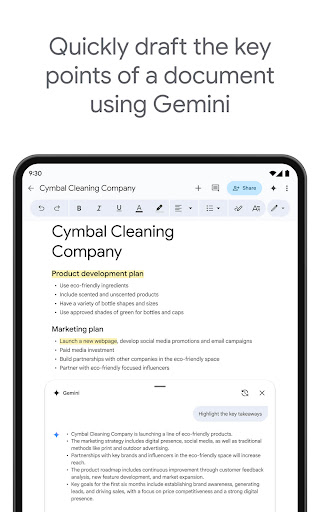
For users subscribed to Google Workspace, Google Docs offers additional functionalities such as AI-powered writing suggestions, quick content drafting using Gemini, and options to create custom images and outlines. These features help users craft more engaging and accurate documents faster, whether you’re drafting blogs, reports, or briefs.
Why Choose Google Docs?
In today’s fast-paced world, having an all-in-one document tool that supports collaboration, accessibility, and rich editing features is invaluable. Google Docs seamlessly combines these capabilities, transforming how individuals and teams handle their document workflows. Its effortless sharing, real-time editing, and cloud-based nature make it a top choice for anyone looking to simplify their word processing experience. From quick notes to comprehensive reports, Google Docs equips you with everything you need to create, edit, and share documents effortlessly.
Learn More and Connect
Discover more about Google Docs and how it can enhance your productivity by visiting the official Google Workspace page. Follow Google Workspace on social media to stay updated with new features and tips:
Pros
- Real-time collaboration with others
- Auto-save feature prevents data loss
- Accessible from any device
- Supports multiple file formats
- Integration with other Google services
Cons
- Limited offline functionality
- Requires a Google account
- Formatting can be inconsistent
- Less powerful than desktop applications
- Privacy concerns related to data storage











