





Discover the Power of Microsoft Outlook: Your Ultimate Personal and Professional Organizer
Microsoft Outlook is more than just an email application — it’s a comprehensive tool designed to streamline your digital life. Whether juggling work emails, personal messages, or school notifications, Outlook provides a secure, intuitive platform to manage everything seamlessly. With its all-in-one approach to emails, calendars, contacts, and files, Microsoft Outlook is the ideal solution for staying organized and productive on the go.
Seamless Multi-Platform Experience
One of the standout features of Microsoft Outlook is its ability to work flawlessly across various devices and operating systems. Whether you're using an Android smartphone, an iPhone, or desktop computers running Windows or macOS, Outlook ensures your data is synchronized and accessible everywhere. You can start composing an email on your mobile device and finish it on your laptop without missing a beat—making your workflow smooth and uninterrupted. This cross-platform compatibility turns Outlook into your personal assistant that’s available 24/7.
Smart Email Organization for Enhanced Productivity
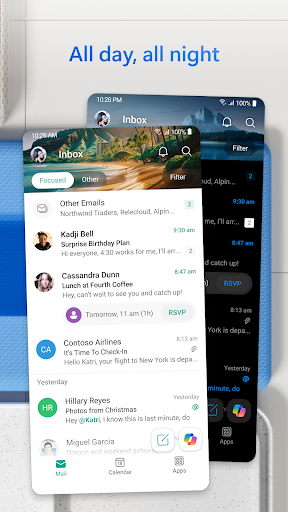
Managing a cluttered inbox can be overwhelming. Outlook addresses this with intelligent email organization features such as the Focused and Other inbox filters, which automatically sort your messages based on importance. This means urgent emails catch your eye instantly, while less critical ones stay out of the way. The app also allows you to flag important messages for follow-up or pin them to the top of your inbox, ensuring critical communications are never missed. Swipe gestures enable quick deletion, archiving, or moving emails to designated folders, helping you cut through daily noise with ease.
Comprehensive Calendar and Scheduling Tools
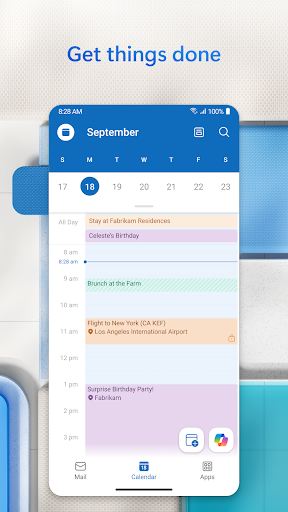
Your schedule is crucial for staying productive, and Outlook’s powerful calendar features make planning effortless. View multiple calendars side by side, color-code events for clarity, and set reminders so you never forget an appointment. You can easily create and join online video calls directly from your calendar interface using popular providers like Microsoft Teams, Zoom, or Skype. RSVPs and personal comments can be sent directly from your inbox, streamlining your scheduling process. Whether managing daily tasks or coordinating group projects, Outlook’s calendar keeps everything organized and accessible.
Robust File Management and Integration
Outlook simplifies file sharing by allowing you to attach documents, photos, or videos directly from your Files list, OneDrive, or your device gallery. You can open Microsoft Word, Excel, or PowerPoint documents right from your inbox for quick edits or reviews. Its integration with other Microsoft 365 applications enhances productivity by enabling real-time collaboration and editing, saving you valuable time and effort. Recent attachments are easily accessible within Outlook, and linked files from cloud storage make sharing seamless.
Personalized Productivity Features Powered by Intelligence
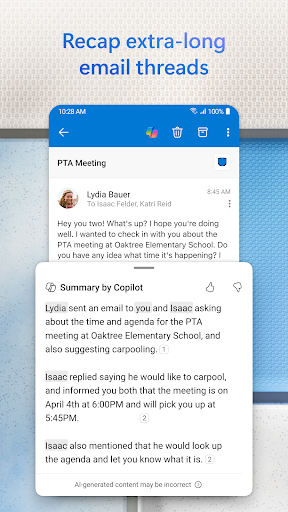
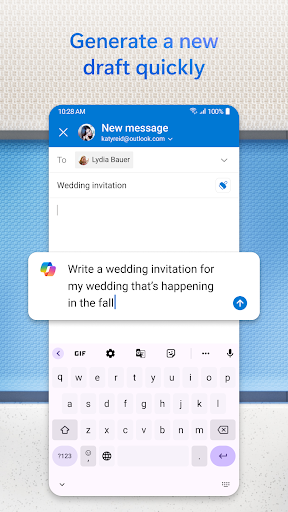
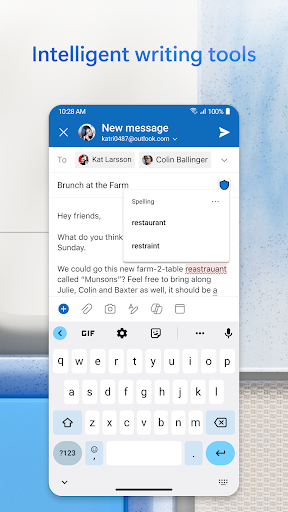
Outlook employs advanced AI-powered features to enhance your efficiency. Group similar emails and conversations together for easier tracking of ongoing topics. Use voice commands to find contacts, emails, or attachments swiftly, and respond quickly with suggested replies. The Play My Emails feature allows you to listen to your inbox hands-free, perfect for when you're on the move. These smart tools help you stay focused and keep your digital communication flowing smoothly.
Enhanced Security and Privacy Measures
Security is a top priority with Microsoft Outlook. The app includes enterprise-grade security features to safeguard your data from viruses, phishing attacks, and spam. Encrypted email options prevent sensitive information from being forwarded without permission. Outlook’s robust security measures ensure your files and communications remain private and protected against cyber threats.
Supported Email Accounts and Compatibility
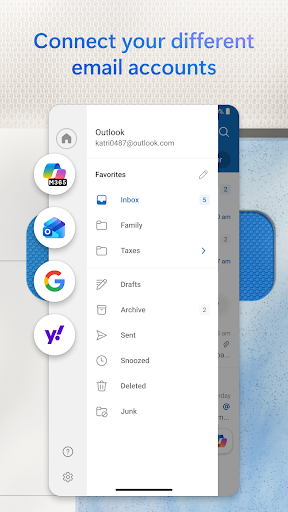
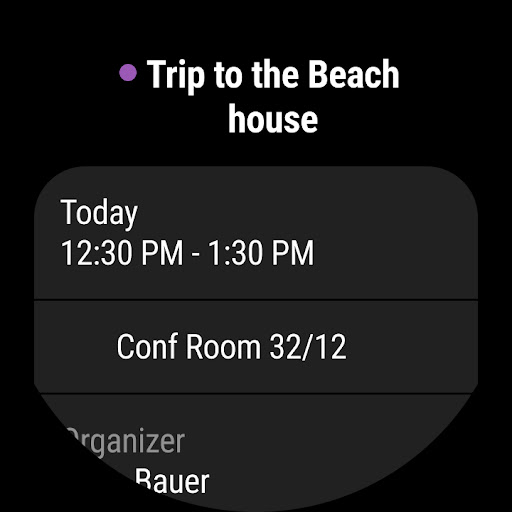
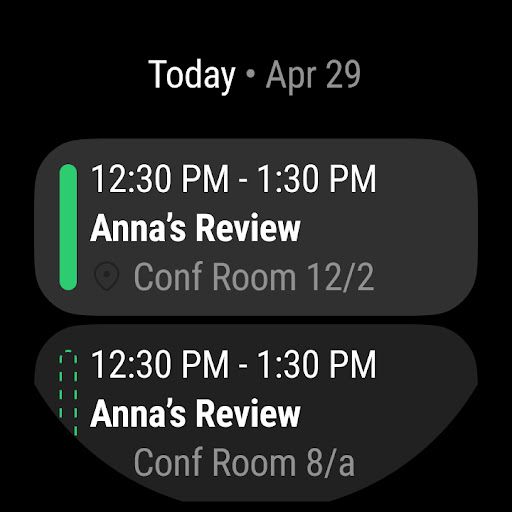
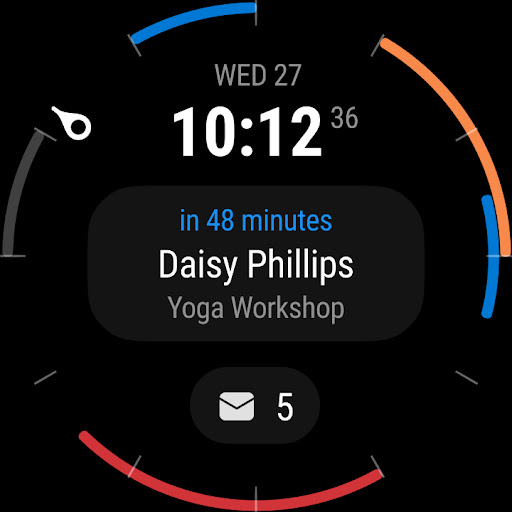
Outlook supports a wide range of email services, including Microsoft Exchange, Microsoft 365, Outlook.com, Gmail, Yahoo Mail, iCloud, and other IMAP or POP3 accounts. This extensive compatibility enables you to centralize all your email accounts into one unified platform. Additionally, Outlook offers a companion app for Wear OS, providing quick access to your emails and calendar right from your smartwatch.
Final Thoughts: Your All-in-One Digital Organizer
In summary, Microsoft Outlook is an indispensable tool for anyone looking to stay organized, productive, and secure. Its seamless integration across devices, intelligent email filtering, comprehensive calendar management, and powerful security features make it stand out as a leading email and personal information management app. Whether managing business communications or personal schedules, Outlook acts as your digital Swiss Army knife, simplifying complex tasks into manageable actions. Embrace Outlook today and experience a more organized, efficient digital life for yourself.
Pros
- User-friendly interface
- Seamless email integration
- Robust calendar features
- Cross-platform availability
- Strong security measures
Cons
- Occasional synchronization issues
- Limited customization options
- Resource-heavy on devices
- Advertisements in the free version
- Challenging setup for new users











