
Google Sheets
Google Sheets is a versatile and user-friendly spreadsheet application that empowers users to create, edit, and collaborate on spreadsheets directly from their Android phones or tablets. As part of Google Workspace, Sheets offers an efficient platform for managing data, making it an ideal choice for students, professionals, and teams of all sizes.
Features of Google Sheets
Ultimate Flexibility and Productivity
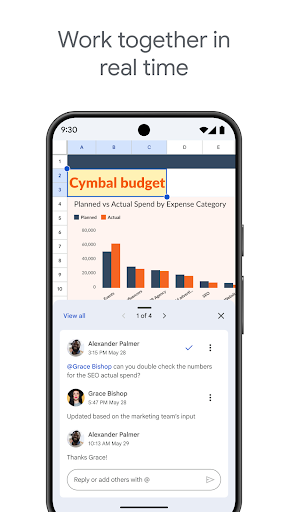
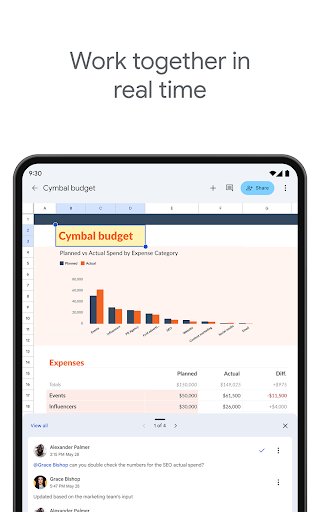
With Google Sheets, users can effortlessly create new spreadsheets or edit existing files. The application enables real-time collaboration, meaning multiple users can work on the same spreadsheet simultaneously, share ideas through comments, and see updates instantly. This feature is particularly useful for teams working remotely or on-the-go, as it facilitates seamless teamwork without the need for sending multiple versions of a file.
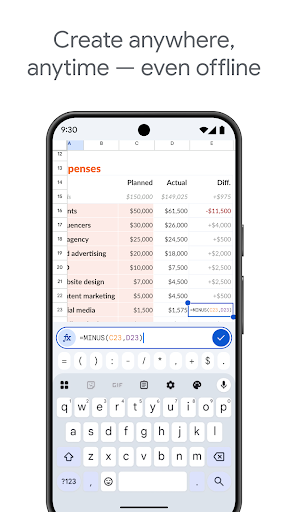
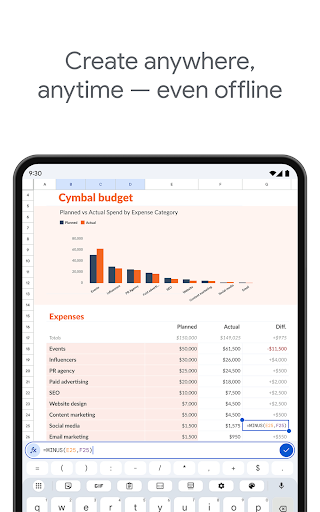
Google Sheets also allows you to work anywhere, anytime, offering offline capabilities so you can continue editing even without an internet connection. Everything is automatically saved, ensuring your data remains secure and up-to-date. The app’s smart suggestions help you quickly get insights, insert charts, and apply formatting, making data management more efficient.
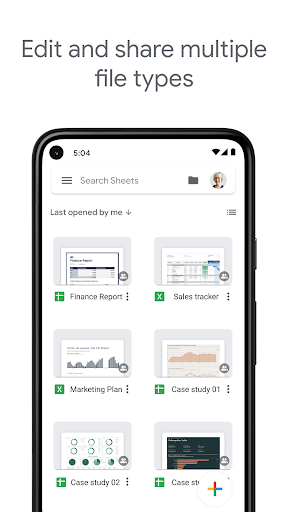
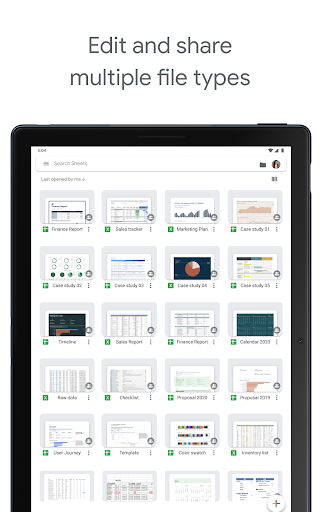
Beyond core functionalities, Google Sheets supports adding formulas, sorting data, and viewing charts. You can also perform find and replace operations easily, further enhancing your workflow. Additionally, the app can open, edit, and save Excel files, providing flexibility to work across different spreadsheet formats seamlessly.
Integration with Google Workspace
As part of Google Workspace, Google Sheets integrates smoothly with other productivity tools like Google Forms and Google Slides. This integration enhances data collection and presentation, streamlining your entire workflow. Google Workspace subscribers enjoy advanced features such as easy collaborator addition, real-time change tracking, notifications for edits, and integrated chat within spreadsheets.
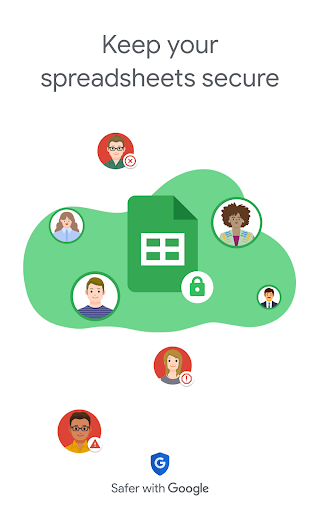
For organizations prioritizing data security, Google Sheets offers enterprise-grade security controls. You can also analyze data from other business-critical tools and even build custom solutions tailored to your unique needs. Whether you’re working on a simple project or managing complex data sets, Google Sheets is designed to scale with your requirements.
More about Google Workspace and its capabilities can be explored through their official website.
The Experience of Using Google Sheets
Getting Started and User Interface
Google Sheets is free and accessible with just a Google account. Available on both Android and iOS devices, installation is straightforward. Once set up, you'll be greeted with an intuitive interface that resembles familiar spreadsheet software. The toolbar offers essential options for formatting cells, entering data, and creating advanced functions like pivot tables and charts.
The interface is designed to be approachable, whether you’re a seasoned spreadsheet user or a beginner. Continuous updates ensure you always have the latest features at your fingertips.
Collaboration and Sharing
The standout feature of Google Sheets is its real-time collaboration. You can share your spreadsheets with colleagues and friends, allowing multiple users to edit or comment simultaneously. This fosters teamwork and idea-sharing, whether you're working on a business report, academic project, or personal budget. All changes are automatically saved, and you can view a history of edits to track modifications or restore previous versions.
Mobile Experience
The mobile app offers a robust yet simple experience. Designed for touch, it enables quick edits, data viewing, and simple formatting on the go. Although it may not match the desktop version’s depth for complex tasks, it’s perfect for light editing and review during travel or meetings.
Conclusion
In summary, Google Sheets is an essential tool for anyone seeking efficient data management and real-time collaboration. Its combination of ease of use, powerful features, and tight integration with Google Workspace makes it a top choice for students, professionals, and teams. Whether you're organizing personal projects or managing business data, Google Sheets provides the flexibility and functionality needed to succeed. Give it a try today and transform how you work with spreadsheets!
Pros
- Facilitates real-time collaboration, boosting productivity
- Offers a wide range of formula options for calculations
- Accessible from any device connected to the internet
- Integrates seamlessly with other Google services
- Automatically saves progress to prevent data loss
Cons
- Limited offline access and functionality
- Less feature-rich compared to desktop spreadsheet applications
- Raises privacy concerns due to cloud storage of data
- Complex features may be confusing for new users
- Relies heavily on stable internet connectivity











