



Introduction to Microsoft 365 Copilot
Features of Microsoft 365 Copilot
Unified Productivity Suite
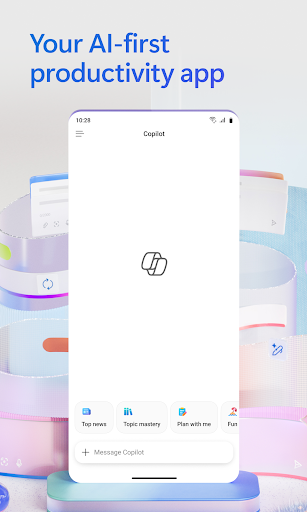
Once you sign in with your work, school, or personal Microsoft account, you gain access to a versatile desktop application that consolidates your favorite Office tools. Previously known as the Microsoft 365 (Office) app, this platform simplifies your workflow by integrating Word, Excel, PowerPoint, and Copilot into one intuitive environment.
Intelligent AI Assistance with Copilot Chat
The Copilot Chat feature offers a simplified chat experience where you can ask questions, generate drafts, and streamline tasks with AI guidance. Available for Microsoft 365 Enterprise, Academic, SMB, Personal, and Family subscriptions, Copilot Chat helps accelerate your productivity by providing smart responses and content creation support tailored to your needs.
Enhanced Document Creation and Editing
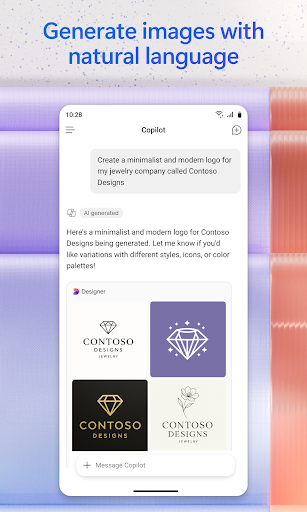
Use Word to craft professional documents, resumes, or reports with a variety of templates. The PowerPoint tool features options like Presenter Coach for practicing your presentations and creating engaging slides. Manage your finances effectively with Excel and its spreadsheet templates. Additionally, Designer utilizes AI to help you generate stunning designs or edit photos quickly—note that Designer is available only for personal accounts, requiring a Microsoft 365 Personal and Family subscription to access premium features.
PDF Handling and Cloud Integration
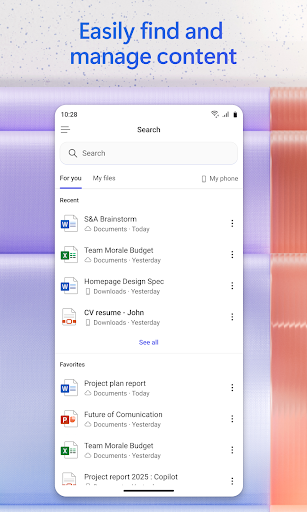
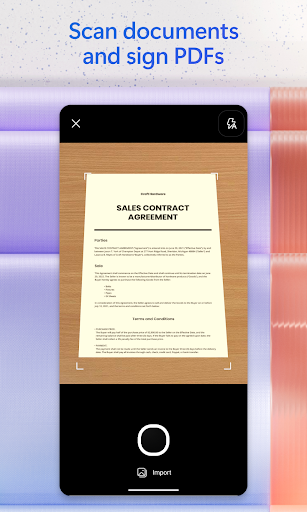
With built-in PDF capabilities, you can scan, convert, and edit PDFs directly within the app. The PDF Reader allows you to view, access, and sign PDFs with ease. Your files are automatically saved and synchronized to your preferred cloud storage, such as OneDrive, SharePoint, or third-party services, ensuring your documents are accessible across multiple devices anytime, anywhere.
Subscription, Privacy, and Security
Microsoft 365 operates on a subscription model, billed monthly through your App Store. Subscriptions are set to renew automatically unless you disable auto-renewal beforehand. By subscribing, you unlock access to premium features, regular updates, and dedicated support.
This application is offered by Microsoft or authorized third-party publishers and is governed by specific Terms of Service and privacy policies. Your data may be transferred and stored in locations worldwide, including the United States, to provide optimal service security and functionality.
Advanced security features like multi-factor authentication and threat detection help safeguard your information, making Microsoft 365 Copilot a reliable choice for sensitive work or personal data.
Why Choose Microsoft 365 Copilot?
Pros
- Seamless integration with Windows
- Cloud-based collaboration capabilities
- Enhanced security features
- Regular updates introducing new functionalities
- Accessible from multiple devices
Cons
- Full features require a subscription
- Can be costly for individual users
- Certain features depend on internet connectivity
- User interface may be complex for beginners
- Limited offline capabilities











