

Microsoft Excel: Spreadsheets Overview
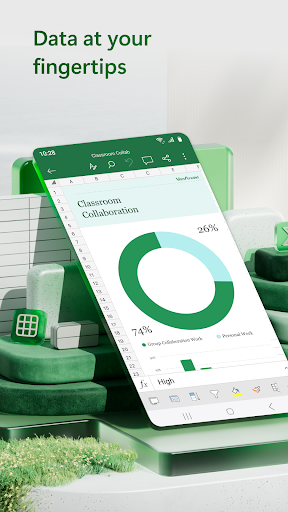
If you're looking for a versatile tool to handle budgeting, data analysis, chart creation, and more, Microsoft Excel: Spreadsheets is your ultimate solution. Available on Android and iOS devices, this app brings the full power of Excel right to your fingertips, transforming your mobile device into a portable spreadsheet powerhouse.
Whether you're managing personal finances, analyzing complex data trends, or organizing a project, Excel's intuitive interface and comprehensive features make it easier than ever. With built-in support for creating, viewing, editing, and sharing files, charts, and data, the app allows users to seamlessly collaborate and stay productive on the go.
Core Features of Microsoft Excel: Spreadsheets
Spreadsheets & Calculations
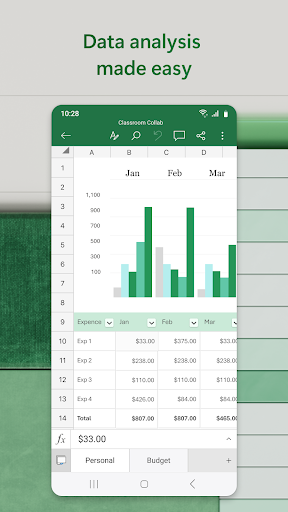
Excel enables you to create dynamic spreadsheets for budgets, task lists, accounting, and financial analysis using modern templates. The app provides an accounting calculator and data analysis tools, allowing you to perform calculations with familiar formulas across any device. Enhanced formatting options make your workbook sheets and charts easier to read and visually appealing.
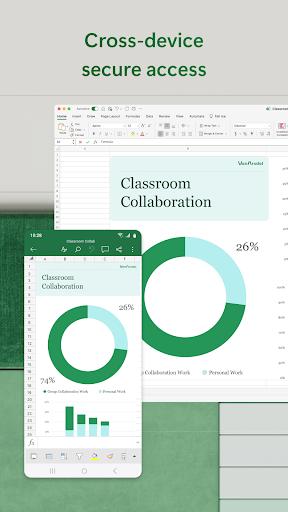
With consistent features and formulas supported on all platforms, you can confidently edit documents while on the move, ensuring your data is always up-to-date.
Budgeting, Expense Tracking & Financial Management
Stay on top of your finances with dedicated tools like •Budget Template and •Budget Planner that simplify calculating your financial needs. The •Budget Tracker helps you monitor expenses and save money, while the app can double as a personal tax calculator or financial estimator, making it a comprehensive app for managing your •financial needs.
Data Analysis & Visualization
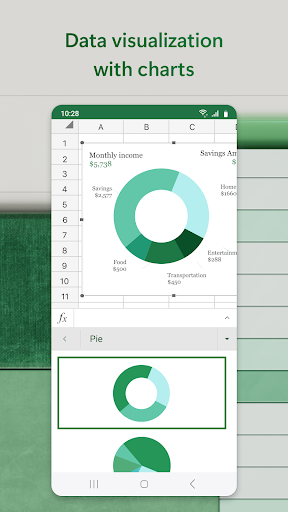
Transform raw data into meaningful insights with the built-in chart maker—edit, annotate, and insert charts effortlessly. Add and customize labels, highlight key insights using editing tools, and generate •Pivot Charts for clear data visualization. These features support easy data digestion, facilitating smarter decision-making.
Review, Edit, and Collaborate
Advanced Editing & Personalization
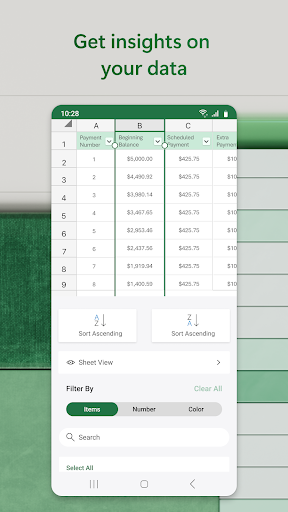
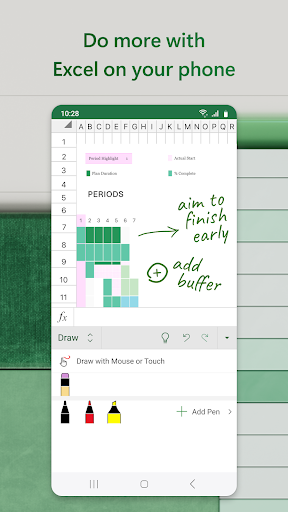
The file editor allows you to modify documents, charts, and formulas directly from your device, regardless of your location. Features like sorting, filtering columns, creating shapes, and adding equations—especially on touch-enabled devices—enhance your ability to customize and annotate worksheets effectively.
Cloud Sharing & Collaboration
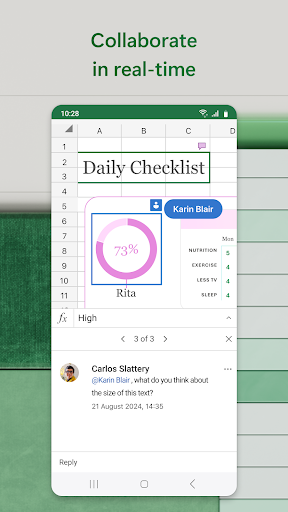
Share files quickly with friends or team members through simple taps, inviting others to view, edit, or comment. Whether you're editing within an email or sharing a link, collaboration has never been easier. This connectivity ensures you can •collaborate seamlessly on projects with colleagues or classmates from anywhere in the world.
Why Choose Microsoft Excel: Spreadsheets?
This app is not just a basic spreadsheet tool; it’s a complete expense manager, chart maker, budget planner, and productivity enhancer. Its user-friendly design coupled with advanced features like pivot tables, data visualization, and real-time collaboration makes it ideal for a wide range of users—from students to small business owners.
Enjoy the benefits of extensive formatting tools, customizable templates, and seamless integration with other Microsoft Office apps and cloud services like OneDrive. Whether you’re handling simple task lists or complex financial models, Microsoft Excel: Spreadsheets equips you to manage your data efficiently and effectively.
For full functionality, a Microsoft 365 subscription unlocks the complete experience, enabling additional features across multiple devices. With its powerful tools and connectivity options, this app is your all-in-one solution for modern data management and analysis.
So, if you haven't yet explored the capabilities of Microsoft Excel on your mobile device, now is a perfect time to start. Boost your productivity and organize your data like a pro with this comprehensive spreadsheet app.
Pros
- Comprehensive spreadsheet features
- Seamless collaboration tools
- Cross-platform compatibility
- Extensive formula library
- Robust data analysis tools
Cons
- Steep learning curve for beginners
- Requires Microsoft 365 subscription
- Occasional performance issues
- Complex for basic tasks
- Limited mobile functionality











