
Introduction to Google Slides
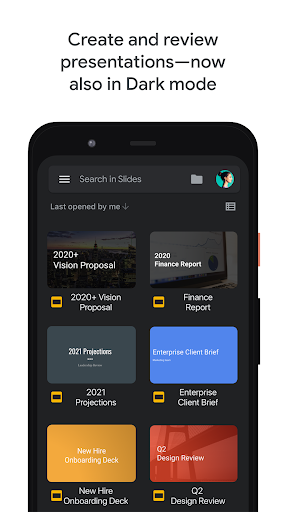
Google Slides is a powerful and versatile presentation tool that allows users to create, edit, and collaborate on presentations directly from their Android phones or tablets. Whether you're a student, a professional, or someone who loves sharing ideas visually, Google Slides offers an accessible platform to craft stunning slideshows on the go. Its seamless integration with Google Workspace makes it easy to work from any device—be it a PC, Mac, or mobile device—and collaborate with team members in real-time.
Main Features of Google Slides
Easy Creation and Editing
Google Slides provides an intuitive interface that simplifies the process of creating presentations. You can start fresh with a blank slide deck or choose from a vast selection of templates designed to suit different themes and styles. The app allows you to add and rearrange slides, format text and shapes, and incorporate images, videos, and drawings effortlessly. All your work is saved automatically in the cloud, so there's no need to worry about losing progress.
Real-Time Collaboration
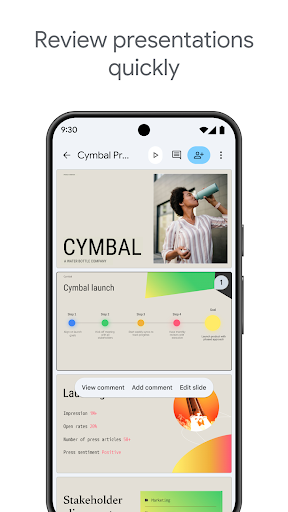
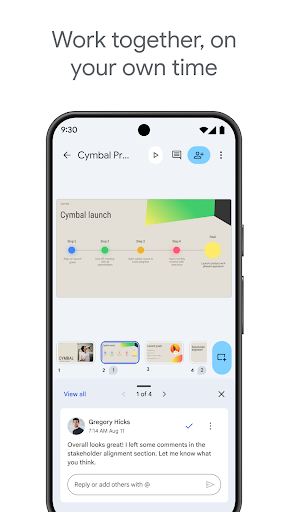
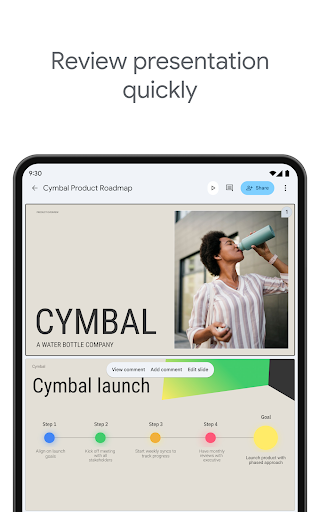
One of the standout capabilities is the collaboration feature. Multiple users can work on the same presentation simultaneously, seeing each other's changes in real-time. This makes group projects and team meetings much smoother. Additionally, the comment feature enables users to add feedback or suggestions without altering the main content, streamlining the review process.
Offline Accessibility
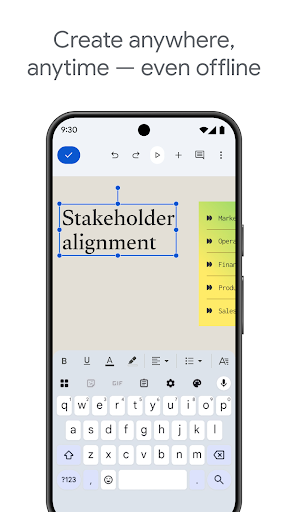
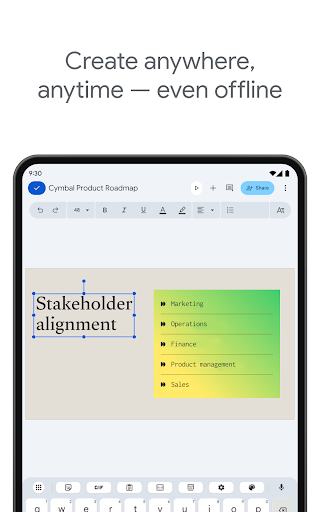
Life isn't always predictable, and internet disruptions can hinder your workflow. Google Slides addresses this with its offline mode. You can edit your presentations without an internet connection, and everything will sync back online once you're reconnected, ensuring productivity no matter where you are.
Presentation and Sharing
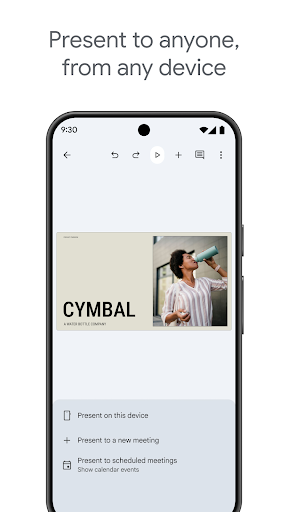
Present directly from your mobile device, whether you're in a meeting or sharing your ideas remotely. Google Slides also supports scheduling video calls and automatically integrates upcoming scheduled meetings. Sharing options are flexible—control who can view, comment, or edit, making teamwork accessible and secure.
Compatibility with PowerPoint
If you've previously worked with PowerPoint, you'll appreciate that Google Slides can open, edit, and save PowerPoint files (.pptx). This compatibility eases the transition and ensures seamless workflow between different presentation platforms.
Advanced Collaboration and Customization with Google Workspace
Google Slides is an integral part of Google Workspace, which is a suite designed for teams of all sizes to communicate, create, and coordinate effortlessly. Subscribers have access to additional features such as:
- Collaborative editing with team members or external contacts, with permission controls for edit, view, or comment.
- Creating captivating presentations using various templates, videos, images, and smooth transitions to enhance storytelling.
- Working seamlessly across devices—view or present your slides from a computer, mobile, or tablet, providing flexibility to practice or deliver your presentation anytime, anywhere.
Learn more about Google Workspace and unlock the full potential of Google Slides for your team or personal projects.
Additional Features and Permissions
Google Slides requires certain permissions to function smoothly, including:
- Calendar: To join video calls from calendar invites.
- Camera: For camera mode in video calls and inserting images taken with your camera.
- Contacts: To suggest people to add or share files with.
- Microphone: To transmit audio during video calls.
- Storage: To insert images or open files from USB or SD storage.
Conclusion
If you're looking for an easy-to-use yet robust presentation application, Google Slides is an excellent choice. Its seamless collaboration, variety of templates, and cross-platform support make it ideal for both professional and personal projects. Whether you're preparing for a business meeting, a classroom presentation, or simply sharing your ideas creatively, Google Slides provides all the tools you need to make beautiful slideshows quickly and efficiently.
So, give it a try and experience the convenience of creating captivating presentations anytime, anywhere. Happy presenting!
Pros
- User-friendly interface for easy navigation.
- Seamless integration with Google Drive.
- Real-time collaborative editing.
- Wide variety of templates available.
- Accessible from any device.
Cons
- Limited offline capabilities.
- Requires a Google account for usage.
- Occasional synchronization problems.
- Limited advanced features.
- Does not include some high-level editing tools.











