


Discover the Power of Microsoft OneDrive: Your Ultimate Cloud Storage Solution
In today's digital world, managing and safeguarding your files is more important than ever. Microsoft OneDrive stands out as a versatile and reliable cloud storage platform designed to keep your photos, videos, and essential files secure, accessible, and synchronized across all your devices. Whether you're a student, professional, or casual user, OneDrive offers a seamless experience, integrating effortlessly with the Microsoft ecosystem and providing robust security features to protect your valuable data.
Seamless Integration with Microsoft Ecosystem
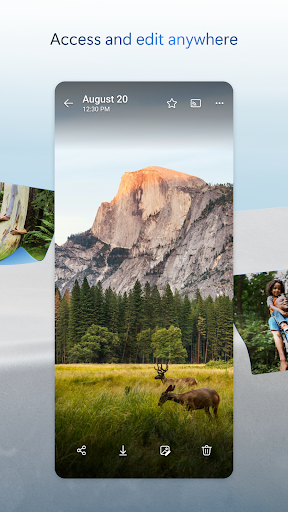
One of the key advantages of Microsoft OneDrive is its tight integration with Microsoft Office apps like Word, Excel, PowerPoint, and OneNote. This integration allows users to edit documents directly from the cloud without the need for constant downloads and uploads. It’s as if you have a personal assistant that ensures your files are always up-to-date and ready to use. Collaborate in real-time with colleagues or classmates, making teamwork more efficient than ever. The synchronization of files across devices means you can start editing on your phone during a commute and finish on your desktop at work seamlessly.
Robust Features for Storage, Sharing, and Security
< forts>
Back Up Photos & Videos
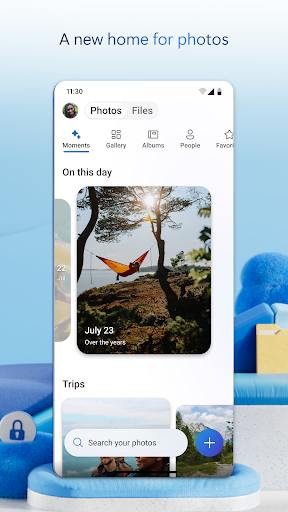
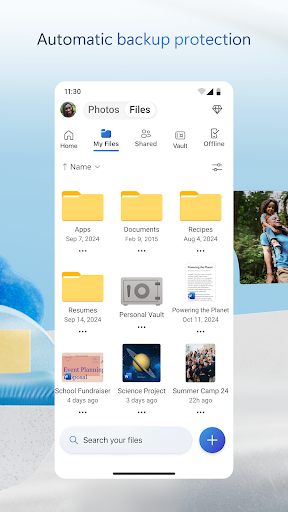
With OneDrive, automatic backup of your photos and videos is simple. Enable Camera Upload to securely store your media, find images easily through automatic tagging, and view and share content on your phone, computer, or online. The free storage begins at 5 GB, but you can upgrade to a Microsoft 365 subscription for up to 1 TB of space, ideal for users with larger media libraries and documents.
< forts>File Sharing & Collaboration
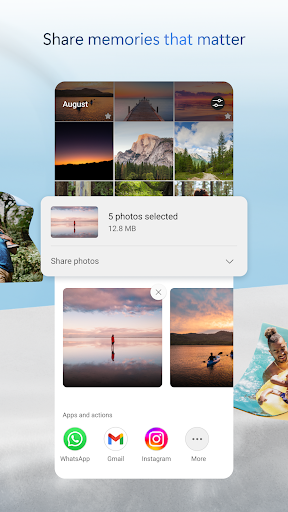
Sharing files with friends, family, or colleagues is effortless. You can send secure links that are password-protected or that expire after a set period, enhancing security for sensitive content. Notifications alert you when shared files are edited, keeping everyone on the same page. It’s easy to share photos, videos, and folders, and collaborate in real-time on Office documents, making teamwork more engaging and productive.
< forts>Enhanced Security Features
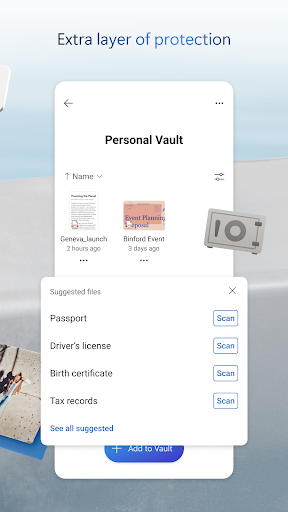
Security is a top priority with OneDrive. All files are encrypted both at rest and during transit. The Personal Vault gives you an extra layer of protection where you can store important files, requiring identity verification for access. Other security measures include ransomware detection, version history for restoring previous file states, and secure sharing links to prevent unauthorized access.
Advanced Document Management & Search Capabilities
< forts>
Document Scanning & Editing
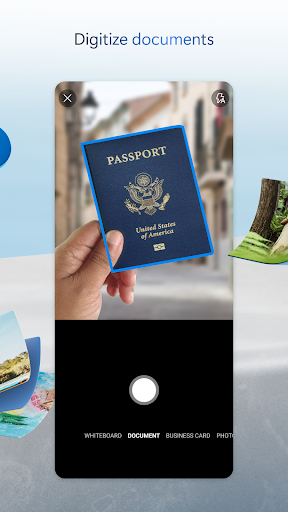
The mobile app allows you to scan, sign, markup, and send documents instantly. Keep sensitive documents safe within secure folders, ensuring peace of mind. Additionally, search features enable you to find photos based on their content, such as beach or snow scenes, and locate documents quickly by name or embedded content.
< forts>Smart Search & Organization
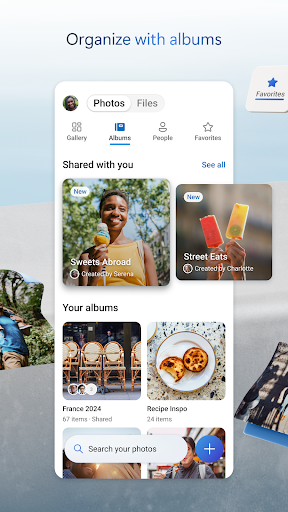
Find your files effortlessly with intelligent searching capabilities. Whether searching for a specific photo, document, or project, OneDrive’s search feature recognizes content, making file retrieval fast and efficient.
Flexible Storage Plans for Every User
Starting with a generous free plan offering 5 GB, Microsoft OneDrive provides affordable subscriptions to suit different needs. The Microsoft 365 Personal plan begins at $6.99/month in the US, offering 1 TB of storage, while the Family plan supports up to 6 users with shared storage. These plans unlock premium features like password-protected sharing, ransomware recovery, and the ability to share more content daily. Subscribers also enjoy access to the full suite of Microsoft Office applications and the ability to collaborate seamlessly.
Why Choose Microsoft OneDrive?
In essence, Microsoft OneDrive is more than just a cloud storage service—it is a comprehensive productivity tool that enhances your digital life. Its deep integration with Microsoft’s productivity apps, combined with powerful security measures and flexible storage options, makes it an ideal choice whether you’re managing personal files or collaborating professionally. With features like automatic backup, secure sharing, and intelligent search, OneDrive helps you stay organized, productive, and secure—no matter where you are or what device you use. Embrace the convenience and reliability of OneDrive and experience the future of cloud storage today.
Pros
- Seamless integration with Windows OS.
- Offers a generous free storage tier.
- Supports maintaining file version history.
- Provides strong collaboration features.
- Accessible across multiple devices.
Cons
- Limited options for offline access.
- Paid plans may be expensive.
- Requires a stable internet connection for synchronization.
- Periodic synchronization issues have been reported.
- Privacy concerns regarding data storage.










