

Discover the Power of Microsoft SwiftKey AI Keyboard
If you're searching for a smarter, faster way to type on your smartphone, the Microsoft SwiftKey AI Keyboard stands out as a top choice. More than just a traditional keyboard, it transforms your typing experience by learning your unique style and adapting to your preferences. With its intelligent features and extensive customization options, SwiftKey makes communicating more effortless and fun.
Key Features of Microsoft SwiftKey
AI-Powered Predictions & Personalization
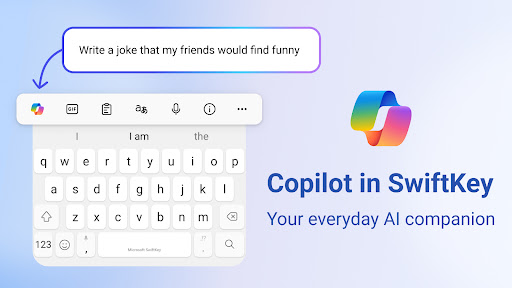
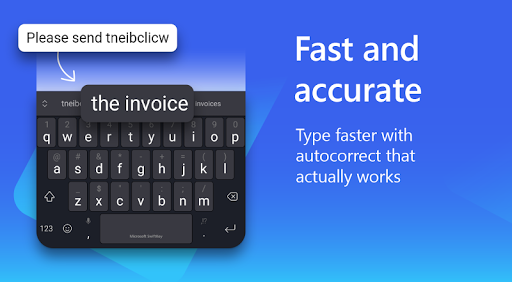
Microsoft SwiftKey uses advanced artificial intelligence to provide highly accurate predictive text suggestions. Unlike standard keyboards, it learns from your writing habits—embracing your slang, nicknames, and favorite emojis. This personalized approach allows you to type faster with fewer errors, making your conversations feel natural and effortless.
Seamless Swipe & Multi-Modal Typing
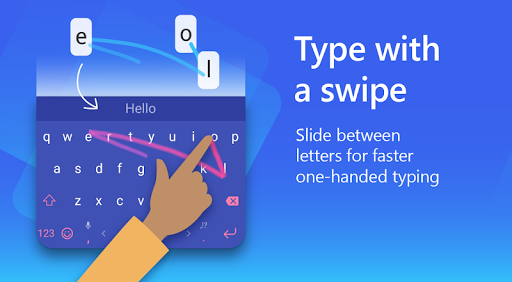
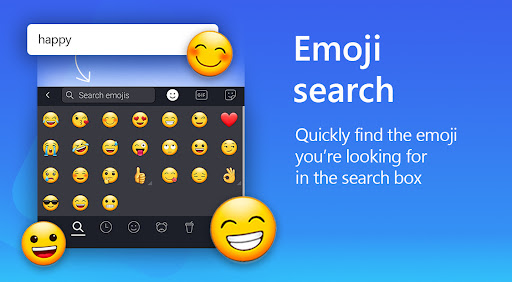
Enjoy the convenience of swipe-to-type—gliding your finger across the keyboard to input text with impressive accuracy. Whether you prefer swipe or tap, SwiftKey supports multiple input methods, ensuring you can Type any way that suits you best. Searching for the perfect emoji, GIF, or sticker is simple with built-in search features, giving your messages more expression.
Rich Content & Expression
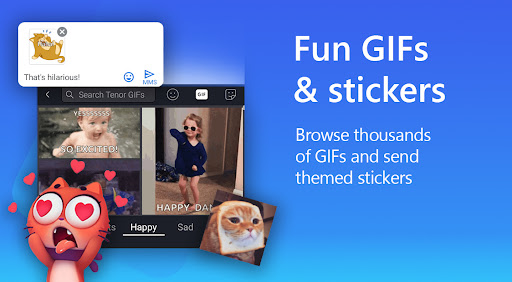
Express yourself fully with a variety of emoji, GIFs, and stickers. The adaptive emoji keyboard learns which emoticons you use most, predicting your reactions across conversations. Plus, you can create unique AI-powered images and memes, helping your chats stand out. These features allow you to add a touch of creativity to every message.
Customization & Personalization
Personalize your keyboard with over 100 colorful themes or craft your own with your photos as backgrounds. You can adjust the keyboard size and layout, making typing comfortable whether you have a large or small device. SwiftKey’s customization options ensure the keyboard matches your unique style.
Multilingual Support
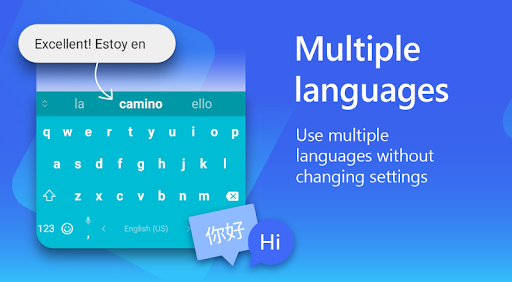
Switch effortlessly between languages—supporting over 700 languages. You can enable up to five languages simultaneously, making multilingual conversations smooth and natural without the need to change keyboards constantly.
Why Choose Microsoft SwiftKey
Many users find typing on smartphones a bit tedious, but with Microsoft SwiftKey AI Keyboard, that frustration fades away. Its ability to learn from your typing habits means your personalized predictions and corrections improve constantly. The intuitive interface, combined with rich customization options, allows you to craft a keyboard experience that truly reflects your style.
Whether you’re looking for faster communication with autocorrect and predictions, or you want to add some flair with custom themes and expressive content, SwiftKey delivers. Its seamless integration with various apps enhances your overall productivity, whether you're texting, emailing, or browsing social media.
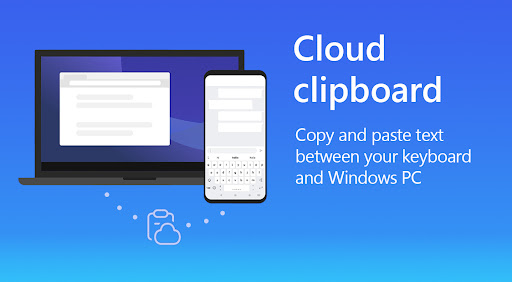
Additionally, features like the built-in translator facilitate quick multilingual conversations, making it a versatile tool for global communication. The clipboard feature helps manage multiple snippets of text, simplifying multitasking during busy messaging sessions.
Final Thoughts
Microsoft SwiftKey AI Keyboard is more than just an app—it's a smart typing assistant that evolves with you. Combining intelligent predictions, customization, and expressive tools, it enhances your digital conversations and makes typing enjoyable. Whether you’re a speed texter or someone who loves personalization, SwiftKey offers a comprehensive solution to improve your messaging experience.
Download Microsoft SwiftKey Keyboard today and discover how it can redefine the way you communicate on your device.
Pros
- Highly customizable keyboard layout
- Seamless integration with Microsoft services
- Advanced AI for accurate predictions
- Supports multiple languages
- Reliable voice typing feature
Cons
- May experience lag on older devices
- Occasional prediction errors
- Limited theme options available for free users
- High battery consumption reported by some users
- Privacy concerns related to data collection











