

Introduction to Google Keep - Notes and Lists
Google Keep - Notes and Lists is a versatile and user-friendly app designed to help you capture your thoughts, create reminders, and organize information effortlessly. Whether you're on the go or at your desk, this app makes it easy to quickly jot down ideas, set location-based alerts, and collaborate with friends and family—making it a must-have tool for anyone seeking to enhance their productivity and stay organized.
Key Features of Google Keep
Easy Note-Taking and Capture Options
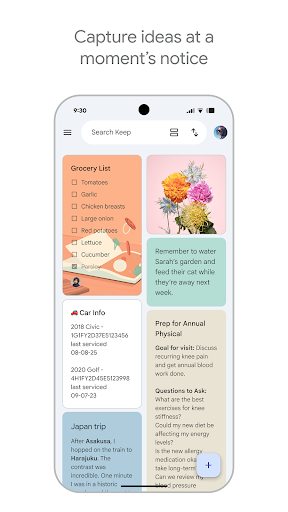
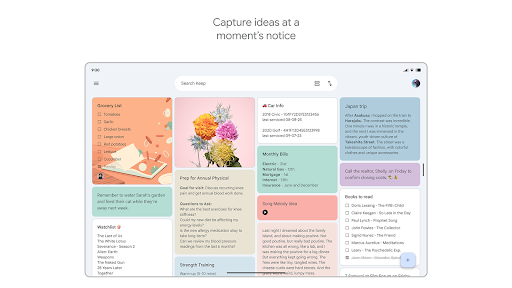
One of the standout features of Google Keep is its ability to quickly capture what’s on your mind. You can add notes, lists, and photos directly within the app. If you're pressed for time, record a voice memo, and Keep will automatically transcribe it for easy reference later. This makes capturing spontaneous ideas or reminders seamless, whether you're commuting, at work, or simply multitasking at home.
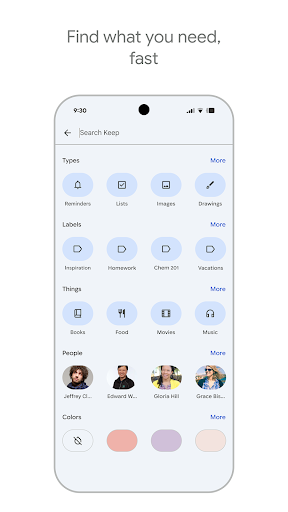
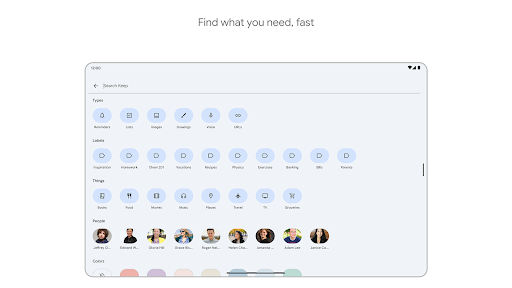
For visual reminders, you can grab a photo of a poster, receipt, or document, and then easily organize or locate it later using the app's search capabilities. The ability to quickly save and search for images helps keep everything accessible and well-organized.
Personalization and Organization Tools
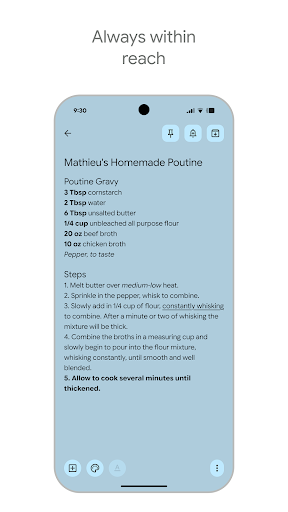
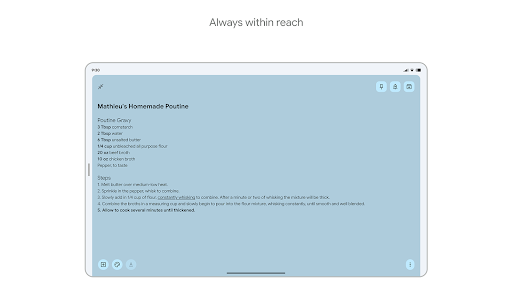
To further boost organization, Google Keep offers options to color-code notes and add labels. This allows you to categorize notes by urgency, project, or topic, making retrieval faster and your workspace tidier. You can also pin notes to your device’s home screen using widgets, ensuring your most important reminders are always within reach.
Sharing and Collaboration
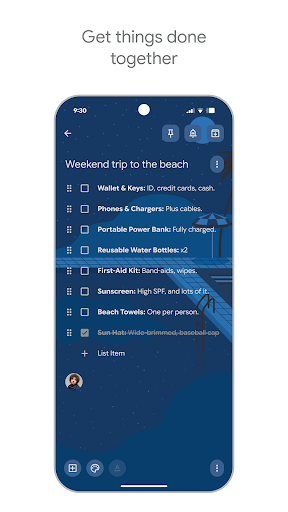
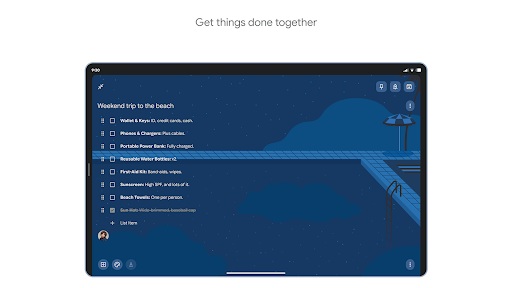
Planning a surprise party or working on a group project? Google Keep makes collaboration simple. You can easily share notes with friends and family, allowing multiple users to view and edit notes in real time. This collaboration feature is perfect for coordinated efforts, offering a straightforward way to stay on the same page with your team or loved ones.
Syncing and Accessibility
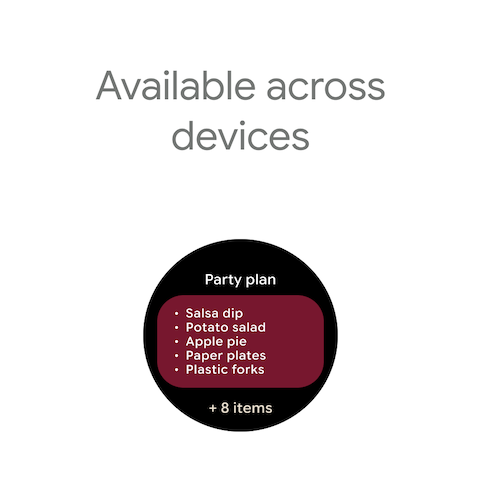
One of Keep's strongest points is its seamless syncing across devices. Whether you’re using it on your smartphone, tablet, or computer, all your notes are automatically updated and available everywhere. This cross-platform consistency ensures your thoughts are always with you, no matter what device you're using.
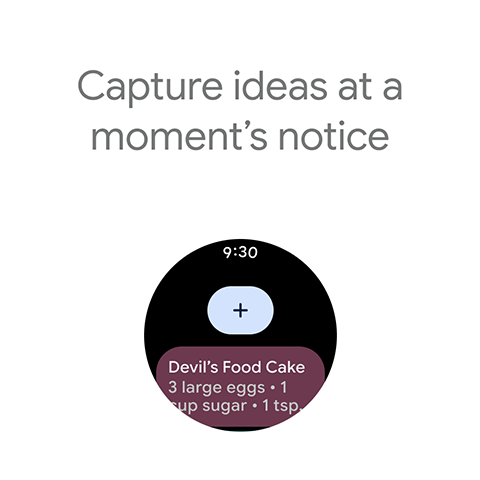
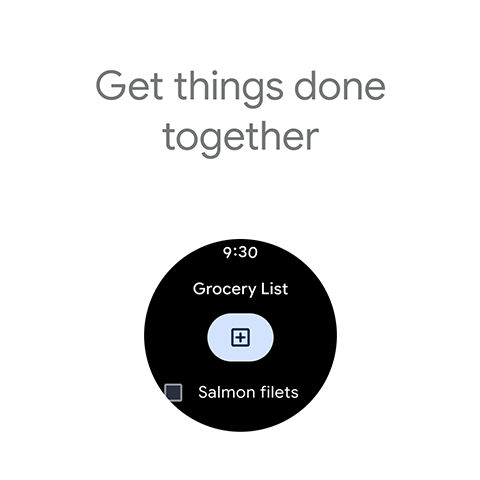
The app is compatible with Wear OS devices as well, allowing users to quickly capture thoughts or set reminders directly from their smartwatches. This omnipresence of Keep makes it an indispensable digital notebook.
Enhanced Reminders and Searching Capabilities
Stay organized with location-based reminders? Google Keep can notify you to pick up groceries right when you arrive at the store. Coupling this with the ability to assign colors and labels makes searching for specific notes effortless. Simply type in a keyword, and Keep will retrieve relevant notes instantly.
Availability and Accessibility
You can access Google Keep anywhere—via the web at http://keep.google.com or through the Chrome Web Store. Its intuitive interface and free cost make it an attractive option for users looking for a powerful yet simple note organization tool.
Helpful Tips for Maximizing Google Keep
If you're someone juggling multiple thoughts and tasks, Google Keep can be your personal digital assistant. By harnessing its ability to create various types of notes and organize them with colors and labels, you can streamline your workflow. Its collaboration features also make it ideal for teamwork and shared planning.
While Keep excels at quick note-taking, it could improve with more advanced formatting options for text notes or task management features. Nonetheless, its ease of use and seamless integration within the Google ecosystem make it an excellent choice for everyday organization.
Conclusion
Google Keep - Notes and Lists is a versatile and efficient app designed to help you capture, organize, and share your thoughts effortlessly. Whether you need simple reminders, collaborative planning, or visual notes, Keep remains a reliable and free companion that adapts to your needs. Try it today and experience a smarter way to stay organized and productive in your daily life.
Pros
- Easy cross-device synchronization
- User-friendly interface
- Supports voice memos and transcription
- Allows handwritten notes
- Enables collaboration with others
Cons
- Limited formatting capabilities
- Does not have a dedicated desktop application
- Basic organizational features
- Lacks offline mode
- Limited options for exporting data











