




Introducing CapCut - The All-in-One Video Editing App
Are you searching for a quick and easy-to-use video editing application that doesn't require a professional filmmaking background? Look no further than CapCut - Video Editor. This versatile app functions as your personal video studio right in your pocket, enabling both beginners and advanced users to create stunning, high-quality videos effortlessly.
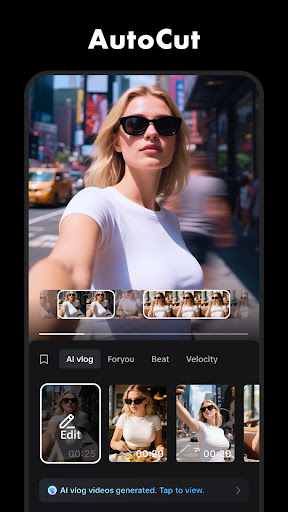
From its intuitive interface to its comprehensive suite of editing tools, CapCut provides everything needed to produce engaging videos optimized for social media platforms such as TikTok, YouTube, Instagram, WhatsApp, and Facebook. Whether you're crafting a quick clip or a detailed project, this app streamlines the editing process with powerful features and simple controls.
Main Features of CapCut
Basic Video Editing Tools
CapCut offers fundamental editing functions that are easy to access. You can trim, shorten, split, and merge clips seamlessly. The app allows you to adjust video speed from 0.1x to 100x, applying speed curves to create dynamic effects. Additionally, you can add zoom in/out animations and use the freeze feature to highlight key moments. Transition effects are available to smoothly connect different clips, enhancing your video's flow.
Advanced Editing Capabilities
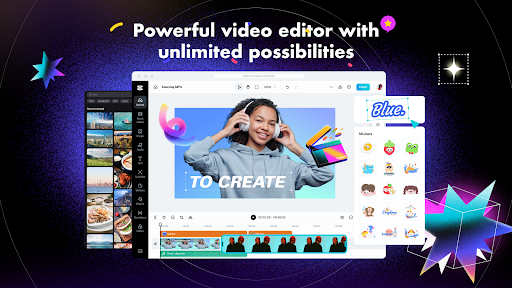
For those seeking more control, CapCut provides keyframe animation across all settings, enabling precise motion control. Create smooth slow-motion videos using the optical flow feature combined with the speed curve tool. The app also incorporates chroma key technology for green screen effects, allowing you to replace backgrounds effortlessly. Its multi-track timeline interface makes arranging and previewing clips straightforward, while the stabilization feature ensures steady footage even with handheld recordings.
Smart and Innovative Features
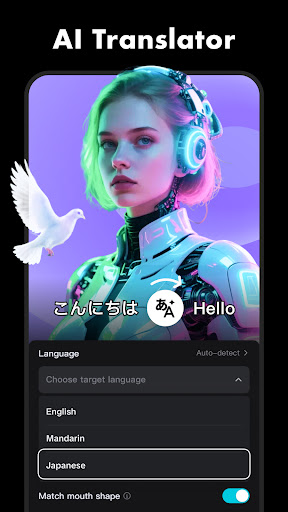
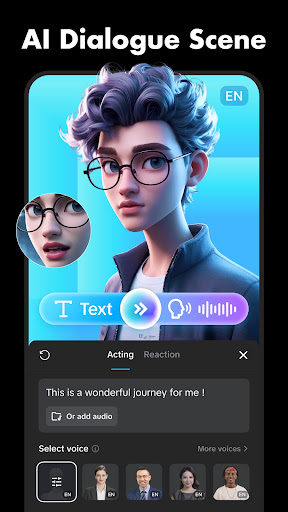
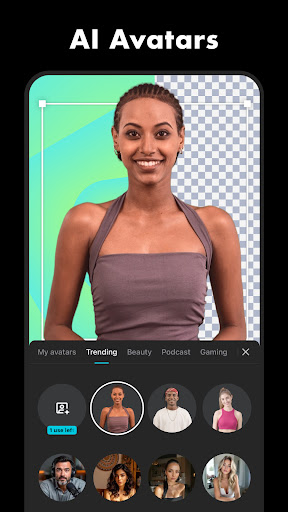
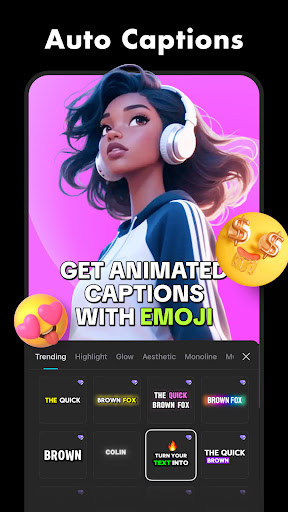
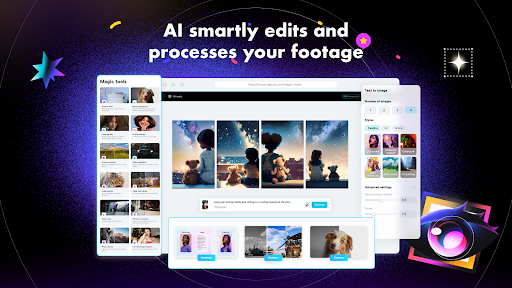
CapCut integrates AI-powered tools to enhance your editing experience. The auto captions feature automatically generates subtitles using speech recognition, saving you time. The text-to-speech function supports multiple languages and voices, making narration simple. Additionally, the background removal feature automates the process of isolating subjects from backgrounds, empowering you to create professional-looking content with minimal effort.
Text, Stickers, and Trending Effects
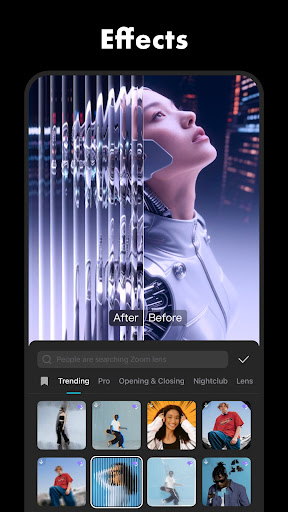
Add personalized text with a variety of fonts and styles, including options for importing custom fonts. You can also incorporate stickers and animated elements to make your videos more lively. The app offers a vast library of filters and effects that are frequently updated to keep up with current trends—ranging from Glitch and Blur to 3D effects. Besides enhancing aesthetics, you can adjust brightness, contrast, and other parameters for the perfect look.
Music and Sound Effects
Enhance your videos with millions of music clips and sound effects available directly within CapCut. The app makes it easy to extract audio from videos or incorporate personal recordings, providing a rich auditory experience that complements your visuals.
Effortless Sharing and Exporting
Once your masterpiece is ready, CapCut allows you to export videos in various resolutions, supporting 4K 60fps exports with smart HDR. You can choose your preferred format and share directly to social media platforms, making it simple to showcase your creations with friends and followers.
Why Choose CapCut?
CapCut is fundamentally a comprehensive video editing solution designed to empower everyone—from beginners to seasoned editors. Its wide range of features ensures you can produce professional-quality videos without complex software or extensive training. The app's reliable performance and user-friendly interface make a new editing journey both enjoyable and efficient.
Whether you're looking to create viral content on TikTok, polished YouTube videos, or memorable family moments, CapCut provides all the tools necessary to bring your vision to life. Best of all, it’s free to use, making high-quality video editing accessible to everyone.
Additional Information
For more details about CapCut, including terms of service and privacy policy, visit Terms of Service and Privacy Policy. If you have questions or need support, you can contact the team at [email protected].
Follow CapCut on Facebook, Instagram, YouTube, and TikTok to stay updated with latest features and trends.
Pros
- User-friendly interface suitable for beginners
- Comprehensive set of editing tools
- Supports exporting videos in HD quality
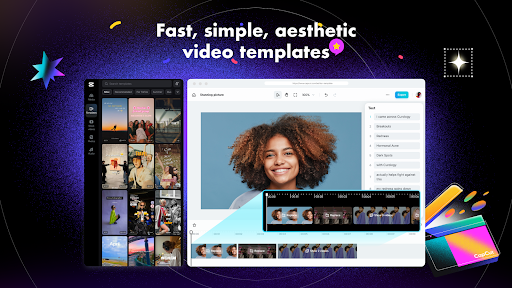
- Offers various templates for quick editing
- Free to use with optional in-app purchases
Cons
- Requires internet connection for cloud-based features
- Contains occasional advertisements within the app
- Lacks some advanced editing features
- Installation requires a large file size
- May consume device battery rapidly











