
Introduction to SmartThings
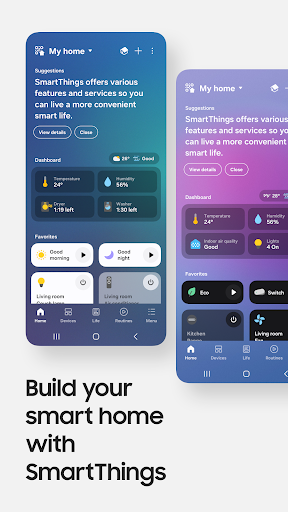
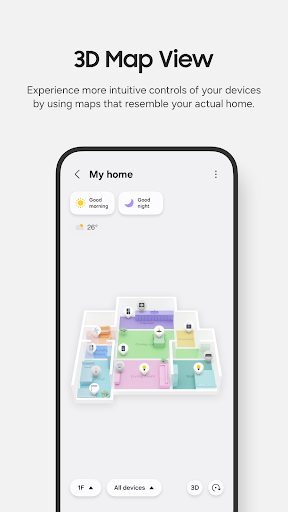
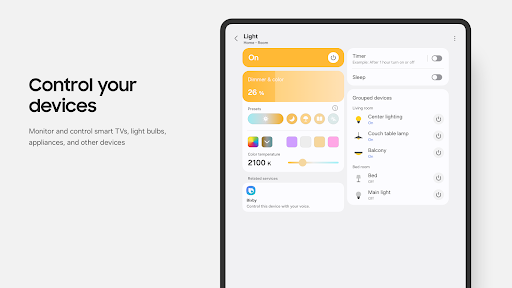
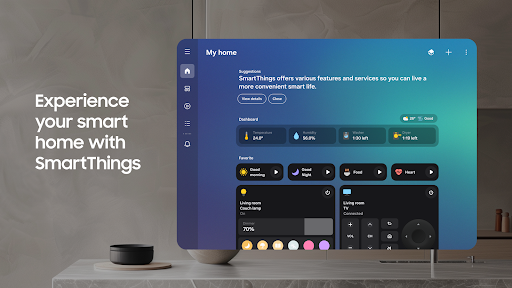
Have you ever considered transforming your home into a smart haven? Enter SmartThings, a versatile app designed to unify and control your entire smart home ecosystem. Whether you want to manage your Samsung Smart TV, smart appliances, or devices from third-party brands like Ring, Nest, or Philips Hue, SmartThings makes it effortless.
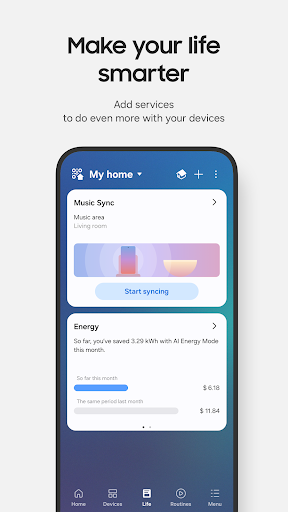
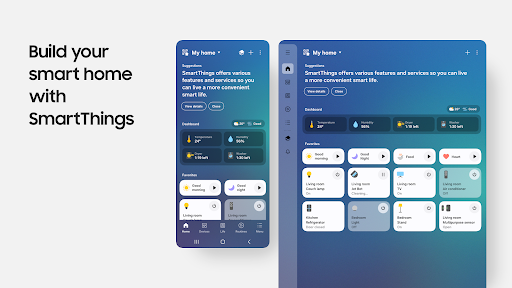
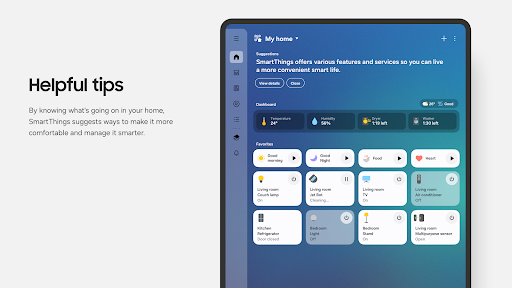
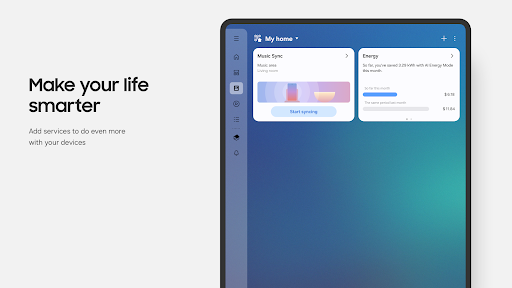
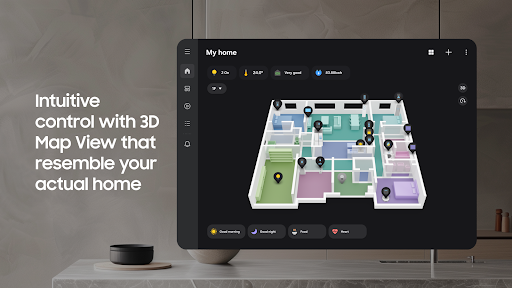
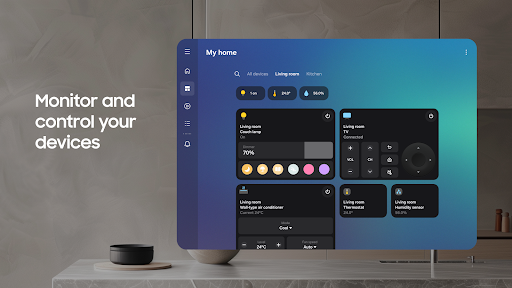
This app serves as your comprehensive home automation command center, allowing you to connect, monitor, and control multiple smart devices seamlessly. With SmartThings, you can create a truly intelligent living environment, enhancing comfort, security, and convenience all from a single, intuitive interface.
Key Features of SmartThings
Universal Device Control
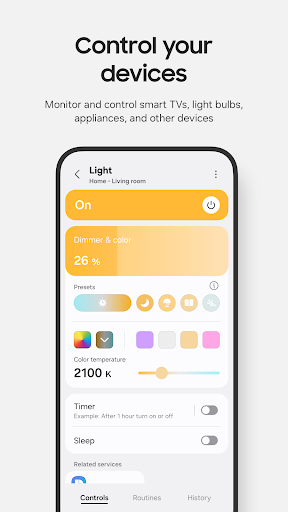
The app supports compatibility with hundreds of smart home brands. This means you can easily connect and control your Samsung Smart TV, smart appliances, smart speakers, and popular brands like Ring, Nest, and Philips Hue, all from one app. Plus, you can manage these devices using voice assistants such as Amazon Alexa, Bixby, and Google Assistant.
Home Monitoring and Automation
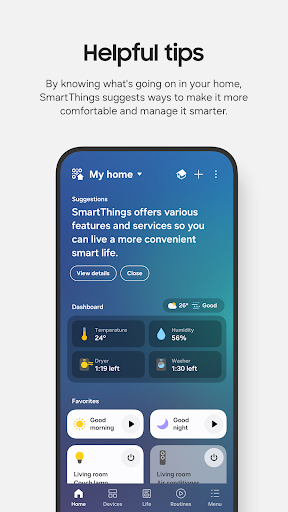
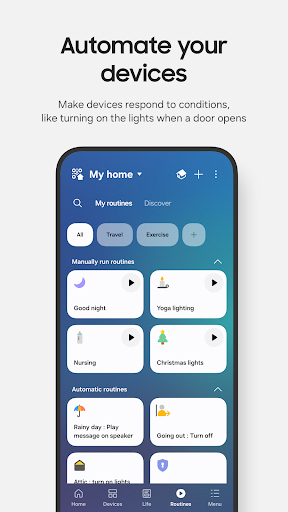
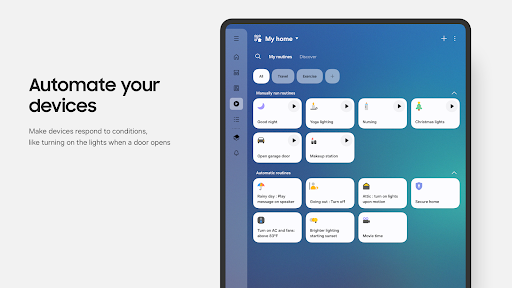
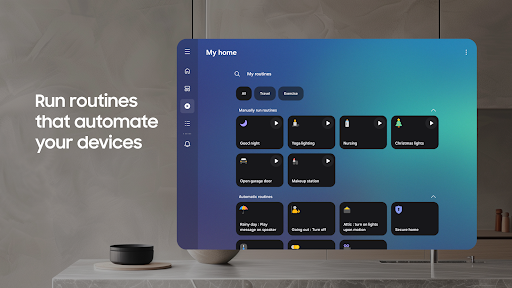
With SmartThings, you can effortlessly check on your home from anywhere in the world. The app enables you to build custom routines that automatically activate based on time, weather, or device status. This ensures your home runs smoothly in the background without requiring manual intervention.
Shared Control and Notifications
You can grant access to family members or friends, allowing shared control over your smart devices. Automated notifications keep you updated about your devices’ status, providing peace of mind and quick alerts about any issues.
Compatibility and Device Support
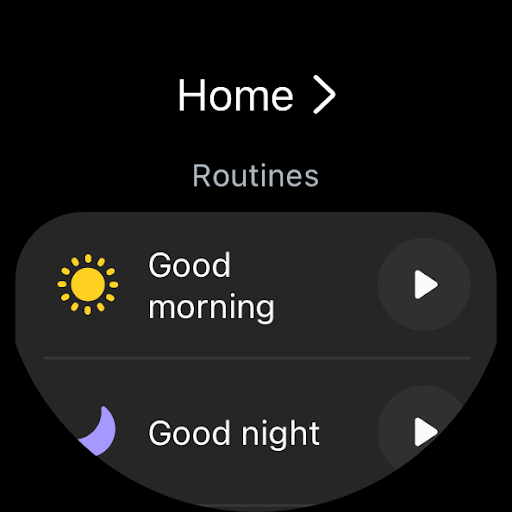
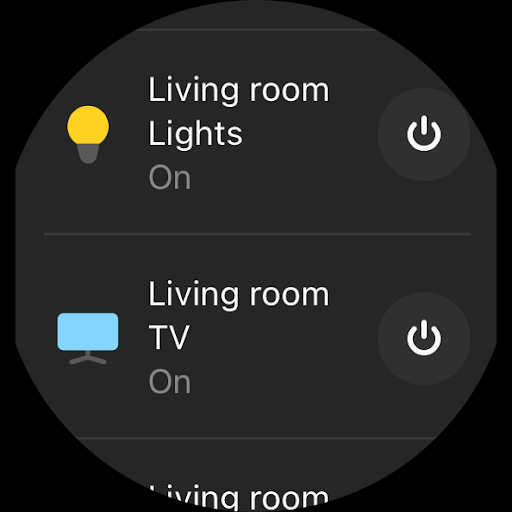
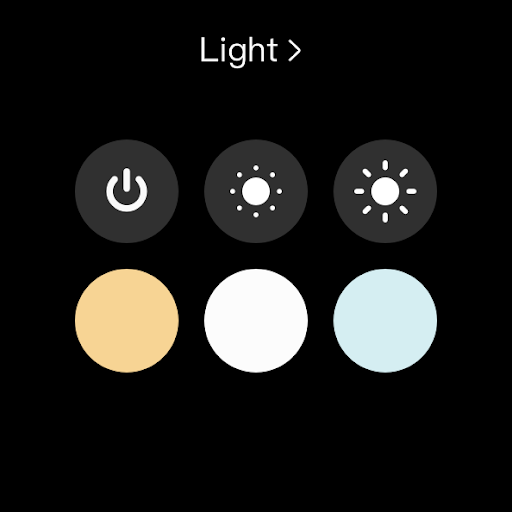
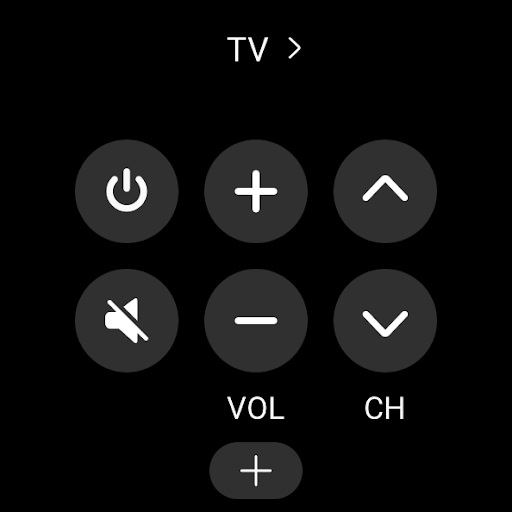
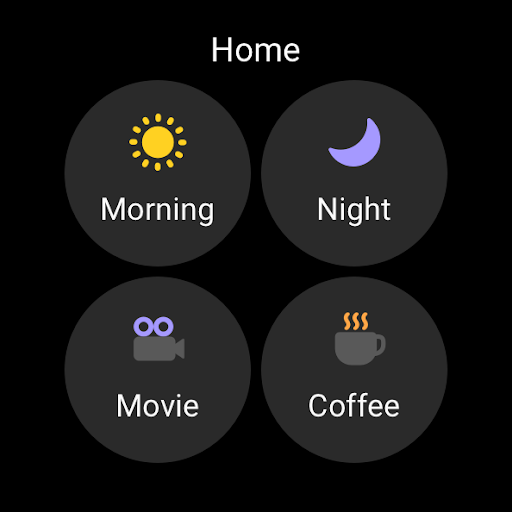
Optimized for Samsung smartphones, SmartThings may have some features limited when used with other vendor devices. It’s also compatible with Wear OS-based watches, giving you quick access to routines and device controls directly from your wrist. The app updates and complications allow easy access and management right from your watchface.
Getting Started with SmartThings
Setting up SmartThings is straightforward and user-friendly. Simply download the app from your device’s app store, follow the guided setup process, and you’re ready to start creating your smart home ecosystem. The intuitive interface ensures even beginners can configure devices and routines without hassle.
App Requirements and Permissions
To optimize performance, some mobile devices require at least 3GB of memory. During setup, the app asks for permissions such as location, notifications, and access to your device’s camera, microphone, storage, files, media, photos, videos, music, and calls. These permissions enable features like device location, QR code scanning, voice device addition, and notifications, but some functions might be limited if permissions are denied.
Why Choose SmartThings?
If you're exploring home automation, SmartThings is an excellent starting point. Its seamless integration with a wide range of smart devices, simple setup, and reliable operation make it appealing for both tech enthusiasts and everyday users. The ability to create customized routines that automate your daily tasks adds unmatched convenience to your life.
From adjusting your thermostat and controlling smart lights to managing security cameras and appliances, SmartThings consolidates all your smart home needs into a single, easy-to-use application. Its compatibility with voice assistants further enhances hands-free control, making your smart living experience more efficient and enjoyable.
Overall, SmartThings empowers you to turn your house into a fully connected, intelligent space. Whether you want to automate routine tasks or monitor your home remotely, this app provides the features and reliability to support your smart home journey. Dive into the world of smart technology and simplify your life with SmartThings. Happy automating!
Pros
- User-friendly interface.
- Wide device compatibility.
- Automated routines available.
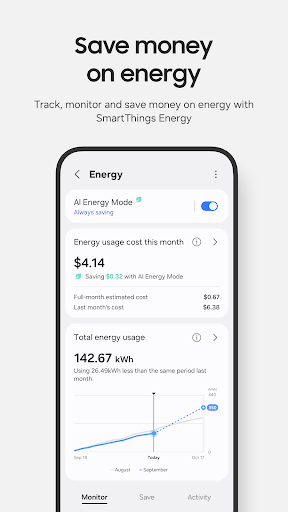
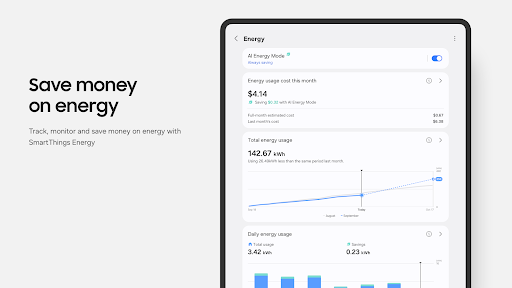
- Energy-saving features.
- Remote access control.
Cons
- Requires stable internet.
- Limited offline functionality.
- Some devices not supported.
- Occasional app crashes.
- Privacy concerns.