Discover the Power of the Google Home App for a Smarter Living Experience
Creating a more organized and personalized smart home ecosystem is effortless with Google Home. This innovative app allows you to seamlessly set up, manage, and control a wide range of devices including Google Nest, Wifi routers, and Chromecast, along with thousands of compatible smart home products like lights, cameras, thermostats, and more — all from a single, intuitive interface. By centralizing your smart devices, Google Home transforms your living space into a cohesive and efficient environment.
Customizable Home View for Ultimate Convenience
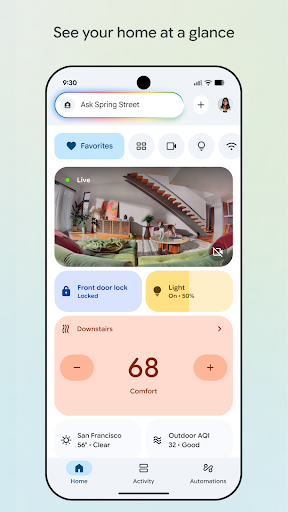
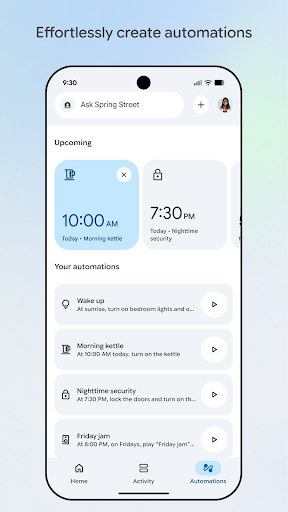
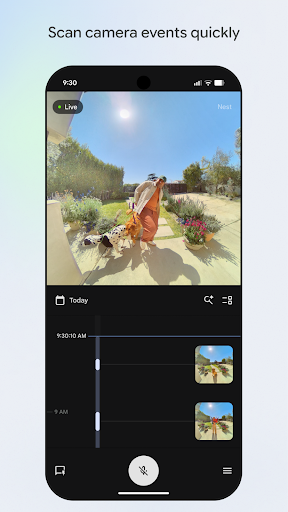
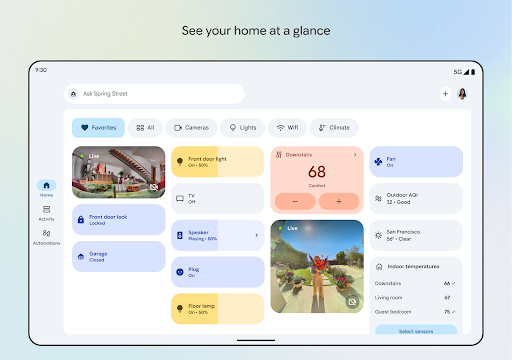
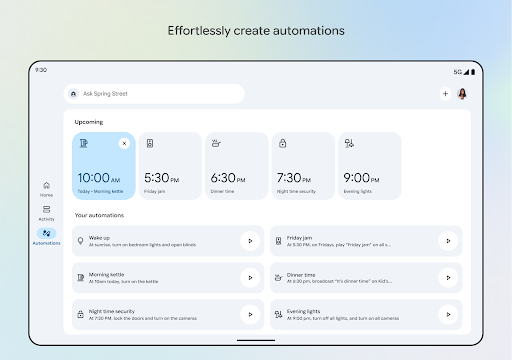
One of the key features of Google Home is its ability to let you personalize your home view. You can pin your most-used devices, automations, and actions to the Favorites tab, enabling quick access right when you open the app. This setup simplifies daily routines, whether you want to instantly view feed from your Nest cameras and doorbell or monitor event history with a few taps. Managing your home’s automation routines is also straightforward through the Automations tab, allowing you to create Routines that automate multiple actions at once, enhancing your living experience. Plus, the consolidated Settings tab makes editing permissions and preferences simple and convenient.
Real-Time Home Monitoring and Control
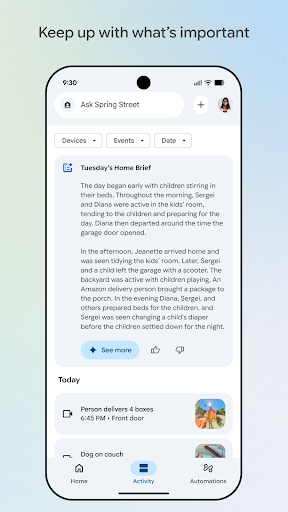
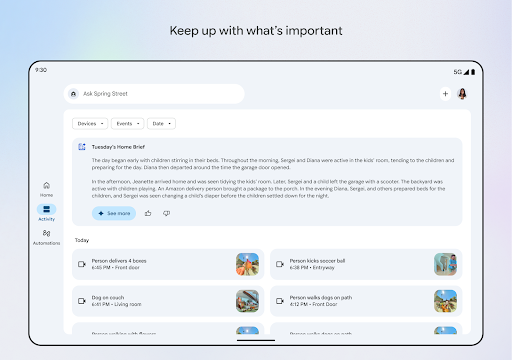
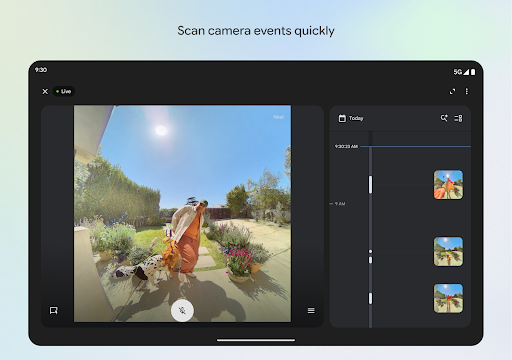
Stay connected to your home with the ability to check its status any time. Google Home is designed to keep you informed with a quick overview of recent events, live feeds from cameras, and doorbell status. Whether you're at work or on vacation, the app provides peace of mind by helping you understand what’s happening in your living space at a glance. The streamlined interface ensures you never miss important updates, making home security and management effortless.
Control Your Home Remotely and on the Go
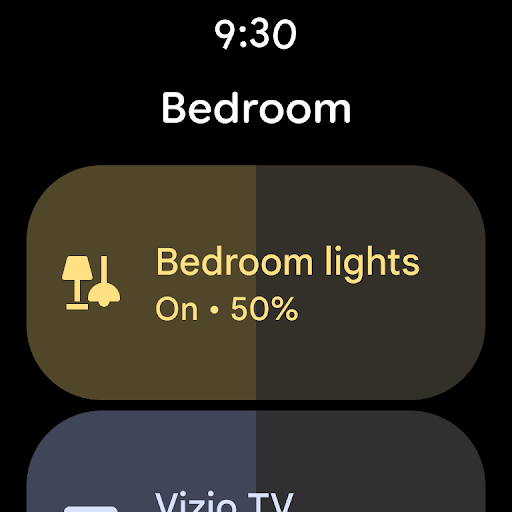
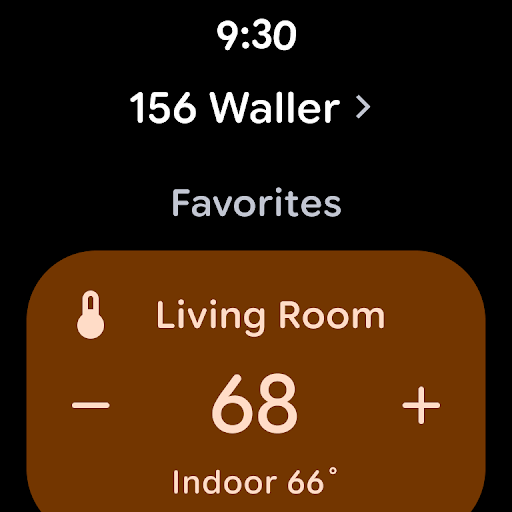
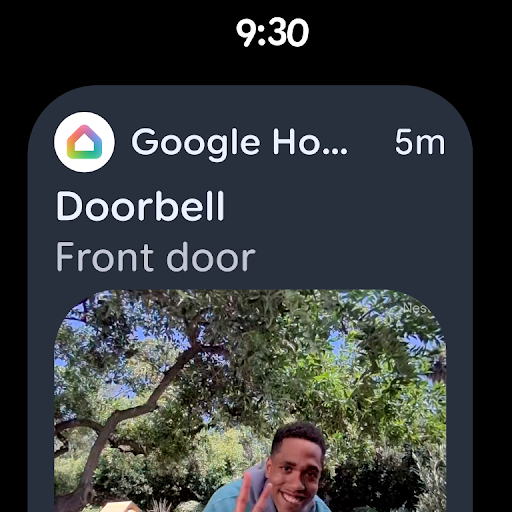
Thanks to the Google Home app’s compatibility with Wear OS, managing your smart home from your wrist is now possible. Simply use your smartwatch to turn on lights, adjust the thermostat, or receive alerts about visitors or packages at your doorstep. Adding favorite devices to your watch face ensures quick, one-tap control, making home management even more accessible during busy days or when your hands are otherwise occupied.
Prioritizing Privacy and Security
A key aspect of Google Home is its focus on *privacy* and *security*. Google builds advanced security infrastructures into its products to ensure your data is protected by default. Your privacy is respected, and your data is only used to enhance your home experience in ways you permit. To learn more, visit the Google Nest Safety Center. Please note that some features or compatible devices might vary depending on your region.
Hands-On Experience with Google Home: An App That Simplifies Smart Living
Many users, including myself, have found the Google Home app to be a game-changer in managing smart home setups. The initial setup process is remarkably straightforward; after downloading, the app guides you through connecting all your smart devices efficiently. The user interface is sleek, modern, and easy to navigate, making it accessible even for those less familiar with technology.
Centralized Smart Device Control for Maximum Convenience
One of the standout features is the ability to control all your smart devices from a single hub. The app allows you to adjust your thermostat, toggle lights, play music, or even group actions—such as creating a “Movie Night” scene that dims the lights and turns on your sound system—all with just a tap. This level of consolidation significantly enhances convenience and makes daily routines smoother.
Voice Control with Google Assistant Integration
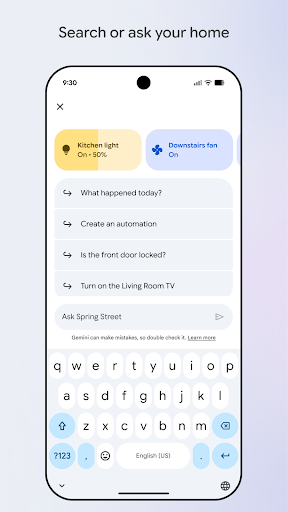
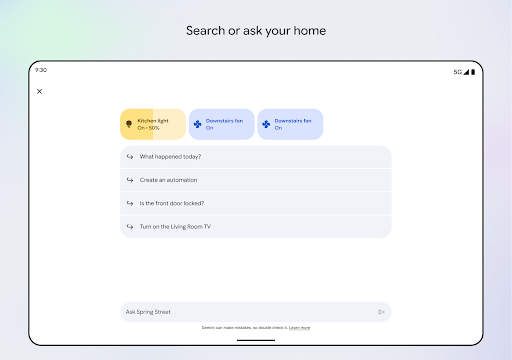
The app’s seamless integration with Google Assistant turns your voice into a powerful tool for home management. Whether you’re cooking, busy with chores, or relaxing, simply speaking commands can control devices or get real-time updates. This hands-free approach adds an extra layer of ease, making your smart home truly responsive and intuitive.
Design, Usability, and Responsiveness
The design of the Google Home app is sleek and visually appealing, with navigation tabs at the bottom that facilitate quick switching between device status, automation, and explore features. The interface is highly responsive, with minimal lag during operation, ensuring smooth management of your connected devices. Every interaction feels seamless, reinforcing the app’s role as the control hub for your smart home.
Final Thoughts: Why Google Home is a Must-Have
If you’re looking to streamline your smart home experience, the Google Home app is an essential tool. It combines user-friendly design with powerful features like device grouping, automation, and voice control, making life more convenient. Whether you're a seasoned tech enthusiast or just beginning your smart home journey, this app offers something for everyone. It truly puts the future of home automation at your fingertips—a smarter, safer, and more personalized living space. So, why wait? Give Google Home a try and revolutionize your interaction with your home today.
Pros
- Seamlessly integrates with smart devices
- User-friendly interface and setup process
- Supports voice commands for added convenience
- Regular software updates improve features
- Compatible with both Android and iOS platforms
Cons
- Limited to Google ecosystem products
- Voice recognition may sometimes be inconsistent
- Requires a stable internet connection
- Raises privacy concerns regarding voice data
- Certain features require additional applications