

Introducing Samsung Smart Switch Mobile: The Ultimate Data Migration App
Switching to a new smartphone can be an exciting experience, but it often comes with the daunting task of transferring all your important data. Fortunately, Samsung Smart Switch Mobile offers a seamless and hassle-free solution to this common challenge. This powerful app simplifies the process of moving your contacts, messages, photos, apps, and more from your old device to your new Galaxy or compatible Android/iOS device. Whether you're upgrading within Samsung's ecosystem or switching from another brand, Smart Switch makes data migration easy, fast, and secure.
Effortless Data Transfer Experience
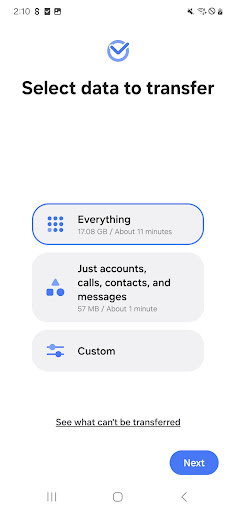
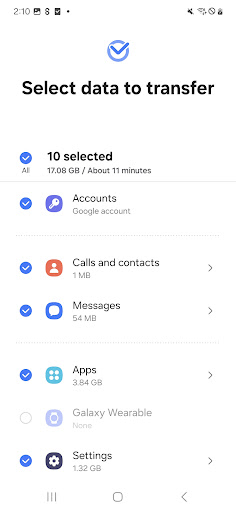
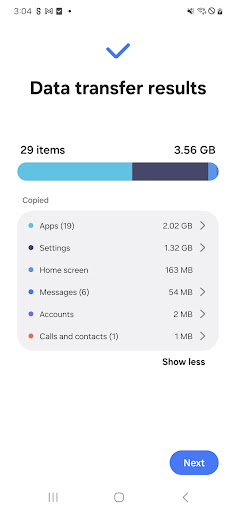
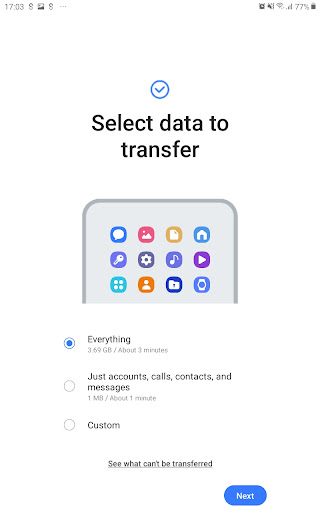
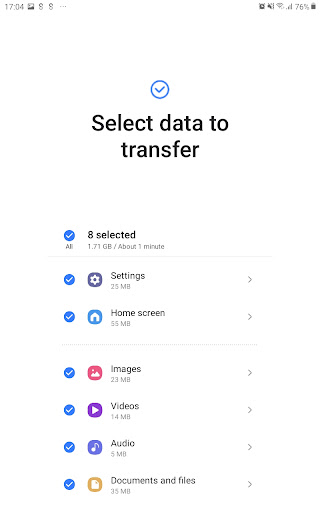
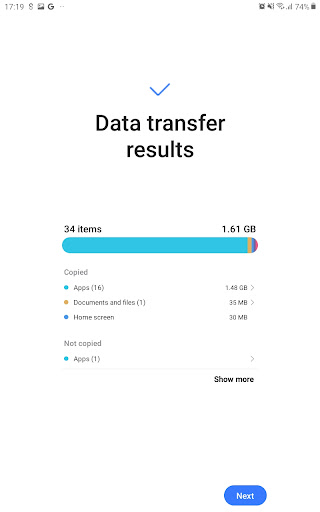
Transferring data when changing phones can be stressful, but Smart Switch transforms this task into an effortless experience. It supports the transfer of a broad range of data types, including contacts, messages, photos, videos, music, call logs, app data, and even your personalized home layouts. One of its standout features is the ability to move apps directly to your new device, saving you the trouble of redownloading and reinstalling them manually. This functionality ensures you have everything you need right out of the box, making your transition smooth and hassle-free.
Setting Up Your New Device with Smart Switch
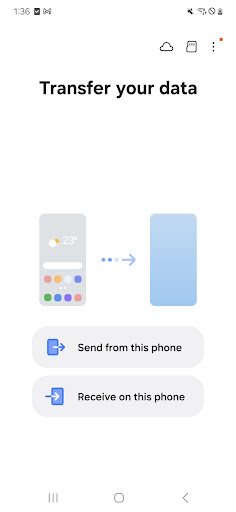
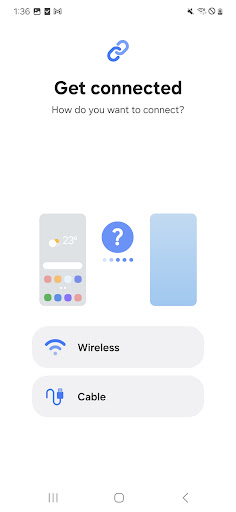
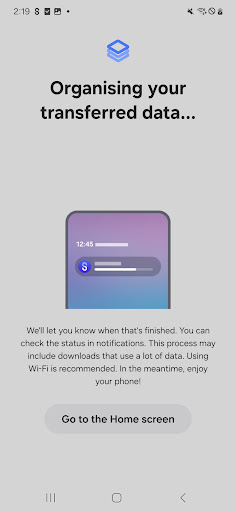
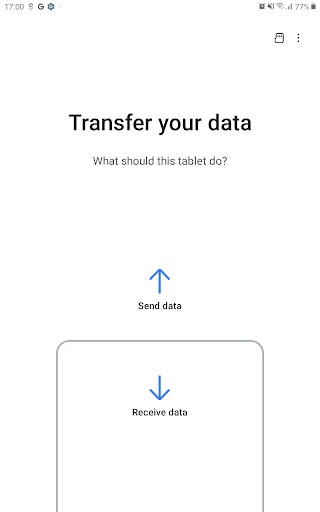
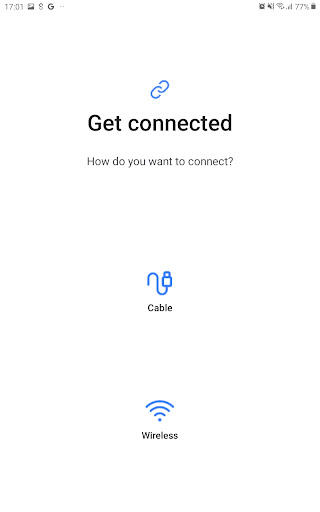
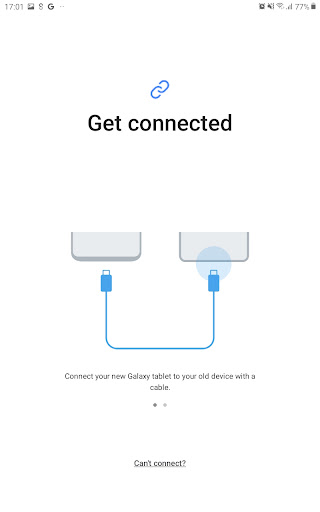
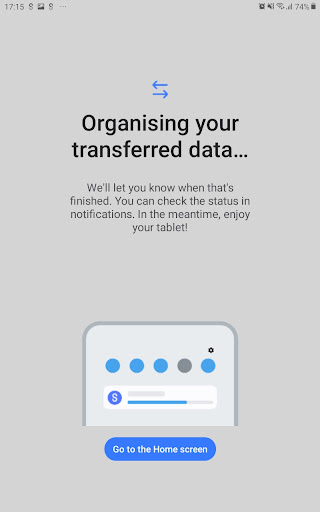
Getting started with Samsung Smart Switch Mobile is straightforward. First, install the app on both your old and new devices. The app provides clear, step-by-step instructions to guide you through the process. You can choose between wired transfers—using a compatible cable and connector—or wireless transfers, which eliminate clutter and awkward cables. Personally, I preferred the wireless option for convenience. In just a few taps, your data begins transferring securely, and within minutes, your new device is set up exactly how your old one was. The streamlined setup process lets you focus on enjoying your new phone rather than stressing over data migration.
Compatibility and Speed: Covering All Your Needs
Smart Switch boasts wide compatibility, supporting recent Galaxy devices, numerous other Android smartphones from brands like HTC, LG, Sony, Huawei, and more, as well as iOS devices. This makes it an ideal choice regardless of your current phone brand or operating system. The transfer speed is impressively quick — I managed to move over 10GB of data in less than 30 minutes, which is faster than most daily routines. The app efficiently handles large data volumes without sacrificing performance, making it suitable for both casual users and power users with extensive media libraries.
Security and Peace of Mind During Data Transfer
Data security is a top priority with Samsung Smart Switch Mobile. The app employs encrypted transfer protocols, ensuring your personal information remains protected throughout the migration process. Additionally, the app does not store any of your data on its servers, providing peace of mind that your private information stays private. Whether transferring sensitive contacts or important documents, you can rely on the app’s secure environment. Plus, it's compatible with devices running Android 5.0 and above and iOS 4.2.1 or higher, making it accessible to the vast majority of smartphone users.
Conclusion: Your Essential Companion for Phone Switching
In summary, Samsung Smart Switch Mobile is a must-have tool for anyone looking to upgrade their smartphone without losing valuable data. Its user-friendly interface, fast transfer speeds, broad compatibility, and robust security features make it stand out as one of the best data migration apps available. Whether you're switching from an iPhone to a Galaxy, transferring from another Android device, or upgrading within the Samsung family, Smart Switch simplifies a typically stressful process into a simple, quick, and secure experience. Prepare to say goodbye to data transfer headaches and hello to your new device — seamlessly and effortlessly.
Pros
- User-friendly interface
- Rapid data transfer speeds
- Supports various file formats
- Secure data transfer process
- Works with most devices
Cons
- Only compatible with Samsung devices
- Requires a stable internet connection
- Limited functionalities on iOS devices
- May not transfer all app data
- Some users experience occasional crashes











