
Introduction to Google Translate
Ever found yourself in a situation where deciphering a foreign menu or communicating with someone who speaks a different language becomes a challenge? If so, Google Translate is the perfect solution to break down language barriers seamlessly. This powerful translation app offers a wide range of features designed to facilitate instant communication across 108 languages, making it an essential tool for travelers, students, or anyone interested in exploring new languages. Let's explore the key features that make Google Translate stand out in the crowded landscape of language translation apps.
Core Features of Google Translate
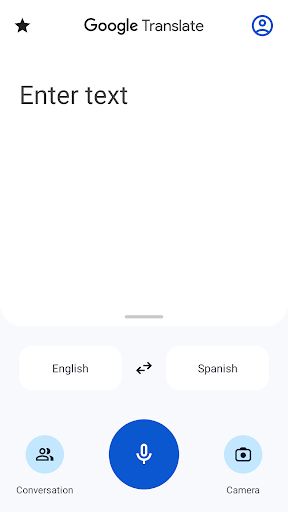
Text Translation
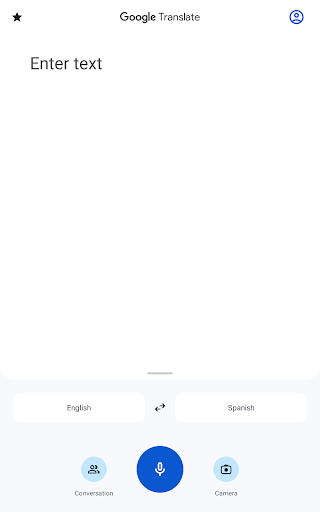
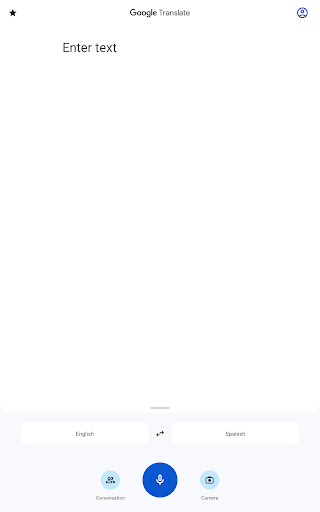
Google Translate excels at translating text between 108 languages. Whether you need to quickly understand a foreign phrase or translate large blocks of text, this app handles it effortlessly. Typing or pasting text is simple, and the translation appears instantly, assisting you in understanding content across different languages.
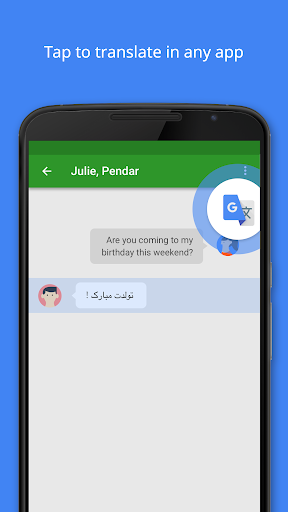
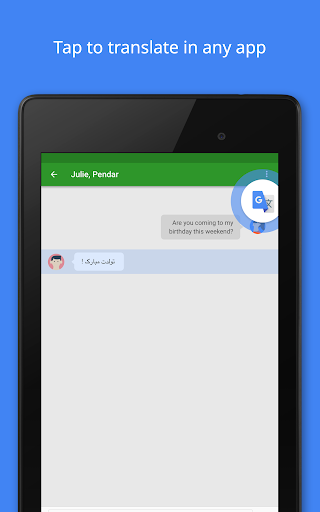
Tap to Translate
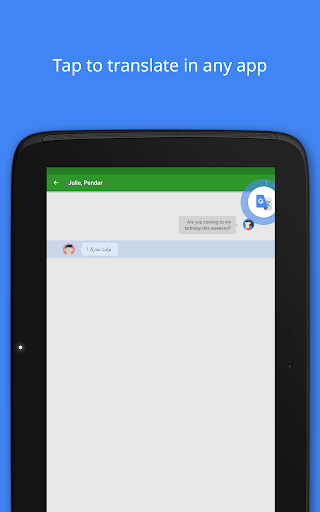
With the Tap to Translate feature, copying text from any app and tapping the Google Translate icon instantly provides the translation for all supported languages. This makes it convenient to translate snippets of information without switching between apps.
Offline Mode
Travelers will love the Offline capability, allowing translations in 59 languages without an internet connection. Download language packs in advance to navigate foreign countries confidently even when offline.
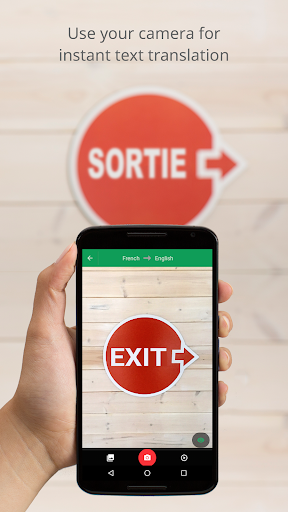
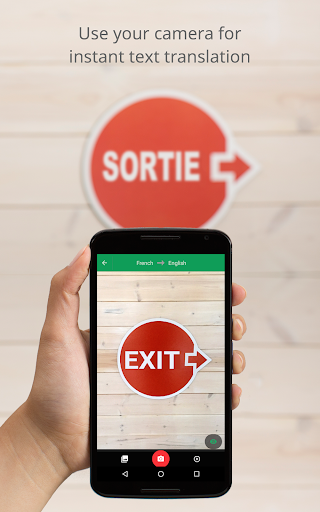
Instant Camera Translation
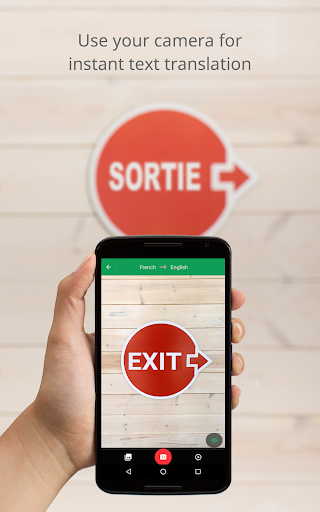
The instant camera translation feature enables you to translate text within images just by pointing your camera at signs, menus, or documents. Supporting 94 languages, this feature turns your smartphone into a portable interpreter, ideal for quick translations on the go.
Photo Translation
Take or import photos of text, and Google Translate provides higher-quality translations for 90 languages. It’s especially useful for translating menus, signs, or documents captured in photos.
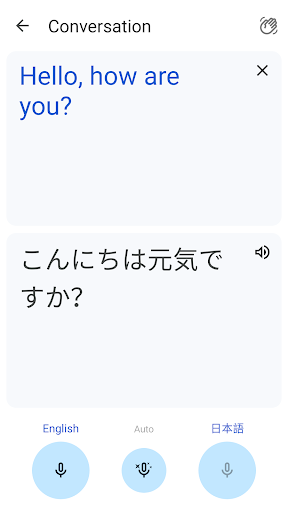
Conversation Mode
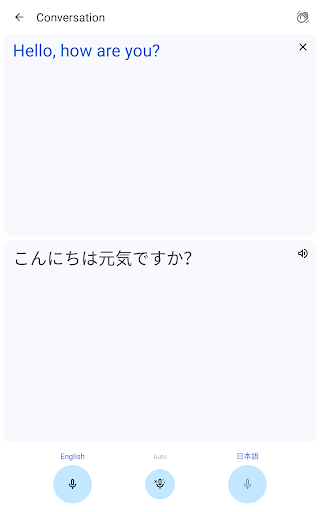
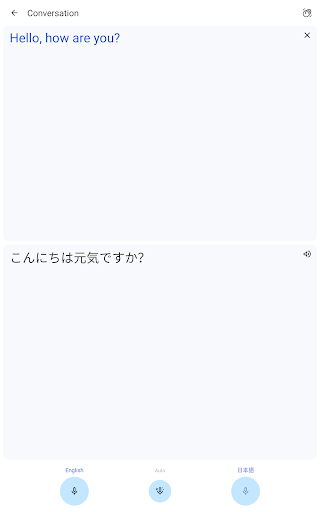
The conversations feature allows for bilingual dialogues to happen smoothly. It translates both sides of the conversation in real-time for 70 languages, making it easier to communicate during travel or international meetings.
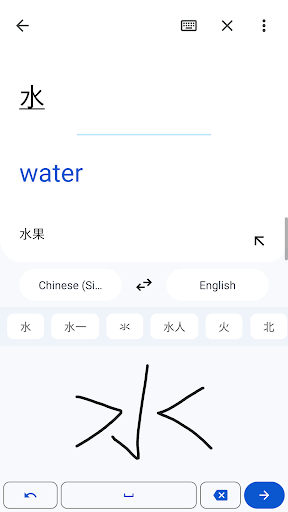
Handwriting Recognition
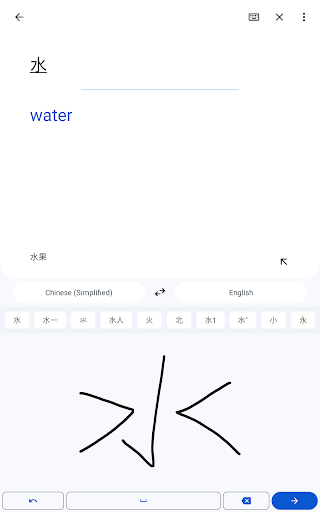
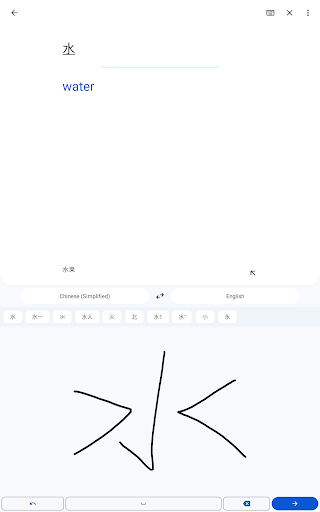
For those who prefer drawing characters over typing, the handwriting feature supports 96 languages. Simply draw the text characters, and the app provides the translation.
Phrasebook
Save and star your favorite translated words and phrases with the phrasebook feature, ensuring quick access in future conversations. Sync your phrasebook across devices with cross-device syncing for convenience.
Transcribe
The transcribe feature provides near real-time translation of spoken language in 8 languages. It continuously transcribes and translates spoken words, making it incredibly useful during live conversations or speeches.
Supported Languages
Google Translate supports a vast array of languages, including but not limited to:
- Afrikaans
- Albanian
- Arabic
- Chinese (Simplified and Traditional)
- French
- German
- Hindi
- Japanese
- Korean
- Russian
- Spanish
- Swahili
- Turkish
- Vietnamese
- Yoruba
- Zulu
With such extensive coverage, Google Translate ensures you can communicate and understand content across a broad spectrum of languages worldwide.
Additional Permissions and Usage Notes
Google Translate may request optional permissions to enhance its functionalities:
- Microphone for speech translation
- Camera for translating text via imagery
- External storage for downloading offline data
- Contacts for account setup and management
Notably, the app can be used without granting these optional permissions, maintaining user flexibility and privacy.
Conclusion: Your Language Companion
In summary, Google Translate is a versatile and powerful language translation tool that simplifies cross-language communication through features like instant text, camera, and conversation translation. Its ability to work offline, support for numerous languages, and real-time transcription make it invaluable for travelers, students, and professionals alike. Whether you're deciphering menus, engaging in international conversations, or translating documents, Google Translate acts as your personal language assistant, bridging gaps and fostering global understanding. Embrace this digital companion to make language barriers a thing of the past and enjoy seamless intercultural interactions wherever you go!
Pros
- Supports multiple languages for translation.
- Provides offline translation capabilities.
- Includes text translation features.
- Offers voice translation.
- Enables image translation.
- User-friendly interface making it easy to operate.
- Regularly receives updates with new features.
Cons
- Translations may sometimes lack contextual accuracy.
- Requires an internet connection for real-time translation.
- Voice recognition may produce errors.
- Limited offline language packs are available.
- Raises privacy concerns related to data handling.











