

Discover the Power of Google Lens
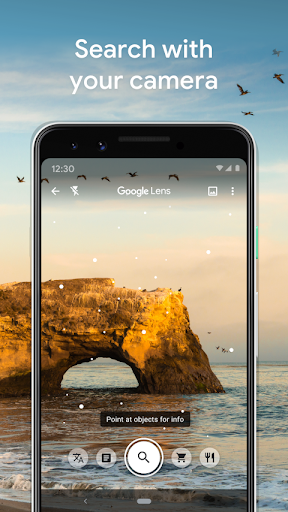
Google Lens transforms your smartphone into a powerful tool for exploring, understanding, and interacting with the world around you. By simply using your camera or photos, Lens allows you to perform quick searches, get instant translations, identify objects, and much more—all without manually typing or searching. Whether you're traveling, shopping, or just curious about your surroundings, Google Lens offers a seamless experience that makes everyday tasks easier and more engaging.
Key Features of Google Lens
Scan & Translate Text
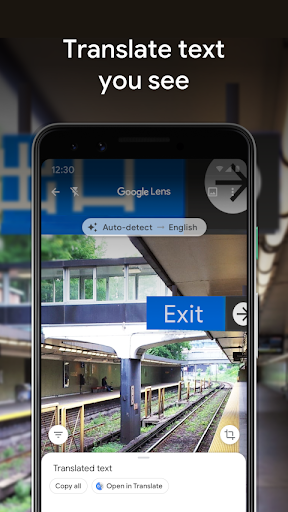
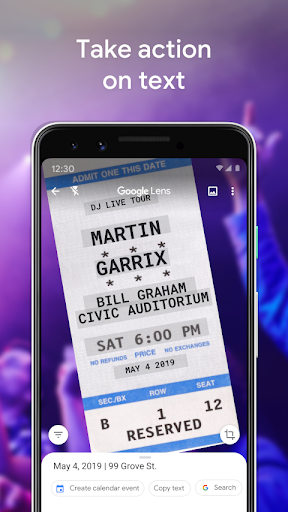
One of the most useful capabilities is text recognition. Easily scan and translate words seen on signs, menus, or posters. Save time by copying complicated codes, long paragraphs, or contact details directly to your device—perfect for quick note-taking or sharing information. Additionally, you can save a business card to your contacts or add events from posters to your calendar with a simple scan.
Identify Plants, Animals & Landmarks
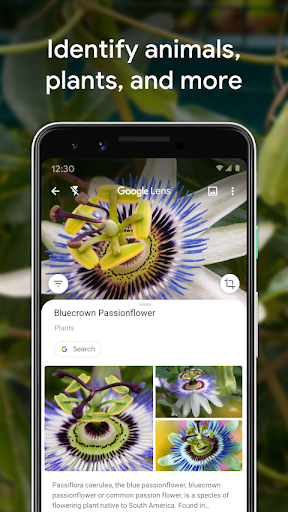
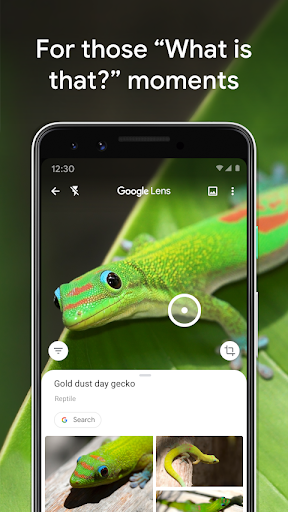
Curious about that plant in your friend's apartment or a dog in the park? Google Lens can identify plants and animals, helping you learn more about the natural world. It also makes exploring your surroundings easier—identify landmarks, restaurants, and storefronts, and see ratings, hours of operation, historical facts, and more, all through a quick scan.
Shop with Visual Search
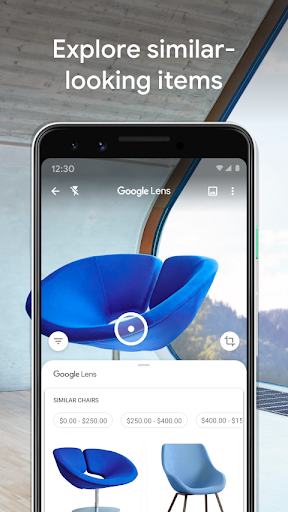
See a stylish outfit or an ideal piece of furniture? Google Lens allows you to find similar products online. Just point your camera at the item, and Lens will suggest similar clothes, home decor, or furniture, making shopping easier and more efficient. It’s like having a personal shopping assistant that helps you find exactly what you’re looking for.
Find Out What to Order
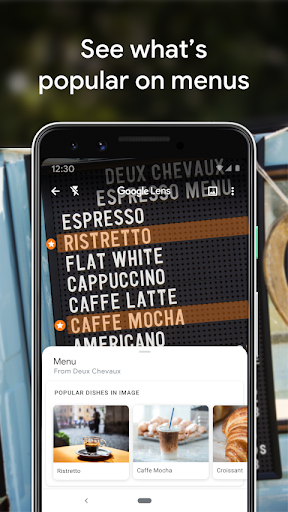
If you're unsure about a dish on a restaurant menu, Google Lens can help. Based on reviews and photos from Google Maps, it shows popular dishes and helps you make an informed decision without any guesswork.
Scan QR Codes & Barcodes
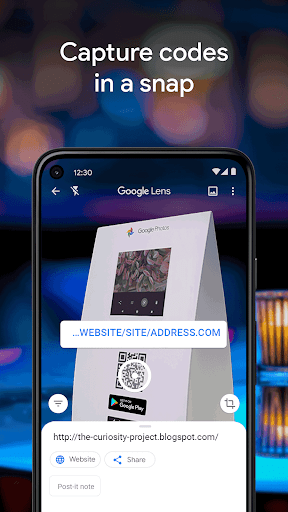
Quickly scan QR codes and barcodes to access websites, promotions, or product details. Note that some features might have •Limited availability and may not work in all •languages or regions, and an •internet connection is often required for full functionality.
Enhance Your Daily Life with Google Lens
Ever found yourself staring at a foreign menu or come across something fascinating you want to learn about instantly? Google Lens is your perfect companion in such moments, turning your smartphone into a discovery tool. It’s like having a search engine embedded in the real world, providing instant information, translations, and shopping links simply by pointing your camera.
Effortless Text & Translation
With advanced text recognition, you can copy text from books, signs, or surfaces directly into notes or documents—saving you from tedious typing. Travel abroad? Lens can translate text on the fly, making language barriers a thing of the past.
Visual Search for Things You Love
Point your camera at an outfit, a plant, or a landmark—Google Lens can tell you what it is, providing additional details or similar items. It’s perfect for those "what’s this?" moments or when you want to explore more about something that catches your eye.
Integration & Seamless Experience
Designed to work smoothly with other Google apps, Google Lens syncs with Google Photos, enabling you to search images in your library based on their content. It also integrates with Google Assistant, so hands-free operation is easy—just say the word, and Lens will assist you instantly.
Whether you're a student, traveler, shopper, or simply curious, Google Lens unlocks a world of possibilities right from your smartphone. Its intuitive design and fast performance make exploring, discovering, and understanding the environment around you easier than ever. Next time you wonder about something, try giving Google Lens a shot—it might just revolutionize how you see the world!
Pros
- Supports translation in multiple languages
- Provides accurate text recognition
- Integrates seamlessly with Google ecosystem
- Available for free
- Includes object identification feature
Cons
- Requires an internet connection to function
- Raises privacy concerns regarding data usage
- Can consume significant battery power
- Limited functionality without internet access
- Interface may be complex for new users











