


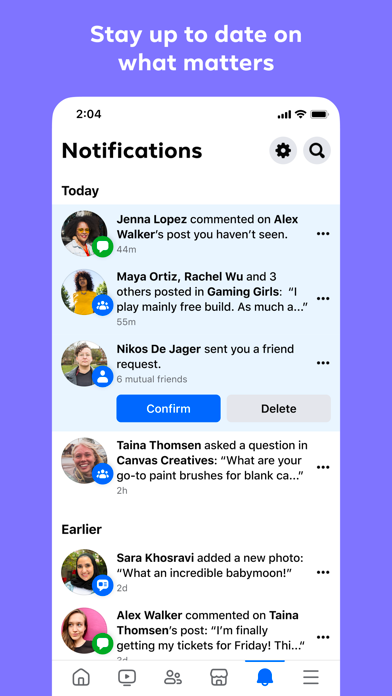
Introduction to Facebook Lite
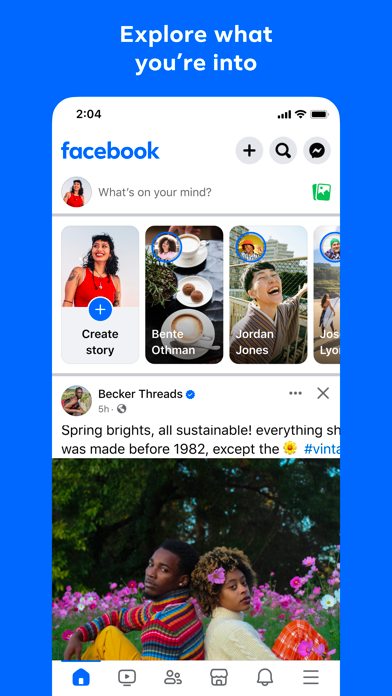
Keeping up with friends is faster and easier than ever with the Facebook Lite app! Designed to be a lightweight version of the classic Facebook experience, this app allows you to stay connected with your social network without taking up much space on your device. Whether you're in an area with limited internet connectivity or using a phone with less storage, Facebook Lite offers a simplified yet effective way to access all your favorite social features.
Key Features of Facebook Lite
The Facebook Lite app retains many of the core functionalities that users love about Facebook, making it a practical choice for everyday social engagement. Some of its notable features include:
- Find friends and family to reconnect and strengthen your social bonds.
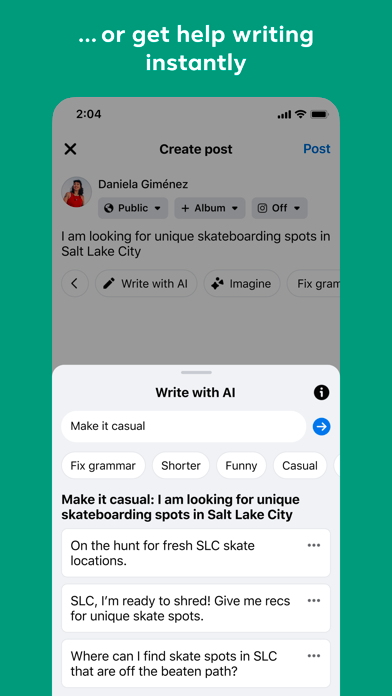
- Post status updates and express yourself using Facebook emoji to convey emotions and reactions.
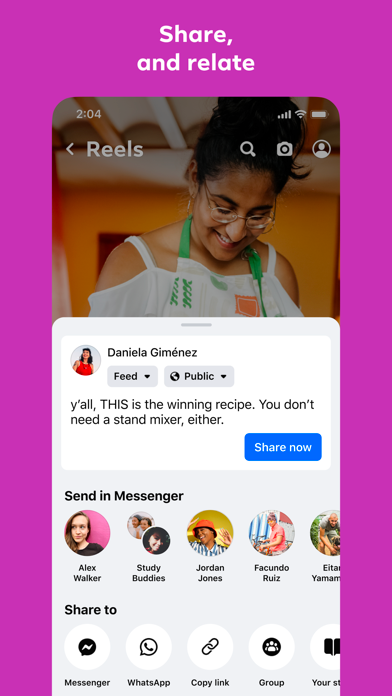
- Share photos and memes effortlessly to keep friends updated with your latest moments.
- Get notified when friends like or comment on your posts, ensuring you never miss important interactions.
- Discover local events, RSVP, and coordinate meet-ups with friends nearby.
- Engage with your friends’ posts by adding comments or reactions.
- Organize your photos into albums by saving images.
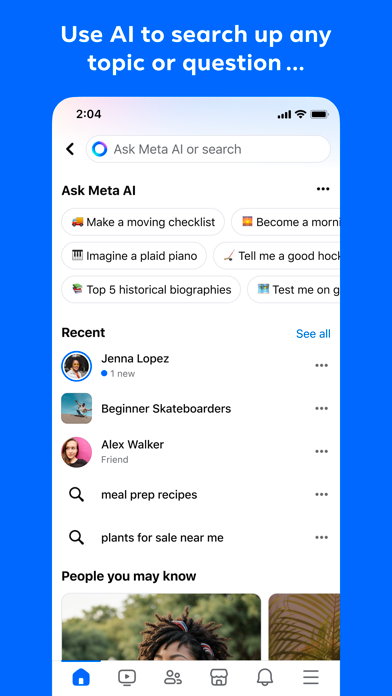
- Follow people and pages to stay updated with their latest news.
- Search for local businesses to see reviews, operating hours, and photos.
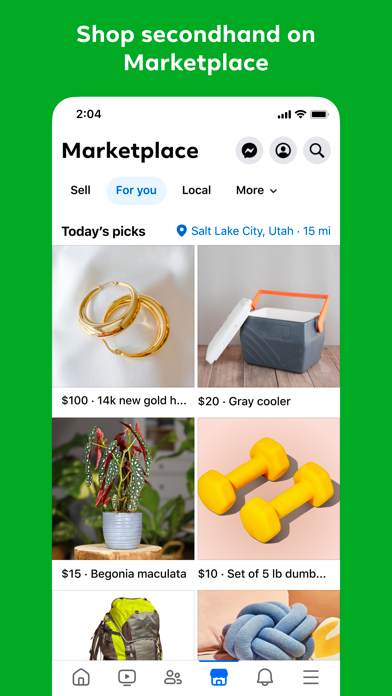
- Buy and sell items locally through Facebook Marketplace.
Additional Functionalities
Beyond basic social media features, Facebook Lite acts as your personal organizer for photos and meaningful content. You can easily share photos directly from your Android camera, with complete privacy controls, including options to keep individual photos private or create secret albums. Plus, the app helps you stay informed about the latest news and current events worldwide. You can subscribe to updates from your favorite celebrities, brands, artists, or sports teams for a seamless news feed experience.
Performance and User Experience
One of the standout benefits of Facebook Lite is its impressive speed and efficient data usage. The app loads rapidly, providing a smooth user experience even on slower connections or devices with limited processing power. Its simple, straightforward interface makes navigation easy, removing the complexity found in the full Facebook app. This efficiency helps you save crucial bandwidth and extend your device's battery life, making it ideal for on-the-go usage.
Limitations and Considerations
While Facebook Lite is a powerful tool for staying connected, it does omit some features present in the full Facebook app. Notably, Stories are absent, and the overall interface is more utilitarian rather than sleek and modern. If you enjoy exploring Stories or advanced visual effects, you might find the Lite version somewhat limited. However, if your priority is quick access, minimal data consumption, and device efficiency, these trade-offs are often worth it.
Conclusion: Is Facebook Lite Right for You?
In summary, Facebook Lite is an excellent option for users seeking a minimalist, fast, and resource-friendly way to stay connected. Its core features enable you to engage with friends, follow news, and manage your social activities without the bloat of the full app. Whether you’re using a device with limited storage, battling sluggish internet, or simply prefer a straightforward social experience, Facebook Lite could become your new favorite social media companion. Give it a try and discover how it fits your digital lifestyle!
Pros
- Fast performance on low-end devices
- Uses less data compared to the full version
- Easy and quick installation and updates
- Compatible with older Android versions
- Simple, user-friendly interface
Cons
- Fewer features than the full version
- Reduced image and video quality
- Missing advanced security options
- Occasional bugs and crashes
- Some functionalities need the full app download











