

Introduction to MX Player
Key Features of MX Player
Broad Support for Video and Music Formats
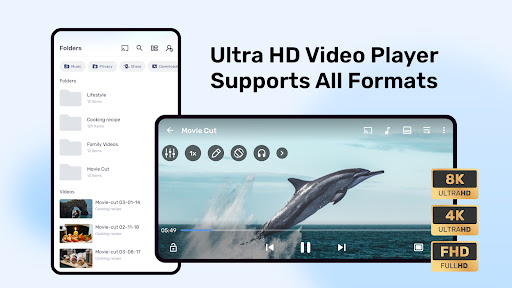
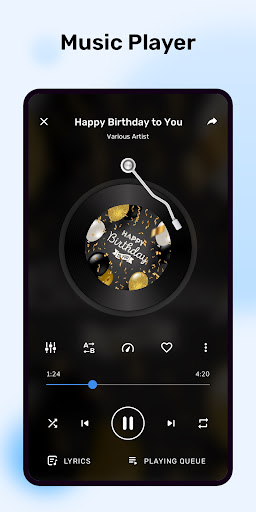
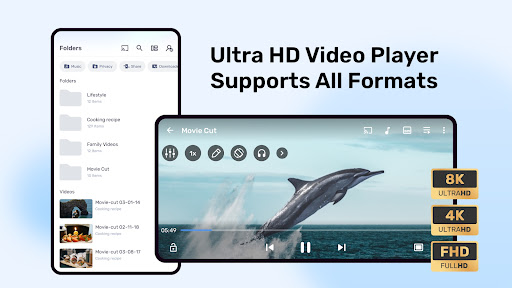
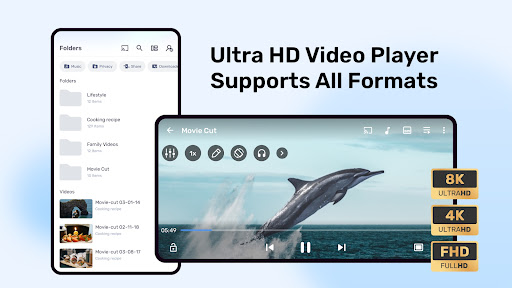
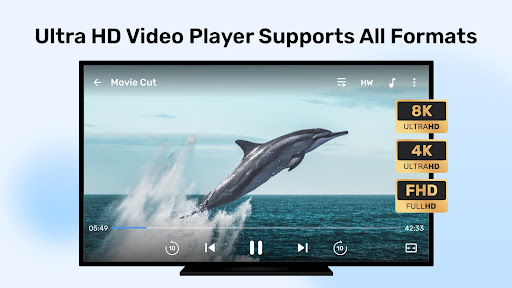
One of the standout aspects of MX Player is its ability to handle a wide range of file formats. Whether you prefer MP4, AVI, MKV, or other popular formats, MX Player manages them effortlessly. This eliminates the need for tedious file conversions and ensures compatibility across various media files, turning your device into a portable media hub.
Advanced Subtitle Support
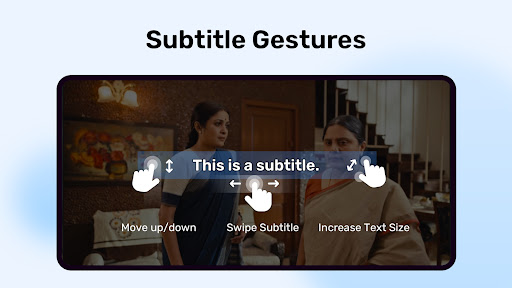
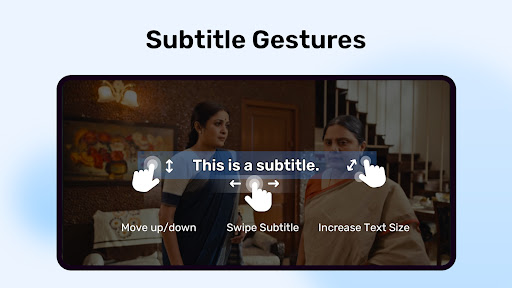
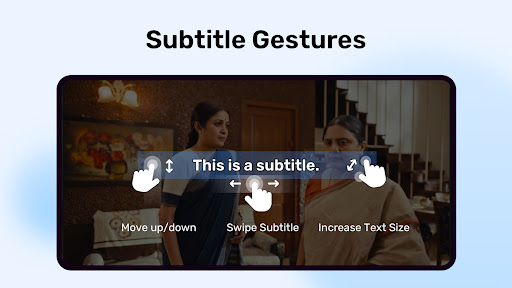
For those who love watching foreign films or content with subtitles, MX Player is an excellent choice. It supports multiple subtitle formats such as SRT, SUB, SSA/ASS, IDX, VTT, and more. The app also provides features like subtitle synchronization and size adjustments, making it easy to customize your viewing experience to your preference. This flexibility makes MX Player a go-to app for cinephiles who rely on subtitles to enjoy content from around the world.
Superior Performance and User Experience
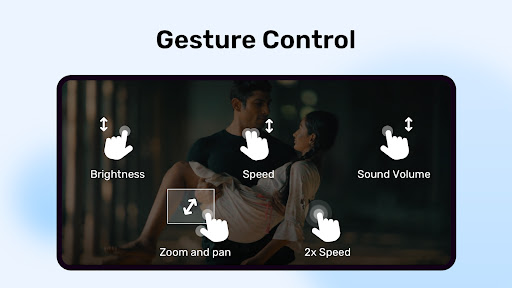
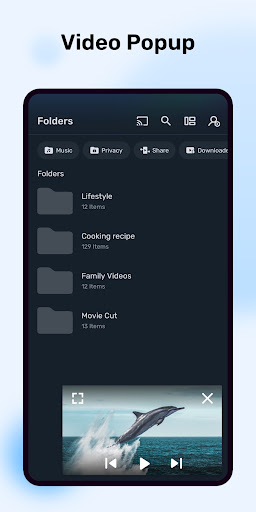
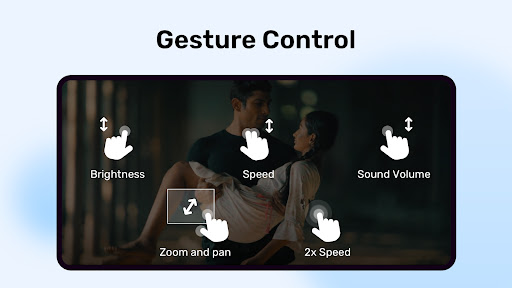
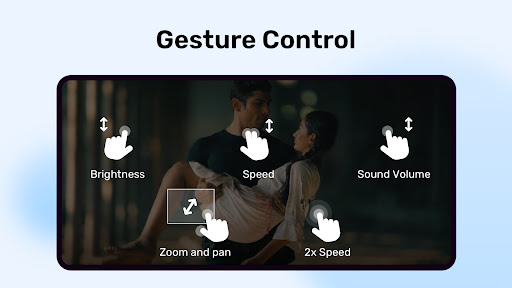
Designed to deliver flawless playback on both high-end and older devices, MX Player offers hardware acceleration for smoother video rendering. Its multi-core decoding tech enhances performance on multi-core processors, providing up to 70% better efficiency compared to single-core devices. Additionally, user-friendly gesture controls including pinch to zoom, zoom and pan, and subtitle gesture controls allow for seamless interaction. Parents will appreciate the Kids Lock feature that keeps children entertained without risking accidental calls or app toggling, ensuring a safe viewing environment.
Personalization and Custom Controls
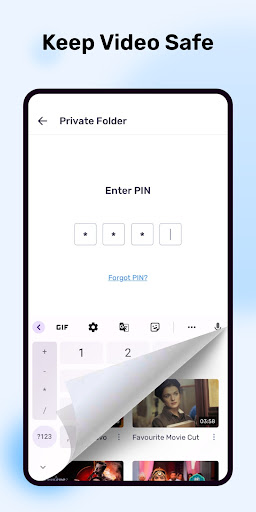
MX Player offers extensive options to tailor your media consumption. You can adjust playback speed, tweak audio and video settings, and personalize your viewing experience. The app's intuitive gesture controls enable easy adjustments to volume, brightness, and seeking during playback. The Privacy Folder feature allows you to hide sensitive videos away from prying eyes, further safeguarding your content. These features make MX Player not just a media player, but a personalized entertainment hub.
Subtitle Compatibility and Formats
MX Player supports DVD, DVB, SSA/ASS, SRT, SUB, IDX, VTT, and other subtitle formats, making it highly versatile. The app ensures that all your subtitles are displayed accurately with styling options, offering a cinematic viewing experience regardless of the media source or language barrier.
Permissions and Installation Tips
MX Player requires specific permissions like READ_EXTERNAL_STORAGE and WRITE_EXTERNAL_STORAGE to access media files. Other permissions such as NETWORK, LOCATION, and BLUETOOTH enhance functionality like streaming, device connection, and synchronization. If you encounter installation issues like "package file is invalid," it's recommended to reinstall from the official website. For support, the app provides links to Facebook and XDA Developers, where you can find FAQs and community support.
Conclusion: Why Choose MX Player?
In summary, MX Player is a powerful and feature-rich media application perfect for video lovers and music enthusiasts. Its support for numerous formats, advanced hardware acceleration technologies, robust subtitle handling, and user-centric features like Kids Lock and Privacy Folder position it ahead of many competitors. Whether you're watching downloaded content or streaming online, MX Player transforms your device into a compact cinema. If you're in search of a reliable, versatile, and high-performance media player, giving MX Player a try is definitely worth it. Experience seamless playback, customizable controls, and a truly immersive entertainment experience with MX Player today.
Pros
- Supports a wide variety of video formats.
- Ensures smooth playback with hardware acceleration.
- Allows customizable playback speeds.
- Features an intuitive and user-friendly interface.
- Provides subtitle support with synchronization options.
Cons
- Advertisements in the free version can be distracting.
- Certain features require upgrading to the paid version.
- Can be demanding on older hardware devices.
- Lacks integrated streaming service support.
- May have difficulty playing 4K videos on some devices.











