

Introducing UC Browser: Your Personalized Surfing Companion
In today’s fast-paced digital world, having a reliable and secure web browser is essential. UC Browser stands out as a privacy-focused entertainment browser designed to deliver a safe and speedy browsing experience. With innovative features such as dual device-network protection against third-party tracking, AI-powered translation, high-speed video downloads, and an intuitive user interface, UC Browser has rapidly gained popularity among users worldwide. Whether you’re streaming videos, exploring social media, or conducting searches, UC Browser aims to provide a comprehensive solution that enhances your online activities.
Main Features of UC Browser
Protect Personal Privacy
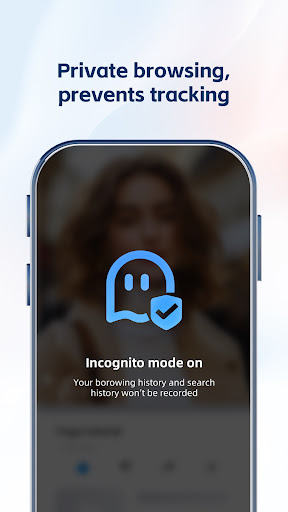
One of the primary concerns for internet users today is privacy protection. UC Browser addresses this with its Incognito Mode feature, which allows you to browse without leaving traces of your search or web access history. Additionally, the browser automatically erases your browsing data to maintain your privacy. This ensures that your personal information remains confidential, and your browsing content remains visible only to you.
High-Speed Video Downloading
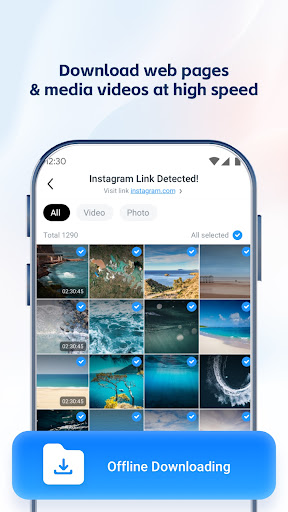
Enjoy seamless entertainment with UC Browser’s high-speed download capabilities. It supports fast downloading of videos from social media platforms and websites across multiple formats. The browser’s auto-detect feature enables one-click download, making it effortless to save your favorite videos for offline viewing. This feature is particularly useful for users who want to enjoy content without interruptions or internet connectivity issues.
User-Friendly Video Player
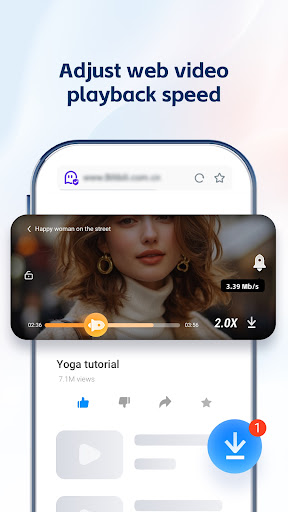
UC Browser comes equipped with a built-in video player that supports video acceleration for smooth playback. Users can easily switch resolutions, adjust playback speed, and enjoy videos offline. This convenient feature ensures your entertainment experience remains lag-free and adaptable to your preferences, whether you’re watching a quick clip or a lengthy film.
AI Web Translation
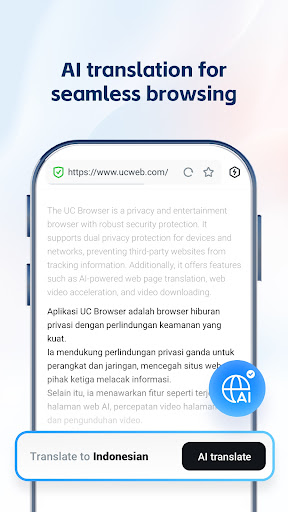
Breaking down language barriers, UC Browser offers AI-powered webpage translation supporting multiple languages. This allows users to browse foreign websites effortlessly and access content in various languages, providing a smoother and more inclusive browsing experience. Whether you’re reading articles or engaging in international research, AI translation makes it easier to understand content from around the world.
Multi-Engine Search
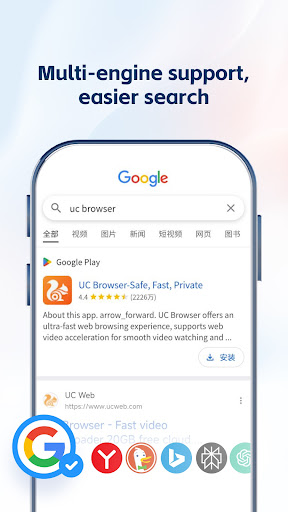
Speed up your searches with UC Browser’s multi-engine search support. It enables you to perform simultaneous searches across multiple search engines, with seamless switching between them. This feature reduces the time it takes to find relevant results, streamlining your browsing process and making it more efficient.
The Advantages of Using UC Browser
Lightning-Fast Browsing Experience
UC Browser’s powerful compression technology not only reduces data usage but also significantly accelerates webpage loading times. Whether you’re scrolling through your social media feed or watching videos, the browser delivers impressive speed—making your online experience smoother and more enjoyable. This is especially beneficial for users with limited data plans or slow network connections, as it optimizes every click and stream efficiently.
Enhanced Privacy and Security
With features like Incognito Mode and ad-blocking, UC Browser prioritizes your privacy. The ad-blocker eradicates distracting ads and potential trackers, offering a cleaner, more focused browsing environment. The dual device-network protection provides an extra layer of security, shielding your personal data from third-party tracking and malicious threats, ensuring your online safety remains intact.
Intuitive and Customizable Interface
The browser’s sleek and user-friendly interface is designed for ease of navigation. The customizable homepage allows you to add your favorite sites for quick access, saving you valuable time. Additional features like night mode help reduce eye strain during late-night browsing, enhancing the overall user experience.
Additional Features for a Complete Browsing Experience
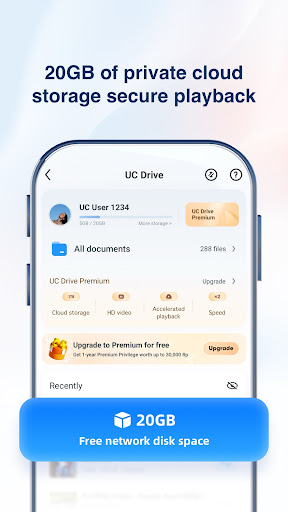
Beyond speed and privacy, UC Browser offers a variety of tools such as a smart file manager for organizing downloads and a night mode for comfortable night browsing. The built-in video player and download tools ensure you can enjoy your multimedia content without interruptions, making UC Browser more than just a traditional browser—it’s a comprehensive online companion.
Conclusion
Overall, UC Browser is an excellent choice for users seeking a fast, secure, and private browsing experience. Its array of features, from AI translation to high-speed downloads and privacy protections, makes it a versatile tool in your digital arsenal. Whether you're a casual browser or a power user, UC Browser offers everything you need to navigate the internet efficiently and securely. Give it a try and experience smarter, safer browsing today.
Pros
- Fast browsing and download speeds
- Built-in ad blocker for a cleaner browsing experience
- Data saving mode to minimize data usage
- Night mode for comfortable reading at night
- Customizable homepage for quick access
Cons
- Occasional compatibility problems with some websites
- Privacy concerns due to data collection policies
- Pre-installed news feed can be disruptive
- Limited support for certain browser extensions
- May consume many resources on low-end devices











