The
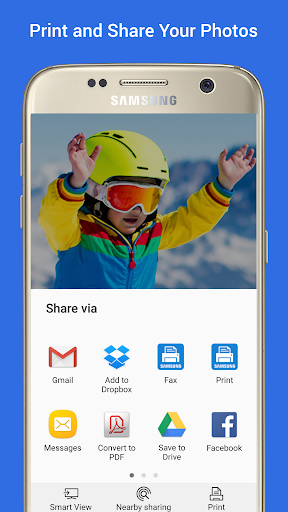
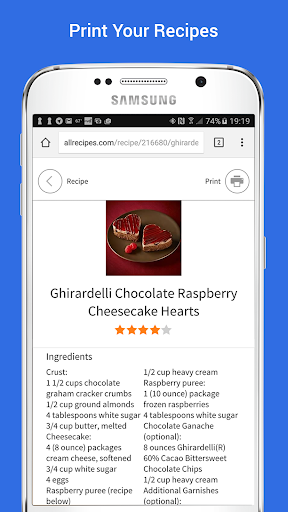
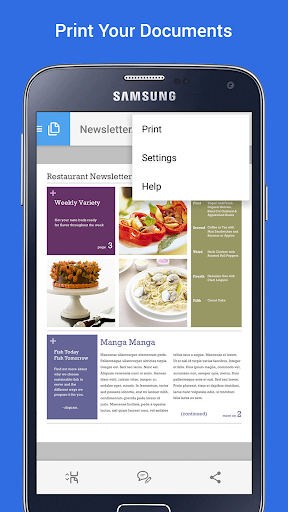
Samsung Print Service Plugin is a powerful yet simple tool that transforms your mobile printing experience. Designed specifically for Samsung devices and compatible Android phones and tablets, this plugin allows users to effortlessly print photos, web pages, documents, and more directly from their devices. Whether you're at home, in the office, or on the go, the Samsung Print Service makes printing as easy as a few taps, eliminating the need for complicated setup or additional software.
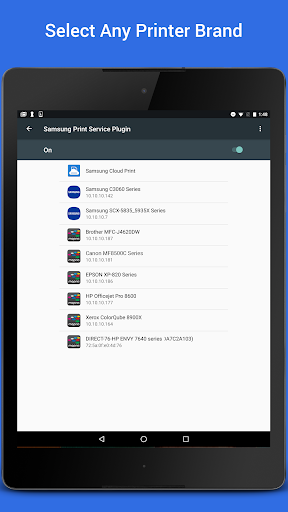
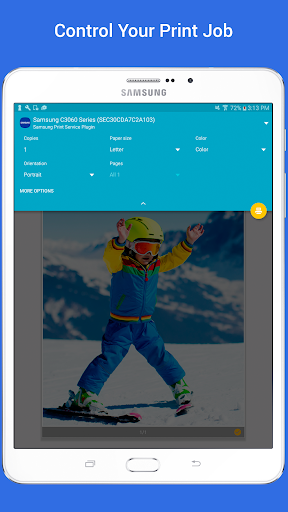
One of its key features is seamless integration with the Android operating system, starting from Android KitKat (4.4). It utilizes Mopria technology, making it compatible with nearly all modern printers from brands such as Brother, Canon, HP, Epson, Samsung, and many others. This broad support means users are not limited to Samsung printers alone, enabling a flexible printing environment that suits various needs and setups. The plugin supports multiple functions, including controlling print settings like color options, number of copies, paper orientation, and double-sided printing. This level of control ensures that users can customize their prints directly from their mobile devices, streamlining workflows both at home and in professional settings.
Compatibility and Ease of Use
The plugin comes pre-installed on many Samsung Galaxy devices such as the Galaxy S4, S5, S6, S7, and newer models, ensuring quick access right out of the box. For other devices running Android KitKat (4.4) or later, the plugin can be downloaded and installed easily via device settings. The setup process is straightforward: simply navigate to your device’s 'Settings' menu, search for "Printing," and toggle the Samsung Print Service on. This intuitive process ensures that even users with limited technical skills can enable mobile printing without fuss.
Printer Support and Connectivity
The Samsung Print Service Plugin supports a wide array of printers, including those from brands like Brother, Canon, Dell, Epson, Fuji Xerox, HP, Kyocera, Lexmark, Ricoh, Sharp, Toshiba, and Xerox. While not all models are Mopria-certified, many popular models such as Samsung's M2020, M287x, and CLP series are fully supported. To verify if your printer is compatible, you can check the
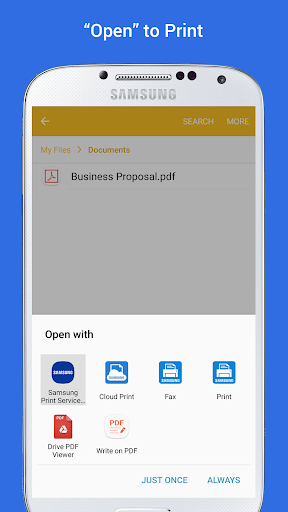
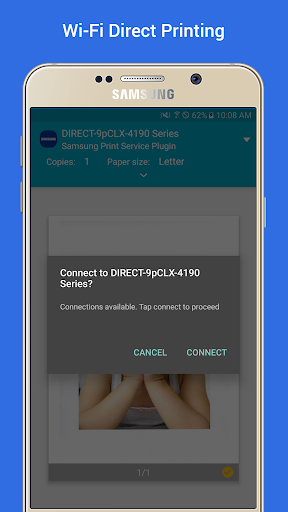
Mopria certification list. For effective printing, ensure your printer is connected to the same Wi-Fi network as your Android device. Once connected, printing becomes a matter of selecting the print option within supported apps, which typically include Gallery, Chrome, Gmail, Google Drive, Microsoft Office apps, Adobe Reader, and more. The plugin intelligently detects printers on the network, making the process smooth and hassle-free.
Enhanced Mobile Printing Experience
With the Samsung Print Service Plugin, printing from your Android device is simplified and efficient. If you encounter any issues with printer discovery, just visit your device’s 'Settings', locate the Printing section, and enable the plugin. The interface is user-friendly, with clear options to select printers and customize print settings. Because it doesn’t require third-party drivers or complicated configurations, this plugin lets users print documents, high-resolution photos, web pages, and files with minimal effort.
Why Choose the Samsung Print Service Plugin?
The main advantage of this app is its ability to make mobile printing accessible and straightforward. It is especially beneficial for users who need quick printouts without turning on a computer or installing additional software. This plugin supports a broad spectrum of file formats, including PDFs, JPEGs, and more, so you can print virtually anything stored on your device.
In conclusion, the Samsung Print Service Plugin is an essential tool for Samsung users and anyone seeking a simple way to print directly from their Android device. Its compatibility with various printers, ease of setup, and intuitive interface make it an invaluable addition to your mobile productivity toolkit. Whether you’re printing personal photos or professional documents, this plugin ensures that your printing tasks are completed swiftly and seamlessly, enhancing your overall experience.