

Discover the Power of Google Calendar: Your Ultimate Digital Organizer
Google Calendar is a versatile and user-friendly app that helps you stay organized, manage your schedule efficiently, and never miss an important event or task. As part of Google Workspace, Google Calendar integrates seamlessly across devices like Android phones, tablets, Wear OS devices, and even desktops, making it a must-have tool for personal and professional use.
Key Features of Google Calendar
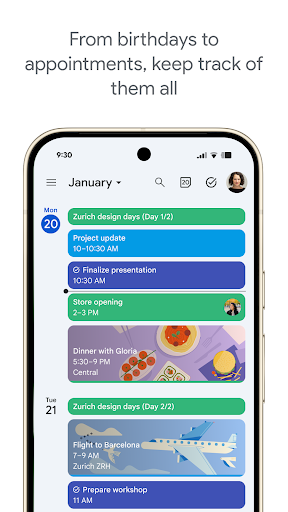
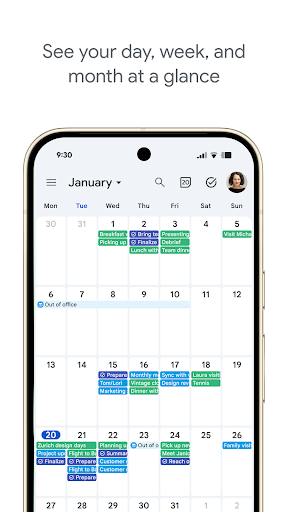
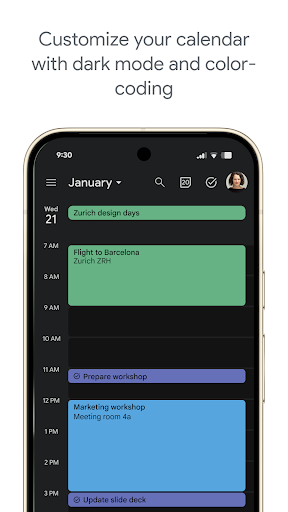
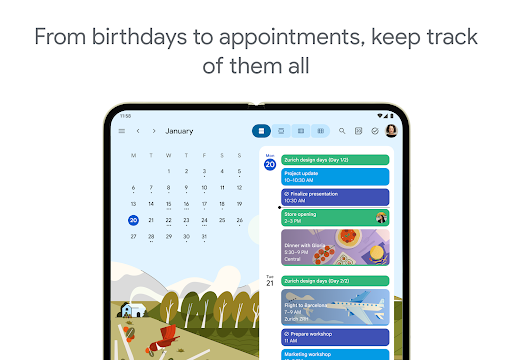
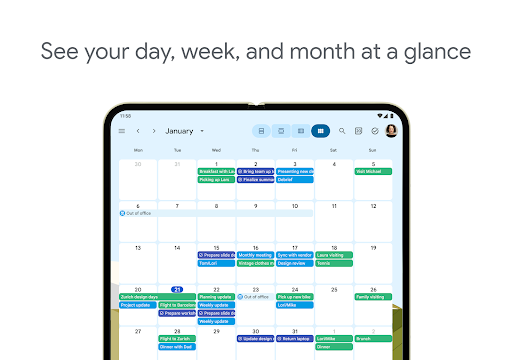
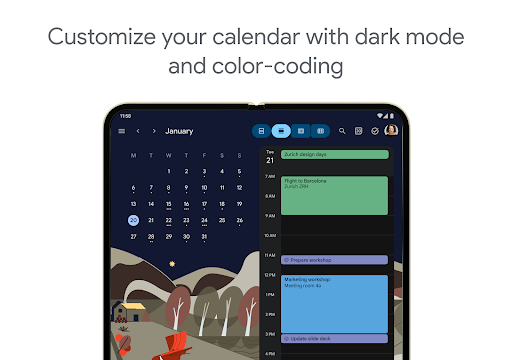
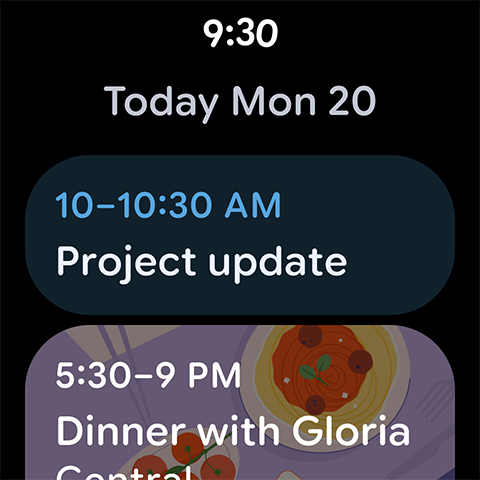
One of the standout features of Google Calendar is its **multiple viewing options**. You can quickly switch between month, week, and day views, allowing you to plan ahead or focus on specific tasks with ease. The intuitive interface provides a clean, organized way to visualize your schedule, with color-coded events that help differentiate personal, work, and social activities at a glance.
Automatic Event Addition from Gmail
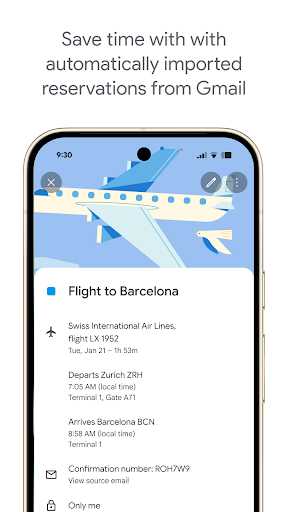
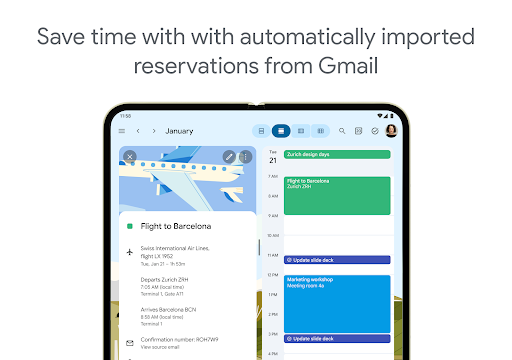
Google Calendar simplifies your life further by automatically adding events from your Gmail account. Whether it's flights, hotel reservations, concert tickets, or restaurant bookings, these details are seamlessly integrated into your calendar. This feature reduces the risk of missing critical appointments and helps you keep track of all your plans in one centralized location.
Manage Tasks Alongside Events
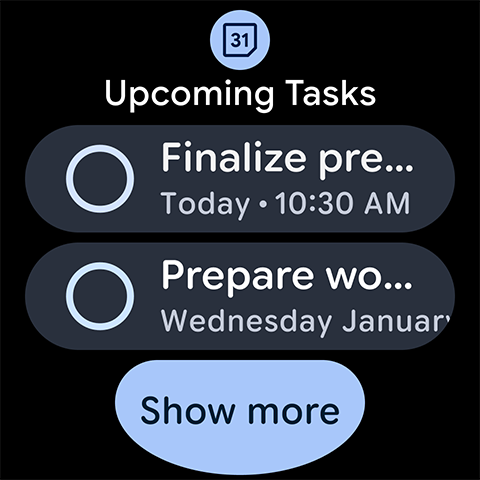
In addition to events, Google Calendar allows you to Create, manage, and view tasks alongside your scheduled events. This integrated approach ensures all your to-dos are accounted for, enabling smoother daily planning. Whether you're setting up reminders for errands or tracking project milestones, Google Calendar makes this process straightforward.
Unified Calendar Management
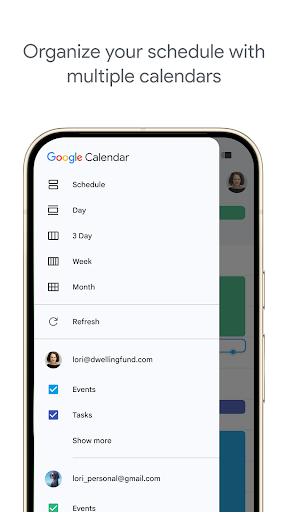
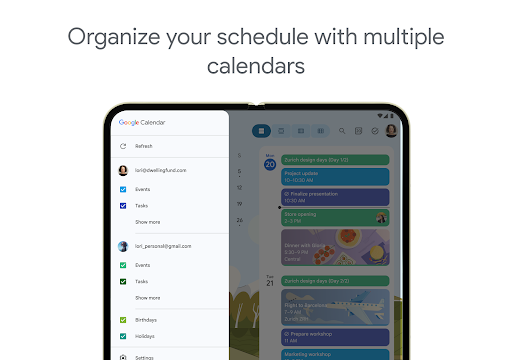
Google Calendar can synchronize with all your calendars on your device, including third-party options like Exchange. This means you can view and manage multiple calendars in one unified interface—boosting efficiency and reducing confusion. Sharing options also enable you to share full event details or simply communicate your availability, fostering better collaboration.
Stay Connected on the Go with Wear OS
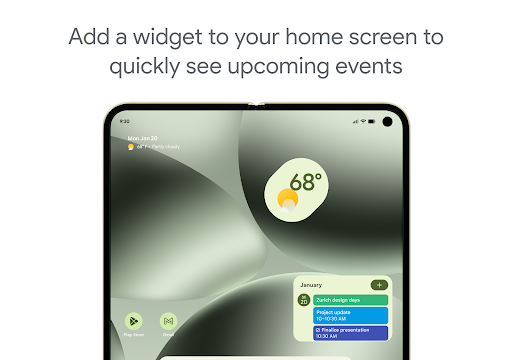
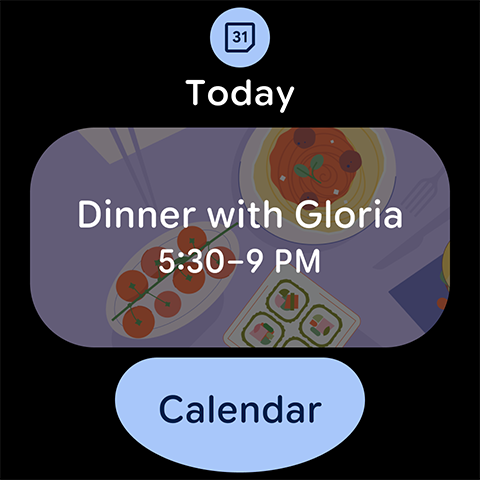
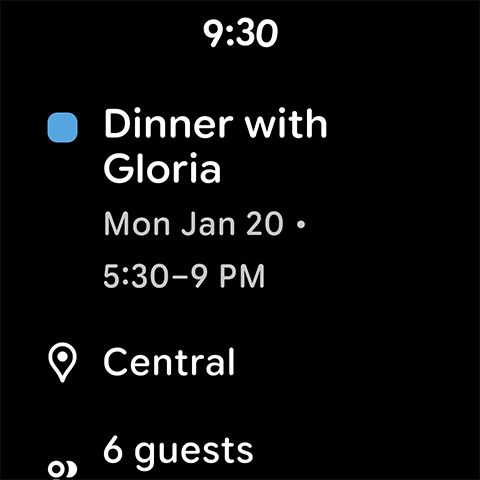
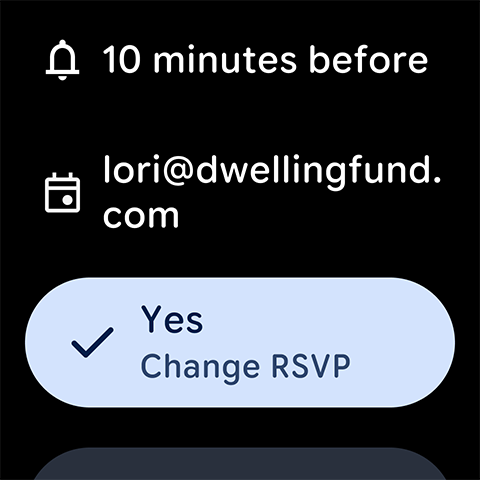
For those constantly on the move, Google Calendar on **Wear OS** devices offers timely notifications, supports tiles and complications, and ensures you're always aware of upcoming events or reminders. This mobile connectivity makes planning effortless, whether you're traveling, at meetings, or out and about.
Enhanced Collaboration with Google Workspace
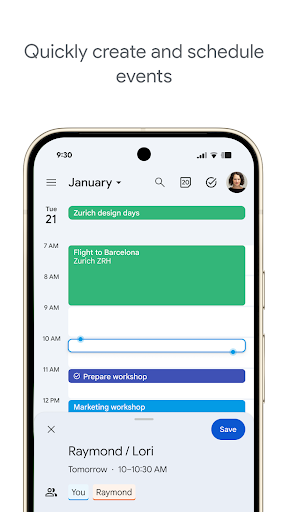
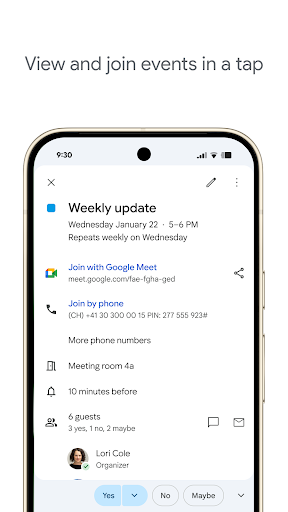
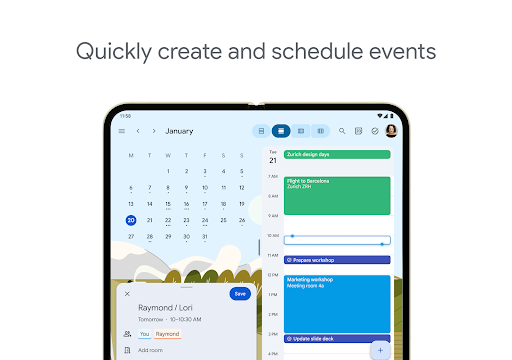
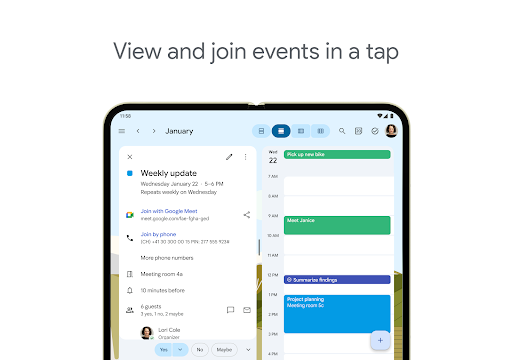
When used with **Google Workspace**, Google Calendar becomes an even more powerful tool for team coordination. You can quickly Schedule meetings by viewing colleagues’ availability, layer multiple calendars, or check the accessibility of shared resources like meeting rooms or equipment. Sharing calendars with others provides full event details or just indicates your free/busy status, streamlining scheduling efforts across teams.
Accessibility and Web Publishing
Google Calendar is accessible from any device—be it your laptop, tablet, or smartphone—allowing for flexible planning wherever you are. Additionally, you can Publish calendars on the web for broader sharing or public announcements, making it invaluable for organizations or event planners.
Why Choose Google Calendar?
If you're looking for a reliable, feature-rich, and easy-to-use calendar app, Google Calendar ticks all the boxes. Its ability to integrate with other apps, automate tasks, and provide live notifications ensures you'll stay on top of your commitments. Whether you're managing personal schedules, coordinating with a team, or planning big events, Google Calendar offers the tools you need for effective organization.
Learn More and Follow for Updates
To explore further, visit the official Google Workspace Calendar page. Stay updated and connected by following Twitter, LinkedIn, and Facebook for the latest news and tips.
Pros
- Seamless integration with other Google services
- User-friendly interface
- Customizable reminders and notifications
- Supports multiple calendars and time zones
- Free to use with no ads
Cons
- Limited offline functionality
- Requires a Google account
- No task management features
- Some features require internet access
- Can be overwhelming for new users










