


Overview of Google Meet
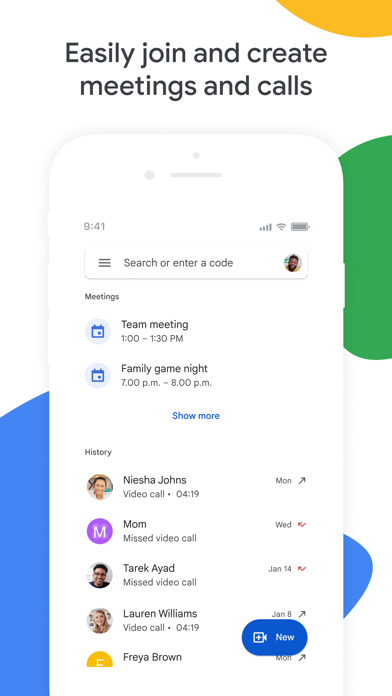
Google Meet is a high-quality video calling application designed to facilitate meaningful and engaging interactions with friends, family, colleagues, and classmates regardless of their location. Whether you want to make a spontaneous call, schedule a meeting, or send a video message for later viewing, Google Meet offers a versatile and user-friendly platform to connect effectively.
This platform not only enables face-to-face communication but also integrates seamlessly with other Google Workspace apps such as Gmail, Docs, Slides, and Calendar. It provides a range of powerful features like noise cancellation, in-call chat, and recordings to ensure your meetings are smooth, productive, and engaging. Whether you're working remotely, teaching an online class, or catching up with loved ones, Google Meet aims to deliver high-definition video and a variety of tools that enhance your virtual communication experience.
Features and Capabilities of Google Meet
Versatile Communication Options
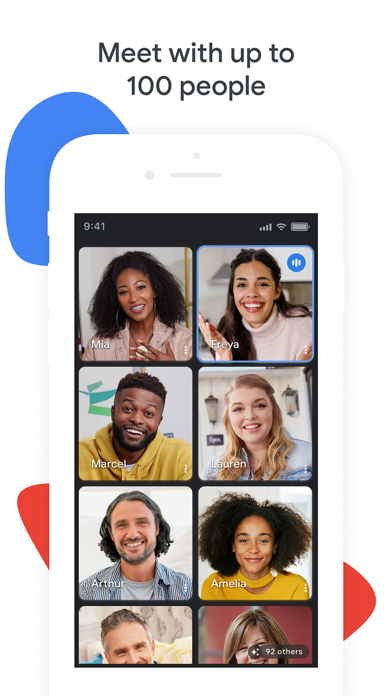
With Google Meet, you can make spontaneous calls or host scheduled video meetings with up to 100 participants at no cost. Enjoy one-on-one calls that last up to 24 hours or organize group meetings of up to 60 minutes, making it ideal for both casual conversations and professional collaborations.
Multilingual Support and Accessibility
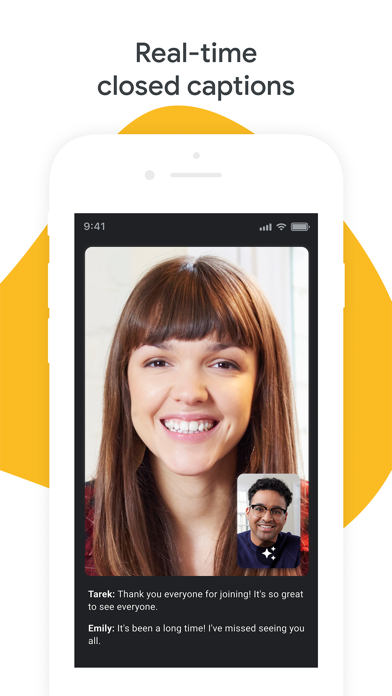
Stay connected globally with real-time translated captions available in over 70 languages. This feature improves accessibility and ensures everyone can follow along seamlessly during meetings, regardless of their language preference.
Interactive Features to Enhance Engagement
In-call chat allows participants to share ideas, ask questions, or give feedback without using voice, helping maintain a smooth flow. Use emojis to express yourself, and share visuals like photos, videos, or presentations directly during the call for better collaboration or sharing memorable moments.
Personalization and Fun Extras
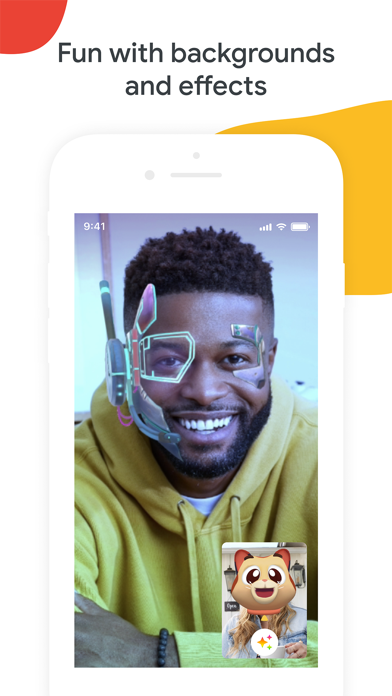
Make virtual meetings more enjoyable with stackable effects that let users add backgrounds, filters, and animations, creating a customized and lively environment. Additionally, on-the-go mode offers an audio-only call option with larger controls, making it easier to take calls while walking, driving, or in public transportation.
Device Compatibility and Video Quality
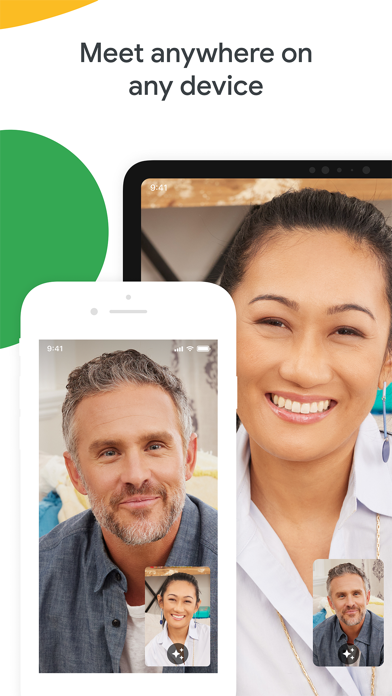
Google Meet works seamlessly across devices—mobile phones, tablets, web browsers, and smart devices—ensuring everyone can join a meeting. The platform supports up to 4K video quality (bandwidth permitting), automatically adjusting the video quality for the best experience based on your internet connection. Please note that some features like meeting recording and noise cancellation are available as premium options. For more details, visit Google Workspace Pricing.
Getting Started with Google Meet
Easy Setup and User-Friendly Interface
Getting started is simple. Download Google Meet from the Google Play Store or Apple App Store. Once installed, sign in with your Google account, and you are ready to connect. The interface is intuitive, making it easy to schedule meetings, invite participants, or join existing calls without any hassle.
Performance and Reliability
Participants experience excellent video and audio quality, with a stable connection even during large group calls. Although occasional connectivity issues may occur, they are rare and typically resolve quickly. To ensure optimal performance, a strong internet connection is recommended.
Conclusion
If you're searching for a reliable and easy-to-use video conferencing app that integrates well with your Google services, Google Meet is an excellent choice. Its extensive features, high-quality video, and seamless collaboration tools make virtual meetings productive and fun. Whether for personal or professional use, giving Google Meet a try could redefine your online communication experience.
Pros
- High-quality video calls
- Seamless integration with Google Workspace
- Simple and effective screen sharing
- Supports real-time captions
- Free for basic features
Cons
- Requires a Google account to use
- Limited functionalities in the free version
- Occasional connectivity problems
- Lacks built-in virtual background options
- Group calls are limited to 1 hour











