
Introducing the Gmail App: Your Ultimate Email Companion
Main Features of the Gmail App
Enhanced Security and Spam Protection
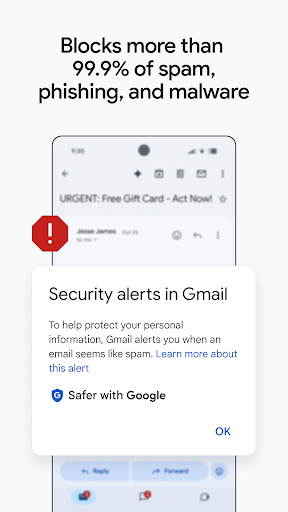
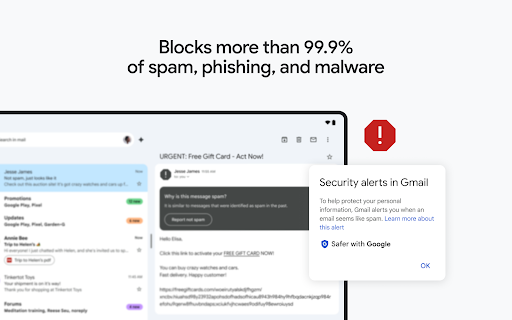
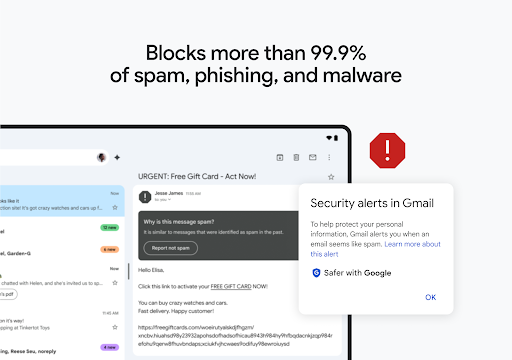
The Gmail app automatically blocks more than 99.9 percent of spam, phishing attempts, malware, and dangerous links before they reach your inbox, ensuring your security is prioritized. Its advanced spam filter acts like a protective shield, keeping unwanted emails out of sight and safeguarding your information. With options like two-step verification, your account receives an extra layer of protection from unauthorized access.
Productivity and Collaboration Tools
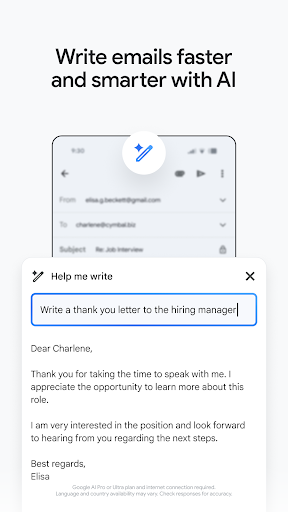
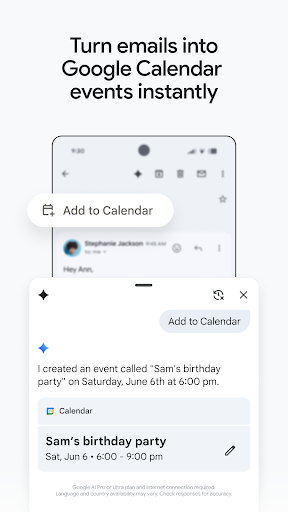
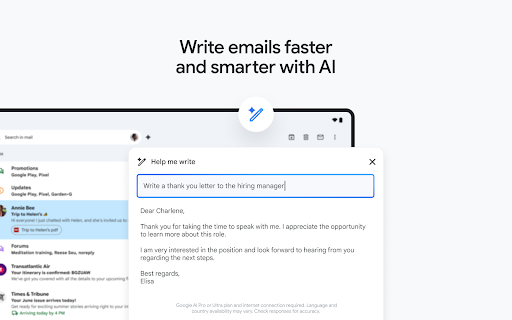
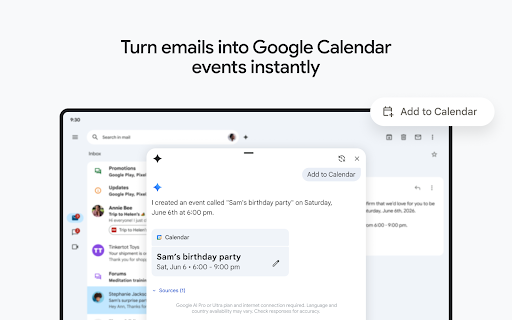
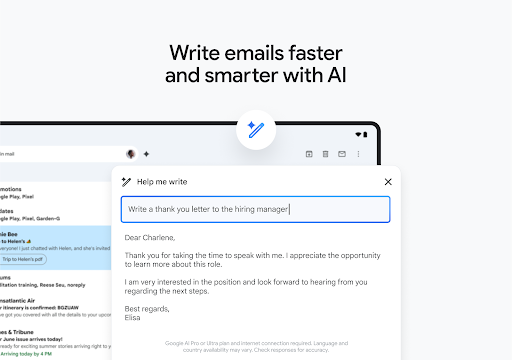
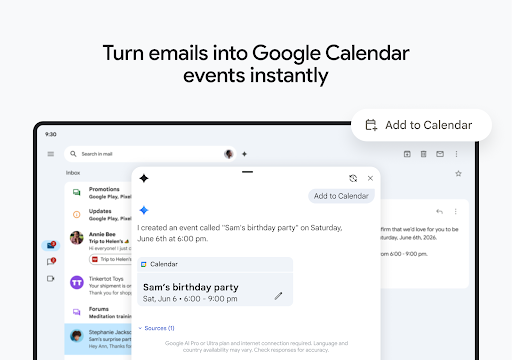
Gmail isn’t just about sending and receiving emails; it’s a comprehensive productivity hub. You can activate Google Chat to connect, create, and collaborate with colleagues or friends effortlessly. The Spaces feature provides a dedicated environment for organizing people, topics, and projects, boosting team efficiency. Additionally, you can respond swiftly with Smart Reply suggestions, making email responses faster and easier. For video communication, Google Meet is integrated directly into the app, allowing high-quality calls without switching platforms. You can even respond to Google Calendar invites right from your inbox, streamlining your schedule management.
Smart Search and Organization
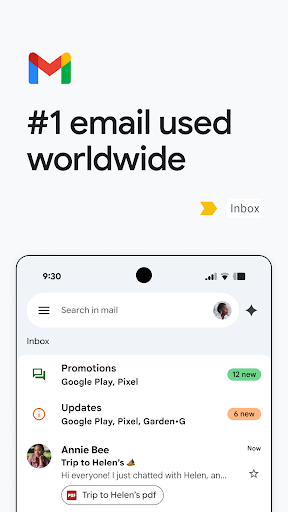
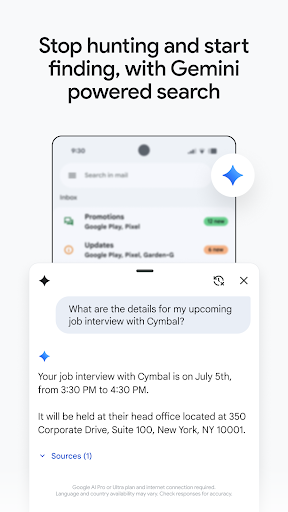
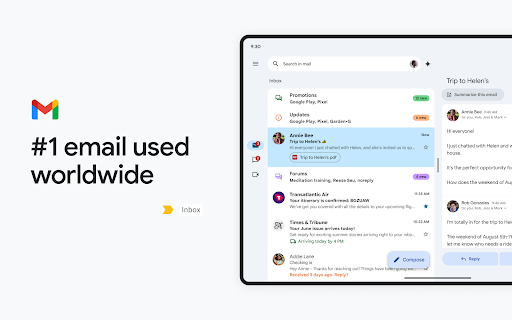
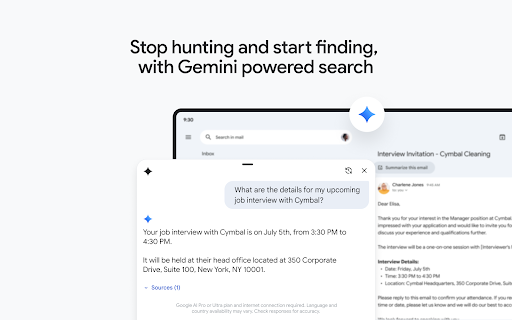
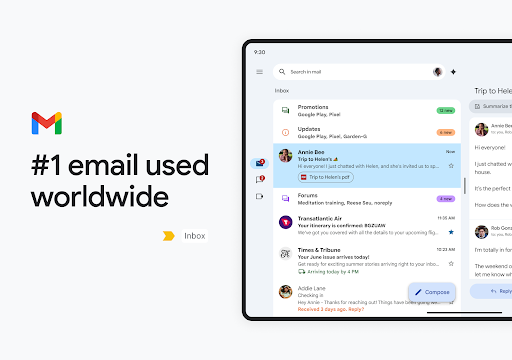
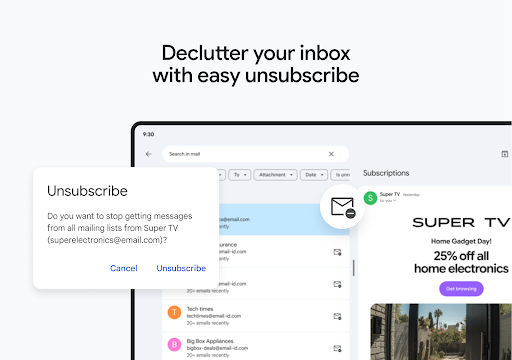
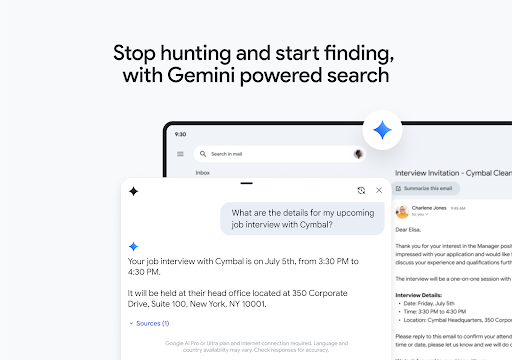
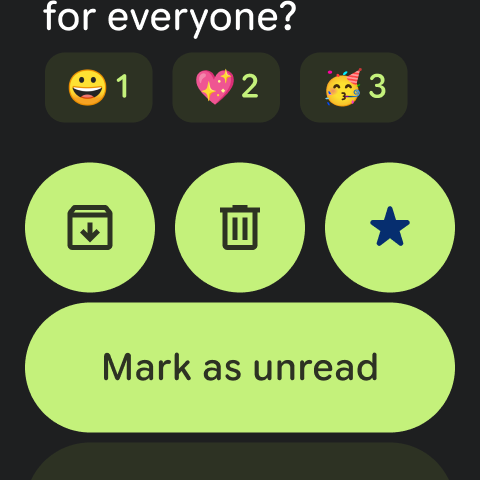
Finding an important email is a breeze with instant search. The app predicts search queries as you type and offers spelling suggestions, saving you time and effort. You can organize your emails by applying labels, starring messages, deleting unnecessary ones, or reporting spam. The intuitive interface also allows quick action via swipe gestures to archive or delete emails, keeping your inbox clean and clutter-free. The threaded conversation view helps you read email chains smoothly, enhancing readability.
Convenience and Ease of Use
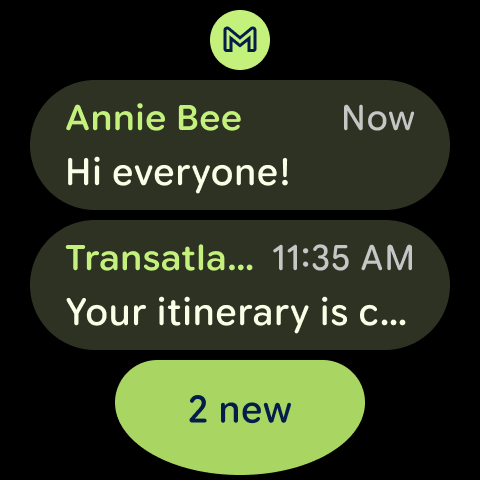
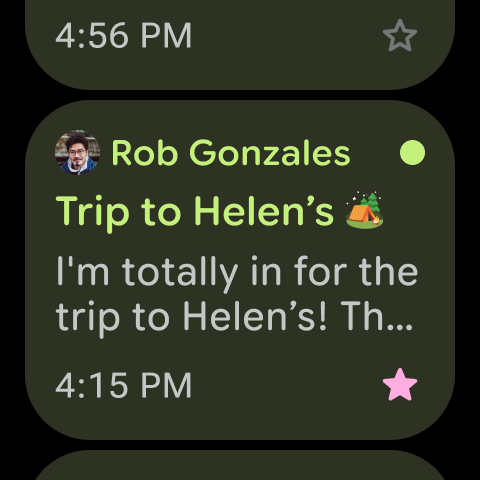
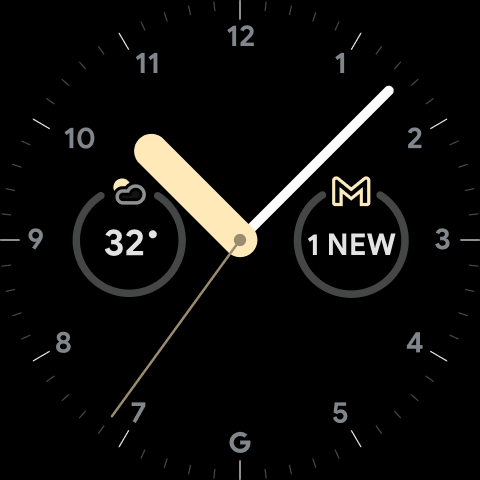
The app allows easy attachment and sharing of files, and it autofills contact names when you start typing from Google contacts or your phone. Notifications alert you instantly to new emails with options for badges, lock screen alerts, and notification center updates. The auto-complete feature simplifies your interaction by suggesting contacts and relevant actions, making email management effortless. For Wear OS users, adding< strong> Gmail complications and tiles provides a quick glance at your emails directly from your smartwatch.
Seamless Integration with Google Workspace
Final Thoughts: Why Choose Gmail?
Pros
- User-friendly interface with straightforward navigation.
- Smooth integration with Google services.
- Strong spam filtering features.
- Provides 15GB of free storage.
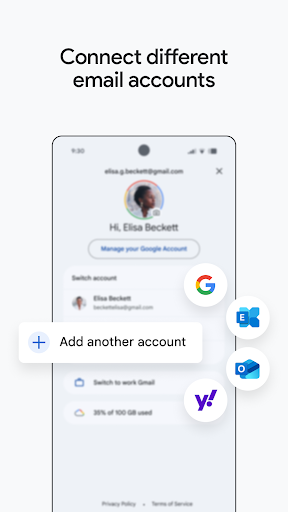
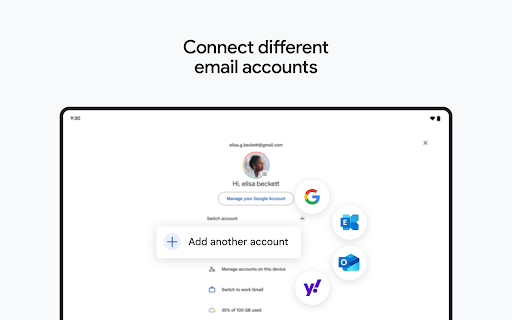
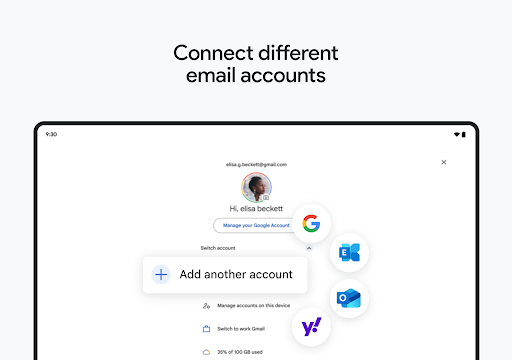
- Easy support for multiple accounts.
Cons
- Can be overwhelming due to numerous features.
- Sometimes experiences syncing problems on certain devices.
- Limited offline functionality.
- Advertisements may be intrusive for some users.
- Potential privacy concerns regarding data usage.











