

Introduction to Google Photos
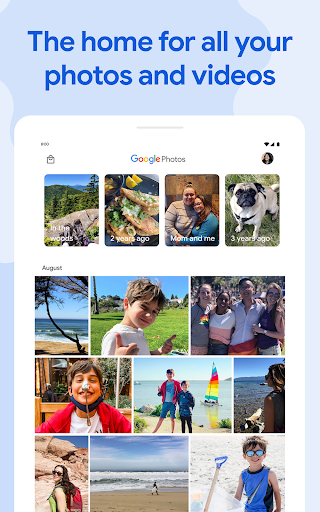
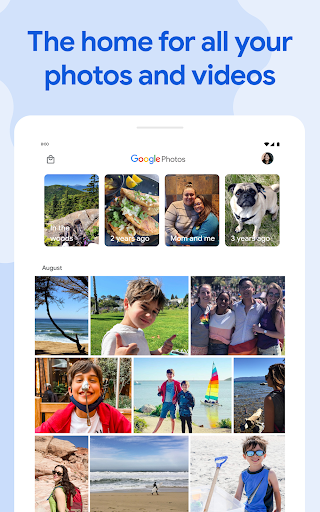
Google Photos stands out as the home for all your photos and videos, providing automatic organization and effortless sharing. Recognized as "The best photo product on Earth" by The Verge and hailed as "Google Photos is your new essential picture app" by Wired, this official app is designed for the way you take photos today. It offers a suite of powerful features like shared albums, automatic creations, and an advanced editing suite, making it an indispensable tool for digital memories.
Main Features of Google Photos
Generous Storage Options
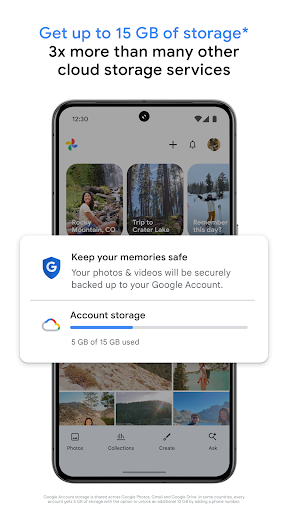
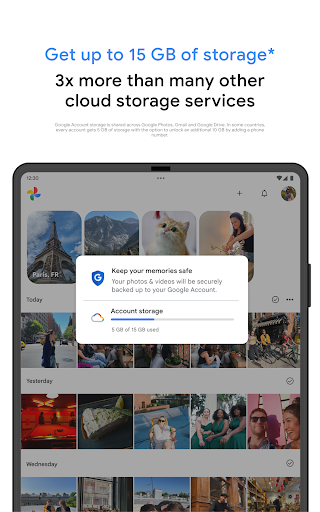
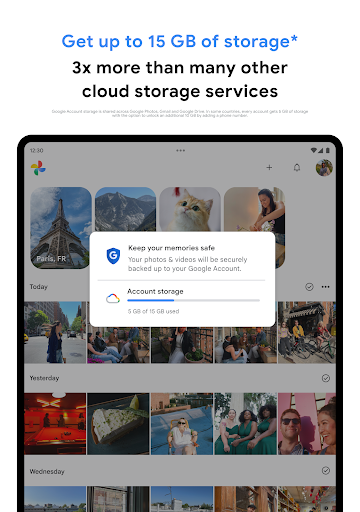
Every Google Account includes 15 GB of free storage to back up your photos and videos. You can choose to upload in High quality or Original quality. All photos and videos uploaded in high quality before June 1, 2021, do not count toward your storage quota, allowing you to maximize your space. Access your content from any connected device or via photos.google.com to enjoy seamless access and peace of mind regarding privacy and security.
Smart Space Management
Worried about running out of storage on your device? Google Photos makes it easy to free up space. Once your media is safely backed up, you can remove the local copies at a tap, efficiently managing your device storage without losing access to your memories.
Ad-Free Experience & Privacy
Google Photos does not sell your photos, videos, or personal information. Your media remains private, and the app guarantees no targeted advertising based on your stored content, ensuring your digital privacy is maintained at all times.
Powerful Search with Google Lens
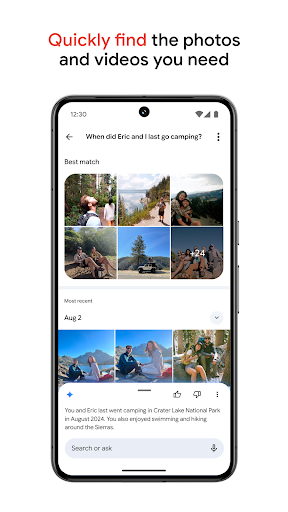
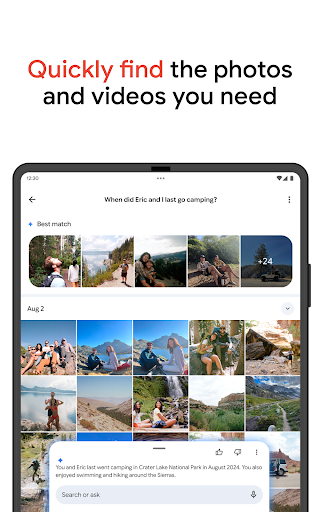
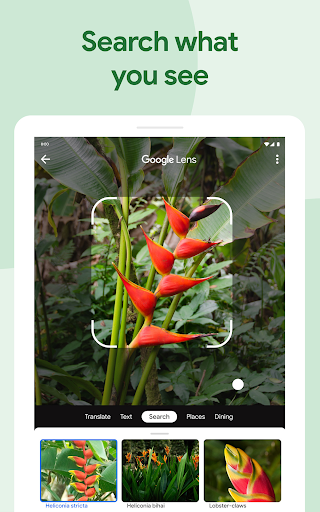
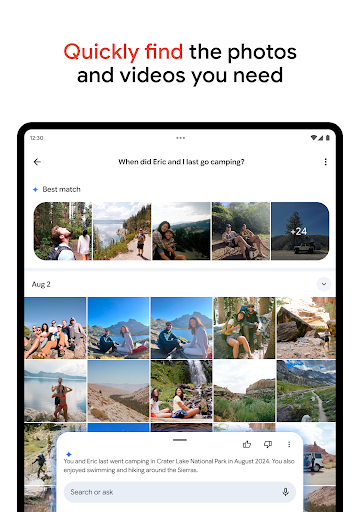
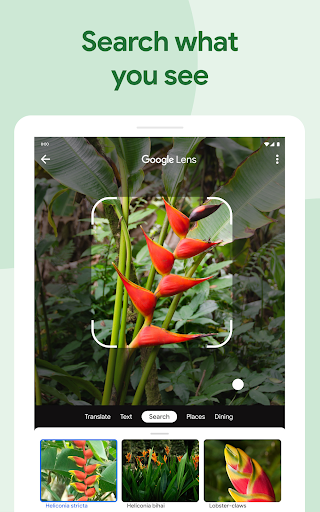
The app’s fast and powerful search capabilities allow you to find images by people, places, or objects—no tagging required. Additionally, Google Lens integration enhances your experience by enabling text copying, translation, plant or animal identification, product searches, and event addition directly from Photos.
Creative Automatic Creations
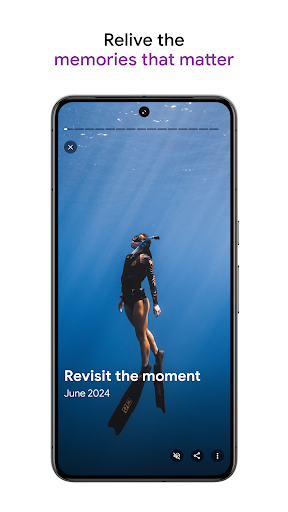
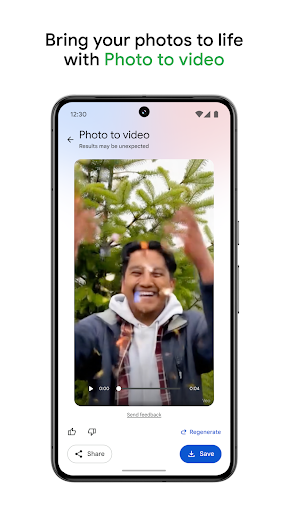
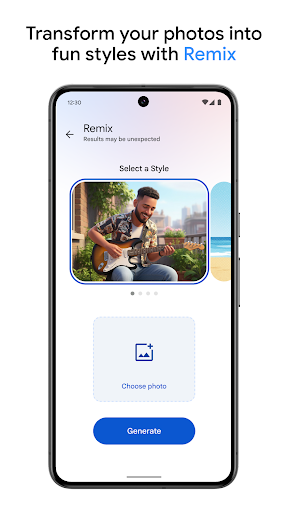
Google Photos can automatically generate movies, collages, animations, and panoramas from your images. You can also create personalized content manually or let the app suggest memorable compilations from specific trips or time periods.
Sharing Made Simple
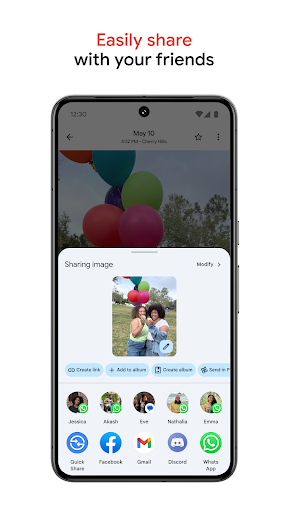
Sharing memories is effortless with smart sharing suggestions. Easily share photos with friends and family, who can also contribute images to shared albums, making group events and trips more memorable. Plus, with send photos in seconds, sharing becomes instantaneous, whether via contact, email, or phone number.
Live Albums & Photo Books
Configure live albums to automatically include new photos of selected people or pets, and create photo books directly from your device with just a few taps—perfect for printing or sharing physical copies. Note that some features like face grouping and live albums may not be available in all countries.
Additional Benefits and Subscriptions
Upgrade your storage by subscribing to Google One, with plans starting at $1.99/month for 100 GB in the US. For more details on pricing and terms, visit the Google One website.
Real-Life Experience with Google Photos
If you've ever felt overwhelmed by your overflowing photo library, Google Photos is like having a personal assistant right in your pocket. From the moment I started using it, I found that the app’s intuitive interface softly reassures, “Relax, I’ve got this.” It automatically backs up and intelligently sorts all my images by date, location, and even faces, thanks to smart recognition technology. No more endless scrolling or searching—just type a keyword like “beach”, and every relevant photo from the past years appears in an instant, making reminiscing effortless.
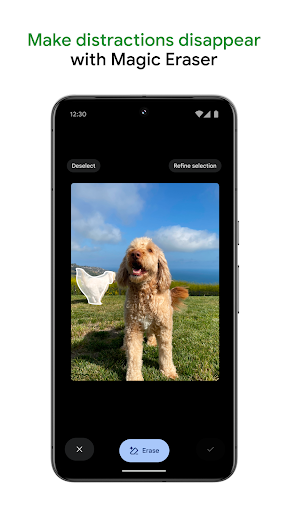
The editing tools in Google Photos enhance photos with minimal effort. Whether it's selecting filters, adjusting brightness, or removing unwanted objects, everything is straightforward and user-friendly. I particularly appreciate how easy it is to spruce up photos for sharing on social media.
Sharing memories with loved ones is now more seamless than ever. Create shared albums, invite contributions, and relive moments together without the hassle of large email attachments or manual transfers. Additionally, the space-saving feature helps keep my device clutter-free by removing locally stored images after they’ve been uploaded to the cloud, sparing me precious storage space.
Overall, Google Photos has transformed my digital photo management. Its combination of smart organization, powerful search, easy editing, and straightforward sharing makes it my go-to photo companion. Whether you're a casual user wanting to keep memories safe or a photography enthusiast seeking quick edits and sharing, this app adapts perfectly to your needs. If you’re ready to bring order to your digital chaos, give Google Photos a try—you and your camera roll will thank you.
Pros
- Unlimited free storage for photos under 16 megapixels.
- Features for automatic organization and search.
- Access and synchronization across multiple devices.
- Simple sharing and collaboration capabilities.
- Supports a variety of media formats.
Cons
- Limited editing options available.
- No option for manual photo sorting.
- High-quality storage is a paid feature.
- Potential privacy issues related to data handling.
- Internet connection needed for backups.











