
Discover the Power of Google Drive: Your Ultimate Cloud Storage Solution
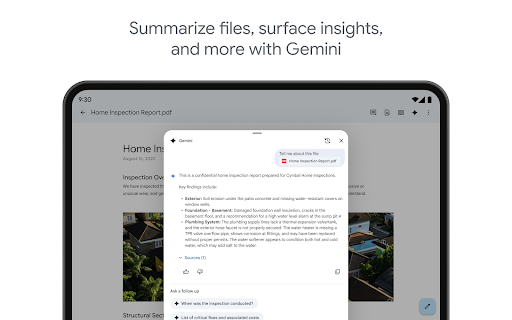
Google Drive, an integral part of Google Workspace, offers a secure and versatile platform to store, organize, and collaborate on files from anywhere in the world. Designed for ease of use across all devices, Google Drive ensures your important documents, media, and data are always within reach. Whether you're a student managing coursework, a professional handling business files, or a casual user backing up memories, Google Drive is built to meet your needs with a suite of powerful features.
Key Features of Google Drive
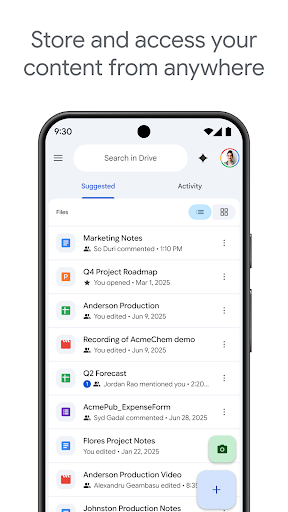
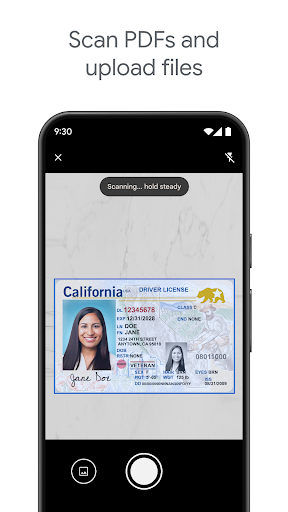
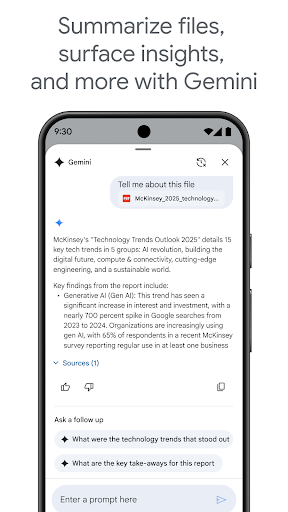
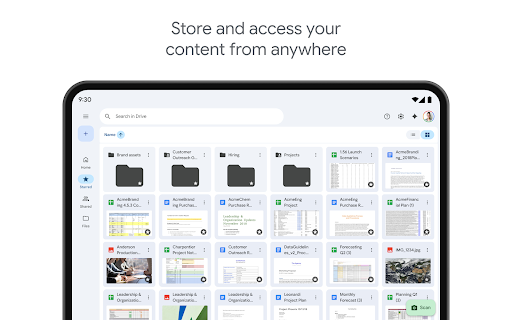
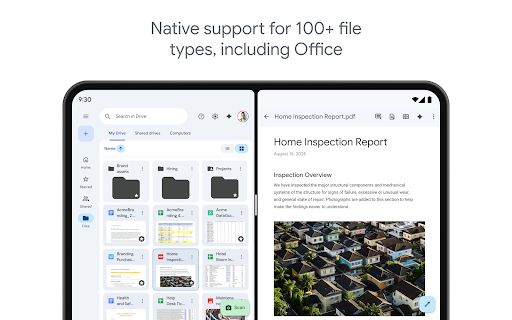
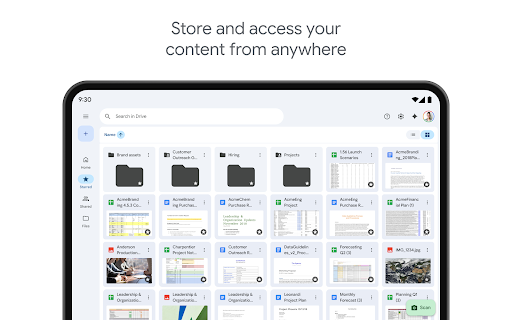
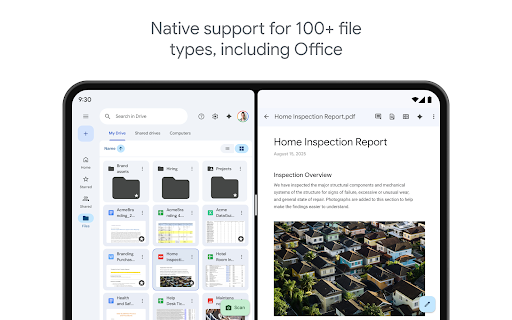
With Google Drive, you can safely store and access files from any device, anywhere. The platform supports over 100 file types, including PDFs, Office documents, videos, and more, making it flexible for various content types. The system enables quick access to your recent and important files, streamlining your workflow. Thanks to its scan and upload feature, you can digitize paper documents effortlessly using your device's camera.
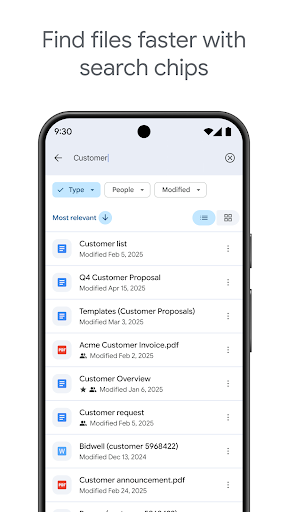
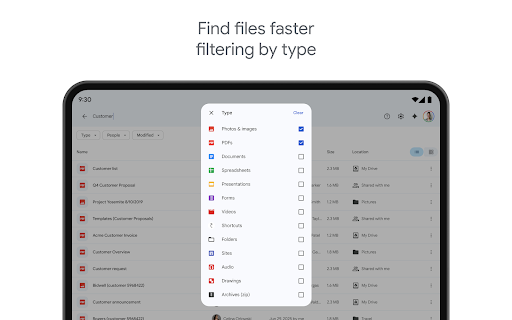
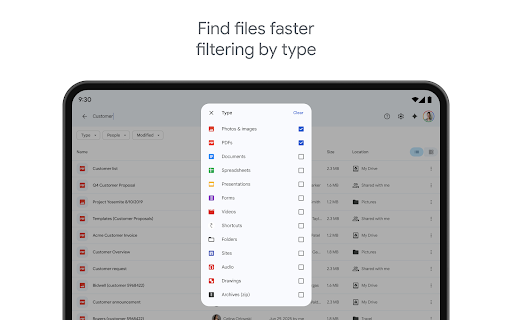
Search functionality in Google Drive is exceptionally powerful—allowing you to find files not only by name but also by content. You can apply filters such as file type and last modified date to narrow down your search, saving precious time. Sharing files and setting permissions is straightforward, enabling seamless collaboration with colleagues, friends, or family.
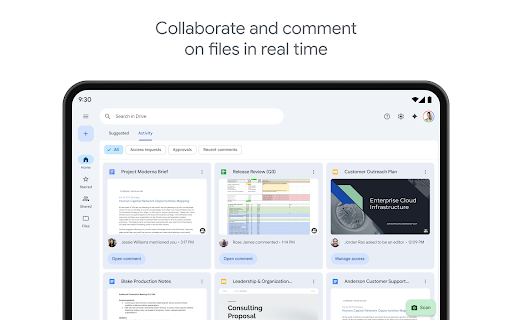
Google Drive's offline capability ensures you can view and edit files without an internet connection, making it perfect for travel or remote work. Your activity on shared files is monitored through notifications, keeping you updated on changes or access. Additionally, Android users benefit from features like side-by-side view and drag-and-drop functionality for easier content management.
Enhanced Functionality for Google Workspace Subscribers
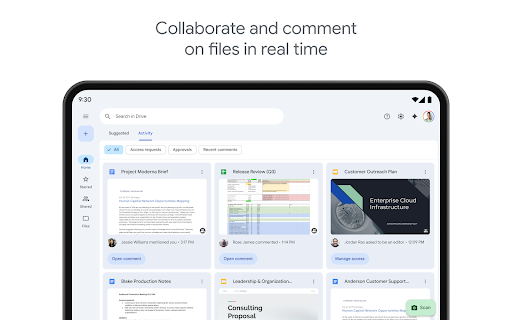
Subscribers to Google Workspace enjoy advanced Drive features such as security and management controls for admins, ensuring data compliance across organizations. Collaborative features include sharing files and folders directly with groups or teams within your organization, boosting team productivity. Creating and managing shared drives allows teams to have a central repository for all their content, simplifying access and collaboration.
Storage and Privacy
Every Google account provides 15GB of free storage, shared across Google Drive, Gmail, and Google Photos. For users needing more space, upgrading to Google One is available, with plans starting at an affordable monthly fee—$1.99/month for 100 GB in the US. This flexible storage option ensures you can keep all your files safely stored without worry.
Google prioritizes user privacy, implementing robust encryption and two-factor authentication to keep your data safe. You can review Google’s Privacy Policy and Terms of Service for detailed information on how your data is managed.
Learn More and Stay Connected
Discover additional features and updates about Google Drive and Google Workspace by visiting the official pages. Stay updated and connected through social channels like X (Twitter), X (Twitter), LinkedIn, or Facebook.
Why Choose Google Drive? A User's Perspective
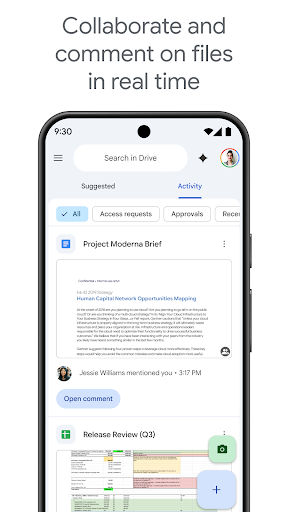
From a user’s standpoint, Google Drive stands out with its intuitive design and reliable performance. The sleek, minimal interface makes navigation seamless, while the powerful search feature quickly locates files amidst digital chaos. The integration with other Google apps like Google Docs, Sheets, and Slides creates a seamless workflow, allowing real-time collaboration and automatic saving.
The ability to out confidently work offline and access files without interruption enhances productivity—ideal for travelers or those with inconsistent internet access. Security is a top priority, with encrypted storage and two-factor authentication providing peace of mind. Overall, Google Drive delivers a well-rounded cloud storage solution for users seeking convenience, security, and collaboration tools—all in one platform.
If you're considering cloud storage options, give Google Drive a try. Its versatility and robust ecosystem make it a top choice for personal and professional use alike. Once integrated into your daily routine, you'll appreciate how it simplifies managing, sharing, and safeguarding your important files.
Pros
- Seamless integration with Google Workspace.
- Generous free storage of 15 GB.
- Real-time collaboration on documents.
- Robust file sharing options.
- Auto-sync across devices for easy access.
Cons
- Limited options for advanced file organization.
- No offline access unless configured beforehand.
- Full functionality requires an internet connection.
- Privacy concerns related to data mining.
- The free plan lacks certain premium features.
You May Like

Google Assistant
Productivity
4.7
Google Calendar
Productivity
4.5
Microsoft OneDrive
Productivity
4.7
CamScanner- scanner, PDF maker
Productivity
4.7
Adobe Acrobat Reader: Edit PDF
Productivity
4.7
Microsoft OneNote: Save Notes
Productivity
4.6
WPS Office-PDF, Word, Sheet
Productivity
4.5
HP Print Service Plugin
Productivity
4.1
AI Chatbot - Nova
Productivity
3.8
Grammarly-AI Writing Assistant
Productivity
4.7
VPN Proxy Speed - Super VPN
Productivity
4.7
Grok • Smartest AI Advisor
Productivity
4.8