



Explore and Navigate the World with Google Maps
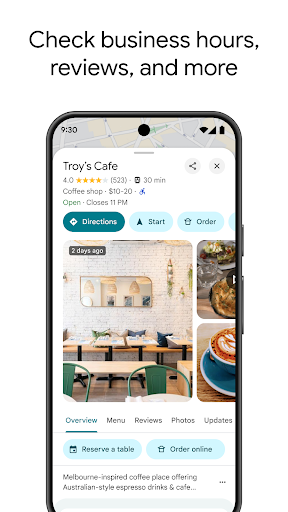
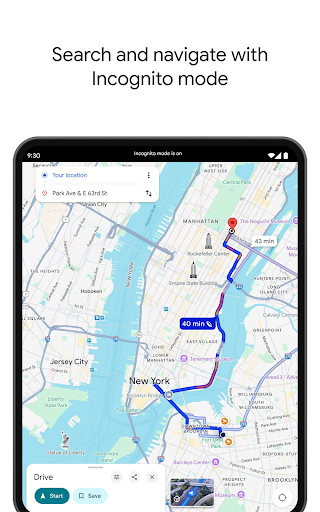
Discover the power of Google Maps, an essential tool for exploring and navigating the world with confidence. Whether you're driving, walking, cycling, or using public transport, Google Maps provides live traffic data and real-time GPS navigation to help you find the best routes. It boasts a vast database of over 250 million businesses and places, including restaurants, shops, and everyday essentials, all enriched with photos, reviews, and detailed information to assist your decision-making.
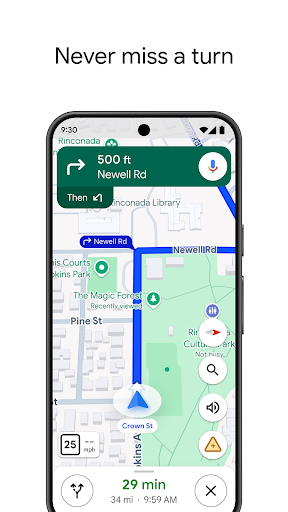
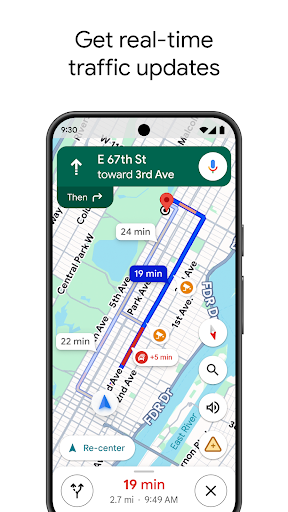
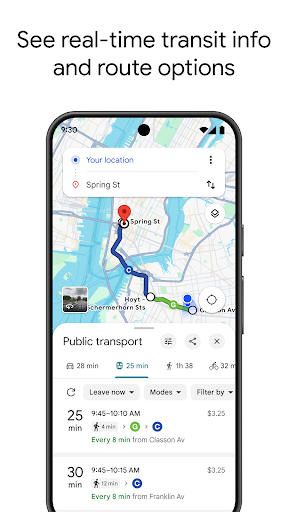
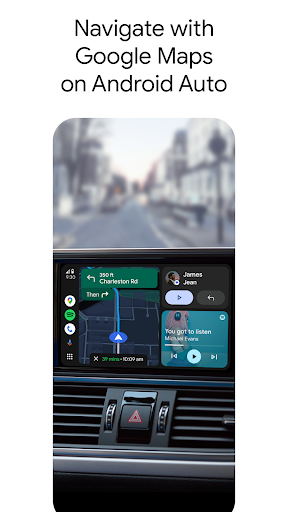
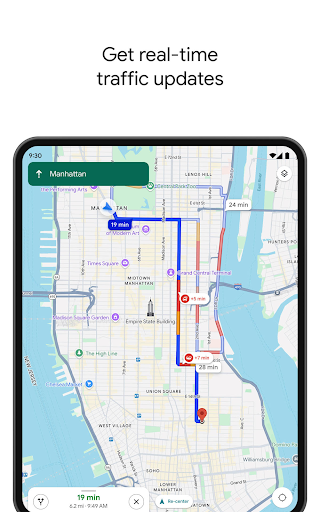
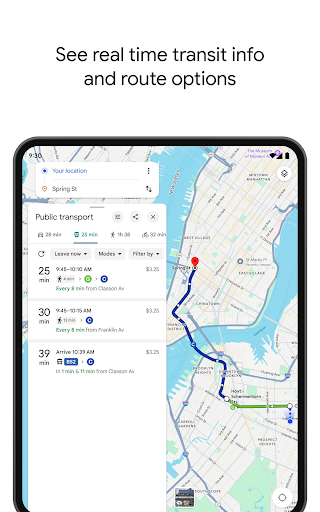
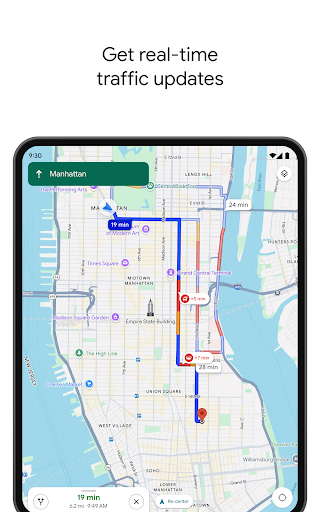
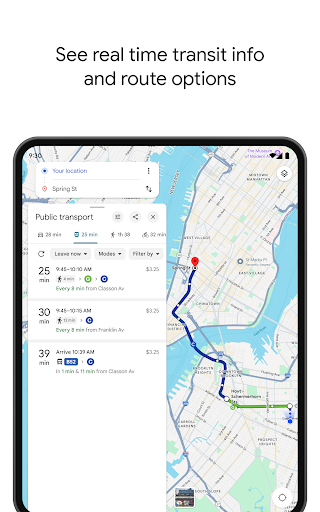
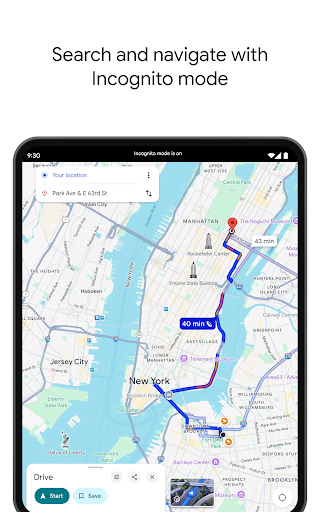
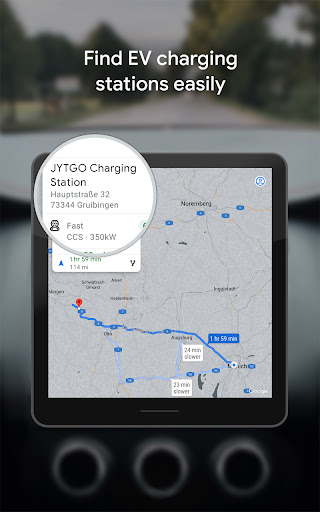
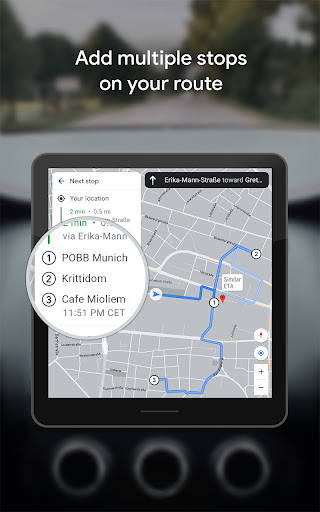
Navigate your surroundings in style and efficiency. Get to where you need to go using fuel-efficient route options, and enjoy turn-by-turn voice and on-screen guidance. The app automatically reroutes you based on live traffic updates, road incidents, or closures, saving you valuable time. Whether catching public transport or planning to rent bikes or scooters, Google Maps keeps you updated with real-time updates for buses, trains, rideshare, and other mobility options.
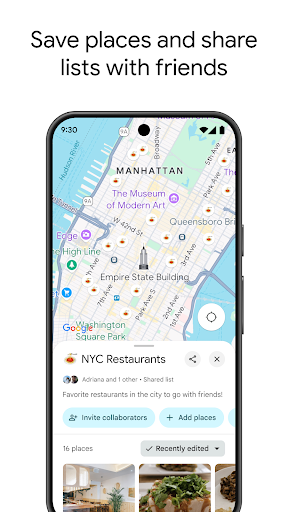
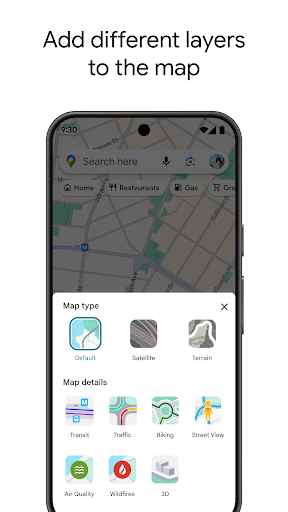
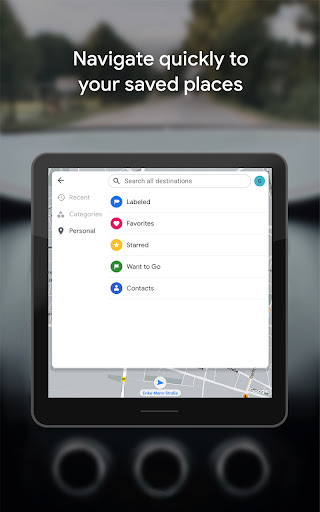
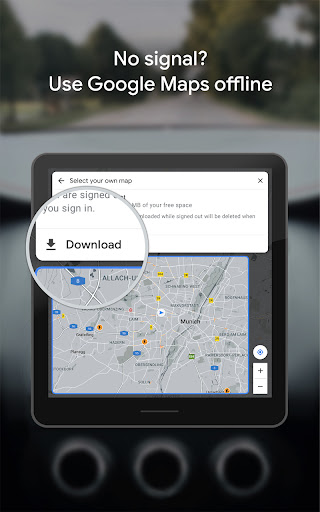
Planning trips becomes effortless with features like Street View, allowing you to preview areas beforehand, including parking and entrances. Dive into Immersive View to see landmarks, parks, and routes in a more detailed way, even checking the weather forecast to prepare in advance. You can create and share custom lists of favorite places, and easily order delivery, make reservations, or book hotels directly within the app. Offline maps ensure you stay oriented in areas with poor signal, preventing you from getting lost. Additionally, you can search nearby places and activities, choosing based on user reviews and photos to make informed decisions.
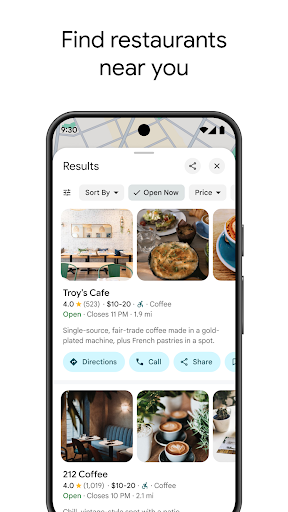
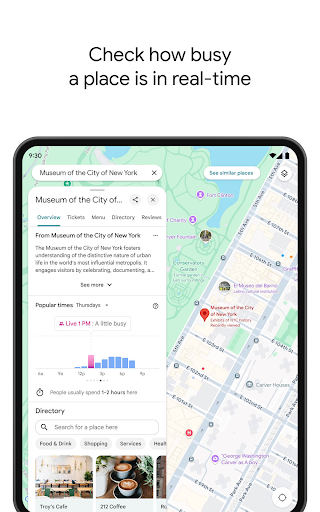
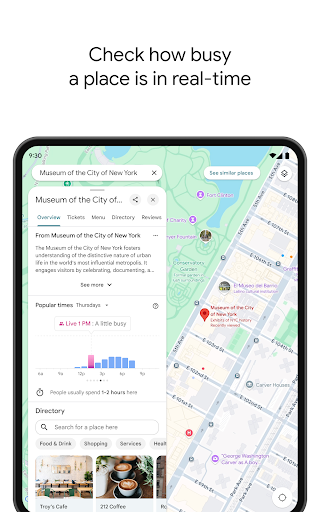
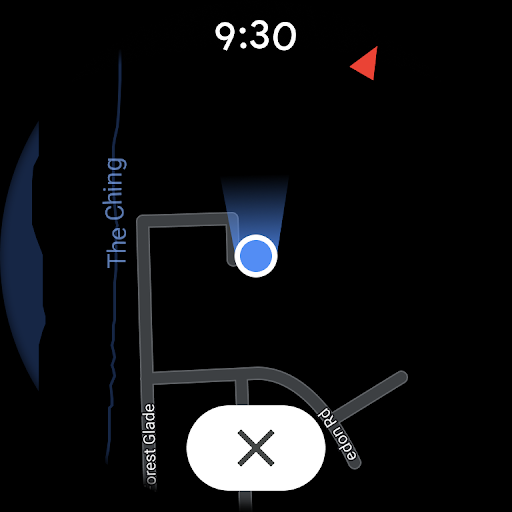
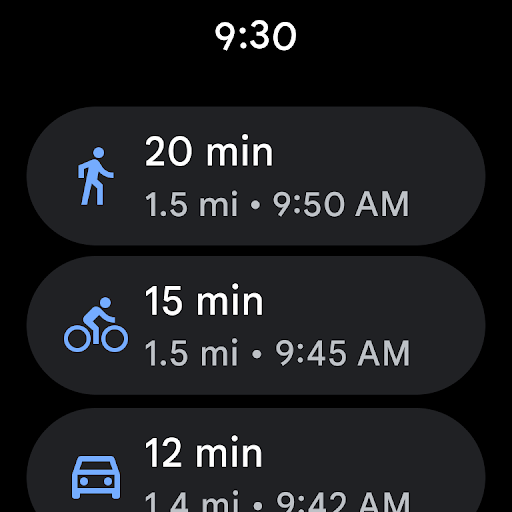
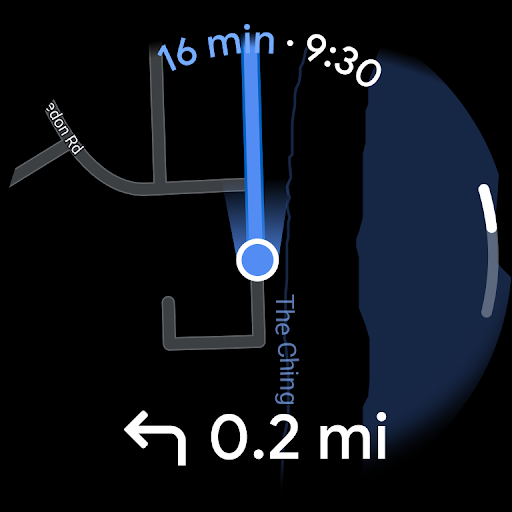
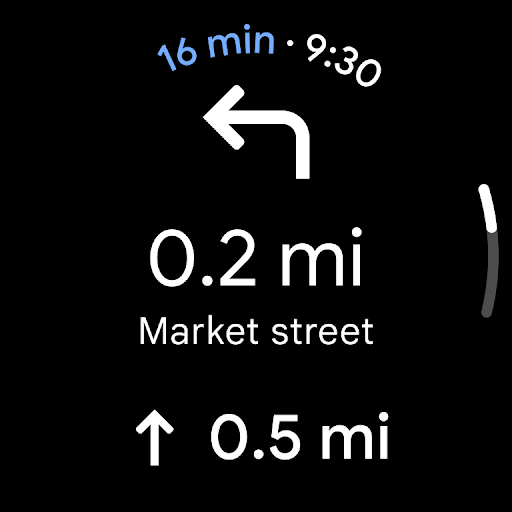
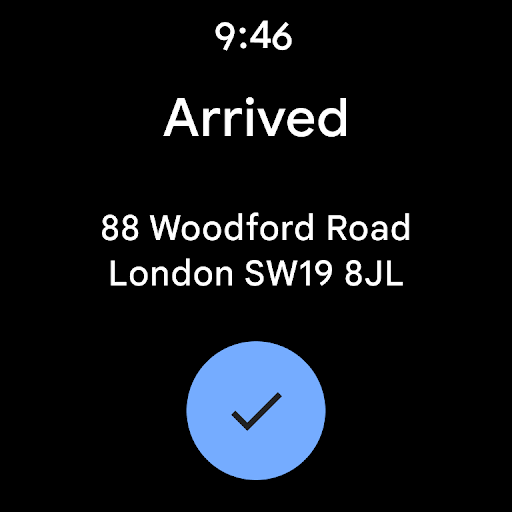
For an authentic local experience, Google Maps is constantly updated by over 500 million contributors around the world. The app helps you avoid crowds by showing how busy each place is, and with Lens in Maps, you can overlay walking directions onto the real world, making navigation even more intuitive. Filter restaurants by cuisine, hours, price, and ratings, or ask questions about a specific location to get quick answers directly within the app. Users can also add tiles and complications to Wear OS devices for quick access to navigation features.
Why Google Maps Is a Must-Have Navigation App
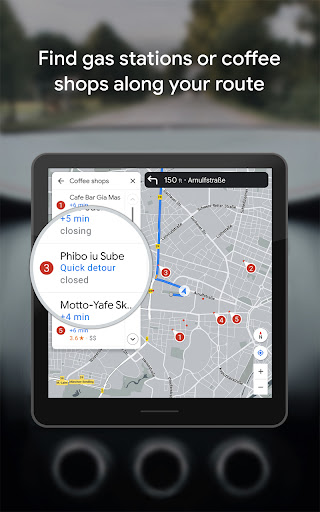
Have you ever found yourself lost in a new city or trying to find the nearest coffee shop? Google Maps acts as your personal guide, making navigation simple and accessible. Its user-friendly interface allows easy setup—just sign in with your Google account, and it syncs seamlessly across multiple devices like smartphones and tablets. This synchronization means your favorite spots, saved places, and settings are always at your fingertips.
Standout Features That Make a Difference
One of the most impressive aspects is the real-time traffic updates, which effectively serve as an onboard traffic cop that guides you away from congestion. Street View offers a virtual preview of your destination, helping you visualize the environment before you arrive. Furthermore, the offline maps feature ensures you're never without directions, even without an internet connection—simply download your needed areas beforehand.
Discover New Places Effortlessly
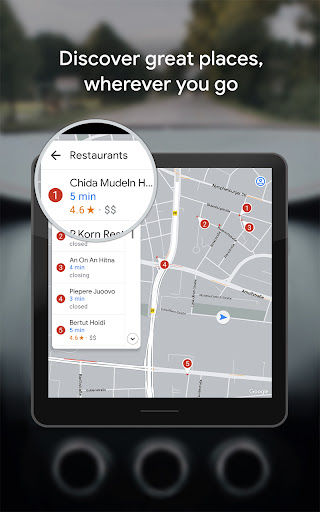
Google Maps isn't just about navigation; it's a powerful discovery tool. The Explore tab acts like a local friend’s recommendation list, highlighting the best restaurants, parks, and points of interest. User reviews and ratings help you make confident choices. Integration with ride-sharing services like Uber and Lyft allows you to book rides straight from the app, adding to the convenience factor.
Personal Experience and Utility
My personal experience with Google Maps is extremely positive. It serves as a kind of Swiss Army knife for travel—reliable, versatile, and packed with features to enhance everyday life. Whether I’m navigating through city streets or planning a weekend getaway, Google Maps makes the process stress-free. It truly transforms the way you explore your surroundings, making every journey smoother and more enjoyable.
In summary, Google Maps remains one of the best navigation apps available today. Its comprehensive features, real-time updates, and vast database of places make it indispensable for travelers and locals alike. If you haven’t already, it’s worth downloading and exploring—happy travels!
Pros
- Provides accurate real-time navigation.
- Has an extensive database of locations.
- Supports offline maps for use without internet.
- Includes street view feature.
- Integrates seamlessly with other Google services.
Cons
- Can drain device battery quickly.
- Experiences occasional GPS inaccuracies.
- Needs an internet connection for live updates.
- Interface may be complex for new users.
- Raises privacy concerns regarding data usage.











