
Gboard - the Google Keyboard
Discover the ultimate typing experience with Gboard, the Google Keyboard that combines speed, reliability, and a host of powerful features. Designed to elevate your smartphone interactions, Gboard offers a seamless and customizable keyboard solution that caters to both casual users and power users alike.
Key Features of Gboard
Advanced Typing Capabilities
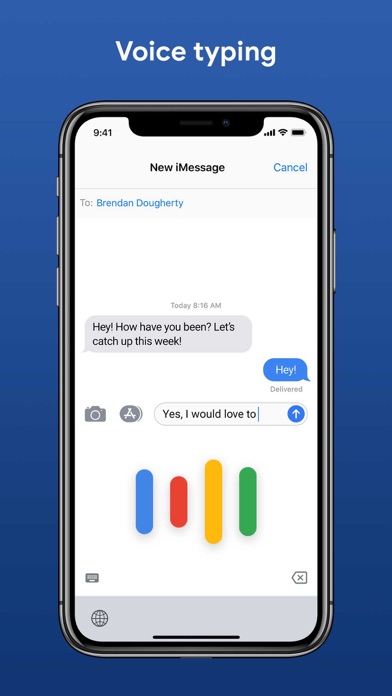
Gboard provides various intelligent typing options to enhance your productivity. Glide Typing allows you to type faster by sliding your finger across the keyboard from letter to letter, making your typing smooth and efficient. If you prefer speaking, Voice Typing lets you dictate your messages effortlessly, with high accuracy and support for many languages. For those who like writing by hand, Handwriting is available, letting you write in cursive or printed letters directly on your screen.
Search and Share with Ease
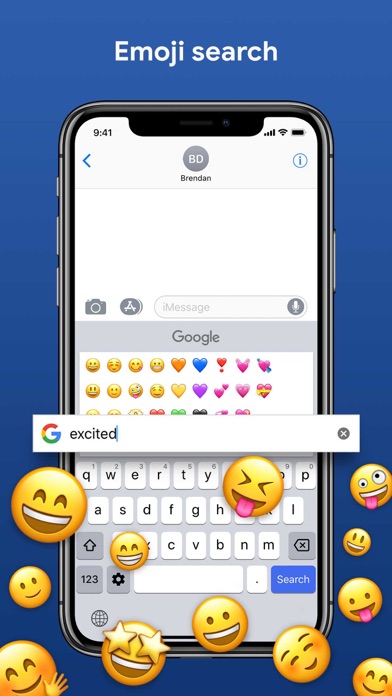
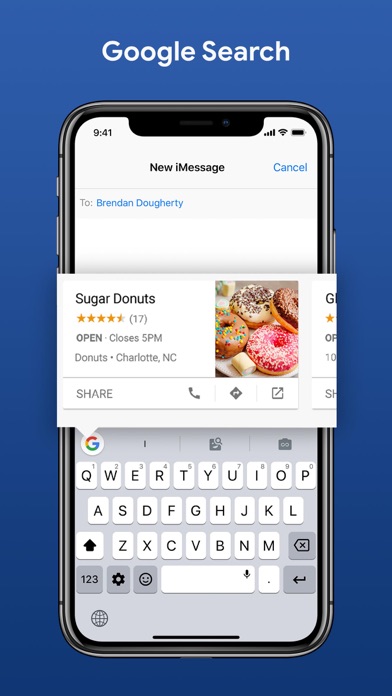
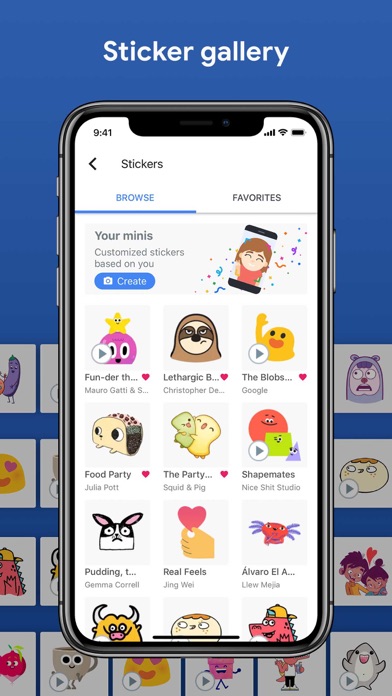
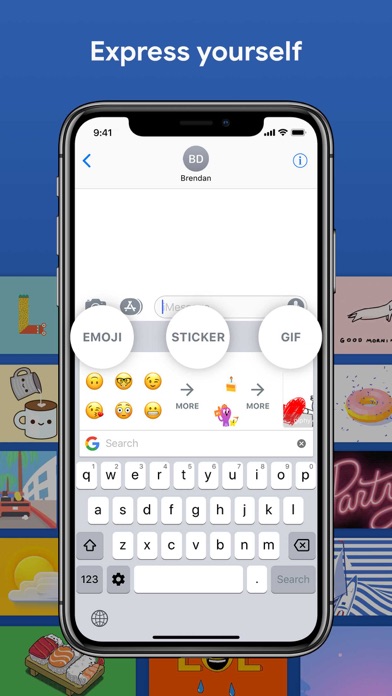
Built-in Google Search enables quick lookups without juggling between apps. You can search for information, locations, or anything else directly from the keyboard and insert results instantly. Additionally, Emoji Search helps you find the perfect emoji faster, while GIFs allow you to search and share animated images to express yourself better.
Multilingual and Global Support
Forget the hassle of switching languages manually. Gboard’s Multilingual typing feature automatically supports multiple languages simultaneously, autocorrecting and suggesting as you type. It covers hundreds of language varieties, including widely spoken ones like Arabic, Chinese, Hindi, Spanish, French, Russian, and many more, ensuring connectivity across the globe.
Translation and Accessibility
With Google Translate integrated, you can translate text on the fly as you type (not supported on Android Go devices). Gboard makes multilingual communication effortless, bridging language gaps seamlessly.
Additional Features and Customization
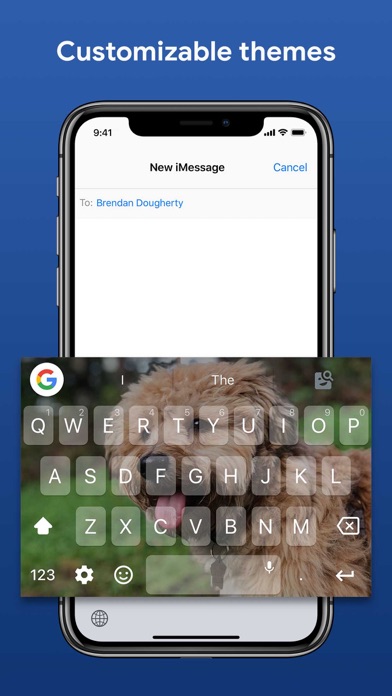
Gboard isn’t just about typing — it’s highly customizable. You can change the theme to match your style, adjust keyboard size, set your own photos as background, and even enable a one-handed mode for larger devices. Quick access to symbols is enabled through long presses, and gesture controls like sliding across the space bar to move the cursor or swiping left on the delete key to erase multiple words enhance usability. The number row can also be kept always visible for convenience.
Gboard on Wear OS
Enjoy the same speed and reliability of Gboard on your wrist with Wear OS support. Features include Glide Typing, voice dictation, emoji search, and support for numerous languages such as Chinese, Korean, Spanish, and more. Smart gesture controls truly make typing on your smartwatch a breeze.
Why Choose Gboard?
Gboard stands out as an all-in-one keyboard solution thanks to its rich feature set, extensive language support, and user-friendly customization options. Its fast and reliable performance ensures a smooth user experience, whether you’re texting, searching, or sharing multimedia. Plus, its minimal impact on battery life makes it a practical choice for daily use. Whether you’re a multilingual communicator, emoji enthusiast, or someone who values quick and accurate typing, Gboard caters to all these needs effortlessly.
If you’re seeking a versatile, customizable, and efficient keyboard app, Gboard is definitely worth trying. It transforms your keyboard into a powerful tool that enhances how you interact with your device — making every word count, faster and easier than ever before.
Pros
- Highly accurate autocorrect
- Supports glide typing
- Integrates Google search
- Customizable themes
- Supports multiple languages
Cons
- May collect user data
- Occasional lag on older devices
- Limited emoji search functionality
- Can consume many resources
- Lacks advanced text editing features











