

Introducing iVerify Basic: Your Essential Mobile Security App
iVerify Basic is a powerful mobile security application designed to provide users with enhanced device protection and increased threat awareness. Serving as a gateway to enterprise-grade security solutions like iVerify EDR, this app is tailored for individuals who prioritize their digital safety. With a focus on simplicity and effectiveness, iVerify Basic empowers users to proactively safeguard their devices against a wide array of cyber threats.
What Makes iVerify Basic Stand Out?
In today's interconnected world, our smartphones hold invaluable personal and financial data—from banking credentials to cherished photos. Recognizing this, iVerify Basic functions as your personal digital bodyguard, helping you identify and mitigate security vulnerabilities before they can be exploited. It’s more than just a security scanner; it’s an essential tool that offers peace of mind in the palm of your hand.
Easy-to-Use Interface for Everyone
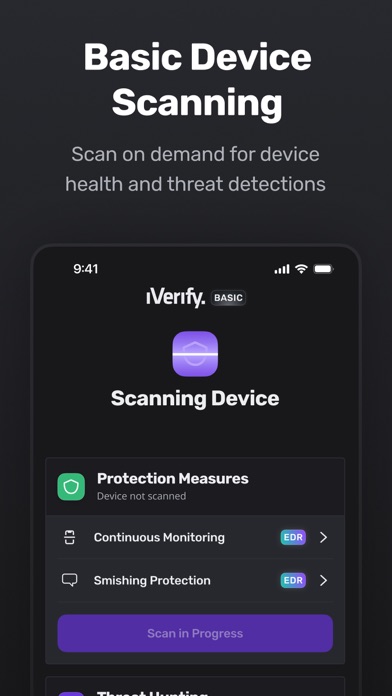
One of the key strengths of iVerify Basic is its intuitive design. The app welcomes users with a sleek, user-friendly interface that is accessible even to those with limited technical knowledge. Clear instructions and straightforward steps guide you through the process of securing your device, making complex cybersecurity measures simple and approachable. Whether you're a seasoned tech user or a novice, iVerify Basic makes enhancing your device security effortless.
Comprehensive Security Features
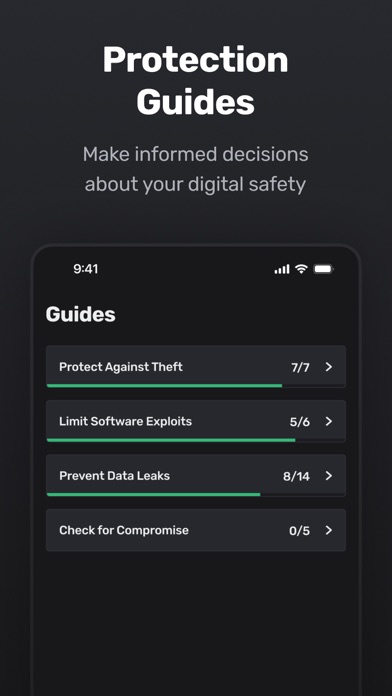
The app boasts an extensive set of features designed to provide thorough security assessments. It includes a detailed security checklist that covers crucial areas such as software updates, password strength, and app permissions. Additionally, iVerify Basic scans for potential vulnerabilities that you might not be aware of, functioning like a digital Sherlock Holmes constantly on alert for threats. The app doesn’t just identify issues; it also offers practical, actionable security recommendations that can be implemented immediately to strengthen your device's defenses.
Proactive Threat Detection and Prevention
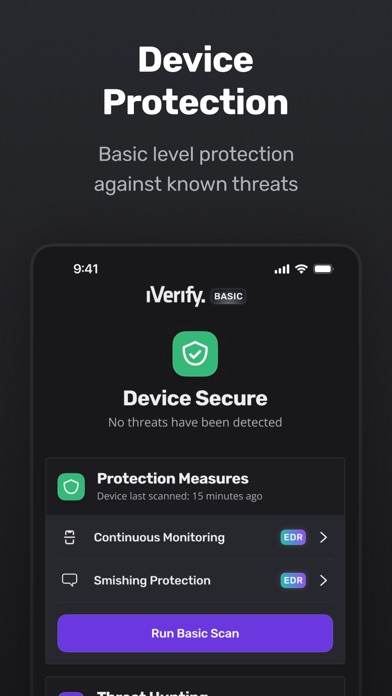
Unlike reactive security measures, iVerify Basic focuses on prevention. Its proactive approach involves not only detecting existing vulnerabilities but also providing tips to prevent future exploits. This ensures your mobile device remains protected in an ever-evolving digital landscape, reducing the risk of data breaches and malware infections.
Empowering You with Peace of Mind
With just a few taps, iVerify Basic allows you to quickly assess your device's security status. This simplicity makes it an indispensable tool for anyone who wants to maintain confidentiality and integrity of their personal data. Whether for personal use or as a supplementary security layer, the app combines efficiency with reliability, making it a must-have in your digital toolkit.
Why Should You Consider iVerify Basic?
In an era where cyber threats are constantly evolving, having a trustworthy security app like iVerify Basic is more crucial than ever. It provides users with essential device security features, ongoing threat awareness, and actionable insights—all packed into a straightforward, easy-to-navigate interface. Whether you're looking to enhance your personal security or seeking a comprehensive way to monitor your device's vulnerabilities, iVerify Basic is the ideal solution.
Conclusion
If safeguarding your digital life is a priority, iVerify Basic offers the perfect blend of usability and powerful security features. Its proactive approach, comprehensive checks, and user-friendly design make it a vital app for maintaining your device’s security. Start using iVerify Basic today and enjoy the confidence that comes with knowing your information is protected against modern cyber threats.
Pros
- Comprehensive security features
- User-friendly interface
- Regular updates
- Detailed security reports
- Customizable settings
Cons
- Limited to basic features
- Subscription required for premium access
- Occasional false alarms
- Lacks real-time protection
- Requires technical expertise











