


Discover the Outlined Watch Face App: Your Ultimate Customization Tool for Wear OS 4+
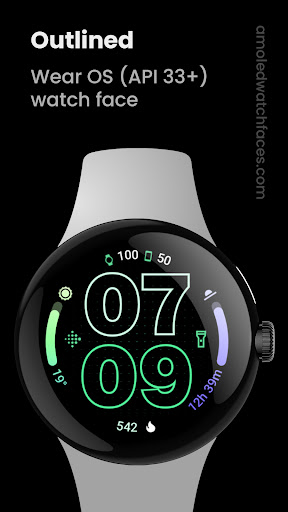
If you're passionate about personalizing your smartwatch experience, the Outlined Watch Face app offers an impressive suite of features designed specifically for Wear OS 4+ devices. Whether you own a Pixel Watch 2, Galaxy Watch6, or other compatible devices, this app provides extensive customization options to make your smartwatch truly your own. Please note that it is not suitable for rectangular watches.
Key Features of Outlined Watch Face
The app is packed with functionalities aimed at combining aesthetic appeal with practical utility. Some notable features include:
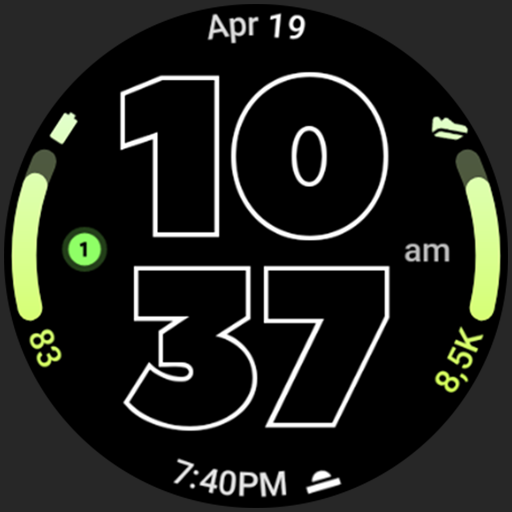
- Watch Face Format: Designed specifically for AMOLED displays, delivering vibrant and true black backgrounds for enhanced contrast and energy efficiency.
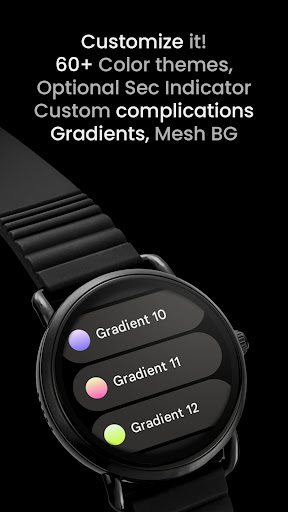
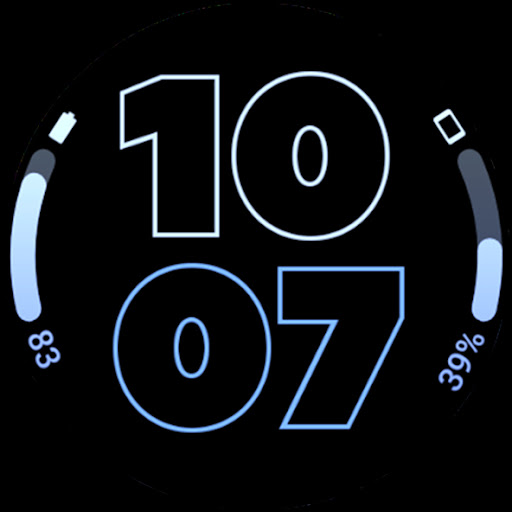
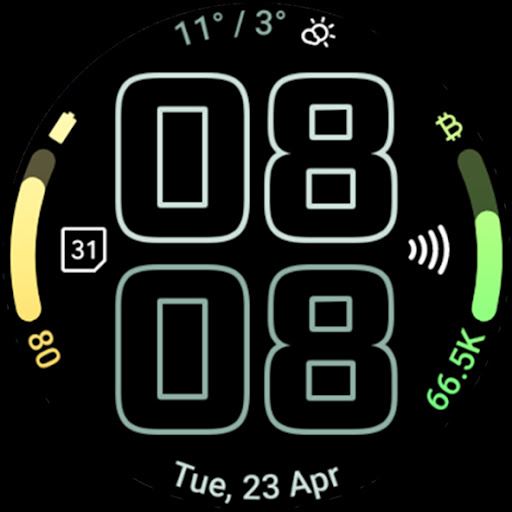
- Gradient Arc Complications: Two slots to add customizable gradient arc complications, letting you display various info attractively.
- Battery Support: Combined watch and phone batteries' complication support, offering an integrated power status view at a glance.
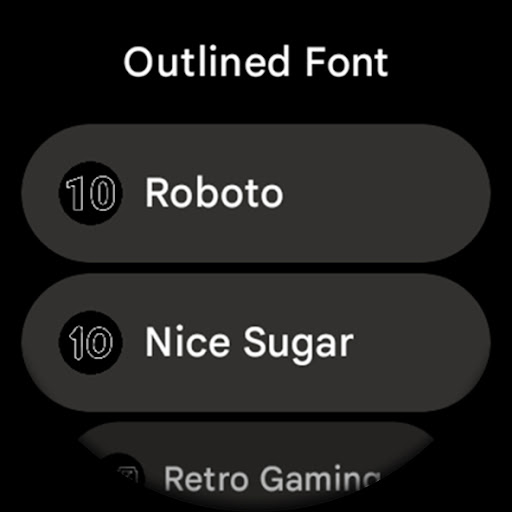
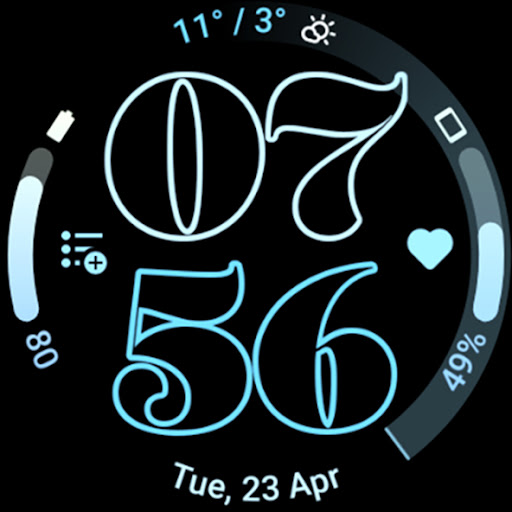
- Unique Digital Fonts: Selectable outlined digital clock fonts for a distinctive look.
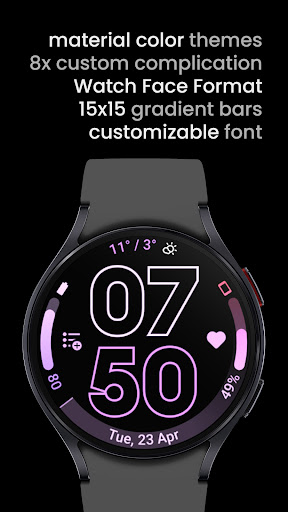
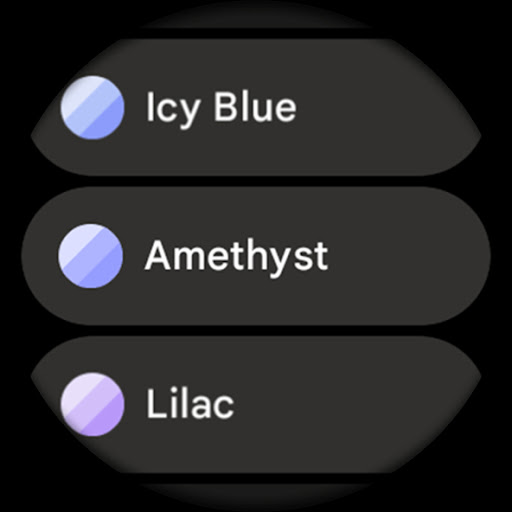
- Material Themes: Over 60 themes to match your style, with options for color customization.
- High-Resolution Design: Ensures crisp visuals on high-res screens.
- Personalization Options: Customize each progress bar gradient individually when using ranged value complications.
- Wave Seconds Indicator: An optional wave-styled seconds indicator adds dynamism to your watch face.
- Power Efficiency: Designed to be battery-friendly, with burn-in protection to prolong display life.
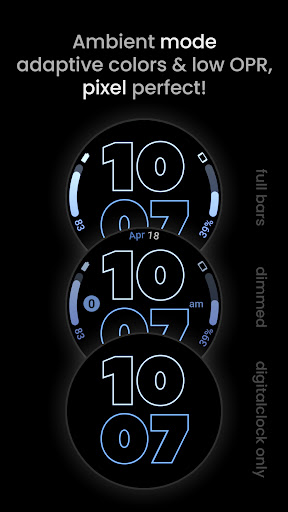
Plus, with three distinct Always-On Display (AOD) styles—including one that solely shows the digital clock and offloads graphics to the MCU—you have full control over your smartwatch's appearance and energy consumption.
Customization and User Control
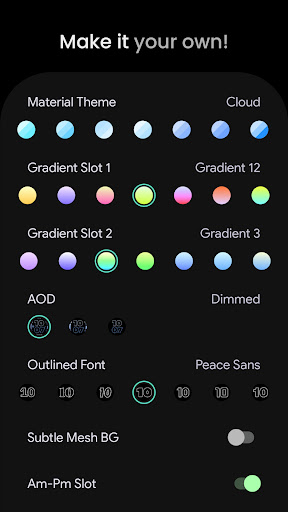
Making your watch face truly yours is simple with a comprehensive range of user configurations:
- Material Theme (60+ options)
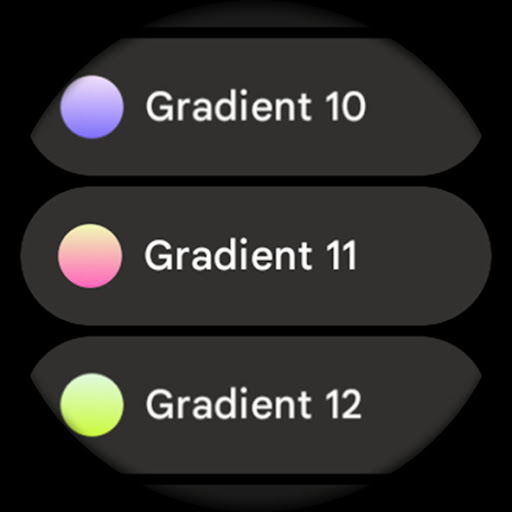
- Gradient Slot Customization: Choose from 19 gradients, including white and tint options.
- Outlined Fonts: 10 different styles for the digital clock.
- AOD Styles: Three options, with additional offloading settings for increased battery life.
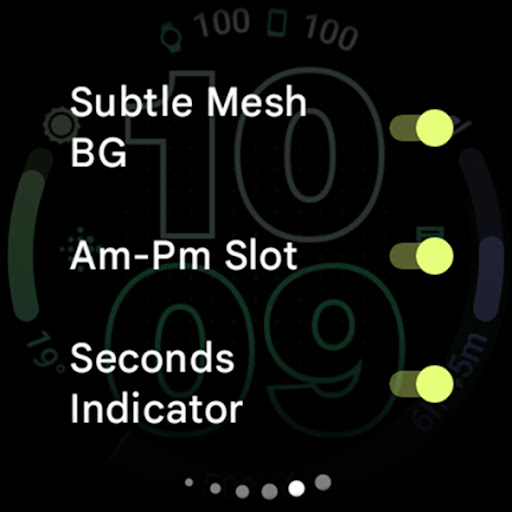
- Background Options: Subtle mesh background toggle for a sleek look.
- Am-Pm Indicator: Toggle to convert one complication slot into an AM-PM indicator for 12-hour formats.
- Seconds Indicator: Enable wave-styled seconds for a dynamic display.
- Icon Tinting: Monochromatic icon tint options for a cohesive aesthetic.
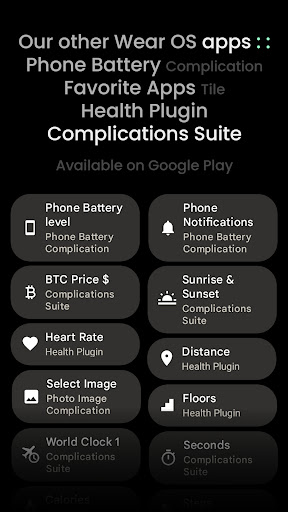
- Custom Complications: Up to 8 custom app shortcut slots for quick access to your favorite apps.
Installation and troubleshooting guides are readily available at amoledwatchfaces.com/guide. For support or feature requests, you can contact the dedicated support team via [email protected] or join the live discussion on Telegram.
Experience Seamless Customization and Dynamic Design
The Outlined Watch Face app transforms your smartwatch into a personalized device with endless styling possibilities. Its intuitive interface makes customization accessible even for beginners, while the depth of options appeals to seasoned users who want meticulous control. From vibrant color schemes to sleek fonts, and from informative complications to energy-saving features, this app is designed to enhance your smartwatch experience comprehensively.
Imagine a watch face that adapts not just to your style but to your daily routines. With support for widgets like weather updates, fitness progress, and calendar events, the Outlined Watch Face acts as your on-wrist personal assistant, instantly accessible with a glance. Its high-resolution, AMOLED-optimized visuals ensure that every detail pops, giving your device a fresh, modern look.
Equipped with features like burn-in protection and customizable gradient complications, it truly combines style, utility, and battery efficiency. Whether you're tracking your workouts, managing your schedule, or just expressing your unique taste, this app offers the tools to make your smartwatch a reflection of you.
In conclusion, if you’re looking to elevate your Wear OS device with a versatile, visually striking, and highly customizable watch face, the Outlined Watch Face app is a perfect choice. Dive into its features today and make your smartwatch a true extension of your personal style.
Pros
- Customizable color themes for personalization
- Supports multiple time zones
- Minimalistic design enhances readability
- Battery efficient with optimized performance
- Compatible with always-on display
Cons
- Limited widget options available
- No weather integration feature
- Font size cannot be adjusted
- Lacks fitness tracking integration
- Premium required to access full features











