




Overview of My crochet designer App
My crochet designer is a powerful and intuitive application designed to assist crochet enthusiasts and designers in creating detailed and customized crochet patterns. Whether you're working on simple projects or complex schemes, this app offers a versatile and feature-rich environment that makes pattern creation both enjoyable and efficient.
Intuitive Interface and Pattern Creation Tools
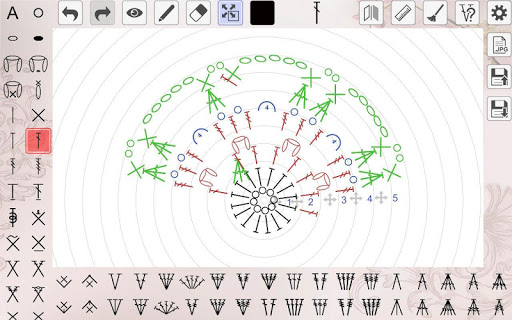
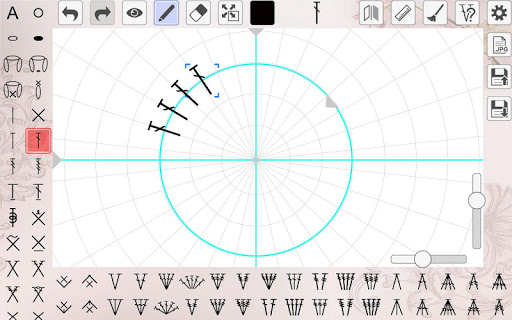
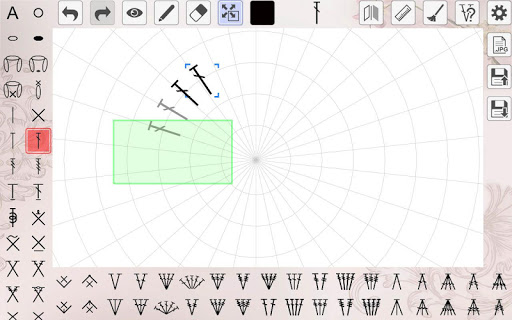
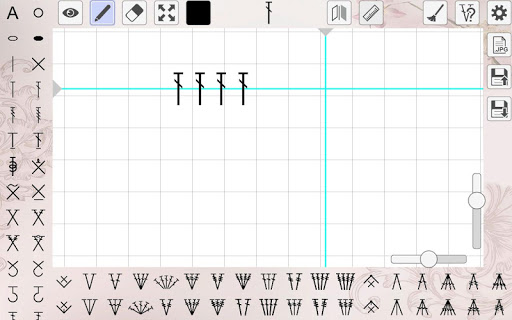
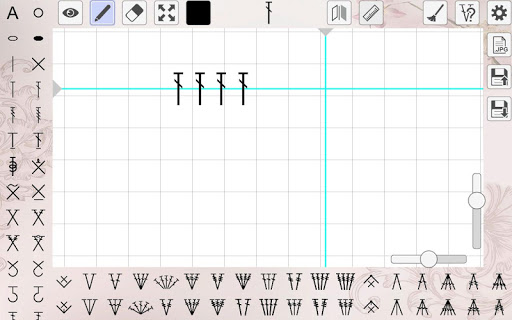
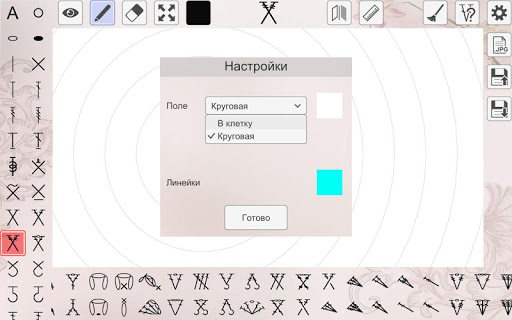
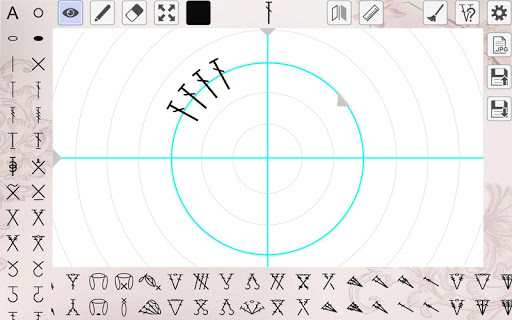
The app's interface is sleek and user-friendly, providing a seamless experience for users at all levels of expertise. When you open My crochet designer, you'll notice how straightforward it is to navigate through its features. The pattern editor supports creating patterns in direct, circular, and combined crochet, offering flexibility for various design needs.
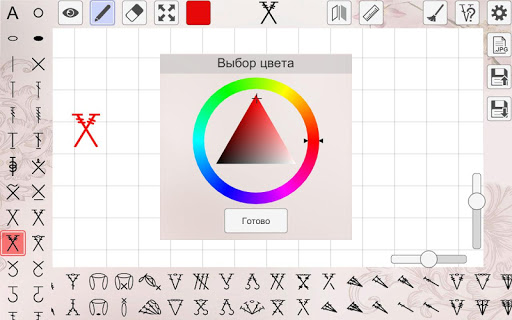
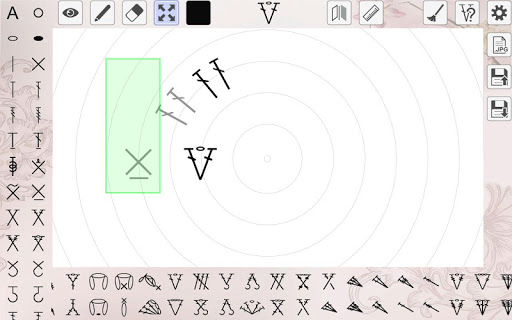
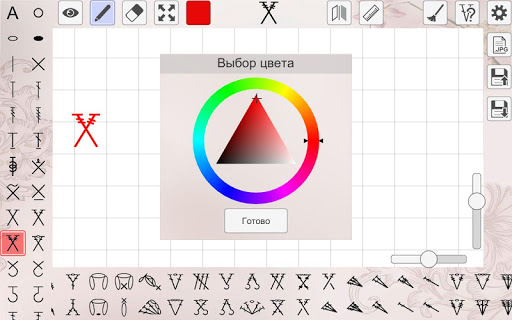
Designers can access a large selection of basic and complex elements, including components of loin crochet. Each element can be individually manipulated: you can rotate, mirror, change color, and adjust the size. The ability to save and load created images ensures that your projects are never lost and can be revisited easily.
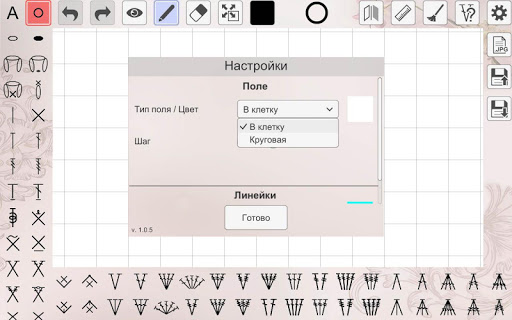
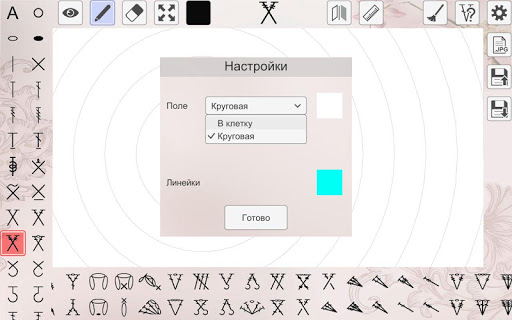
The app also allows customizing the background and the pitch of the cells on the working field, creating a tailored visual environment. Additionally, users can add text notes and number the rows for better project organization. Precise placement of rows and elements can be achieved using straight and circular rulers. The pattern workspace is spacious enough to accommodate large constructions, making it suitable for both small projects and intricate schemes.
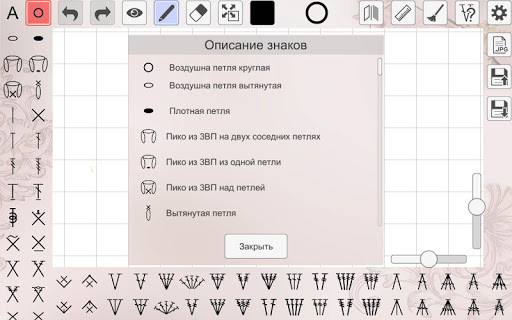
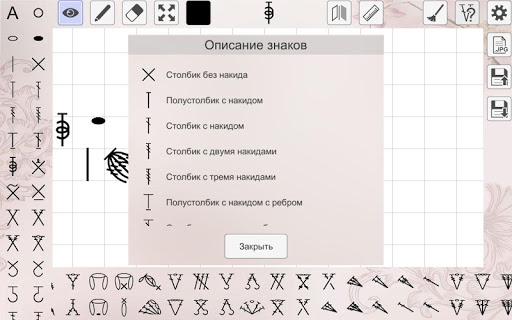
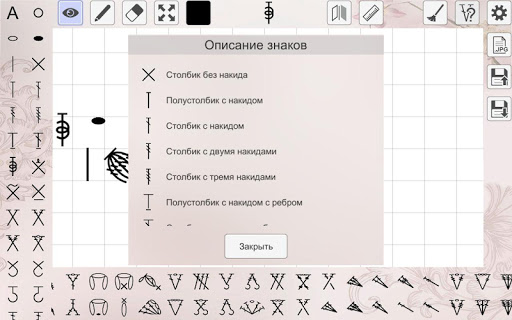
For detailed guidance, the help section provides descriptions of each knitting element, ensuring users understand how to utilize every feature effectively.
Features That Enhance Creativity and Productivity
The pattern creation tool is just one facet of My crochet designer. It comes equipped with a comprehensive stitch library—perfect for experimenting with different textures and motifs. The app's project tracking feature is invaluable for managing multiple projects simultaneously, enabling users to monitor progress and stay organized.
The app’s design fosters a creative process where users can tweak existing patterns or invent new ones from scratch, streamlining the entire crochet designing experience. Its capacity to handle complex schemes and provide precise adjustments supports both beginners and advanced users seeking to refine their craft.
Community and Continuous Inspiration
Recognizing that crochet is more than just a hobby, My crochet designer integrates social features that connect users worldwide. You can share your creations, exchange tips, and collaborate with fellow crochet enthusiasts directly within the app. This social connectivity helps keep your ideas fresh and encourages ongoing learning and inspiration.
Furthermore, the app regularly receives updates with new patterns and tutorials. This ongoing support acts as your personal crochet tutor, offering endless inspiration to grow your skills. The combination of community features and educational content makes it a comprehensive platform for both beginners and seasoned crafters.
Final Takeaway
My crochet designer is more than just a pattern-making app; it’s a gateway into an exciting world of crochet possibilities. Its versatility, ease of use, and vibrant community make it an essential tool for anyone passionate about crochet design. Whether you're creating cozy blankets, adorable amigurumi toys, or intricate wearable art, this app provides all the features needed to bring your ideas to life.
For those looking to elevate their crochet projects, My crochet designer offers a perfect combination of creative freedom and practical tools. Dive in today and discover how this app can help transform your crafting experience into something truly extraordinary. Embrace the future of crochet design with confidence and inspiration!
Pros
- Easy-to-use interface suitable for beginners
- Extensive selection of crochet patterns
- Options to customize design details
- Frequent updates introducing new features
- Available tutorials and guides to assist users
Cons
- Limited free features are accessible
- Full functionality requires in-app purchases
- Occasional crashes reported by users
- Advertisements may be disruptive at times
- Some patterns might be too simple for advanced users











