

Car Gauge Pro (OBD2 + Enhance): The Ultimate Vehicle Diagnostic App
If you’re a car enthusiast or someone who simply wants to keep an eye on your vehicle’s health without visiting the mechanic, Car Gauge Pro (OBD2 + Enhance) is your ideal companion. This comprehensive OBD2 diagnostic app transforms your smartphone into a powerful professional scan tool, offering detailed insights into your car’s engine and systems. Compatible with all OBD2 compliant vehicles, the app provides enhanced diagnostic functionalities for popular brands like Ford, Nissan, GM, Toyota, and KIA. Whether you’re troubleshooting check engine lights, preparing for a smog inspection, or monitoring sensor data, Car Gauge Pro puts automotive diagnostics at your fingertips.
Easy Installation and Setup
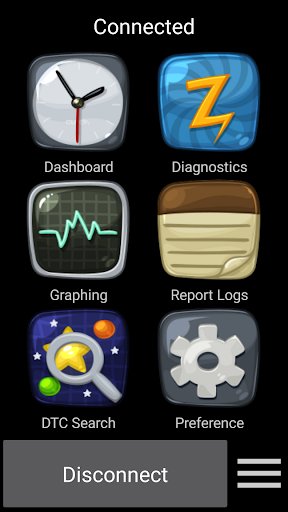
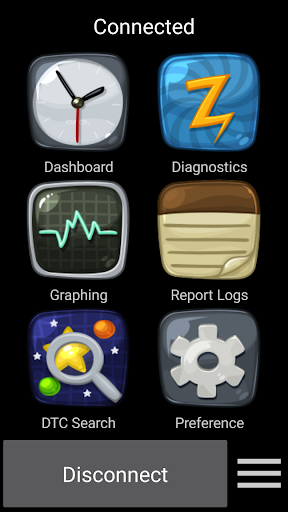
Getting started with Car Gauge Pro is effortless. After downloading the app, you’ll need an OBD2 Bluetooth adapter, such as the Elm 327 or STN Bluetooth device. Simply plug the adapter into your vehicle’s 16-pin OBD2 port, usually located under the steering wheel. Turn on your car’s ignition, pair the app with your Bluetooth adapter, and you’re ready to begin diagnostics. The process is straightforward, even for those new to vehicle scanning, making it accessible for everyone interested in understanding their car’s condition.
Robust Features for All Vehicles
Car Gauge Pro offers a broad range of functionalities suitable for all OBD2-compatible cars, including Mode 1 through Mode A diagnostics:
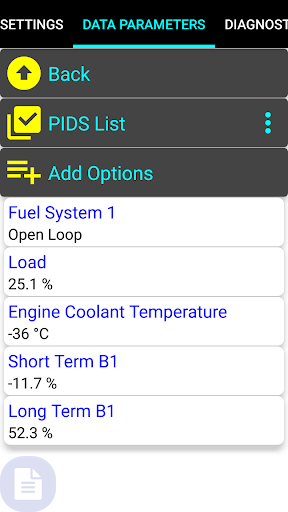
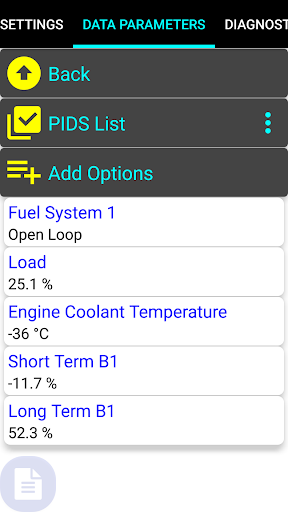
- Mode 1: Access up to 220 PIDs for real-time data such as engine RPM, coolant temperature, and fuel parameters.
- Mode 2: Freeze frame data captures snapshot information during fault detection.
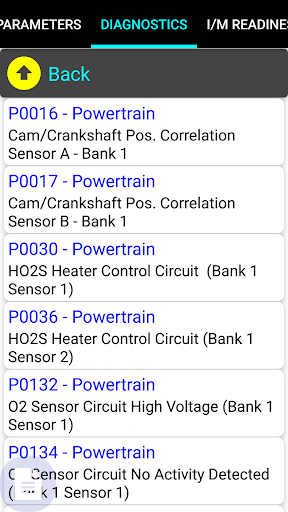
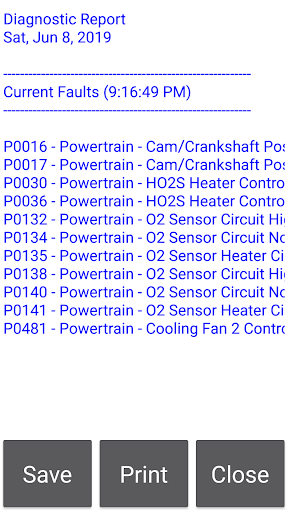
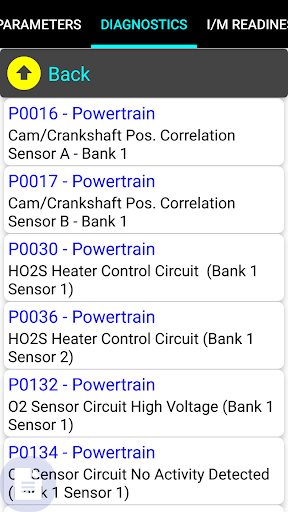
- Mode 3: Read current fault codes to identify issues causing warning lights.
- Mode 4: Clear faults after repairs or diagnostics.
- Mode 5: Test O2 sensors to check emission system performance.
- Mode 6: Review emission on-board test results, including Mode 5 results.
- Mode 7: Check for pending codes that haven’t yet triggered a warning light.
- Mode 8: Enable Evaporative Emission Control System (EVAP) tests.
- Mode 9: Access vehicle information like VIN, ECU name, and performance data.
- Mode A: Check stored fault codes for historical diagnostics.
Enhanced Diagnostic Capabilities
Beyond general OBD2 functions, Car Gauge Pro shines with its enhanced diagnostic features tailored for specific vehicle brands:
- Ford (1996-2013): Access >2200 parameters including self-test functions, KOEO (Key On Engine Off), KOER (Key On Engine Running), and detailed enhanced data.
- Nissan (2001-2007): Check and clear faults, perform self-tests, adjust ignition timing, and conduct active tests with up to 634 PIDs.
- GM (1996-2007): Fault code management, active testing, and enhanced data access for powertrain systems.
- Toyota (2000-2006): Read/clear faults and access comprehensive data, including 150 PIDs.
- KIA (1996-TBD): Enhanced data for ISO powertrain systems, with ongoing updates expected.
Why Choose Car Gauge Pro?
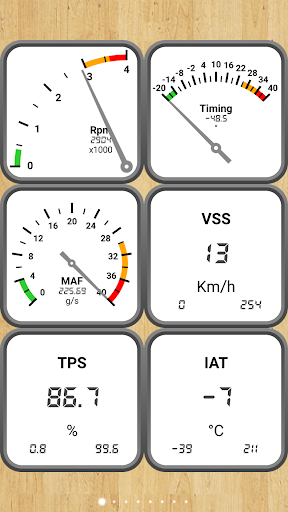
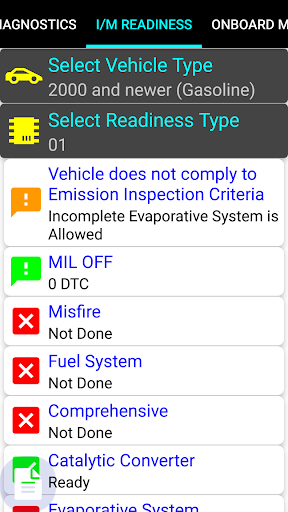
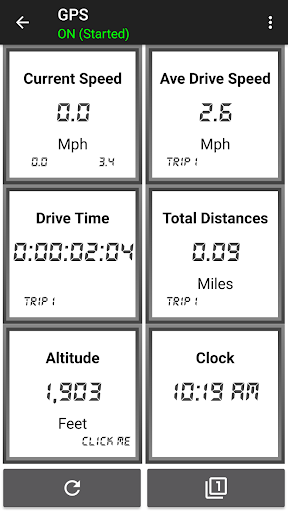
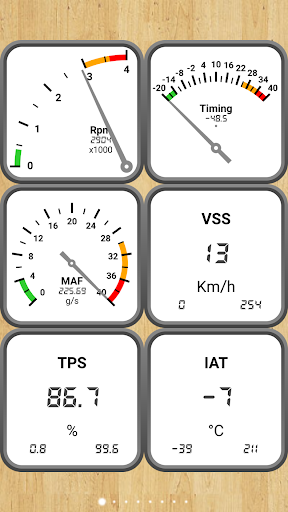
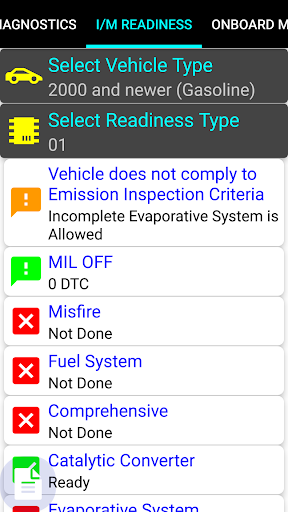
This app isn’t just about basic diagnostics; it’s designed to be a professional-grade tool with a user-friendly interface that makes complex data manageable. You can monitor sensor status, emission readiness, and perform active tests, which are invaluable for preparing your vehicle for inspections or troubleshooting issues. The real-time dashboards, with various customizable gauges, make it easy to visualize your car’s performance at a glance. Plus, the app’s ability to access manufacturer-specific data helps identify nuances that generic scanners might miss, giving you a true insight into your vehicle’s health.
Performance and Compatibility Tips
To ensure smooth operation, it’s recommended to use a reliable Bluetooth adapter like OBDLink, CHX, BAFX, or similar vendors. Be aware that some adapters, especially cheaper or outdated models, may encounter connectivity issues. Note that the app does not support the Mini Elm 327 v2.1. Also, keep in mind that while Car Gauge Pro offers extensive diagnostic functions, it does not replace professional diagnostics. Use it as a troubleshooting companion, but consider consulting a mechanic for complex repairs.
Final Thoughts: Empowering Car Owners
Whether you’re a seasoned mechanic or a car owner wanting to better understand your vehicle, Car Gauge Pro (OBD2 + Enhance) offers an impressive suite of diagnostic tools right on your smartphone. With its extensive features, enhanced manufacturer-specific data, and ease of use, this app transforms your device into a portable vehicle scanner. It helps you troubleshoot issues early, maintain your car efficiently, and save money on unnecessary repairs. Embrace the power of automotive diagnostics with Car Gauge Pro and take control of your vehicle’s health like never before.
Pros
- Comprehensive diagnostic capabilities
- Supports multiple car models
- User-friendly interface
- Real-time data monitoring
- Customizable dashboard
Cons
- May require OBD2 adapter
- Limited free features
- Occasional connectivity issues
- Complex setup for beginners
- Interface may seem outdated











