

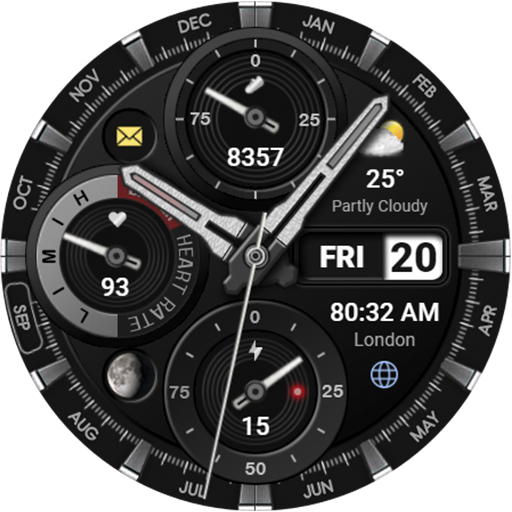

Introducing the WFP 339 Ultra Watch Face
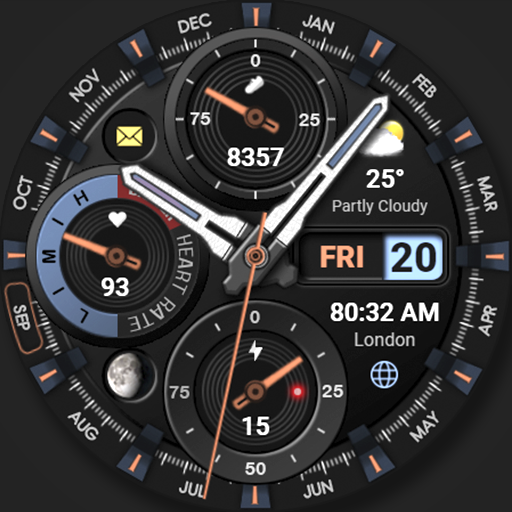
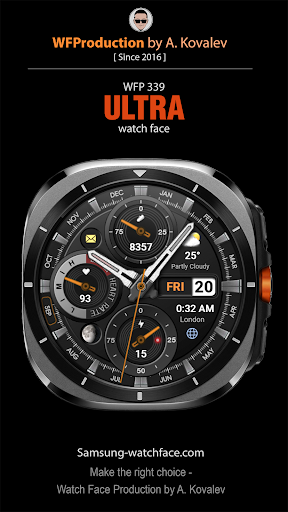
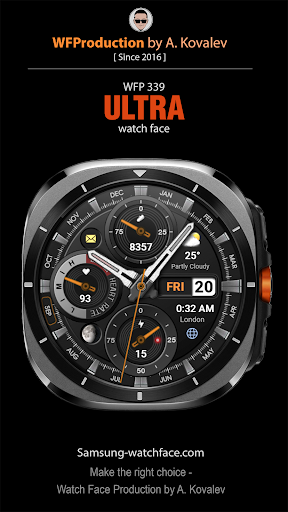
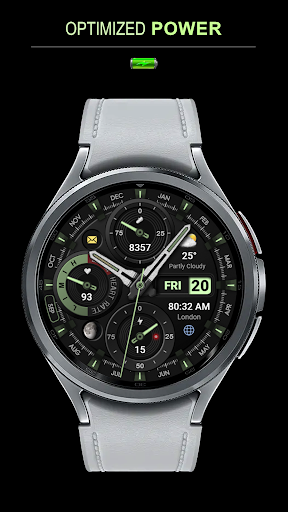
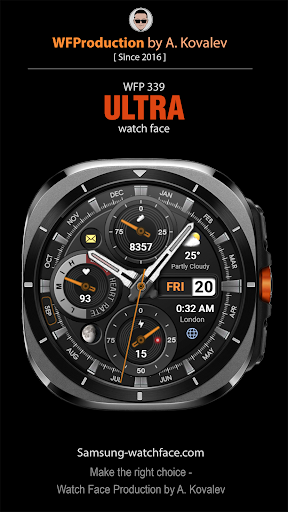
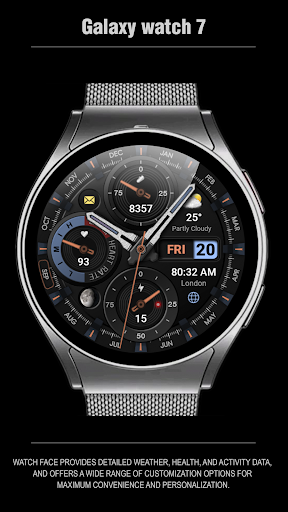
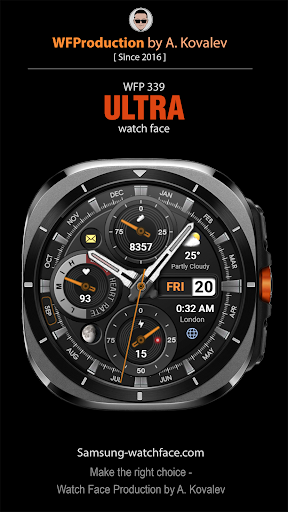
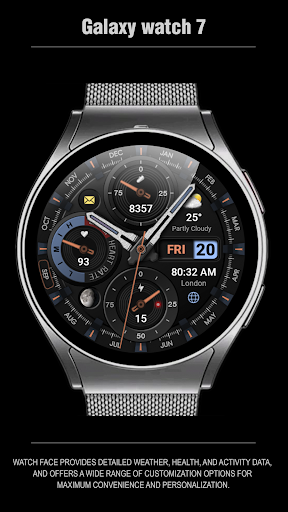
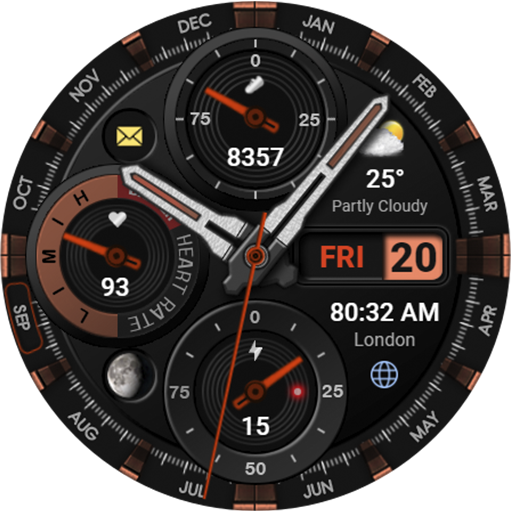
The WFP 339 Ultra watch face is a perfect blend of style and functionality for smartwatch users who seek customization and practicality. Designed to enhance your wearable experience, this dynamic watch face offers detailed weather information, health monitoring, and activity data all in a sleek interface. Whether you’re a fitness enthusiast or someone who appreciates a stylish digital display, the WFP 339 Ultra stands out as a versatile choice that adapts to your personal preferences and daily needs.
Key Features of the WFP 339 Ultra Watch Face
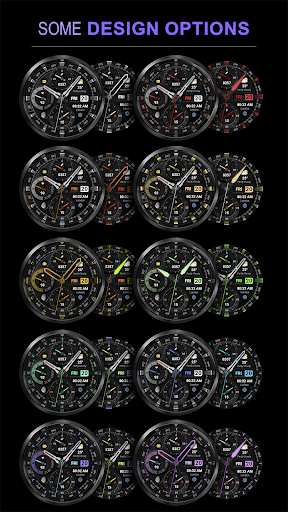
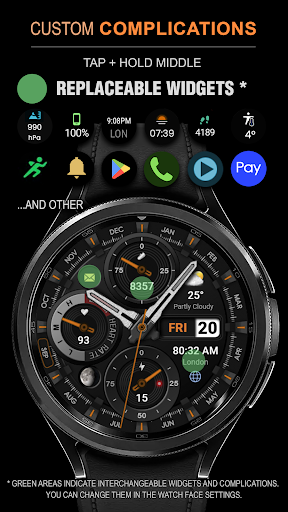
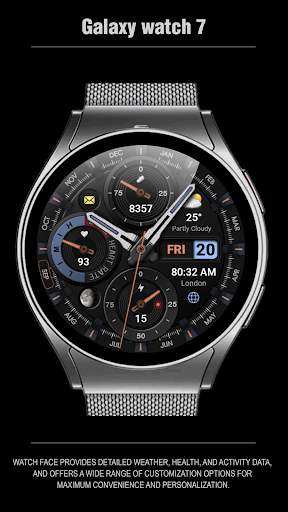
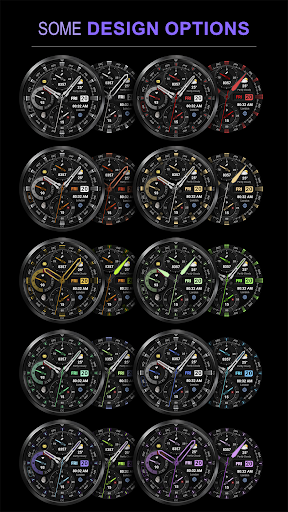
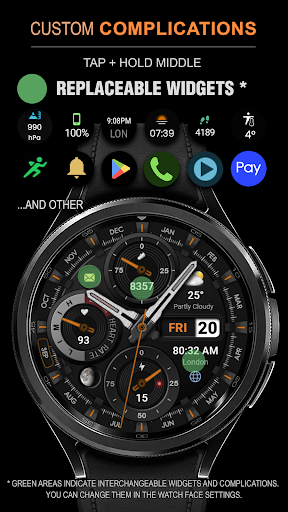
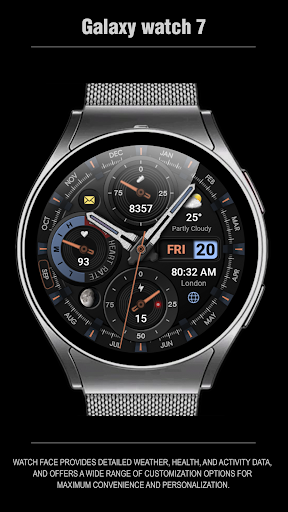
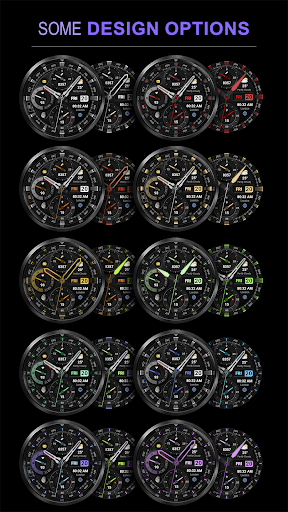
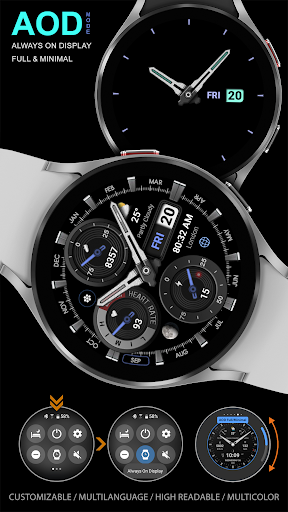
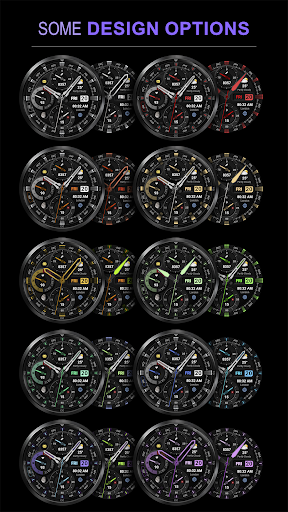
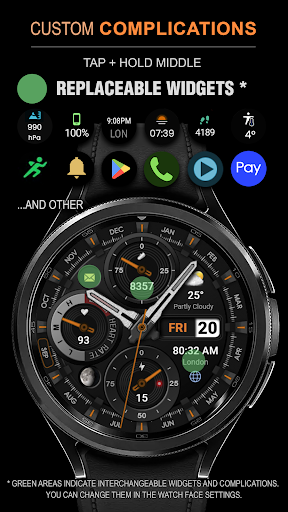
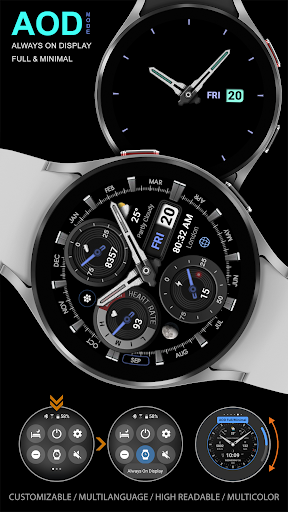
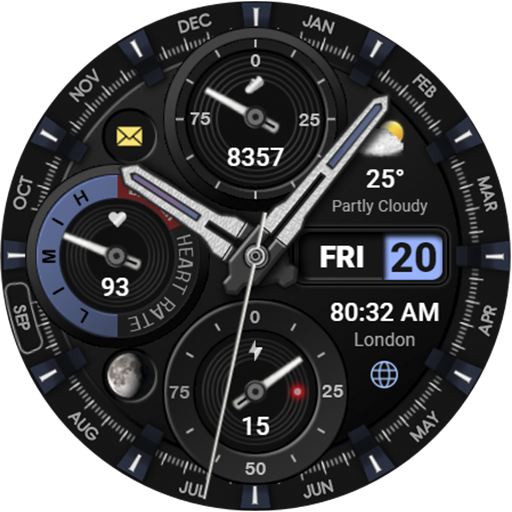
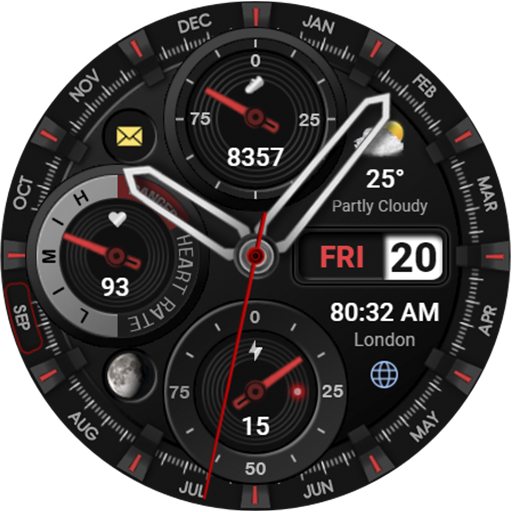
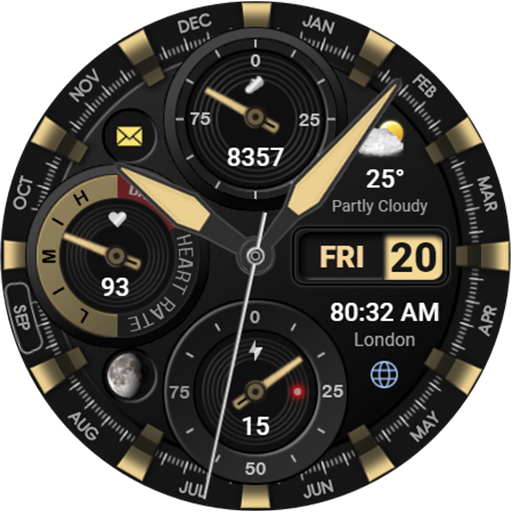
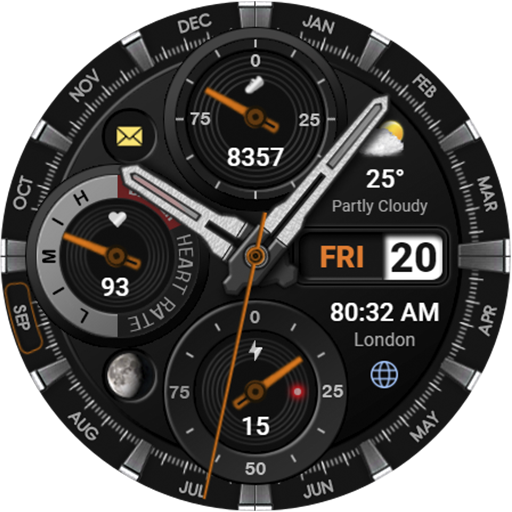
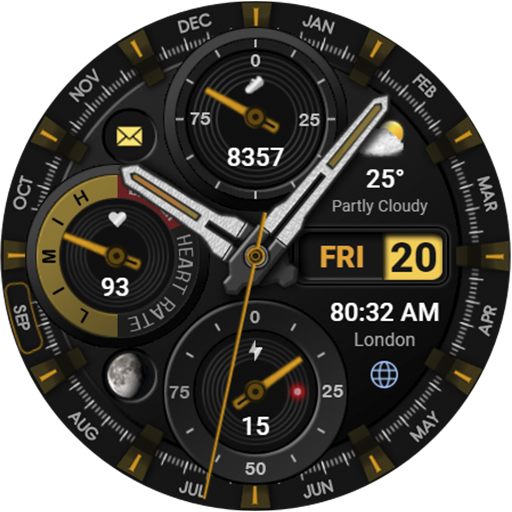
This watch face is packed with impressive features aimed at providing a comprehensive and customizable user experience. It includes complications and widgets that display real-time information at a glance, such as weather updates in degrees Fahrenheit or Celsius, activity stats like steps and floors climbed, and health metrics. The customizable color palette offers 30 vibrant colors, allowing you to coordinate the watch face with your outfit or mood. Additionally, users can choose from 4 types of bezel indices and 3 types of hands to further personalize their display.
Design and Usability
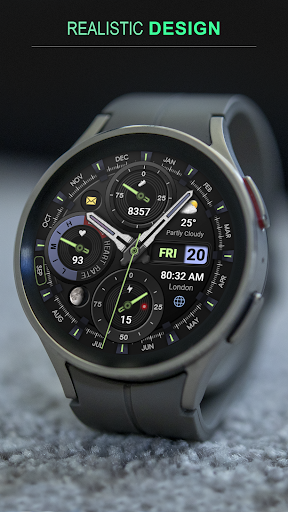
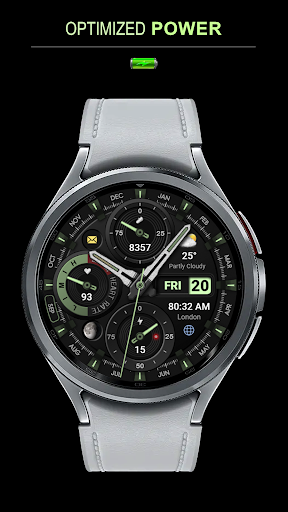
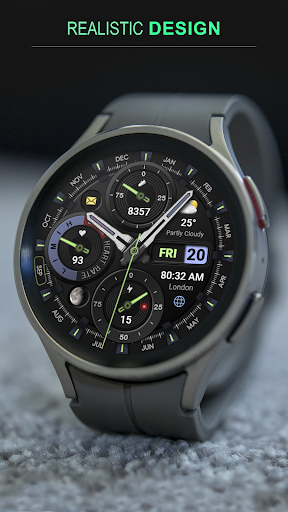
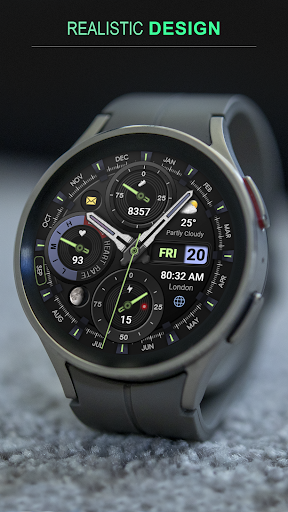
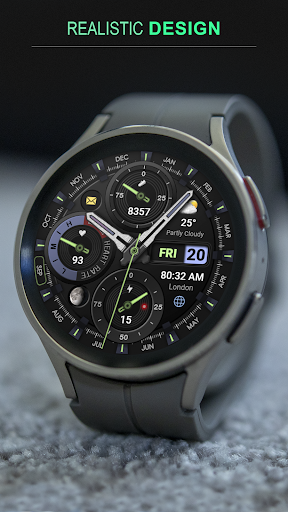
The design of the WFP 339 Ultra is both modern and user-friendly. Its high-resolution graphics ensure clarity, while the layout remains intuitive, making navigation straightforward. The time and date are prominently shown for quick reference, and the integration of weather and activity widgets means all critical information is accessible without clutter. Plus, the display intelligently adjusts to lighting conditions, ensuring excellent readability indoors and outdoors.
Customization Options
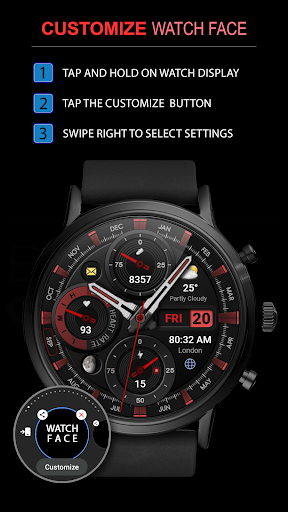
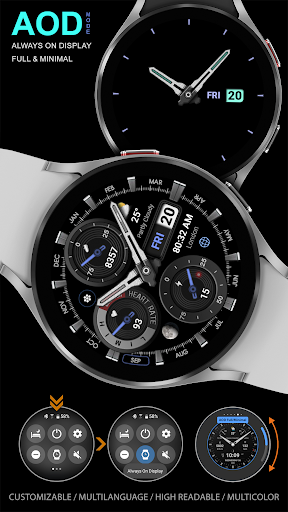
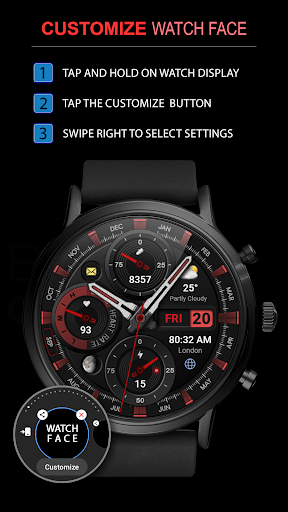
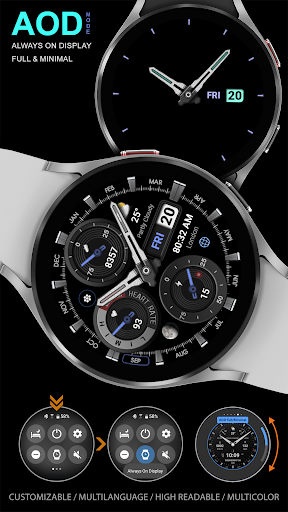
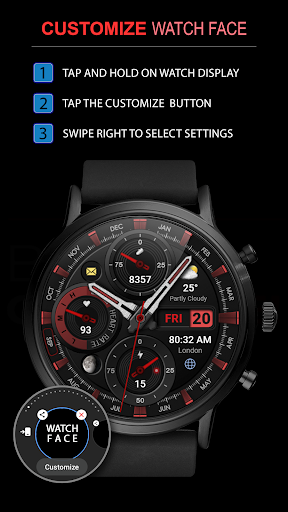
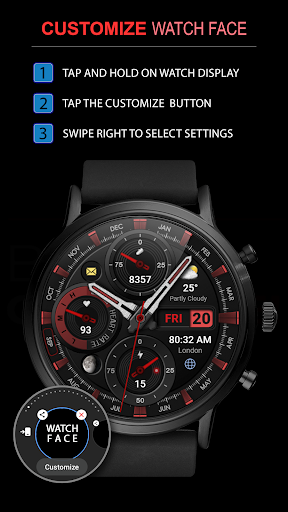
Personalization is a standout aspect of the WFP 339 Ultra. Users can customize the color scheme to match their style or mood, creating a truly personalized watch face. The app also provides multiple styles for clock hands and numerals, giving you the freedom to create a look that’s unique to you. For those who want even more flexibility, the app offers full and minimal AOD (Always-On Display) modes, allowing your watch face to be as simple or as detailed as you prefer.
Compatibility and Installation
The WFP 339 Ultra is compatible with devices running Wear OS 4.0 API 30+ and Wear OS 5.0 API 34+ systems, including popular models like Google Pixel Watch, Galaxy Watch 4, 5, 6, 7, and Galaxy Watch Ultra. Installing the watch face is straightforward—simply follow the detailed instructions available at this link. For users interested in syncing phone charge widgets and tracking data like calories and floors, additional setup guides are also provided at this page.
Performance and Power Efficiency
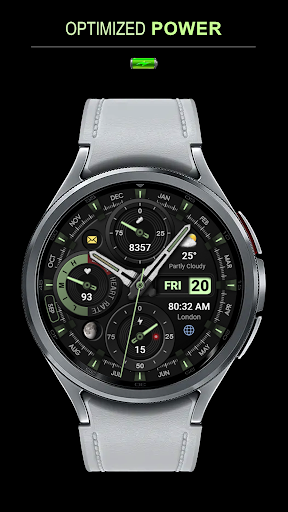
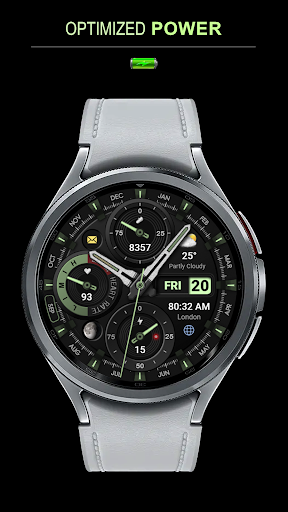
The performance of the WFP 339 Ultra is noteworthy, running smoothly without lag or stutter. Its optimized design ensures low battery consumption, prolonging your device’s battery life even with extensive usage. The watch face maintains high responsiveness regardless of the lighting conditions or usage patterns, making it a reliable choice for everyday wear.
Stay Updated with Promotions and News
Keep informed about all the latest updates, features, and promotions related to the WFP 339 Ultra watch face through various channels. You can follow the official website at this link, join the Telegram group at this link, or connect on social media platforms such as Facebook (Wears OS Watchfaces Group) and Instagram (Wear OS Watchfaces). These platforms regularly share news, updates, and exclusive promotions like "Buy 1 - Get 1 free" that let you get more value out of your smartwatch experience.
Final Thoughts
Overall, the WFP 339 Ultra watch face is an excellent choice for anyone looking to elevate their smartwatch customization. Its stylish design, combined with comprehensive features such as weather updates, health metrics, and a variety of personalization options, makes it a versatile and practical addition to your wearable device. Whether you want a sleek, minimalistic look or a vibrant display packed with information, this watch face adapts seamlessly.
Pros
- Highly customizable watch face
- Supports multiple health tracking features
- Compatible with various watch models
- Battery-efficient design
- Easy to sync with your device
Cons
- Limited free features
- Occasional sync issues reported
- Premium version is costly
- Requires frequent updates
- May drain battery on older devices











