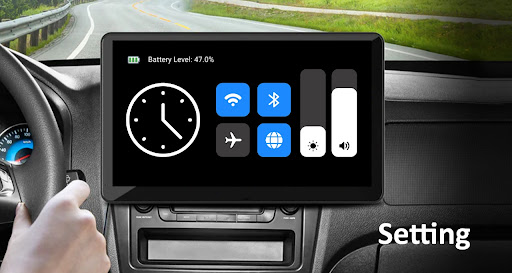
Introducing the Car Play / Android Auto Sync App
Experience a safer and more connected driving environment with the Car Play / Android Auto Sync app. This innovative application allows you to mirror your smartphone's essential functions onto your car's display seamlessly, enabling you to stay focused on the road while enjoying easy access to navigation, music, and communication features. Whether you are an Android user or an iOS enthusiast, this app bridges the gap between your device and your vehicle's infotainment system, transforming your driving experience into a smarter, more efficient journey.
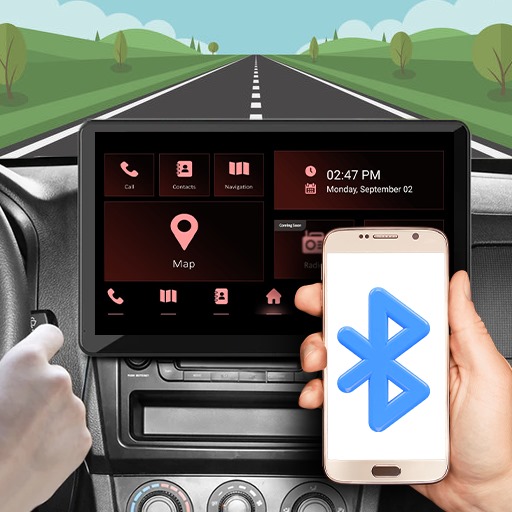
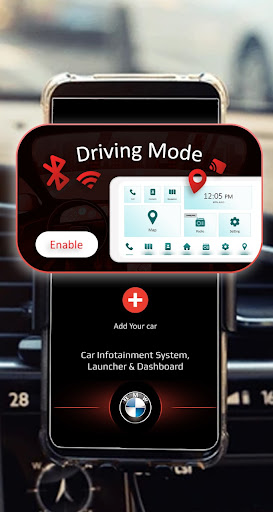
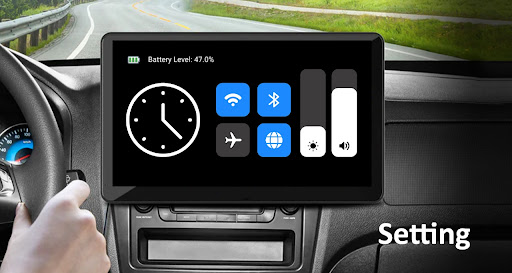
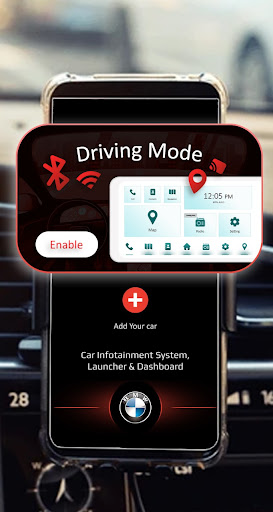
The app supports Bluetooth, Wi-Fi, and Cast connectivity options, making it versatile and compatible with most modern vehicles. With this technology, you can mirror key functions such as Maps, Navigation, Calls, Music, and even a Speedometer directly from your car’s dashboard. The goal is simple: keep your attention on the road while providing quick, safe access to all your essential smartphone features.
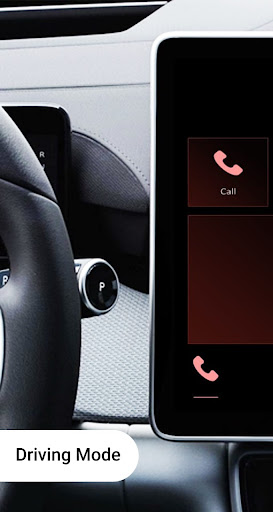
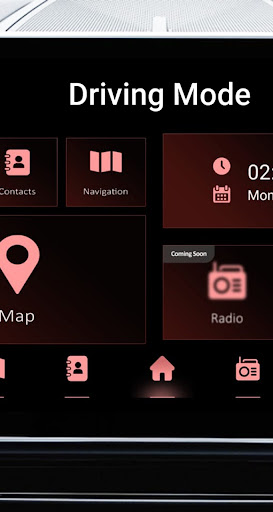
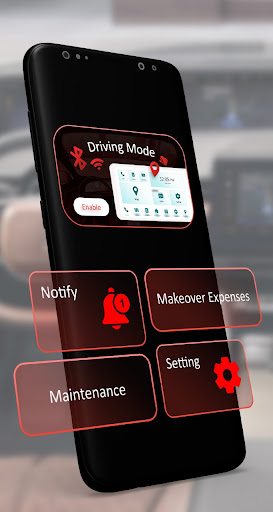
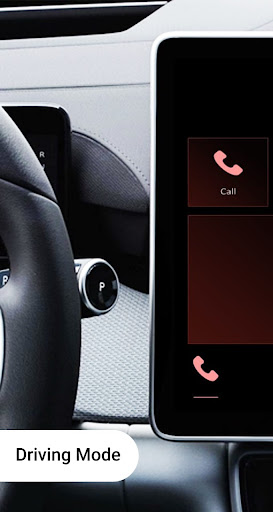
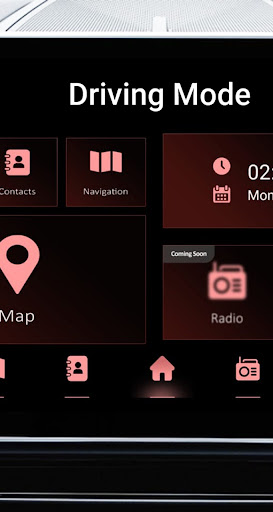
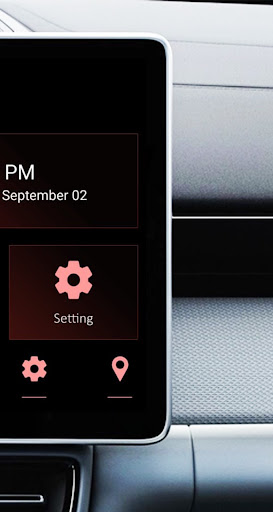
Key features of the Car Play / Android Auto Sync app include Seamless Connectivity for smooth pairing with your device, a Driving Mode with a distraction-free interface, and a Speedometer that helps you monitor your speed in real-time. Additionally, the app provides Emergency Contact Access for instant calls to your trusted contacts and robust Maps & Navigation integration to get you to your destination with real-time updates.
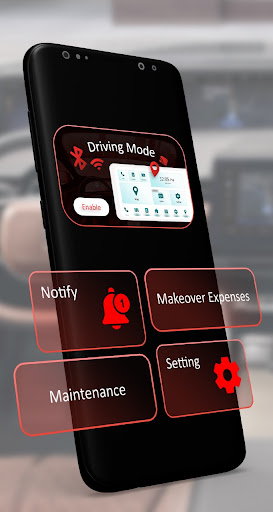
Managing calls and contacts is simplified, allowing you to make and receive calls without juggling your phone. The integrated music control supports popular apps like Spotify, Apple Music, and others, giving you control over your playlists directly from your car’s display. Beyond entertainment and navigation, the app offers customizable features such as a Car Makeover where you can add multiple vehicles with details like model and expenses, as well as a Car Maintenance Tracker to keep track of your vehicle’s service history, schedules, and reminders.
Setting Up Car Play / Android Auto
Getting started is straightforward. For Apple users, ensure your iPhone 5 or later is running iOS 7.1 or above. Android users should have Android 5.0 (Lollipop) or newer. Most modern cars and aftermarket stereos support CarPlay and Android Auto, making setup simple.
To connect, just plug your device into the car’s USB port or connect wirelessly if supported. Once connected, your car's display will mirror your phone’s interface—streamlined with large icons and limited apps designed to reduce driver distraction. Think of it as your device wearing a sleek tuxedo, perfectly ready for the road.
Features That Enhance Your Driving Experience
Both CarPlay and Android Auto enable hands-free calling, messaging, and music control. Voice commands with Siri or Google Assistant allow for a truly hands-free experience, letting you ask for directions, adjust volume, or select music effortlessly.
Real-time traffic updates with Maps apps assist you in avoiding delays and finding the best routes. The app’s compatibility with a variety of messaging and media apps means you can stay connected while keeping your focus on the road. Just say the magic words, and your digital co-pilot takes care of the rest.
Compatibility and App Selection
Not all apps are compatible with Car Play / Android Auto Sync, but the supported apps are continually expanding. Compatible apps include messaging platforms like WhatsApp, streaming services, and navigation tools. The design ensures that the interface remains distraction-free by limiting available apps, so you’re not overwhelmed with unnecessary options.
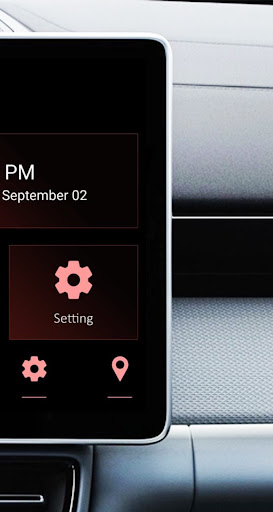
The app prioritizes a clean, simple user interface, allowing quick access to features you need without the clutter. As updates release new functionalities, your driving experience becomes safer, smarter, and more enjoyable.
Final Thoughts
The Car Play / Android Auto Sync app is a game-changer for drivers who want seamless integration between their smartphone and vehicle. It simplifies the way you access maps, music, calls, and vehicle information, promoting safer driving habits with distraction-free controls. Whether you're on a road trip or commuting daily, this app makes your journey smoother and more enjoyable.
Embrace the future of in-car connectivity today and elevate your driving experience with this powerful yet intuitive app—your perfect digital co-pilot on every trip.
Pros
- Seamless integration with vehicle systems.
- Intuitive interface for easy navigation.
- Supports a broad spectrum of applications.
- Enhances driving safety through hands-free features.
- Regular updates improve overall functionality.
Cons
- Limited compatibility with certain apps.
- Requires a stable internet connection to function properly.
- Might not be compatible with older vehicle models.
- Occasional connectivity disruptions.
- Voice recognition technology may sometimes be unreliable.