



Overview of SkySafari 7 Plus
SkySafari 7 Plus elevates your stargazing experience by offering more than just a basic astronomical app. It functions as a comprehensive space simulator with powerful telescope control capabilities, making it an ideal tool for amateur astronomers who want to dive deeper into the cosmos. Since 2009, it has been the #1 recommended app for astronomy enthusiasts, providing a rich collection of features designed to broaden your understanding of the universe.
This version introduces several new functionalities and improvements, ensuring a more immersive and informative sky-watching experience. Whether you're a beginner or a seasoned astronomer, SkySafari 7 Plus is packed with tools to help you explore, learn, and observe celestial phenomena with ease.
It's important to note that there is no upgrade pathway from SkySafari 7 Plus to SkySafari 7 Pro. So, choose your edition carefully based on your needs and interests.
What’s New in SkySafari 7
System Support and Experience Enhancements
Version 7 fully supports Android 10 and newer operating systems, delivering a more immersive stargazing experience. The app's interface has been revamped to enhance usability and engagement, making it easier than ever to navigate through the vastness of space.
Event Finder
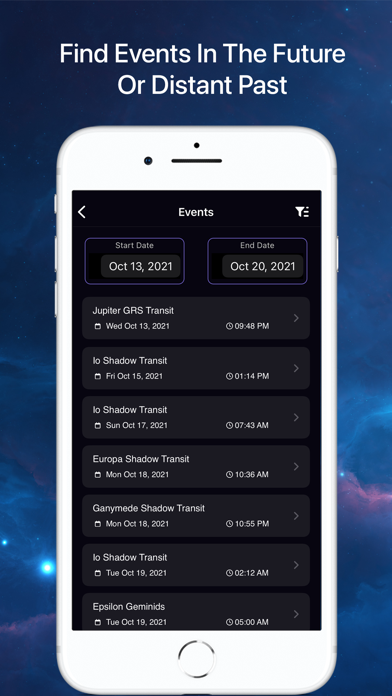
The new Events Finder feature is a powerful search engine that helps you discover upcoming and current astronomical events visible in your location. It dynamically generates a comprehensive list of moon phases, eclipses, planetary moon events, meteor showers, and planetary phenomena such as conjunctions, elongations, and oppositions. This allows you to plan your sky-watching sessions around exciting celestial events.
Notifications and Custom Alerts
The notifications system has been completely revamped, giving users the ability to customize alerts for specific events. Stay informed about the night sky with timely notifications tailored to your interests, ensuring you never miss a spectacular celestial occurrence.
Advanced Telescope Support
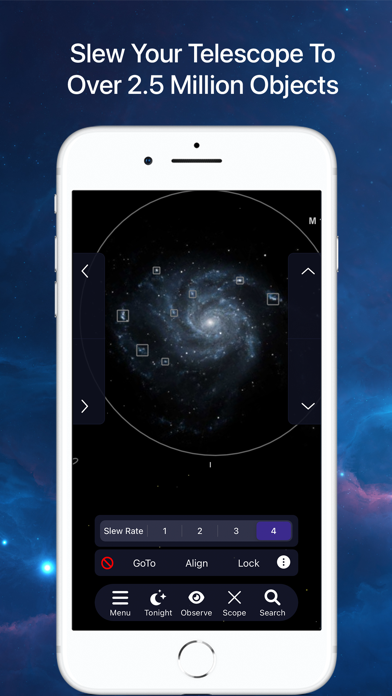
At the core of SkySafari is its telescope control feature. Version 7 introduces support for ASCOM Alpaca and INDI, modern protocols that connect your app seamlessly with hundreds of compatible astronomical devices. This technological leap simplifies the process of controlling telescopes and enhances your observational capabilities.
Community and Sharing Features
With OneSky, you can see what other users are observing in real time. This social feature highlights objects in the sky chart and displays a number indicating how many users are tracking a particular celestial object. Additionally, SkyCast allows you to share your current sky view with friends or groups via links, enabling collaborative observation sessions regardless of location.
Nightly Sky Planning
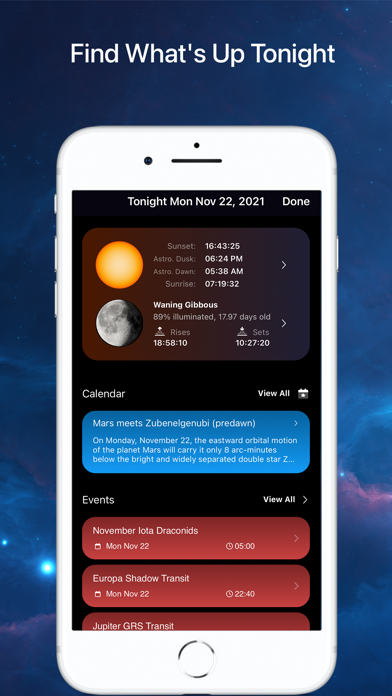
The Sky Tonight feature offers detailed information about what’s visible in your sky tonight. It includes data on the Moon and Sun, sky events, and the best objects to observe, aiding in your nightly planning and maximizing your stargazing sessions.
Enhanced Observation Tools
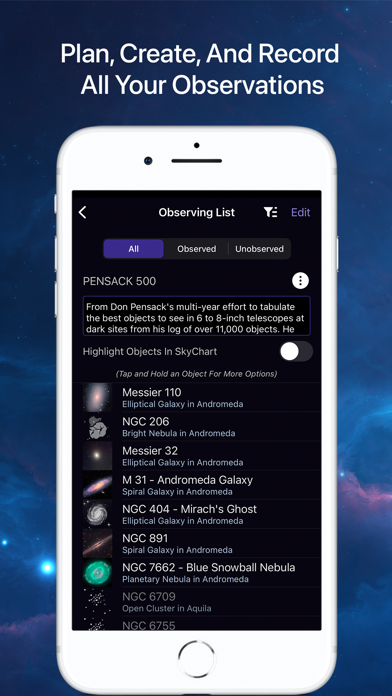
SkySafari continues to strengthen its observation tools, making it easier to plan, record, and organize your astronomical observations. New workflows simplify data entry, searching, filtering, and sorting, streamlining your astronomy workflow.
Additional Minor Improvements
- You can now edit the Jupiter GRS Longitude Value in settings
- Improved Moon Age calculation accuracy
- New grid and reference options including Solstice and Equinox markers, Orbit Node indicators, and labels for Ecliptic, Meridian, and Equator
- Previous in-app purchases, such as the H-R diagram and 3D Galaxy view, are now available for free
And there are many more features designed to enhance your astronomy adventures!
Discover the Possibilities with SkySafari 7 Plus
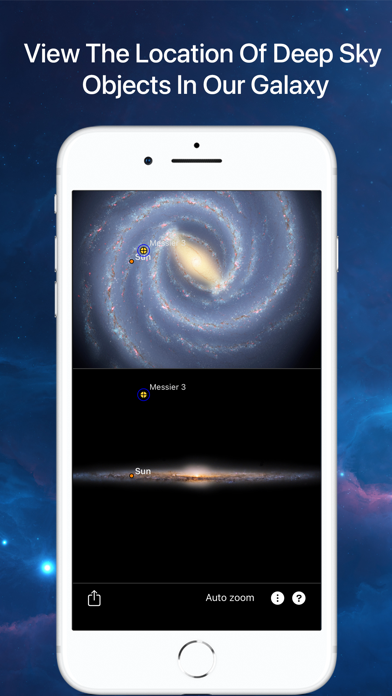
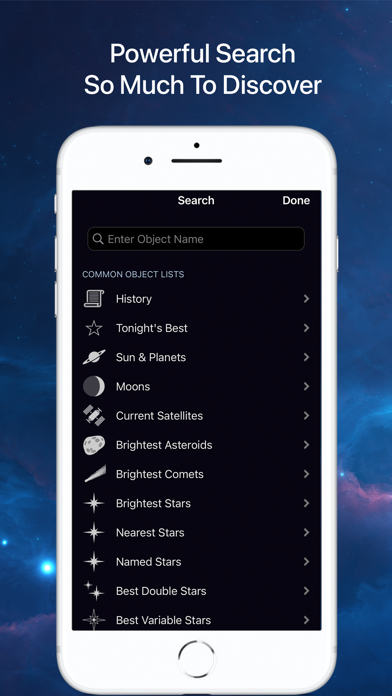
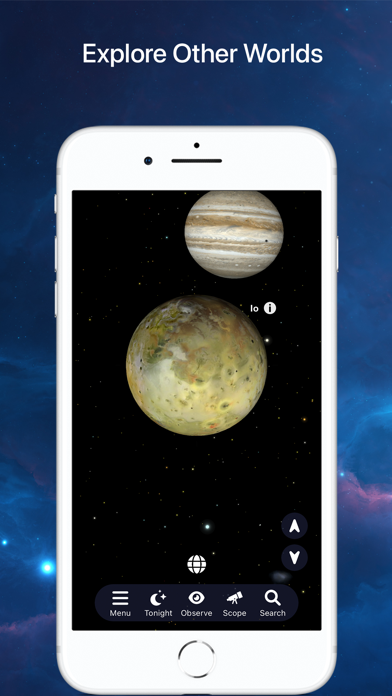
If you’re passionate about exploring the stars, planets, and the cosmos, SkySafari 7 Plus is an essential app that transforms your mobile device into a virtual planetarium. With a rich database of over 100 million stars and 750,000 galaxies, you literally hold the universe in your hands.
The user-friendly interface makes navigating the celestial map straightforward, while features like the interactive sky chart allow you to point your device towards the sky and instantly identify celestial objects in real-time. This feature, combined with the time-lapse capabilities, lets you see how the sky evolves over hours, days, or even centuries—perfect for planning observations or simply marveling at the universe’s beauty.
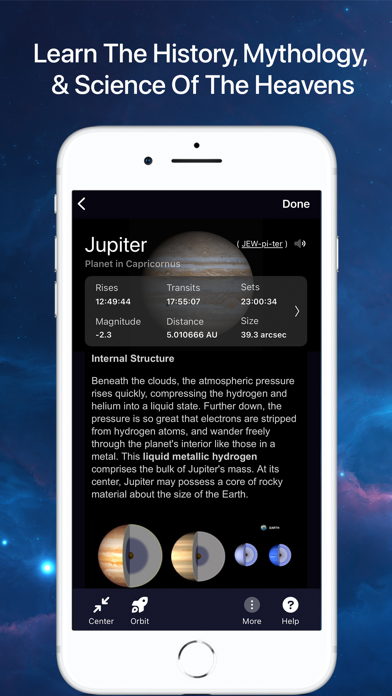
Learn about celestial phenomena through detailed audio descriptions, making space science accessible and engaging. The app also supports sky simulations for past or future dates, letting you visualize the sky on special occasions or historical nights, adding a personal touch to your stargazing adventures.
Additional features like night vision mode, orbit mode, and dynamic time flow further enhance how you observe and understand the cosmos. Whether controlling your telescope, recording observations, or exploring astronomical images and object descriptions, SkySafari 7 Plus provides everything you need for a captivating journey into space.
In conclusion, whether you're an amateur astronomer or simply a curious sky enthusiast, SkySafari 7 Plus offers a comprehensive, feature-rich platform to explore the universe in extraordinary detail. Download it today and unlock the universe’s secrets at your fingertips!
Pros
- Extensive star catalog for precise stargazing.
- Augmented reality feature improves user experience.
- User-friendly interface suitable for all skill levels.
- Real-time notifications about celestial events.
- Offline mode available for use in remote areas.
Cons
- Some features require additional in-app purchases.
- High battery consumption during prolonged use.
- Not compatible with Windows operating system.
- Occasional glitches on older devices.
- Limited language support options.










